
Your old accounts pose a bigger security risk than you might realize because they often contain personal info, payment details, and linked profiles that hackers can exploit. If you’ve reused passwords or left accounts dormant, they become easy targets with outdated security measures. These accounts can be hacked, leading to identity theft or financial loss. Staying proactive by deactivating unused accounts and updating passwords regularly can considerably reduce your exposure. Keep going to discover practical steps to protect yourself better.

Prime made for students and young adults
- Fast, free delivery for dorm and study essentials
- Prime Video and Amazon Music included
- Member-only deals
Key Takeaways
- Old accounts retain personal data that can be exploited if hacked or accessed without authorization.
- Reused passwords across multiple accounts increase vulnerability to automated hacking attempts.
- Dormant accounts are prime targets for cybercriminals due to often weak security measures.
- Inactive accounts may contain sensitive information that, if compromised, leads to identity theft.
- Regular deactivation and strong password practices significantly reduce overall online security risks.
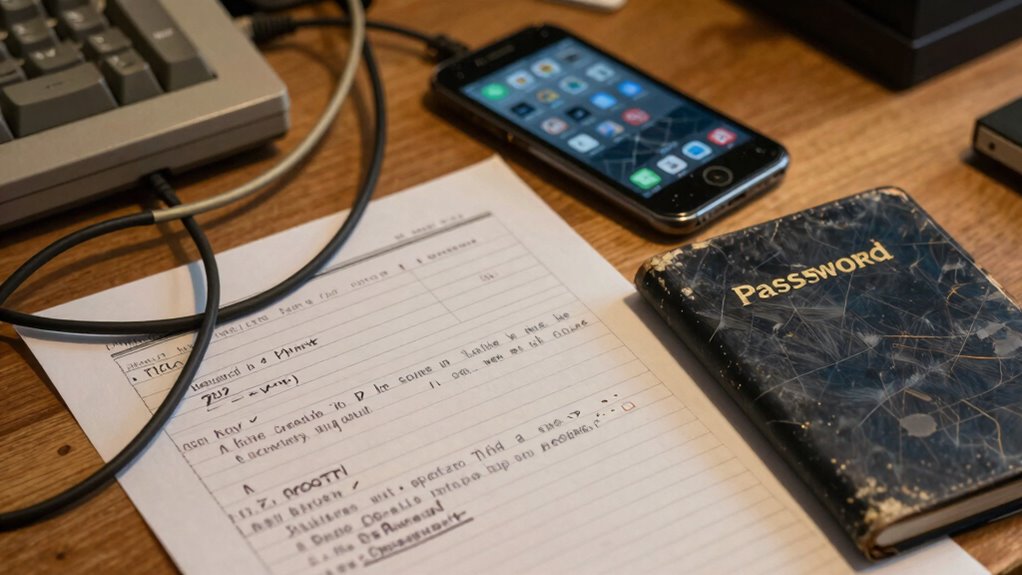
Have you ever considered how much your old online accounts could be putting you at risk? Many people forget that their digital footprints don’t disappear once they stop using a service. Old accounts, especially those you no longer access, can be prime targets for hackers. These accounts often contain personal information, payment details, or even linked social media profiles that can be exploited if they fall into the wrong hands. The danger increases when you reuse passwords across multiple accounts. Password reuse is a common mistake, and if one account gets compromised, it can open the door to others that share the same login credentials. Hackers often use automated tools to test stolen passwords across various sites, making it a significant security vulnerability.
Old unused accounts pose security risks, especially when passwords are reused across multiple sites.
One of the simplest ways to reduce this risk is to deactivate accounts you no longer need. Account deactivation is a vital step in managing your digital security. Instead of leaving old accounts dormant, which can be overlooked or forgotten, deactivating them minimizes the chance of unauthorized access. When you deactivate an account, you basically remove it from active use, decreasing the attack surface that hackers can exploit. Even if you’ve used strong, unique passwords, leaving old accounts open can still pose a risk, especially if those accounts have weak security questions or if they were hacked in the past and haven’t been properly secured since. Regular security reviews help you stay aware of potential vulnerabilities and manage your security proactively. Keeping track of your digital footprint is essential in today’s interconnected world. By understanding the digital footprint, you can better identify which accounts are most at risk and prioritize their security measures. Awareness of cloud server solutions and proper data management can further bolster your overall online security.
Many people overlook the importance of regularly reviewing and deactivating old accounts. It’s easy to forget about accounts you created years ago—like old forums, shopping sites, or subscription services. However, those accounts could contain sensitive information that, if compromised, could lead to identity theft or financial loss. Taking the time to go through your list of digital accounts and deactivate those you no longer use is a proactive security step. It not only reduces the number of potential access points for cybercriminals but also helps you maintain better control over your online presence. Additionally, understanding the importance of digital footprints can motivate you to be more diligent in managing your online security.
In addition, updating your passwords and avoiding reuse should be part of your routine when managing old accounts. Using a password manager can help you generate and store unique passwords for each account, making it easier to prevent reuse. Combining this with account deactivation ensures you’re actively reducing your digital vulnerabilities. Ultimately, your security depends on being vigilant about old accounts. The less accessible your inactive accounts are, the safer you’ll be from malicious attacks. Don’t wait until it’s too late—take control now. Keeping your accounts secure is an ongoing process that benefits from awareness about digital security best practices and active management.
password manager for secure passwords
As an affiliate, we earn on qualifying purchases.
As an affiliate, we earn on qualifying purchases.
Frequently Asked Questions
How Often Should I Review My Old Online Accounts?
You should review your old online accounts at least once every six months to guarantee your digital footprint stays secure. Regular account cleanup helps you spot unused accounts, update passwords, and remove personal info. By staying proactive, you reduce security risks and keep your online presence manageable. Don’t wait until there’s a breach—routine checks protect your data and maintain control over your digital footprint.
Can Old Accounts Be Used to Hack My Current Accounts?
A chain is only as strong as its weakest link, so old accounts can definitely be used to hack your current ones. If you reuse passwords or have account inheritance issues, hackers could exploit these vulnerabilities. Old accounts with weak or reused passwords serve as entry points. Regularly reviewing and updating your passwords helps prevent attackers from leveraging these outdated accounts to access your current ones.
What Are the Signs of Compromised Old Accounts?
If you notice strange activity in your old accounts, it’s a sign they might be compromised. Look for unexpected account recovery attempts, unfamiliar emails, or password reset notifications. Weak passwords and poor password strength make hacking easier, increasing risk. Regularly update passwords and strengthen them to protect your current accounts. Keep an eye on login alerts and monitor for unusual activity to catch potential breaches early and secure your online presence.
How Do I Delete or Deactivate Unused Accounts Securely?
Imagine shutting the door on an empty room; that’s how you should handle unused accounts. To do this securely, first, back up any important data, then navigate to the account’s settings for deactivation or deletion. Use account recovery options if needed. Once done, delete or deactivate the account, ensuring your personal info stays protected. Regularly review and clear out old accounts to keep your digital space safe.
Are Old Account Passwords Still Vulnerable if Not Updated?
Old account passwords are still vulnerable if you haven’t updated them, especially if you reuse passwords across multiple sites. Conducting regular account auditing helps identify weak or reused passwords, reducing your risk. To stay secure, change passwords for old accounts, avoid reuse, and enable two-factor authentication where possible. Keeping your passwords fresh minimizes vulnerabilities, even if the account itself remains inactive.
As an affiliate, we earn on qualifying purchases.
Conclusion
If you haven’t cleaned up your old accounts, you might be leaving your personal data vulnerable. Did you know that nearly 60% of people reuse passwords across multiple accounts? That means a breach on an old account could give hackers access to much more than you realize. Take a few minutes to review and delete unused accounts—your online security depends on it. Staying vigilant now can save you headaches later.
identity theft protection software
As an affiliate, we earn on qualifying purchases.
As an affiliate, we earn on qualifying purchases.
As an affiliate, we earn on qualifying purchases.
Fall Picks
fall essentials
As an affiliate, we earn on qualifying purchases.