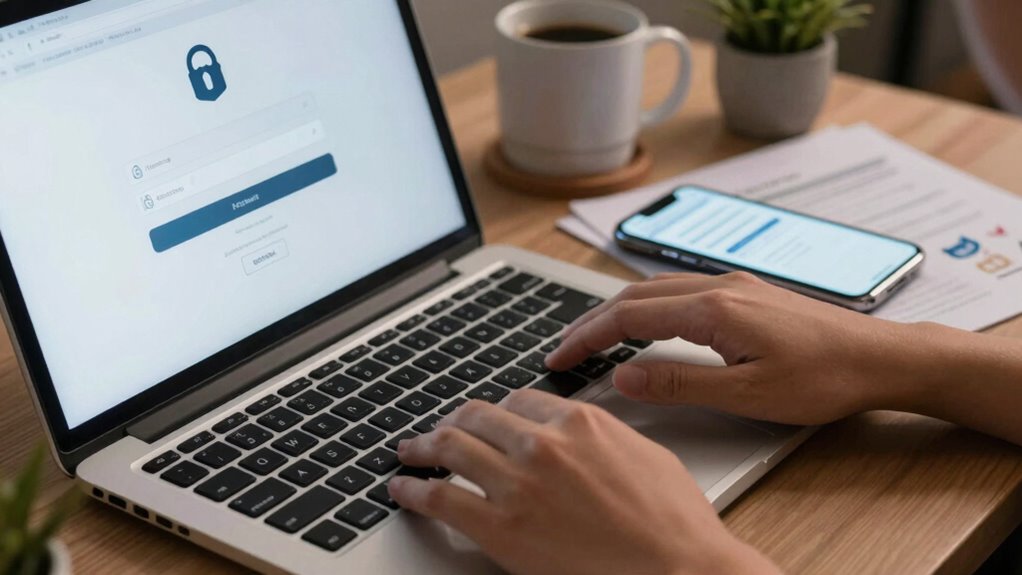

To clean up your online accounts without losing access, start by reviewing which accounts you still need and securely store your login details using a password management tool. Update weak passwords, enable two-factor authentication, and regularly check privacy settings. For accounts you no longer use, delete or deactivate them to reduce risks. Staying organized and proactive helps maintain access and security. Keep going for more tips on managing your digital presence effectively.

Prime made for students and young adults
- Fast, free delivery for dorm and study essentials
- Prime Video and Amazon Music included
- Member-only deals
Key Takeaways
- Use a password manager to securely update and store login details before deleting or deactivating accounts.
- Review account activity and ensure you have access credentials before removing any accounts.
- Backup important data or information from accounts prior to deletion to avoid data loss.
- Verify account recovery options and update contact information to maintain access during cleanup.
- Deactivate accounts temporarily if unsure about deletion, allowing reactivation if needed later.
In today’s digital world, managing your online accounts is more important than ever. Every account you create, every login you make, contributes to your digital footprint. Over time, this digital footprint can become cluttered with outdated, unused, or insecure accounts, which can pose security risks and make it harder to manage your online presence. One of the best ways to keep things secure and organized is through effective password management. Using strong, unique passwords for each account is essential, but it’s equally important to review and clean up accounts you no longer use.
Start by taking stock of your active accounts. Use a password management tool to securely store your login information and to identify any accounts with weak or reused passwords. These tools can also help you spot unused or old accounts that you might want to delete. When going through your digital footprint, prioritize accounts linked to sensitive information — banking, email, social media, shopping sites — and ensure they have strong, unique passwords. Changing passwords regularly and enabling two-factor authentication adds layers of security, reducing the risk of hacking or unauthorized access. Regular account reviews are crucial for maintaining an up-to-date and secure online presence.
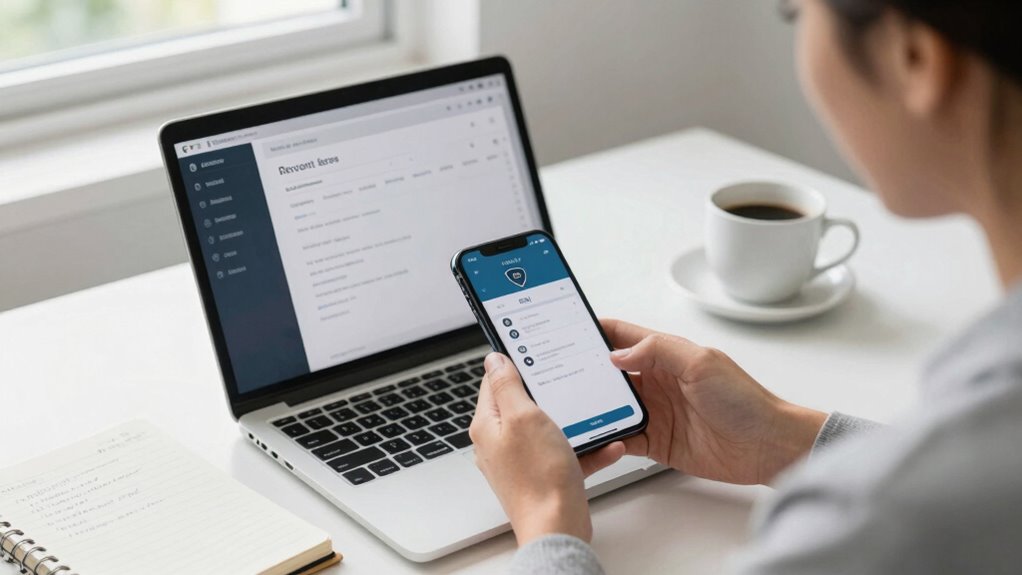
Use a password manager to secure, review, and update your accounts, especially for sensitive information like banking and email.
As you review each account, ask yourself whether you still need it. If not, delete or deactivate it. Many platforms make it straightforward to close accounts, and doing so minimizes your digital footprint, which means less personal data floating around online that could be exploited. For accounts you decide to keep, update passwords if they haven’t been changed recently, and review privacy settings to control what information is publicly visible. This process not only secures your online presence but also streamlines your digital life, making it easier to find and manage important accounts. Regularly reviewing your accounts also helps you stay aware of your digital footprint and its potential vulnerabilities.
Maintaining a clean online account profile isn’t a one-time task; it’s an ongoing process. Regularly check your accounts, update passwords, and be vigilant about new accounts you create. Being proactive about account security can prevent many common online threats and reduce the chances of falling victim to scams. Additionally, understanding the importance of digital footprint management can help you make informed decisions about what information to share and retain online. It’s also wise to educate yourself about emerging cybersecurity threats to stay ahead of potential risks. Staying informed about these threats allows you to adapt your security measures accordingly. Be cautious about the information you share online, and limit your digital footprint where possible. Clearing out unused accounts reduces the risk of data breaches and simplifies account management, giving you greater control over your online presence. Remember, good password management and a proactive approach to cleaning up your digital footprint are key to staying safe and organized in a digital world.
password manager for online security
As an affiliate, we earn on qualifying purchases.
As an affiliate, we earn on qualifying purchases.
Frequently Asked Questions
How Do I Recover Access if I Forget My Login Credentials?
If you forget your login credentials, start by using your password manager to retrieve your saved passwords. If that doesn’t work, click on the “Forgot Password” link and follow the prompts. You may need to answer security questions or verify your identity through email or phone. Regularly updating and storing passwords securely helps prevent future access issues and makes recovery easier when needed.
Can I Delete an Account Without Losing Data From Linked Services?
Did you know that 60% of users worry about losing data when deleting accounts? You can delete an account without losing data from linked services by first exporting or backing up your data. Then, disconnect the account from those services before deletion. This way, you preserve important information and guarantee data preservation, even if you decide to remove the account. Always double-check linked services’ settings for seamless data management.
What Should I Do if I Suspect Unauthorized Access?
If you suspect an account breach, act quickly by changing your password and enabling two-factor authentication to reinforce security measures. Review recent activity for unauthorized access, and log out of all devices. Contact the service provider if needed. Regularly updating security settings and monitoring your account helps prevent future breaches. Staying vigilant ensures your online information remains safe and protected from potential threats.
How Do I Handle Accounts With No Recovery Options?
Think of your accounts as silent ships lost at sea; without recovery options, you must anchor your access. Start by updating privacy settings to restrict unwanted access, then create an account backup by downloading data if possible. Contact support for help, explaining your situation. Without recovery options, safeguarding what remains is key—changing passwords, enabling two-factor authentication, and staying vigilant to protect your digital voyage.
Is It Safe to Disconnect Third-Party App Permissions?
Yes, disconnecting third-party app permissions is generally safe and can enhance your privacy. However, before doing so, you should consider privacy concerns and guarantee you have a data backup of any important information stored through those apps. This way, you won’t lose access to crucial data or functionalities. Regularly reviewing permissions helps protect your personal info and keeps your online presence secure without risking data loss.
two-factor authentication device
As an affiliate, we earn on qualifying purchases.
As an affiliate, we earn on qualifying purchases.
Conclusion
Cleaning up your online accounts is like decluttering a cluttered room—you’ll feel lighter and more in control. I once ignored old accounts, only to realize later they were like unopened mail piling up, causing stress and confusion. Taking a few minutes to tidy up can prevent potential security risks and give you peace of mind. Remember, a streamlined digital life isn’t just easier—it’s empowering. So start today, and enjoy the clarity that comes with a well-organized online presence.
As an affiliate, we earn on qualifying purchases.
secure password storage solutions
As an affiliate, we earn on qualifying purchases.
As an affiliate, we earn on qualifying purchases.
Fall Picks
fall essentials
As an affiliate, we earn on qualifying purchases.