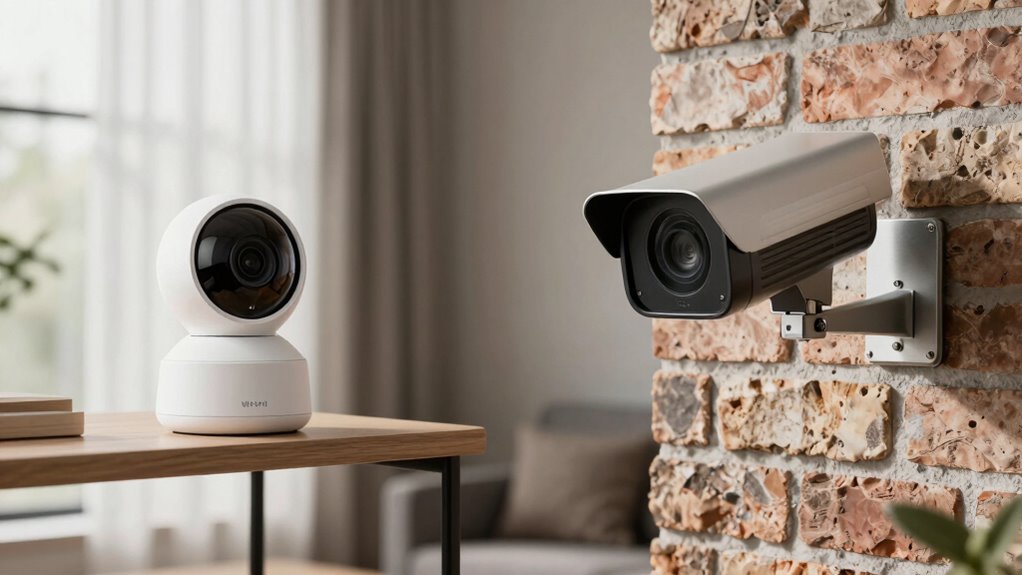

Choosing between Wi-Fi and PoE cameras depends on your home’s security needs and setup. Wi-Fi cameras are easy to install and flexible, but they depend on your Wi-Fi network’s strength and might need battery changes. PoE cameras offer reliable, continuous power through Ethernet cables, providing more stable footage but require wiring. To make the best choice, consider your wiring options and network quality. Keep exploring to find out which option fits your home best.

Prime made for students and young adults
- Fast, free delivery for dorm and study essentials
- Prime Video and Amazon Music included
- Member-only deals
Key Takeaways
- Wi-Fi cameras offer easy, flexible installation but depend on Wi-Fi stability, while PoE cameras provide reliable, continuous power and connection.
- PoE cameras require Ethernet wiring, making installation more complex but ensuring consistent footage without interruptions.
- Wi-Fi cameras are ideal for temporary setups or hard-to-wire areas, whereas PoE cameras are better for critical security points needing dependable connectivity.
- Power supply is more reliable with PoE cameras, reducing maintenance needs compared to Wi-Fi cameras that often rely on batteries or adapters.
- Consider your home’s wiring capabilities and security priorities to choose between the quick setup of Wi-Fi or the stability of PoE cameras.
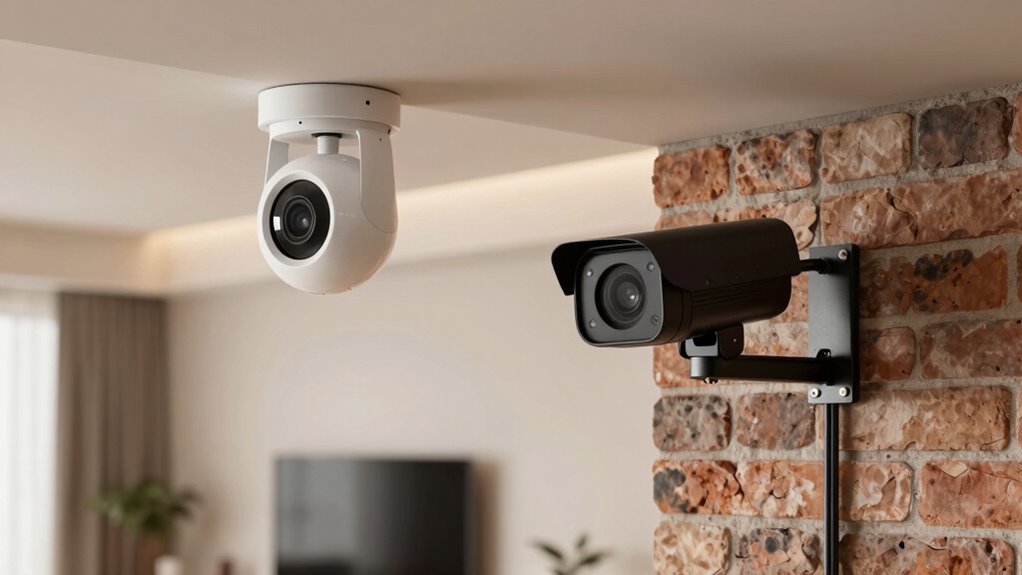
When choosing a security camera system, understanding the differences between Wi-Fi cameras and Power over Ethernet (PoE) cameras is essential. Both options have unique advantages that can influence your decision based on your home’s needs. One of the main benefits of Wi-Fi cameras is their wireless flexibility. You can install them almost anywhere in your home without worrying about running cables through walls or ceilings. This makes them ideal for quick setups or places where wiring might be complicated or impossible. You can easily move or reposition Wi-Fi cameras if your security needs change, giving you a lot of versatility. This convenience comes with the trade-off of relying on your Wi-Fi network, which can sometimes be unreliable or experience interference, especially if you have a crowded or weak Wi-Fi signal.
Wi-Fi cameras offer wireless flexibility but depend on your Wi-Fi network’s reliability.
On the other hand, PoE cameras offer superior power reliability. Because they connect directly to your network via Ethernet cables, they receive consistent power and data transmission. This reduces the chances of connectivity issues or interruptions caused by weak Wi-Fi signals. PoE systems are known for their stability and continuous operation, making them suitable for critical security points where dependable footage is essential. Unlike Wi-Fi cameras, which depend on your wireless network, PoE cameras tend to have a more secure and stable connection, ensuring that your footage is captured without gaps or lag.
Another aspect to consider is installation. Wi-Fi cameras are generally easier to set up because they don’t require running cables through your walls. You just connect them to your Wi-Fi network, and they’re ready to go. However, their performance can be affected by the distance from your router and any obstacles blocking the signal. PoE cameras require a wired connection to a PoE switch or injector, which can involve more effort during installation. But once set up, they typically demand less maintenance and provide more consistent performance over time.
Power reliability is vital when it comes to security footage. Wi-Fi cameras may rely on batteries or power adapters, which can need frequent replacement or recharging. PoE cameras, being wired, eliminate this concern because their power supply is directly linked to the network connection, ensuring continuous operation. This reliability is a key factor if you want a security system that works seamlessly around the clock. In essence, if you prioritize wireless flexibility and easy installation, Wi-Fi cameras fit your needs well. If consistent power and reliable connection are more important, PoE cameras might be the better choice.
Additionally, understanding the importance of high refresh rates and low input lag can significantly impact the effectiveness of your security system, especially for live monitoring.
As an affiliate, we earn on qualifying purchases.
Frequently Asked Questions
Can Wi-Fi Cameras Operate Without an Internet Connection?
Wi-Fi cameras can’t operate without an internet connection because they rely on wireless connectivity to transmit footage. However, some models offer camera independence by storing footage locally on SD cards or network-attached storage, allowing limited operation without internet. Keep in mind, without internet access, remote viewing and alerts won’t work, but the camera can still record locally if it’s designed for that.
Are Poe Cameras More Secure Than Wi-Fi Cameras?
You’ll be surprised to learn that 70% of hacking vulnerabilities target Wi-Fi cameras. PoE cameras are generally more secure because they connect via wired Ethernet, making them less vulnerable to network security breaches. Unlike Wi-Fi cameras, which can be hacked remotely, PoE cameras reduce your risk of unauthorized access. If security is your priority, you might prefer PoE, as they offer a more stable, less hackable connection.
What’s the Typical Installation Time for Each Camera Type?
You’ll find Wi-Fi cameras typically take less time to install because of their wireless setup, often needing just a power source and a stable connection. PoE cameras usually require more wiring, making the installation more complex and time-consuming. Expect installation times for Wi-Fi cameras to be around 15-30 minutes, while PoE cameras might take 30-60 minutes due to the wiring complexity involved.
Do Poe Cameras Require Specialized Networking Knowledge?
PoE cameras do require some networking expertise and technical knowledge for proper setup. You’ll need to understand how to connect the cameras to a PoE switch or injector, make sure your network can handle the power and data transfer, and configure the camera settings. If you’re comfortable with basic networking concepts, you can handle the installation yourself. Otherwise, hiring a professional might be a good idea to ensure everything works smoothly.
How Do Power Outages Affect Wi-Fi and Poe Cameras?
Power outages can disrupt both Wi-Fi and PoE cameras, but you can mitigate this by setting up backup power solutions like uninterruptible power supplies (UPS). Wi-Fi cameras rely on your home’s internet, which may go offline during an outage, while PoE cameras need a backup for their network switch or power source. Using a UPS ensures continuous operation, keeping your security system active even during power failures.
As an affiliate, we earn on qualifying purchases.
Conclusion
Ultimately, choosing between Wi-Fi and PoE cameras depends on your specific needs and setup. Wi-Fi cameras offer flexibility and easy installation, while PoE cameras provide reliable power and connection for more demanding setups. Don’t put all your eggs in one basket—consider your home’s layout, security needs, and future plans. By weighing the pros and cons, you’ll find the right fit without biting off more than you can chew, ensuring your home stays protected.
As an affiliate, we earn on qualifying purchases.
As an affiliate, we earn on qualifying purchases.
Evergreen bestsellers Picks
bestsellers
As an affiliate, we earn on qualifying purchases.