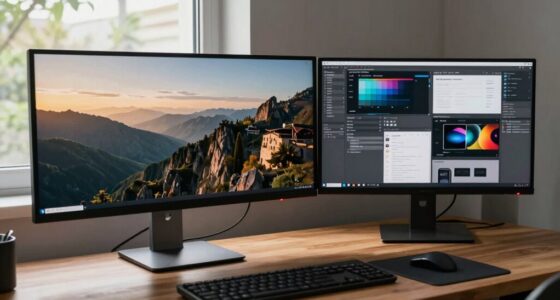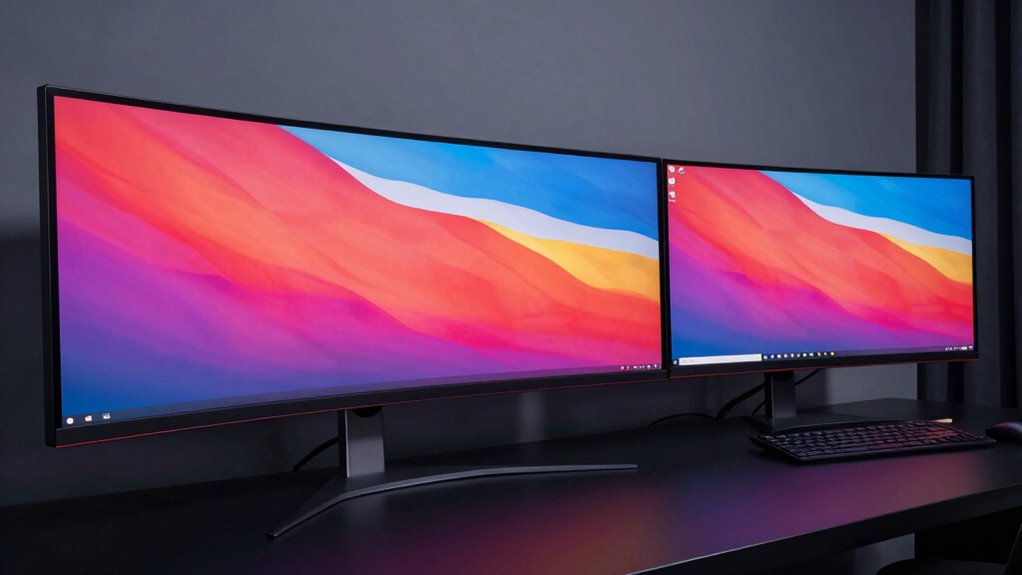

Choosing between ultrawide and dual monitors depends on your workflow needs. Ultrawide screens offer a seamless, immersive experience ideal for multitasking and wide visual tasks, while dual monitors provide customizable setups for specific applications and ergonomic flexibility. Both setups impact productivity and comfort differently, so your choice should align with how you work best. To discover which option might suit you more, explore the detailed pros and cons ahead.
Open a free Amazon Business account
Business pricing, bulk buying and tax-exempt orders.
As an affiliate, we earn on qualifying purchases.
Key Takeaways
- Ultrawide monitors excel for immersive, continuous workflow, reducing distractions and simplifying visual alignment.
- Dual monitors offer flexible workspace arrangement, ideal for multitasking and specialized application setups.
- Color calibration is easier and more consistent on ultrawide displays, benefiting visuals-heavy tasks.
- Dual monitors provide ergonomic customization, but may require more effort to set up comfortably.
- Cost, size, and resolution influence workflow efficiency, with ultrawide being more streamlined and dual monitors more versatile.
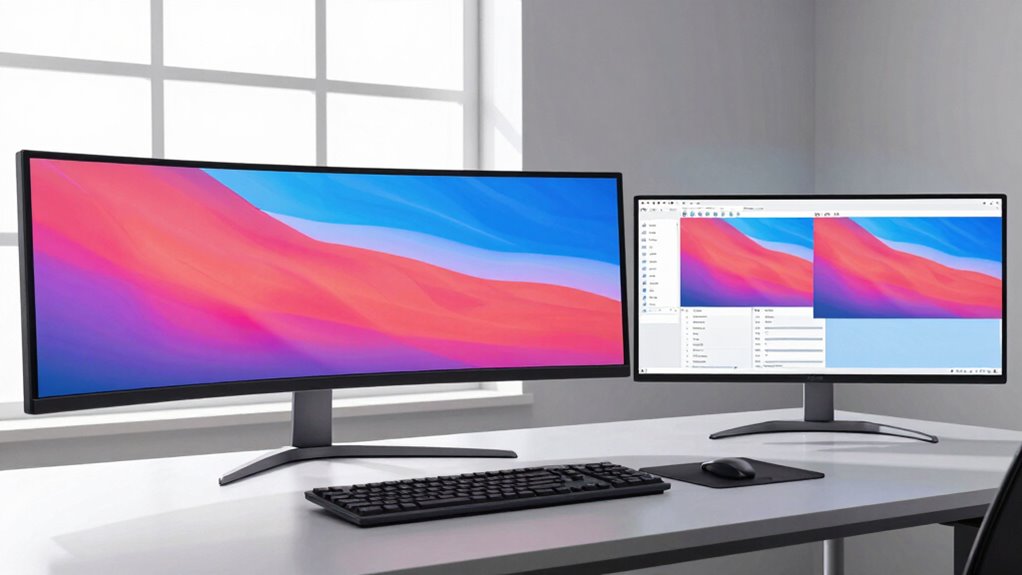
When choosing between ultrawide and dual monitors, it’s essential to take into account how each setup impacts your workflow and overall experience. Your decision can significantly influence productivity, comfort, and the quality of your work. Ultrawide monitors offer a seamless, expansive display that feels like a single, continuous screen, making them ideal for tasks requiring wide visual spans, such as video editing or multitasking with multiple windows. Dual monitors, however, provide the flexibility to customize your workspace by positioning two separate screens. This setup makes it easier to organize different applications side by side, which can streamline your workflow. Both options have their merits, but the key is understanding how they align with your specific needs. Color calibration plays a crucial role in determining which setup works best for you, especially if your work involves design, photography, or video production. Ultrawide monitors often come with advanced color calibration features, ensuring consistent and accurate color reproduction across the entire display. This uniformity is vital when working on projects that require precise color matching, as it reduces the risk of discrepancies caused by uneven color distribution. Dual monitors, on the other hand, might require individual calibration for each screen, which can be more time-consuming but allows you to optimize each display independently based on its specific purpose. Ergonomic design is another critical factor. Ultrawide monitors tend to have a more uniform ergonomic profile, with fewer gaps and less clutter on your desk, which can help reduce neck and eye strain. They often come with features like adjustable stands and curved screens that promote a natural viewing angle. Conversely, dual monitors offer flexibility in positioning; you can set them at different angles and heights to suit your comfort. This adaptability lets you create an ergonomic setup tailored to your posture and workspace constraints, though it may require more effort to achieve optimal alignment and minimize strain. Additionally, monitor size and resolution play a significant role in determining your overall experience, as larger screens with higher resolutions can further enhance clarity and immersion. Considering ergonomic features can help ensure your workspace remains comfortable during long hours of use. It’s also important to evaluate the cost of each setup, as ultrawide monitors tend to be more expensive upfront but may save space and reduce cable clutter. Furthermore, understanding the visual workflow can help you choose the setup that minimizes distractions and maximizes efficiency. With the right choice, you can optimize your workspace for both productivity and comfort, making your work sessions more efficient and enjoyable. Ultimately, your choice hinges on your workflow preferences and the nature of your work. If you prioritize a clean, immersive display with consistent color calibration and a sleek design, an ultrawide monitor might be the better fit. If you value customizable workspace organization and ergonomic flexibility, dual monitors could serve you better. Both setups have their strengths, but understanding how each impacts your workflow will help you make an informed decision that enhances your productivity and comfort.
ultrawide monitor for video editing
As an affiliate, we earn on qualifying purchases.
As an affiliate, we earn on qualifying purchases.
Frequently Asked Questions
How Do Ultrawide Monitors Affect Gaming Performance?
Ultrawide monitors can enhance your gaming performance by providing immersive gameplay, thanks to their expansive screens and screen curvature. The curved display wraps around your vision, making you feel more involved in the game. However, they may demand more from your graphics card, potentially affecting frame rates. Overall, if your system handles it well, ultrawide monitors deliver a more engaging, seamless gaming experience without significant performance drawbacks.
Are Dual Monitors More Cost-Effective Than Ultrawide Screens?
Dual monitors are generally more cost-effective than ultrawide screens, especially if you already own or can find affordable second monitors. The cost comparison shows that adding smaller monitors often costs less than a single high-end ultrawide. However, ergonomic considerations matter; dual setups might require more desk space and adjustments to prevent strain. If budget and workspace are tight, dual monitors offer a practical, economical solution.
Which Setup Is Better for Professional Video Editing?
For professional video editing, an ultrawide monitor often wins because of its seamless screen curvature, offering a more immersive editing experience. It provides better color accuracy across a single, unified display, reducing color inconsistencies that can occur with multiple screens. This setup helps you maintain precise visual control, streamline workflows, and avoid bezels interrupting your timeline, making it ideal for detailed and color-critical editing tasks.
Do Ultrawide Monitors Require More Desk Space?
Yes, ultrawide monitors generally require more desk space due to their larger size and curved design. This can impact your desk organization, making it essential to guarantee enough room for comfortable use. However, their sleek, seamless look enhances aesthetic appeal, creating a modern, streamlined workspace. You might need to rearrange or clear other items to accommodate an ultrawide monitor without cluttering your desk.
Can Dual Monitors Improve Multitasking More Than Ultrawide Screens?
Yes, dual monitors can improve your multitasking efficiency more than ultrawide screens. With two separate screens, you gain increased screen real estate, allowing you to organize multiple applications side by side without overlapping. This setup lets you switch between tasks more smoothly and keeps everything visible at once. Ultrawide monitors are great too, but dual screens often provide better flexibility for multitasking, especially if you need distinct workspaces.
dual monitor setup for multitasking
As an affiliate, we earn on qualifying purchases.
As an affiliate, we earn on qualifying purchases.
Conclusion
Ultimately, whether ultrawide or dual monitors win depends on your unique workflow and preferences. Think of it as choosing the right tool for the job—what works perfectly for one person might not suit another. Don’t be afraid to try both if you can, because sometimes you have to see it to believe it. Remember, the key is finding what makes your work smoother and more efficient—after all, the proof of the pudding is in the eating.
curved ultrawide monitor with color calibration
As an affiliate, we earn on qualifying purchases.
As an affiliate, we earn on qualifying purchases.
As an affiliate, we earn on qualifying purchases.
Fall Picks
fall essentials
As an affiliate, we earn on qualifying purchases.