To reduce eye strain at work, follow simple steps like taking frequent breaks with the 20-20-20 rule—look away every 20 minutes at something 20 feet away for 20 seconds. Adjust your screen brightness and contrast, use blue light filters, and set your monitor at eye level. Optimize workspace lighting to prevent glare, and do eye exercises to relax muscles. Keep your eyes comfortable and healthy by applying these quick tips—more helpful strategies await if you continue exploring.
Key Takeaways
- Follow the 20-20-20 rule: look away every 20 minutes at an object 20 feet away for 20 seconds.
- Adjust your screen brightness, contrast, and color temperature to reduce glare and blue light exposure.
- Maintain proper ergonomic workspace setup: monitor at eye level, good posture, and adequate lighting.
- Take regular breaks to rest your eyes and blink frequently to keep them moist and prevent dryness.
- Use blue light filters or glasses to minimize eye fatigue from digital screens.
What Is Eye Strain at Work and Why Does It Happen?
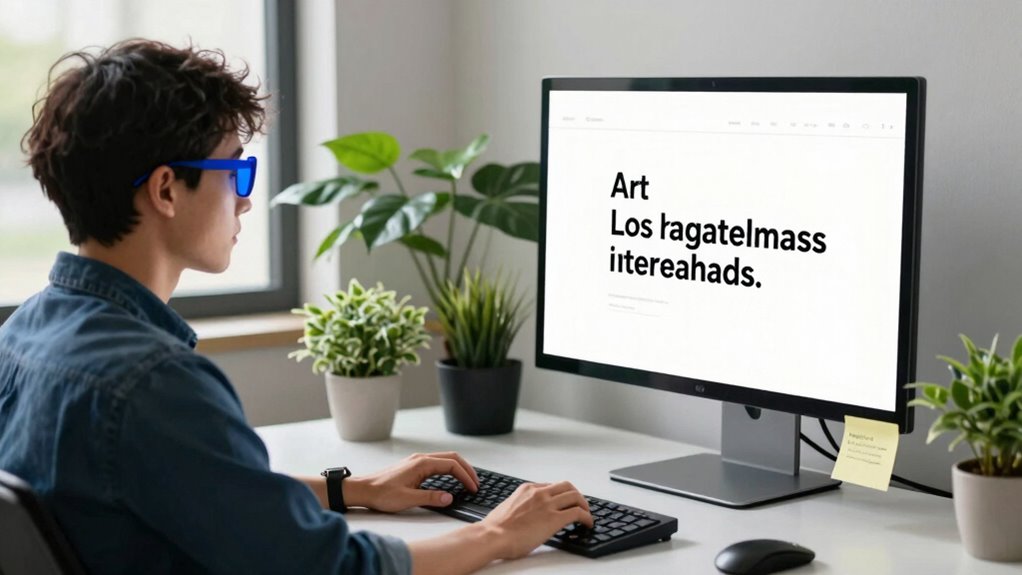
Eye strain at work occurs when your eyes become tired or uncomfortable after prolonged periods of focusing on screens or tasks. It often results from excessive exposure to blue light emitted by computers, smartphones, and tablets, which can cause visual fatigue. Poor eye ergonomics, such as improper monitor height or inadequate lighting, forces your eyes to work harder, increasing strain. When you don’t take breaks or adjust your workspace, your eyes struggle to maintain focus, leading to discomfort, dryness, and headaches. Recognizing these factors helps you understand why eye strain happens and highlights the importance of optimizing your environment. By addressing blue light exposure and improving eye ergonomics, you can substantially reduce the risk of developing eye strain during your workday. Additionally, proper workspace setup can make a significant difference in minimizing eye fatigue and maintaining comfort. Incorporating ergonomic accessories such as adjustable monitor stands or ergonomic chairs can further support healthier eye habits, especially when combined with air quality improvements that reduce indoor pollutants and promote overall comfort. Improving lighting conditions can also help lessen eye strain by reducing glare and providing consistent illumination, making your workspace more comfortable and eye-friendly. Moreover, understanding risk management strategies can help you implement effective measures to prevent eye discomfort over time.
How to Recognize the Signs of Eye Strain Early
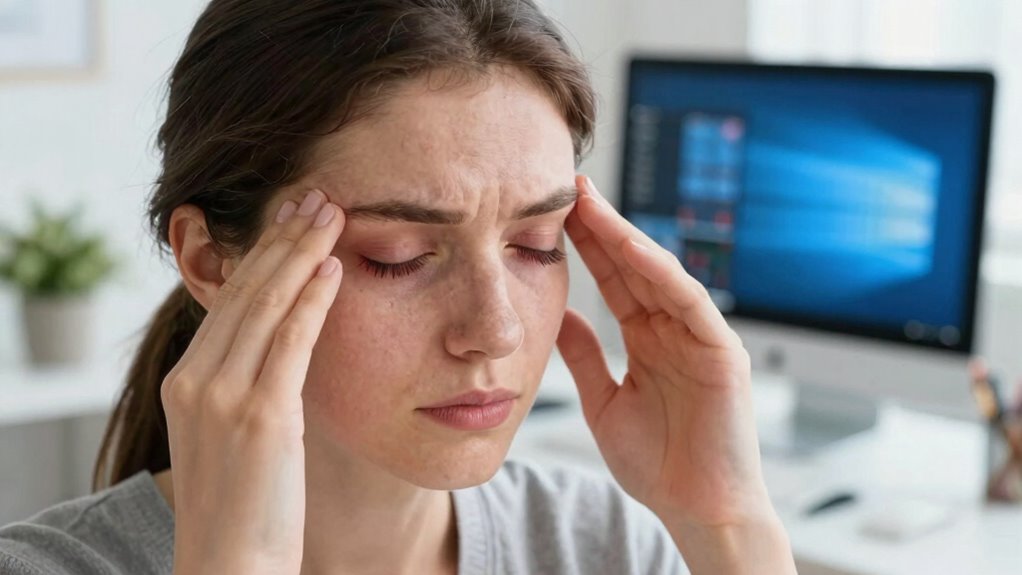
You might notice common eye discomforts like dryness, irritation, or headaches as early signs of strain. Pay attention to visual fatigue symptoms such as blurred vision or difficulty focusing. Recognizing these warning signals early can help you take action before discomfort worsens. Additionally, maintaining proper lighting control can significantly reduce eye strain during prolonged screen time. Incorporating regular breaks from screens, such as the 20-20-20 rule, can also alleviate symptoms and promote eye health. Using adjustable screen brightness settings can further reduce eye fatigue and improve visual comfort. Keeping your workspace ergonomically optimized can also make a notable difference in reducing overall eye strain, especially when combined with connected fitness technology to remind you to take breaks and adjust your posture.
Common Eye Discomforts
Recognizing early signs of eye strain is essential to prevent discomfort from worsening. Common eye discomforts caused by digital eye strain include headaches, blurred vision, and dry or itchy eyes. You might notice increased squinting or a sensation of heaviness in your eyelids. To help identify these signs, consider this table:
| Symptom | Description | When to Act |
|---|---|---|
| Headaches | Pain around the temples or forehead | After prolonged screen time |
| Blurred Vision | Difficulty focusing on objects | During or after work |
| Dry Eyes | Burning or gritty feeling | Throughout the day |
| Eye Fatigue | Heavy or tired eyes | After hours of screen use |
Being aware of these visual discomforts helps you take prompt steps to reduce digital eye strain before symptoms worsen. Additionally, paying attention to eye health can help prevent long-term issues. Maintaining proper screen distance and taking regular breaks can significantly reduce discomfort. Incorporating eye exercises into your routine may also alleviate strain and improve overall eye comfort. Moreover, understanding the causes of eye strain can guide you in making effective adjustments to your workspace and habits. For example, adjusting your lighting conditions can also support better eye comfort during work.
Visual Fatigue Signs
Early detection of visual fatigue is key to preventing more serious eye strain. Recognizing the signs of digital eye strain helps you address issues before they worsen. Common eye fatigue symptoms include headaches, blurred vision, dry or irritated eyes, and difficulty focusing. These signs often appear after long hours in front of screens. If you notice any of these symptoms, it’s a clear indicator that your eyes are overworked. Paying attention to these signals allows you to take quick action, like blinking more often, adjusting your screen brightness, or taking breaks. Being aware of these visual fatigue signs ensures you catch eye strain early, reducing discomfort and protecting your vision over time. Staying informed about support breakfast options can also promote overall wellness and eye health. Additionally, adopting good screen ergonomics can significantly reduce eye strain during work. Maintaining proper air quality around your workspace can also lessen eye irritation caused by dust and dryness. Incorporating proper lighting into your workspace setup can further help minimize eye discomfort. Being mindful of AI tools and their influence on work routines can help prevent unnecessary eye strain caused by prolonged screen exposure. Stay vigilant, and prioritize your eye health during work.
Early Warning Symptoms
How can you spot the signs of eye strain before they become serious? Look for early warning symptoms like frequent headaches, blurred vision, or eye discomfort after long screen time. You might notice increased eye fatigue or difficulty focusing, which indicates your eyes need more relaxation. Paying attention to these signs allows you to practice eye relaxation techniques sooner and prevent worsening symptoms. If your vision correction isn’t up-to-date, it can also contribute to strain, so regular eye exams are essential. Recognizing these warning signals early helps you take proactive steps, like adjusting your workspace or taking breaks, to reduce stress on your eyes. Incorporating proper lighting and ergonomics can further minimize eye strain during work hours. Additionally, maintaining healthy eye habits such as staying hydrated and limiting screen time can support overall eye health. Being aware of early symptoms of eye strain enables you to address issues promptly and protect your vision effectively. For example, practicing eye exercises can strengthen your eye muscles and alleviate discomfort. Regularly practicing these habits can help prevent long-term eye problems and promote better visual comfort at work. Addressing symptoms promptly keeps eye strain manageable and promotes healthier vision habits at work.
Why Taking Breaks With the 20-20-20 Rule Helps Your Eyes
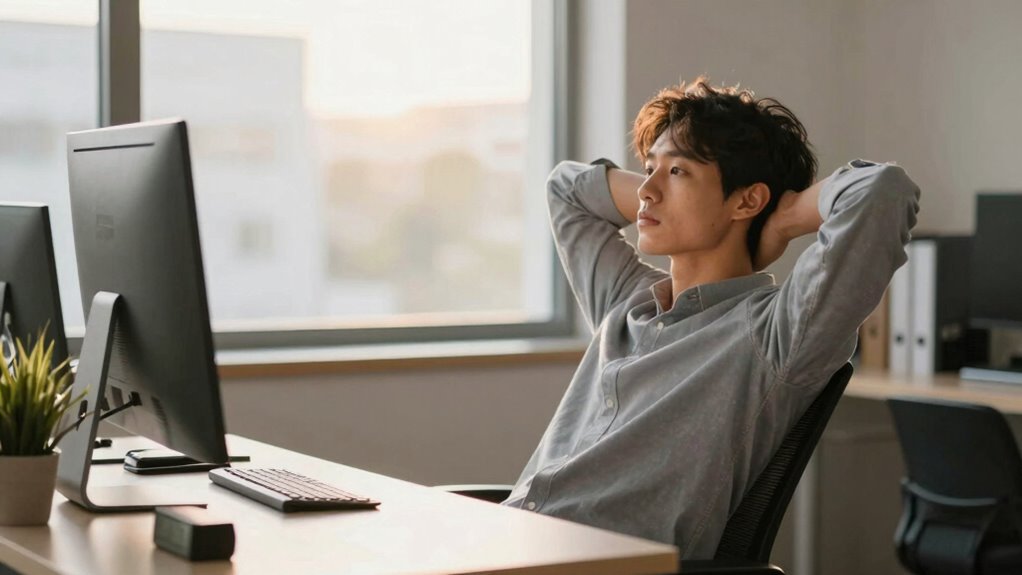
Following the 20-20-20 rule helps prevent eye fatigue by giving your eyes a necessary break. It also promotes visual rest, reducing strain from prolonged screen time. Incorporating this simple habit keeps your eyes healthier and more comfortable throughout the workday.
Prevents Eye Fatigue
Taking regular breaks with the 20-20-20 rule can substantially reduce eye fatigue during long hours at a computer. This simple habit is key to preventing digital eye strain and maintaining your eye health. When you look away every 20 minutes for 20 seconds at an object 20 feet away, you give your eye muscles a much-needed rest. Here are four ways this helps prevent eye fatigue:
- Eases muscle tension caused by prolonged focusing
- Reduces dryness and irritation
- Stops the development of discomfort and headaches
- Keeps your eyes more comfortable and less strained throughout the day
Promotes Visual Rest
Regularly stepping away from your screen with the 20-20-20 rule allows your eyes to achieve necessary visual rest. This break reduces exposure to blue light, which can cause strain and disrupt sleep. During these pauses, practicing simple eye exercises, like blinking or focusing on distant objects, helps relax eye muscles. These activities prevent discomfort from prolonged screen time.
| Blue Light Exposure | Eye Exercises |
|---|---|
| Contributes to eye fatigue | Reduce strain and improve focus |
| Disrupts sleep patterns | Promote relaxation and clarity |
| Increases digital eye strain | Enhance visual comfort |
| Causes headaches | Support eye health and rest |
Incorporating these small habits ensures your eyes stay rested and healthy throughout your workday.
How to Adjust Your Screen Settings to Reduce Eye Strain
Adjusting your screen settings is one of the most effective ways to reduce eye strain during long hours at work. First, perform a proper screen calibration to guarantee your display shows accurate image quality. Next, tweak the color adjustment to reduce harsh contrasts and minimize blue light exposure, which can tire your eyes. Here are four quick tips:
- Calibrate your screen for ideal brightness and contrast.
- Adjust color temperature to warmer tones, especially in low-light settings.
- Enable night mode or blue light filters if available.
- Set your display to a comfortable, flicker-free refresh rate.
These adjustments help create a more eye-friendly environment, reducing strain and fatigue throughout your workday. Proper screen calibration and color adjustment are simple yet powerful steps to protect your vision.
Best Lighting Tips to Minimize Glare and Eye Discomfort
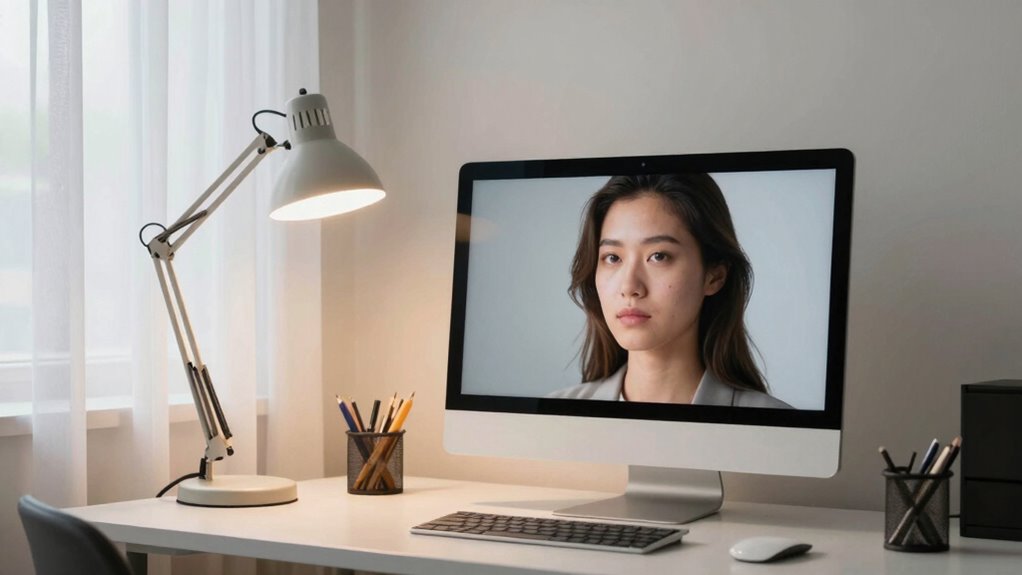
To minimize glare and eye discomfort, optimizing your workspace lighting is essential. Start by balancing ambient lighting with adequate task lighting. Use soft, diffuse ambient lighting to prevent harsh shadows and reduce overall brightness contrast. Avoid overly bright overhead lights, which can cause glare on your screen. Instead, add task lighting, like a desk lamp, that directs light directly onto your work area without creating reflections on your monitor. Position lights to avoid shining directly into your eyes or bouncing off surfaces into your field of view. Keep windows nearby controlled with blinds or curtains to limit natural light fluctuations. Proper lighting reduces eye strain by creating a uniform, comfortable environment that minimizes glare and helps your eyes focus more easily.
Simple Eye Exercises You Can Do During Your Workday

Even during busy workdays, taking a few moments to perform simple eye exercises can markedly reduce digital eye strain. These quick techniques help relax your eye muscles and minimize discomfort from prolonged screen time and blue light exposure. Try these exercises:
Short eye exercises during busy days can significantly ease digital eye strain and improve comfort.
- 20-20-20 Rule: Every 20 minutes, look at something 20 feet away for 20 seconds.
- Blink More: Blink deliberately to keep your eyes moist and refresh your tear film.
- Palming: Rub your hands together, cup them over your closed eyes, and relax for a minute.
- Focus Shift: Hold your finger close, then focus on an object farther away, switching focus gradually.
Incorporating these exercises into your routine, along with blue light filters, can appreciably reduce digital eye strain and improve comfort throughout your workday.
Ergonomic Tips to Protect Your Eyes and Posture
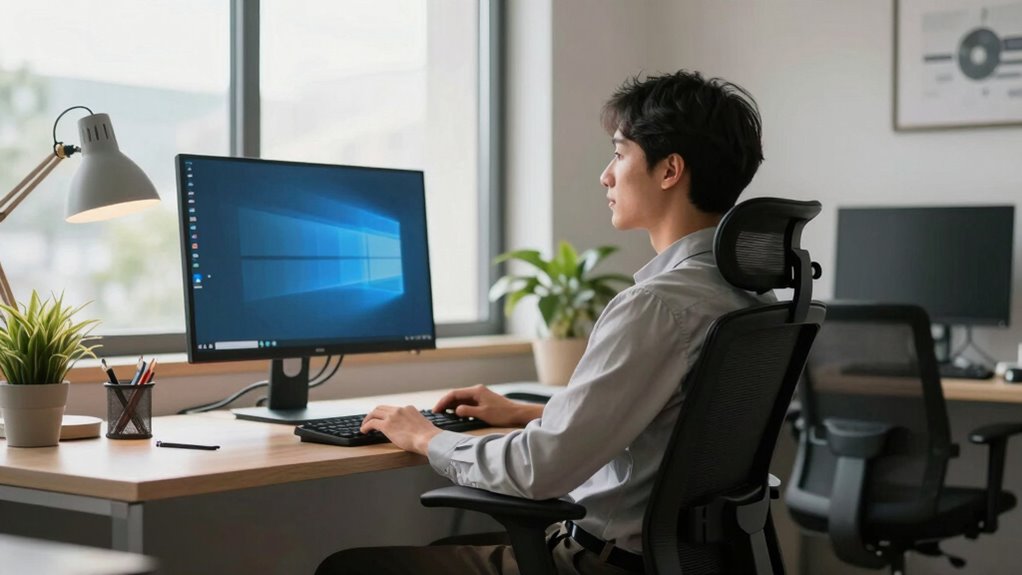
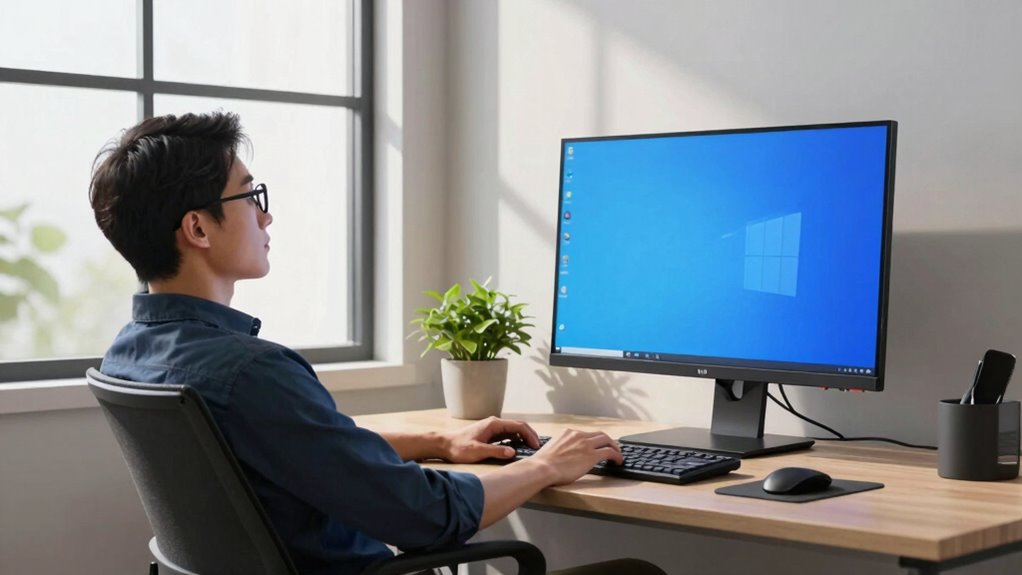
Maintaining proper ergonomics at your workstation is essential for protecting both your eyes and posture during long hours of work. Adjust your monitor so that the top is at eye level, reducing strain from looking down or up. Use blue light filters or glasses to decrease eye fatigue caused by screen exposure. Keep your eyes hydrated by blinking frequently and using artificial tears if needed. Sit with your back straight, feet flat on the floor, and shoulders relaxed to prevent poor posture. Employ the following table to understand key ergonomic principles:
| Posture | Eye Care | Screen Settings |
|---|---|---|
| Sit upright | Blink often, hydrate eyes | Use blue light filters |
| Keep feet flat | Take breaks from screens | Adjust brightness and contrast |
| Relax shoulders | Follow the 20-20-20 rule | Maintain proper distance |
| Support your back | Stay hydrated | Use anti-glare screens |
Habits for Long-Term Eye Comfort and Health
Adopting healthy habits now can considerably improve your eye comfort and prevent long-term damage. To maintain ideal eye health, consider these habits:
- Keep your eyes hydrated by blinking regularly and using artificial tears if needed, especially when wearing contact lenses.
- Practice the 20-20-20 rule: every 20 minutes, look at something 20 feet away for 20 seconds.
- Limit screen time outside of work to reduce overall eye strain and support natural eye hydration.
- Schedule regular eye exams to monitor your eye health and address issues early.
These habits help prevent dryness, reduce strain, and promote long-term eye comfort, whether you wear contact lenses or glasses. Consistent care today ensures healthier eyes down the line.
Quick Changes That Make a Big Difference for Your Eyes
Making small, immediate adjustments to your workspace can substantially reduce eye strain. Reducing blue light exposure with screen filters or glasses helps prevent eye fatigue. Adjust your monitor’s brightness and contrast to match your environment, minimizing glare. Keep your eyes hydrated by blinking often or using artificial tears, especially during long screen sessions. Position your screen about an arm’s length away and slightly below eye level to reduce strain. Regularly take breaks—look away for 20 seconds every 20 minutes. Use the table below for quick ideas:
| Quick Fixes | Benefits |
|---|---|
| Blue light filters | Less eye fatigue |
| Proper monitor positioning | Reduced neck and eye strain |
| Blink often | Prevents dryness and dehydration |
| Adjust brightness | Comfort and clearer vision |
| Take regular breaks | Prevents prolonged strain |
Frequently Asked Questions
Can Specific Foods Help Reduce Eye Strain?
Yes, eating nutrient-rich foods can help reduce eye strain. Incorporate eye-friendly snacks like carrots, spinach, and walnuts into your diet, as they provide essential nutrients like vitamin A, lutein, and omega-3 fatty acids. These nutrients support eye health, reduce dryness, and lessen fatigue. By choosing these foods, you give your eyes the nourishment they need to stay comfortable and alert during long work hours.
How Do Computer Glasses Differ From Regular Glasses?
Computer glasses differ from regular glasses by featuring specialized lens tints that block blue light, reducing eye strain during screen use. These lenses are designed to enhance contrast and minimize glare, helping you see more comfortably. Regular glasses don’t typically have this blue light filtering or tint, making computer glasses a better choice when you spend hours in front of digital screens. This focus helps protect your eyes and reduces fatigue.
What Are the Best Indoor Plants to Improve Air Quality and Eye Comfort?
Imagine your workspace as a lush oasis. To boost air quality and eye comfort, you should choose plants like snake plants, pothos, or peace lilies—they’re low-maintenance and excel at air purification techniques. These indoor plants absorb toxins and release oxygen, creating a fresher environment. Regular indoor plant maintenance keeps them healthy, ensuring they continue to improve air quality and reduce eye strain, transforming your workspace into a vibrant, calming haven.
Are There Any Effective Natural Remedies for Eye Fatigue?
You can effectively combat eye fatigue with simple eye exercises like focusing on distant objects or blinking regularly to refresh your eyes. Herbal remedies such as chamomile or eyebright tea may also soothe tired eyes when used as compresses or eye drops. Incorporate these natural strategies into your routine, and you’ll notice reduced strain and increased comfort, especially during long hours at your desk.
How Does Screen Time Before Bed Affect Eye Health?
Staying glued to your screens before bed can sabotage your eye health more than you’d believe. Blue light from screens messes with your melatonin levels, making it harder to fall asleep and hurting your sleep quality. Poor sleep can lead to eye fatigue and strain over time. To protect your eyes, try limiting screen time an hour before bed, and consider wearing blue light glasses to reduce exposure.
Conclusion
By following these simple tips, you can substantially reduce eye strain and stay comfortable during work. Did you know that taking regular breaks can decrease eye discomfort by up to 50%? Small changes like adjusting your screen, practicing the 20-20-20 rule, and maintaining good posture make a huge difference. Protecting your eyes now means fewer problems later, so start implementing these habits today for healthier, happier eyes tomorrow.