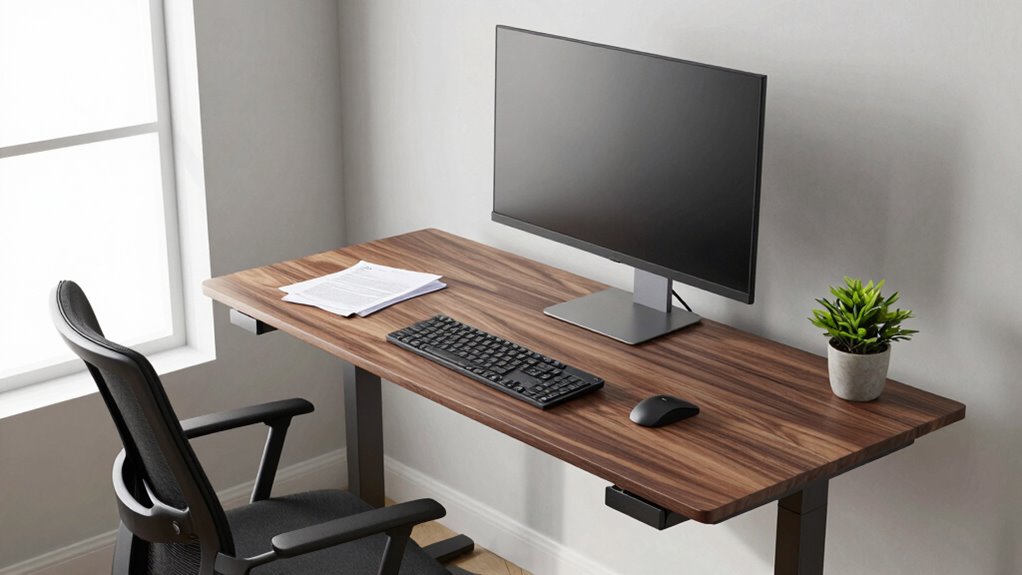

Your standing desk height is the key setup detail that instantly boosts comfort and productivity. When adjusted properly, you’ll find your elbows at a 90-degree angle and your monitor at or just below eye level, helping prevent neck, shoulder, and back strain. If it’s too high or low, you’ll feel discomfort quickly. Getting this right sets the foundation for a sustainable and ergonomic workspace. Keep exploring to discover how to optimize your setup even further.

Prime made for students and young adults
- Fast, free delivery for dorm and study essentials
- Prime Video and Amazon Music included
- Member-only deals
Key Takeaways
- Adjust the desk height so your elbows are at a 90-degree angle when typing or working.
- Ensure the monitor top is at or just below eye level to prevent neck strain.
- Proper height minimizes reaching, hunching, and promotes good posture quickly.
- Stability and adjustable features are essential for maintaining comfort during shifts.
- Personal body dimensions should guide height adjustments for optimal ergonomic setup.
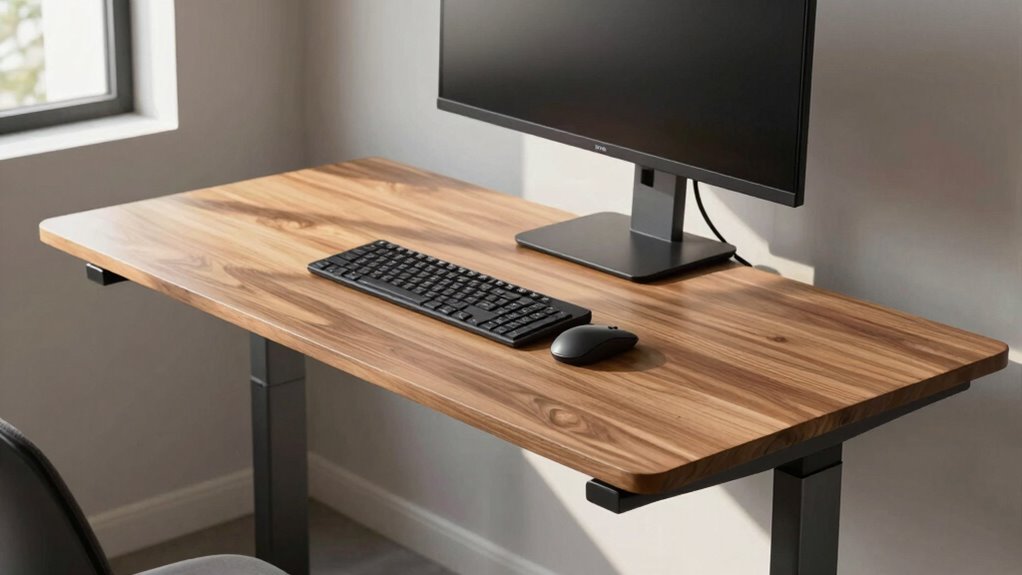
Are you unsure about the ideal height for your standing desk? If so, you’re not alone. Finding the right height is essential for comfort, productivity, and avoiding strain. When you set your desk at the proper level, it allows for ergonomic adjustments that promote good posture and reduce the risk of musculoskeletal issues. But it’s not just about raising or lowering your desk—it’s about making sure every element works together for the best ergonomic setup. One key factor often overlooked is desk stability. A stable desk ensures that your adjustments stay secure, preventing unwanted movement that can throw off your positioning and cause discomfort. Additionally, choosing a desk with adjustable features can help tailor the setup to your specific needs. To get started, you need to understand that your elbows should be at a roughly 90-degree angle when your hands are on your keyboard. Your monitor should be positioned so the top of the screen is at or just below eye level. When these conditions are met, you’re engaging in ergonomic adjustments that minimize neck, shoulder, and back strain. It’s tempting to just set your desk at a certain height but keep in mind that the ideal height varies depending on your body dimensions. Adjusting your desk to fit your specific height ensures that you’re not constantly reaching up or hunching over, which can cause fatigue over time. Proper desk height also contributes to overall comfort and reduces the likelihood of developing repetitive strain injuries. Ensuring your workspace is ergonomically optimized can significantly enhance your comfort and productivity. Moreover, considering the desk surface material can impact stability and comfort, especially if you spend long hours working at your desk. Incorporating ergonomic principles into your setup can further improve your long-term well-being. This extra step guarantees that your ergonomic adjustments are effective and sustainable.
Popular right now

KitchenAid 5.5-Qt Bowl-Lift Stand Mixer, Porcelain White (KSM55SXXX)

KitchenAid Artisan 5-Quart Tilt-Head Stand Mixer, Blue Velvet

Apple AirPods Pro 3 Wireless Earbuds with Active Noise Cancellation
As an affiliate, we earn on qualifying purchases.
Frequently Asked Questions
How Often Should I Adjust My Standing Desk Height Throughout the Day?
You should adjust your standing desk height every 30 to 60 minutes to maintain comfort and proper ergonomics. Incorporate ergonomic accessories like anti-fatigue mats or adjustable monitor arms to support this. Avoid desk height myths that suggest staying static is best; regular adjustments prevent strain. Listen to your body, and make quick changes to keep your neck, back, and wrists comfortable throughout the day.
Can a Standing Desk Height Affect My Posture Over Time?
Yes, your standing desk height can considerably affect your posture over time. If it’s too high or low, it can cause strain and misalignment, disrupting ergonomic principles. Proper height promotes posture correction by ensuring your elbows are at a 90-degree angle and your monitor is at eye level. Adjusting your desk regularly helps maintain good posture, reducing discomfort and preventing long-term musculoskeletal issues.
What Tools Can Help Me Find the Perfect Desk Height?
You can find the perfect desk height using ergonomic accessories like adjustable keyboard trays and monitor stands. Measurement techniques, such as using a tape measure or a ruler, help guarantee your elbows are at a 90-degree angle and your screen is eye-level. These tools support proper posture, reduce strain, and enhance comfort. Regularly adjusting your setup based on these methods keeps your workspace ergonomically sound and tailored to your needs.
Is There a Recommended Desk Height for Different Body Types?
Ever wonder if there’s a perfect desk height for your body? According to ergonomic principles, the ideal height varies based on your height and arm length, so custom measurements are key. Generally, your elbows should be at a 90-degree angle when typing. Shorter individuals might prefer a lower desk, while taller users need a higher setup. Adjust your desk to support comfortable, healthy posture—your body will thank you!
How Does Desk Height Impact Overall Productivity and Focus?
Your desk height directly impacts your productivity and focus by aligning with ergonomic principles that reduce muscle fatigue. When your desk is at the right level, you maintain proper posture, preventing discomfort that distracts you from work. This setup encourages sustained concentration and efficiency. Conversely, an improper height causes strain, leading to fatigue and decreased focus. Adjust your desk to stay comfortable and keep your productivity levels high.
Conclusion
So, set your standing desk smartly, striking a perfect height for sustained comfort and seamless support. Don’t dawdle in doubt—deliberately determine the right height and ditch discomfort. With a proper position, you’ll boost productivity, banish backaches, and build better work habits. Remember, a simple, smart setup sustains your style and strength, transforming tedious tasks into a more tolerable, trouble-free routine. Make the move now, and watch your workspace work wonders!