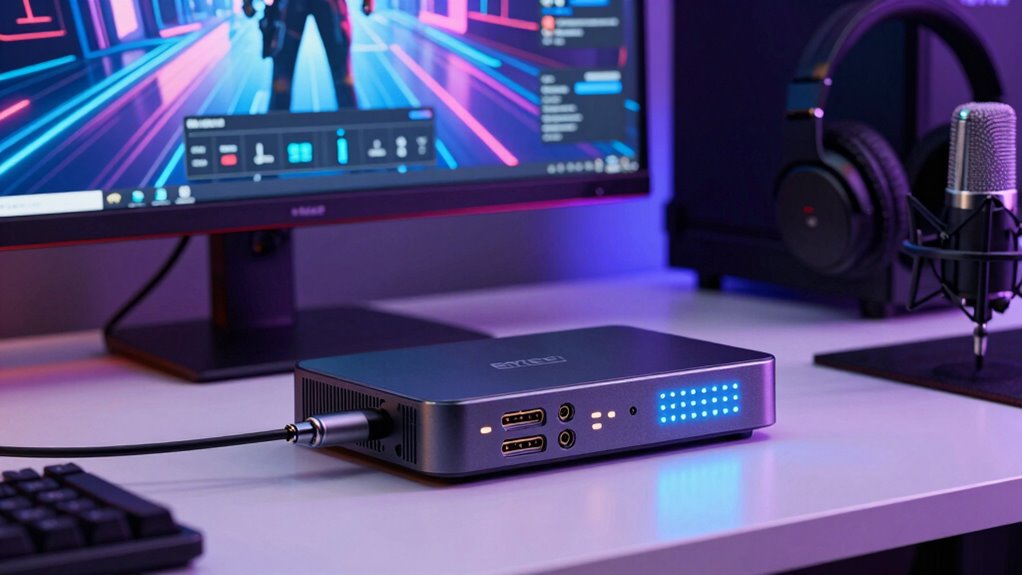

When choosing a capture card, you should consider compatibility with your system, including ports and operating systems, to avoid setup issues. Streaming quality depends on low latency, which ensures real-time viewing, and proper video codecs and formats that maintain high quality. Adjusting encoding settings helps stabilize your stream, while low latency capabilities reduce delays during gameplay. Understanding these basic terms will help you optimize your streaming setup for smoother, more professional broadcasts as you explore further.

Get school and study supplies delivered free — and shop member deals
- Fast, free delivery on millions of items
- Access to Prime Big Deal Days deals on October 6–7
- Prime Video, Amazon Music and more included
Key Takeaways
- Ensure compatibility of the capture card with your system’s hardware and operating system before purchase.
- Lower streaming latency improves real-time interaction and viewer experience.
- Support for current video codecs and formats is crucial for seamless streaming quality.
- Proper encoding settings optimize stream clarity, stability, and prevent interruptions.
- Low latency features in capture cards help maintain natural flow during live streams.
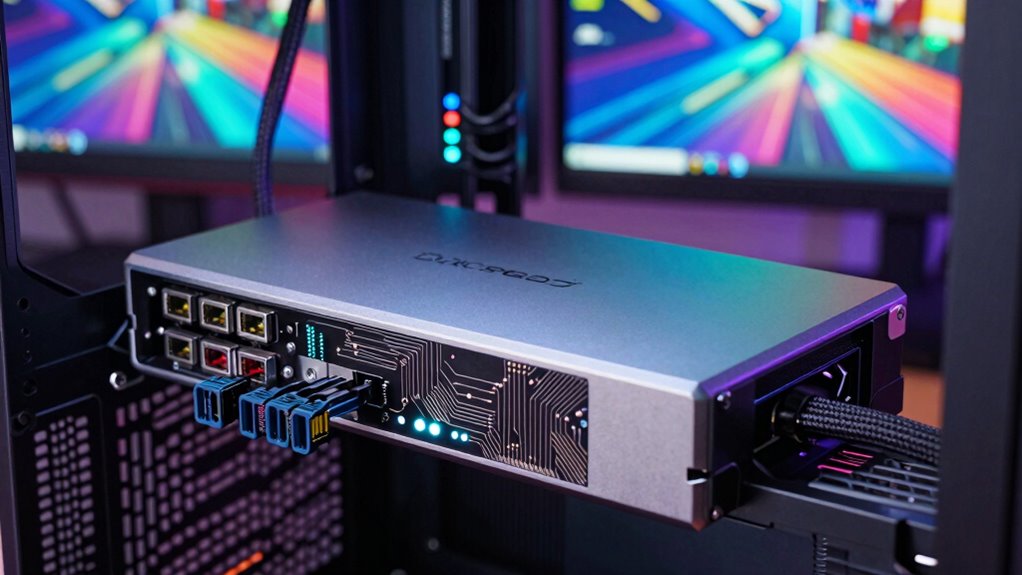
When it comes to streaming high-quality content, the right capture card can make all the difference. This device acts as the bridge between your gaming console, camera, or PC and your streaming setup, ensuring your audience gets a crisp, smooth view of your content. To choose the best one, you need to understand some key concepts, starting with hardware compatibility. Not all capture cards work seamlessly with every system. Some are designed specifically for PCs, with particular ports or software requirements, while others are compatible with consoles like PlayStation or Xbox. Before making a purchase, verify that the capture card supports your hardware, whether it’s a certain operating system, port type, or device model. This step prevents frustration and ensures smooth installation and operation.
Streaming latency is another vital term to grasp. It refers to the delay between your action on the controller or camera and when your viewers see it on their screens. Lower latency means your stream feels more real-time, which is especially crucial for interactive gameplay or live reactions. A high-quality capture card minimizes streaming latency, helping you maintain a natural flow during your broadcasts. When shopping, look for options that specify low latency capabilities, and consider your internet connection and system performance, as these also influence overall delay. Additionally, understanding hardware compatibility can help you select a capture card that works smoothly with your existing setup. Being aware of video codecs and formats supported by your hardware ensures compatibility with your streaming software and prevents quality issues. In some cases, outdated or incompatible codecs can cause streaming interruptions or reduce video quality, so it’s essential to check these specifications. Moreover, proper encoding settings can significantly impact your stream’s clarity and stability, making it worthwhile to familiarize yourself with these options. Using a capture card with integrated hardware encoding can also offload some processing from your system, leading to a more stable stream.
As an affiliate, we earn on qualifying purchases.
Frequently Asked Questions
What Is the Best Capture Card for Beginners?
The Elgato HD60 S+ is the best capture card for beginners because it offers excellent capture card compatibility and smooth streaming performance. It works seamlessly with popular streaming software options like OBS and Streamlabs, making setup straightforward. Its user-friendly design and reliable performance help new streamers get started quickly without technical frustration. Plus, its affordability makes it a top choice for those just starting out.
How Does Resolution Affect Streaming Quality?
Think of resolution as your streaming canvas—higher resolution means sharper images, but it demands more bandwidth and better video compression. When you increase resolution, your stream needs more data, which can cause lag or buffering if your bandwidth isn’t sufficient. To keep quality high while avoiding issues, find a balance that matches your internet speed and hardware capabilities, ensuring viewers enjoy clear, smooth streams without interruptions.
Can I Use a Laptop as a Capture Device?
Yes, you can use a laptop as a capture device, but it depends on its compatibility. External capture devices connect via USB or Thunderbolt, making them portable and easy to set up. Internal capture cards are installed inside your laptop, but they’re less common and require specific hardware. Make certain your laptop has the necessary ports and enough processing power to handle high-quality streaming, whether you choose external or internal options.
What Is the Latency in Streaming With Capture Cards?
Imagine a ripple spreading across a still pond—that’s what latency feels like in streaming. With capture cards, your signal faces a slight delay, often between 100-300 milliseconds, due to network latency and signal delay. This means your gameplay might lag a tiny moment behind your live action, but high-quality capture cards minimize this delay, keeping your stream smooth and synchronized for your viewers.
Do I Need a Powerful PC to Stream High Quality?
Yes, you need a powerful PC to stream high-quality content effectively. Your hardware compatibility is essential for smooth performance, especially with demanding settings. A strong CPU, GPU, and sufficient RAM help handle high-resolution streams and multiple overlays. Also, software optimization guarantees your streaming software uses resources efficiently. Upgrading these components minimizes lag, improves stream clarity, and provides a better experience for your viewers.
As an affiliate, we earn on qualifying purchases.
Conclusion
Understanding capture cards and streaming quality can elevate your content creation journey. Did you know that over 50% of streamers report improved viewer engagement when using higher-quality streams? By mastering these basic terms, you’ll guarantee your streams are smooth, professional, and enjoyable for your audience. So, invest in good equipment and keep learning—your viewers will notice the difference, and your channel will grow faster than you might expect!
As an affiliate, we earn on qualifying purchases.
As an affiliate, we earn on qualifying purchases.
Fall Picks
fall essentials
As an affiliate, we earn on qualifying purchases.