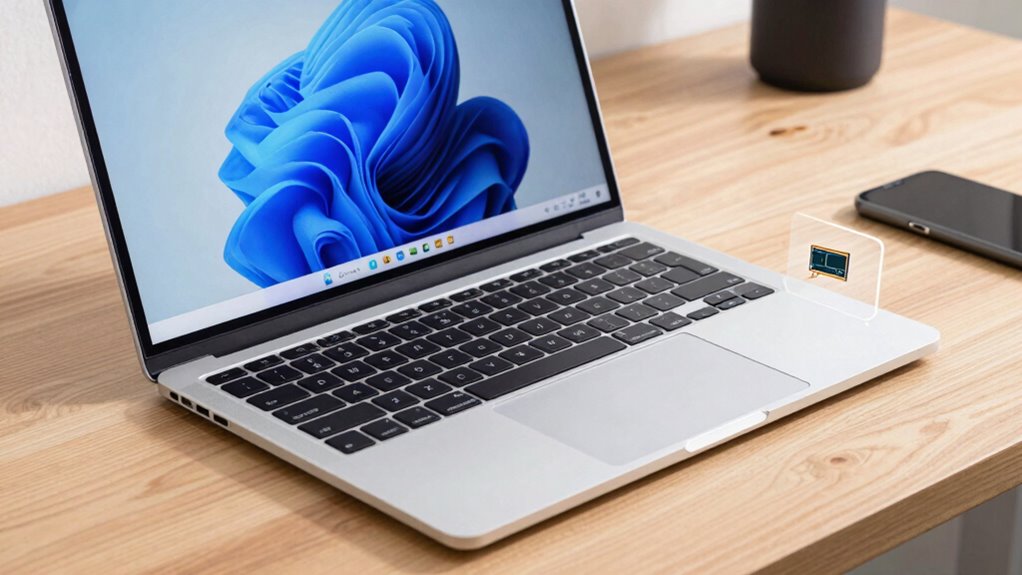

For smooth work performance, focus on a reliable CPU like an Intel i5 or AMD Ryzen 5, which handle multitasking well. Aim for at least 8GB of RAM to support multiple applications without slowdown. Storage should be quick and spacious, with SSDs offering faster load times and 256GB or more to store essential files. Understanding these basics helps you choose a laptop that meets your daily tasks—keep exploring to find out more details.
Key Takeaways
- A fast CPU (e.g., Intel i5/i7 or AMD Ryzen 5/7) ensures smooth multitasking and efficient processing for work tasks.
- Sufficient RAM (8GB or more) supports multiple applications and reduces lag during intensive workloads.
- SSD storage offers faster data access and boot times, enhancing overall system responsiveness.
- Consider upgrading RAM and storage to future-proof your laptop for evolving work needs.
- Balance CPU, RAM, and storage based on your specific work requirements for optimal performance.

When choosing a laptop for work, understanding which specs truly matter can make all the difference in your productivity and experience. Two essential aspects to consider are battery life and display quality. These features influence how efficiently you work and how comfortable you feel during long hours. A long-lasting battery ensures you’re not tethered to outlets, especially if you’re frequently on the go or working in different locations. Look for laptops that advertise at least 8 hours of battery life, but keep in mind that actual performance depends on your usage. If you’re doing intensive tasks, like video editing or running multiple applications, your battery might drain faster, so investing in a model with better battery capacity can save you from constant recharging. Additionally, consider the Free Floating design of the laptop to ensure it complements your workspace and enhances your overall comfort.
Display quality, on the other hand, affects your ability to work comfortably and accurately. A high-resolution display, ideally Full HD or higher, provides sharper images and clearer text, reducing eye strain over extended periods. Consider models with good viewing angles and color accuracy, especially if your work involves graphic design, data visualization, or detailed spreadsheets. An anti-glare screen can also be beneficial if you often work in bright environments, minimizing reflections and making it easier to focus. These display features contribute to a more pleasant and productive work experience, decreasing fatigue and improving your overall efficiency.
Frequently Asked Questions
How Does a Graphics Card Impact Work Performance?
A graphics card boosts your work performance by enhancing graphics rendering and video editing capabilities. It handles complex visual tasks smoothly, reducing lag and improving clarity. If you’re working with design software or editing videos, a powerful graphics card ensures faster rendering times and better visual quality. This allows you to work more efficiently without your system slowing down, making it vital for tasks that demand high-quality visuals and smooth playback.
What Is the Ideal Battery Life for Work Laptops?
For work laptops, aim for a battery life of at least 8 to 10 hours. This guarantees you have ample battery longevity to handle your day without constantly searching for power outlets. Prioritize models with good power efficiency features, so your device conserves energy during tasks. Longer battery life boosts productivity and flexibility, allowing you to work smoothly even when you’re away from a charger.
Do I Need a Touchscreen for Professional Tasks?
You don’t necessarily need a touchscreen for professional usability, unless your work involves design, note-taking, or tasks that benefit from direct interaction. Touchscreen technology can boost productivity for creative or presentation work, but it’s not essential for most professional tasks. Consider your workflow and whether a touchscreen adds value or simply increases the device’s cost and weight. Ultimately, choose based on your specific needs and how you prefer to work.
How Important Is Wi-Fi Capability in Work Laptops?
Wi-Fi capability is vital for work laptops because reliable internet connectivity keeps you productive. You should look for laptops supporting the latest Wi-Fi standards like Wi-Fi 6 or Wi-Fi 6E, which offer faster speeds and better stability. Strong Wi-Fi connectivity ensures seamless video calls, quick file transfers, and smooth access to cloud services, helping you stay efficient and connected no matter where your work takes you.
Are There Specific Ports Essential for Work-Related Accessories?
You need vital ports like USB and HDMI to connect external monitors and accessories effortlessly. While sleek designs are tempting, sacrificing ports can hinder productivity. Having multiple USB ports allows you to connect peripherals like keyboards, mice, and external drives without constantly plugging and unplugging. An HDMI port is essential for connecting to an external monitor, enhancing your workspace. Prioritize these ports to guarantee seamless work sessions and efficient multitasking.
Conclusion
Think of your laptop as the engine powering your day. The CPU, RAM, and storage are the gears that keep everything running smoothly—without them, your work stalls. When you choose the right specs, you’re fueling a reliable vehicle ready to navigate any task. Remember, investing in these core components isn’t just about hardware; it’s about empowering your journey, steering confidently toward success, and never getting stranded along the way.