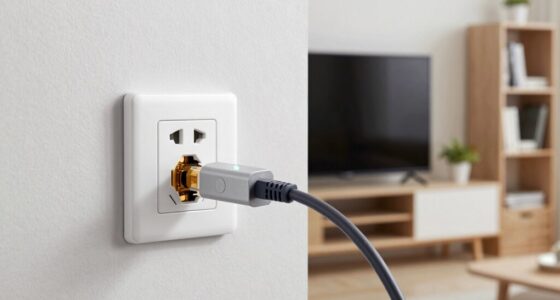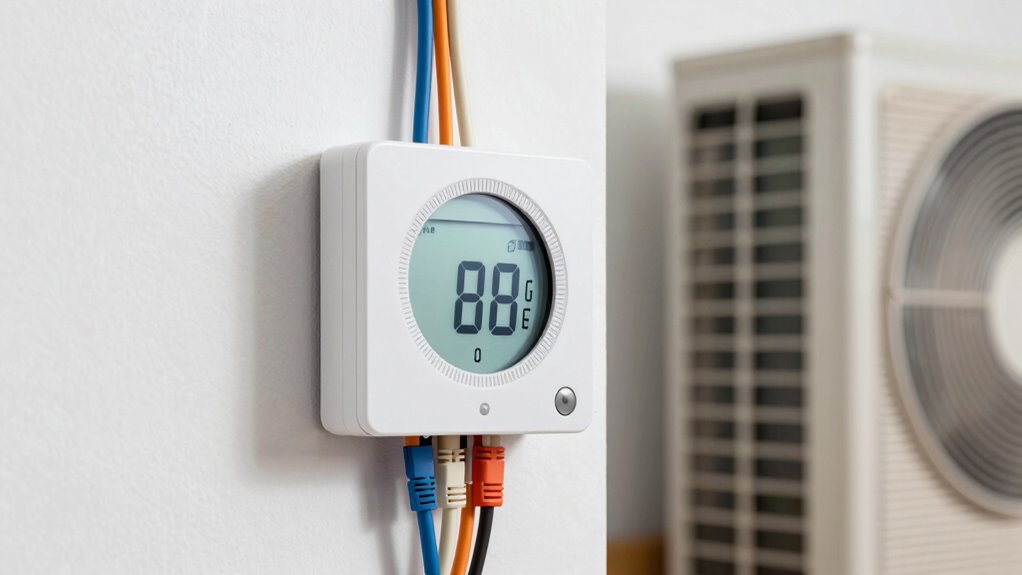

To guarantee your smart thermostat works smoothly, check if your system has a C-wire, as it provides constant power. If you have a heat pump, verify compatibility since not all models support heat pump functions or multi-stage systems. Watch out for wiring and installation challenges, especially with older setups or without a C-wire. To avoid surprises, confirm compatibility with your system type and features—continue exploring to learn how to make your setup seamless.
Key Takeaways
- Verify if your system needs a C-wire; its presence simplifies installation and ensures continuous power to the thermostat.
- Confirm compatibility between your heat pump type and the thermostat’s features, especially for auxiliary or multi-stage systems.
- Some smart thermostats support wireless setup and voice control only with specific system configurations; check specifications carefully.
- If lacking a C-wire, consider thermostats with power extender kits or alternative wiring options to ensure proper operation.
- Consult HVAC professionals or manufacturer guidelines to avoid compatibility issues and ensure seamless integration with your system.
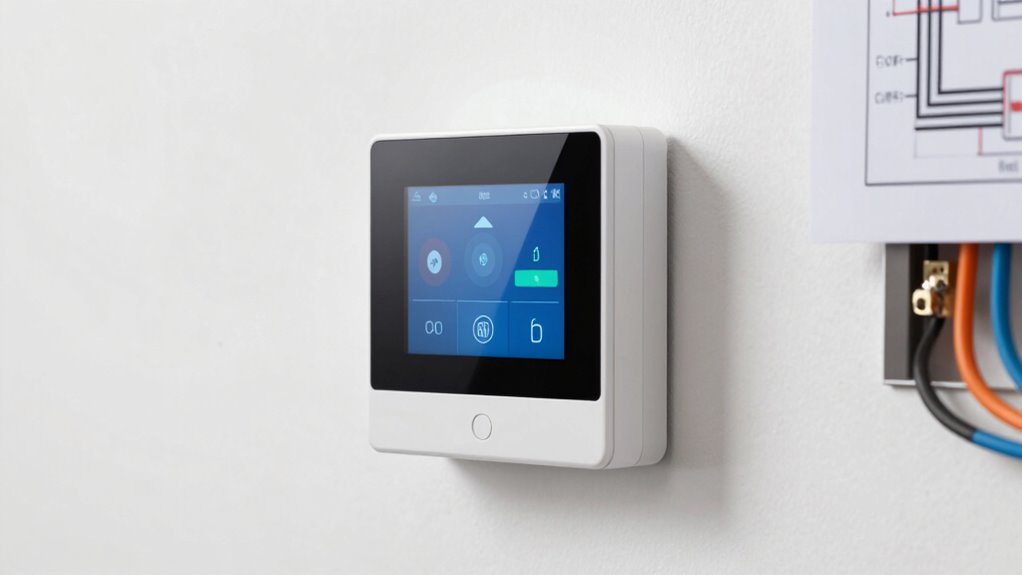
When choosing a smart thermostat, understanding its compatibility with your existing heating and cooling systems is essential. One of the first things to regard is whether your setup supports wireless installation. Many modern smart thermostats are designed for easy, wireless setup, allowing you to skip complicated wiring and avoid the mess of running new cables. Wireless installation can simplify the process, especially if you’re replacing an older thermostat or working in a space where wiring access is limited. With a compatible system, you can connect your thermostat via Wi-Fi, giving you remote control through smartphone apps. This feature is invaluable for adjusting your home’s temperature from anywhere, whether you’re at work or on vacation. It also enables seamless voice control integration, letting you manage your thermostat hands-free using devices like Amazon Alexa, Google Assistant, or Apple HomeKit. Before purchasing, make sure your existing smart home ecosystem supports this integration to maximize convenience.
Compatibility also hinges on your heating and cooling system type. For instance, if you have a heat pump, you’ll need to verify that your chosen thermostat can accommodate it, especially if your heat pump has auxiliary or emergency heating features. Some thermostats are specifically designed to work with heat pumps, offering specialized settings to optimize efficiency and comfort. If your system uses a C-wire, or common wire, installation becomes notably easier because the thermostat can draw continuous power without relying on batteries. However, if you don’t have a C-wire, many smart thermostats now come with power extender kits or alternative wiring options, so you’re not left out. Always check whether your system needs a C-wire and if the thermostat you’re considering supports alternative power solutions. Being aware of system compatibility issues can prevent setup challenges later on.
Beware of gotchas with certain system configurations. For example, some heat pumps or multi-stage systems might not be fully compatible with all smart thermostats, leading to limited functionality or setup issues. Additionally, some models may lack voice control integration or may not support wireless installation without additional adapters or accessories. Always review the product specifications carefully and consult with your HVAC professional if you’re unsure about compatibility. Doing so helps avoid frustrations down the line, ensuring your smart thermostat works seamlessly with your existing setup. Ultimately, choosing a compatible thermostat that supports wireless installation and voice control integration will make your smart home experience more intuitive, efficient, and enjoyable.

Sensi Smart Thermostat, Wi-Fi, DIY, Alexa, Energy Star Certified, ST55
- Privacy Protection: Does not sell personal information
- Easy DIY Installation: Includes level and step-by-step app guide
- Wide Compatibility: Works with most HVAC systems
As an affiliate, we earn on qualifying purchases.
As an affiliate, we earn on qualifying purchases.
Frequently Asked Questions
Can I Install a Smart Thermostat Without Any Existing Wiring?
You can install a smart thermostat without existing wiring by opting for wireless installation or retrofit solutions. Many models come with battery power or offer power-extending options, making it easy to set up without rewiring. Just guarantee your system supports these options, and follow the manufacturer’s instructions. This way, you can enjoy smart controls without the hassle of traditional wiring, making the upgrade simple and seamless.
Do All Heat Pumps Support Smart Thermostat Integration?
Not all heat pumps support smart thermostat integration, so you’ll need to check compatibility first. Some models are designed with smart features in mind, offering seamless control and advanced features, while others may require additional wiring or adapters. To access the full potential of your smart thermostat, verify your heat pump’s compatibility—doing so guarantees you enjoy ideal performance, energy savings, and convenience without surprises later on.
What Is the Lifespan of a C-Wire in a Smart System?
The lifespan of a C-wire in your smart system typically ranges from 10 to 20 years, depending on wire insulation quality and environmental conditions. You should regularly check for signs of wear, like cracked insulation or corrosion. Protect it from power surges with a surge protector, which can prolong its life. Proper installation and maintenance help guarantee your C-wire remains reliable and functional for years to come.
Are There Specific Smart Thermostats Designed for Electric Baseboard Heating?
Yes, there are smart thermostats specifically designed for electric baseboard heating. Look for models that support electric baseboard systems, such as the Mysa or Honeywell Home T9. These smart thermostats are built to handle high-voltage wiring and offer features like Wi-Fi control and scheduling. Make sure to verify compatibility with your electric baseboard heater before installation to guarantee peak performance and safety.
How Do I Troubleshoot Compatibility Issues With My Current HVAC System?
To troubleshoot compatibility issues, start with wiring diagnostics by checking all connections for loose or damaged wires. Use a multimeter for voltage testing to ensure your system supplies the correct power levels. If your thermostat isn’t responding or the system isn’t functioning properly, verify that the wiring matches the thermostat’s requirements. These steps can help identify potential issues and confirm whether your system is compatible or needs adjustments.

Honeywell Home X2S Smart Wi-Fi Thermostat, Gray
- Wi-Fi Control: Control remotely via app and voice assistants
- Compatibility: Matter Certified; requires C-wire for installation
- Customization: Set air filter reminders and monitor humidity
As an affiliate, we earn on qualifying purchases.
As an affiliate, we earn on qualifying purchases.
Conclusion
Understanding smart thermostat compatibility can feel like steering through a maze, but with the right knowledge, you’re unstoppable. Remember to check for a C-wire, especially if you have heat pumps or complex wiring. Don’t let hidden gotchas trip you up—being prepared guarantees your smart home runs smoother than a racecar on a track. Arm yourself with these tips, and you’ll conquer your thermostat setup like a true home automation hero, transforming your space into the epitome of comfort and tech mastery.
Sensi Smart Thermostat, Wi-Fi, DIY, Alexa, Energy Star Certified, ST55
- Privacy Protection: Does not sell personal information
- Easy DIY Installation: Includes level and step-by-step app guide
- Wide Compatibility: Works with most HVAC systems
As an affiliate, we earn on qualifying purchases.
As an affiliate, we earn on qualifying purchases.

ecobee Power Extender Kit C-Wire Adapter-ecobee Smart Thermostat Essential
- Easy solution for homes without C-wire: Cost-effective Power Extender Kit
- Check system compatibility easily: Visit ecobee support page
- Included with most ecobee models: Excludes Essential and Lite
As an affiliate, we earn on qualifying purchases.
As an affiliate, we earn on qualifying purchases.