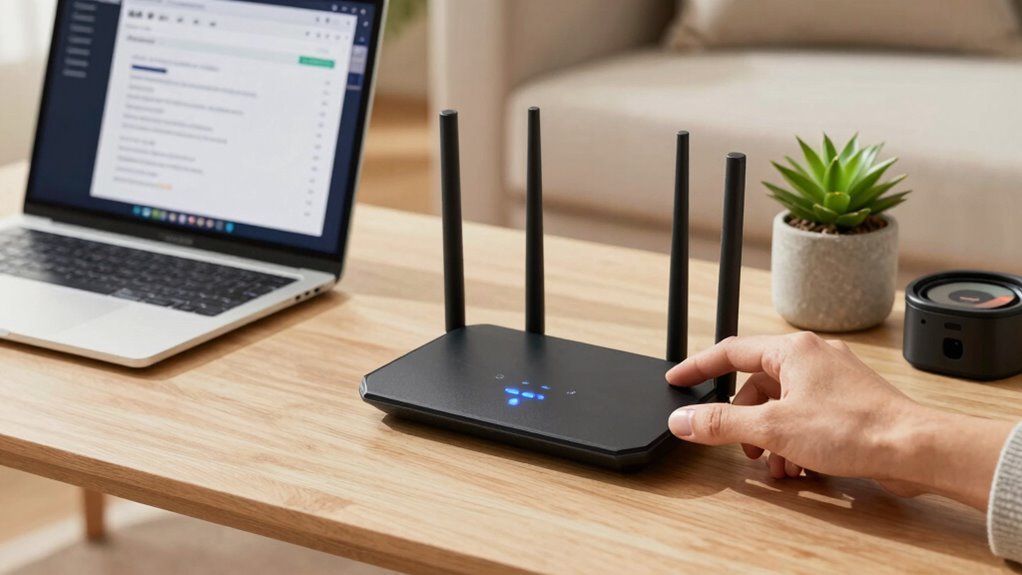

To make your home Wi-Fi safer in 10 minutes, start by logging into your router’s admin interface through its IP address and change the default password to a strong, unique one. Enable network encryption like WPA3 or WPA2, and disable outdated protocols such as WEP. Set up a guest network to separate visitors from your main devices, enable MAC filtering, and check for firmware updates. Staying vigilant about security features and monitoring your network will keep it protected — learn more to strengthen your setup.

Prime made for students and young adults
- Fast, free delivery for dorm and study essentials
- Prime Video and Amazon Music included
- Member-only deals
Key Takeaways
- Change your router’s default password to a strong, unique one to prevent unauthorized access.
- Enable WPA3 or WPA2 encryption to secure your wireless network.
- Disable remote management features to prevent external access to router settings.
- Update your router firmware to patch security vulnerabilities.
- Set up a guest network to isolate visitors from your main devices.
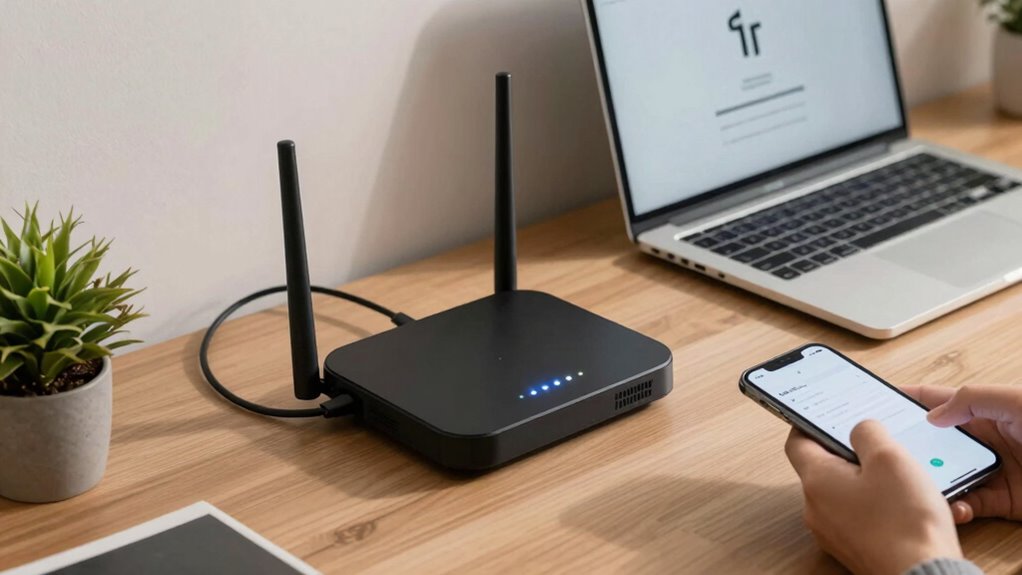
In today’s connected world, ensuring your home Wi-Fi feels safer doesn’t have to take hours. With just a few quick steps, you can significantly boost your network’s security. The first thing you want to do is log into your router’s admin interface, which usually involves typing its IP address into your browser. Once there, start by enabling network encryption. This step encrypts the data you send and receive, making it much harder for outsiders to intercept sensitive information like passwords or personal messages. The recommended protocol is WPA3, if your router supports it, because it offers the strongest security currently available. If WPA3 isn’t an option, WPA2 is still a solid choice. Avoid outdated encryption standards like WEP, which are vulnerable to hacking.
Next, focus on device authentication. This process ensures only authorized devices can connect to your Wi-Fi network. Change your default router password immediately, since many hackers know common defaults. Create a strong, unique password that combines letters, numbers, and symbols. This acts as a first line of defense against intruders. Additionally, enable MAC address filtering if your router supports it. This feature lets you specify exactly which devices can connect, based on their unique MAC addresses. While not foolproof, it adds an extra layer of security, preventing unauthorized devices from joining without your approval. For even better control, consider setting up a separate guest network. This keeps your main devices isolated from visitors, reducing the risk of malware or unauthorized access.
Another quick step is to update your router’s firmware. Manufacturers often release updates that patch security vulnerabilities. Check your router’s settings to see if an update is available, and install it if so. Keeping your firmware current ensures your network benefits from the latest security improvements. Regularly monitoring network activity can also help you identify unusual behavior early and respond proactively. It’s also helpful to familiarize yourself with router security features so you can make informed decisions on how to best protect your network. Being aware of common cybersecurity threats can help you recognize potential risks before they become serious issues. Additionally, consider reviewing your network’s security settings periodically to ensure they remain strong as new threats emerge. Finally, disable remote management features unless you absolutely need them. This prevents outsiders from accessing your router’s settings over the internet, which could expose your network to attack.
As an affiliate, we earn on qualifying purchases.
Frequently Asked Questions
Can I Improve Wi-Fi Security Without Changing My Router?
Yes, you can improve your Wi-Fi security without changing your router. Start by enabling network encryption like WPA3 or WPA2 to protect your data. Regularly check for and install firmware updates, as they fix security vulnerabilities. Also, change your default passwords and disable remote management. These steps strengthen your network’s defenses, making it safer from potential threats without needing a new router.
Are Public Wi-Fi Networks Safe to Use?
Public hotspots pose significant security risks, so you should stay cautious. While they seem convenient, cybercriminals often target these networks to access private data. To stay safe, follow cybersecurity essentials like avoiding sensitive transactions, using a VPN, and enabling firewalls. If possible, connect only to trusted networks and turn off sharing options. Remember, public Wi-Fi isn’t inherently safe, so prioritize your privacy and protection every time you connect.
How Often Should I Update My Wi-Fi Password?
You should update your Wi-Fi password every three to six months to maintain security. Regular password rotation keeps unauthorized users out, especially if you’ve shared your network details. Combine this with network monitoring to detect suspicious activity promptly. Changing your password often diminishes risks from potential breaches, and monitoring your network ensures you’re aware of any unusual devices or activity, helping you stay one step ahead of threats.
What Devices Should I Disconnect for Better Security?
You should disconnect all unused or insecure devices, especially smart devices with known risks, to boost your security. These devices often lack robust security, making them potential gateways for hackers. Regular device monitoring helps identify vulnerabilities. By disconnecting unnecessary smart gadgets, you prevent smart device risks from turning your home into a hacker’s playground. Take control now—your digital safety depends on it!
Is It Necessary to Use a VPN on Home Wi-Fi?
Using a VPN on your home Wi-Fi isn’t strictly necessary, but it offers significant benefits. A VPN encrypts your internet traffic, protecting your personal information from hackers and snoopers. The encryption importance becomes clear if you’re handling sensitive data or using public networks. Even at home, a VPN adds an extra layer of security, ensuring your online activities stay private and safe from cyber threats.
As an affiliate, we earn on qualifying purchases.
Conclusion
In just 10 minutes, you’ve turned your Wi-Fi from an open door into a fortress. Think of your network as a garden—you need to tend to it regularly to keep out unwanted pests. By updating passwords, enabling encryption, and adjusting settings, you’ve laid a solid foundation for safety. Remember, cybersecurity is an ongoing journey, not a one-time fix. Keep your guard up, and your digital life will stay as secure as a treasure chest at high tide.
As an affiliate, we earn on qualifying purchases.
As an affiliate, we earn on qualifying purchases.
Halloween Picks
halloween
As an affiliate, we earn on qualifying purchases.