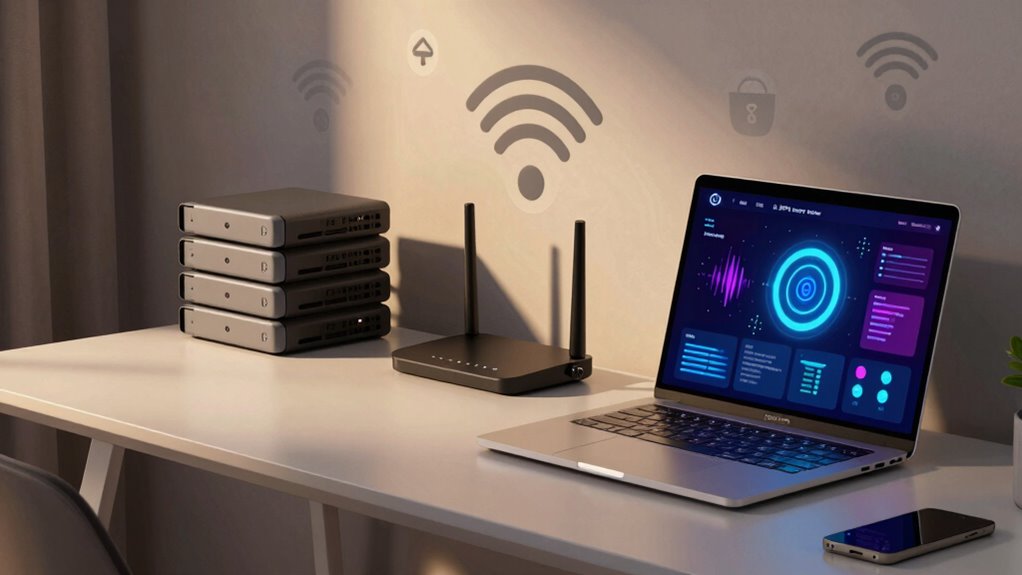

To keep your home network safe without being an expert, start by updating your router’s firmware regularly to patch security flaws. Use strong, unique passwords for your Wi-Fi, and enable the latest encryption like WPA3 or WPA2. Turn off remote management and Wi-Fi when you’re not using it. Set up guest networks for visitors and monitor connected devices for suspicious activity. Sticking to these simple steps can greatly boost your security, and there’s more to discover if you keep exploring.

Prime made for students and young adults
- Fast, free delivery for dorm and study essentials
- Prime Video and Amazon Music included
- Member-only deals
Key Takeaways
- Use strong, unique passwords and WPA3 or WPA2 encryption for your Wi-Fi network.
- Enable guest networks with separate access and encryption for visitors.
- Regularly update router firmware and device security patches.
- Disable remote management features unless necessary for added security.
- Monitor connected devices and disable Wi-Fi when not in use to reduce risks.
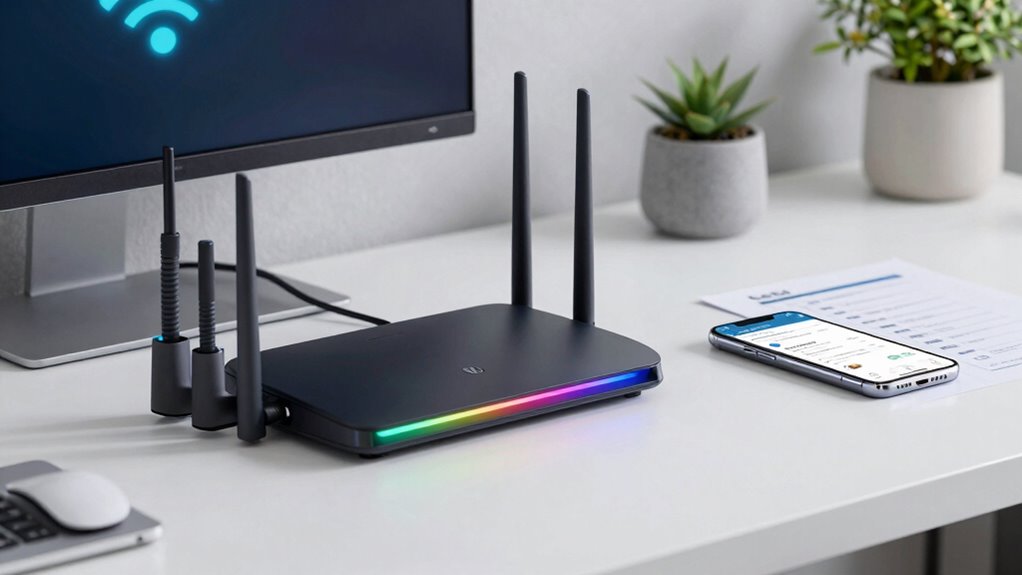
In today’s digital world, securing your home network is more important than ever. With so many devices connected and sensitive data at stake, you need simple ways to protect your online space without becoming a tech expert. The good news is, safeguarding your network doesn’t require advanced skills—just some basic knowledge and a few straightforward steps.
Start by focusing on your Wi-Fi security. Your wireless encryption is your first line of defense. When you set up your router, ensure you choose the strongest encryption available, typically WPA3 or WPA2 if WPA3 isn’t supported. This encrypts the data transmitted between your devices and the router, making it much harder for outsiders to intercept your information. Avoid using default passwords or weak ones; instead, create a unique, complex password that’s difficult to guess. This simple step significantly enhances your network’s security and keeps unwanted intruders out.
Use strong Wi-Fi encryption like WPA3 or WPA2 and create a unique, complex password to protect your network.
Next, look into device authentication. This process confirms that only authorized devices can access your network. Most routers have a feature called MAC address filtering, which allows you to specify the devices permitted to connect. While not foolproof, it adds an extra barrier for unauthorized users. Additionally, many routers support guest networks—set one up for visitors so they don’t have access to your main devices and files. Make sure to enable network encryption for the guest network as well, keeping your primary network more secure. Regularly reviewing connected devices can also help you identify any unfamiliar or unauthorized connections early, enhancing network security. Remember, network visibility is crucial for ongoing protection.
Lastly, be cautious with your network’s visibility. Disable remote management unless you truly need it, and turn off your Wi-Fi when you’re not home or not using it for extended periods. Implementing regular firmware updates can help patch known security vulnerabilities and maintain optimal protection. These simple actions prevent outsiders from attempting to access your network remotely or during times you’re not aware.
Wi-Fi router with WPA3 encryption
As an affiliate, we earn on qualifying purchases.
As an affiliate, we earn on qualifying purchases.
Frequently Asked Questions
How Often Should I Update My Router’s Firmware?
You should update your router’s firmware at least once every few months to guarantee maximum security. Regular firmware updates improve router security by fixing vulnerabilities and enhancing features. Check your router’s admin dashboard or the manufacturer’s website regularly for new updates. Keeping firmware current prevents hackers from exploiting outdated software, helping you maintain a safer home network without needing to become an expert.
Can I Use a Public Wi-Fi Securely at Home?
Using public Wi-Fi at home isn’t ideal for security. Public Wi-Fi networks often lack strong network encryption, making it easier for hackers to intercept your data. To stay safe, avoid accessing sensitive information on these networks. If you must, use a reliable VPN to encrypt your internet traffic. This way, even on public Wi-Fi, your data remains private, helping you protect your online activities without needing to become an expert.
What Is the Best Way to Detect Unauthorized Devices?
To detect unauthorized devices, start with device monitoring tools that show all connected devices on your network. Regularly check your router’s admin panel for unfamiliar devices. Implement network segmentation by dividing your network into separate segments for different devices, which makes it easier to spot intruders. Combining these practices helps you identify unauthorized access quickly, keeping your home network safer without needing deep technical skills.
Are Parental Controls Effective for Network Security?
Did you know 85% of parents find parental controls effective? Parental controls can be a valuable part of network security, helping you block inappropriate content and monitor your kids’ online activity. While they don’t replace strong passwords or encryption, they’re a useful tool for network monitoring and managing access. Using parental controls alongside other security measures helps protect your home network without needing to be an expert.
How Do I Back up My Network Settings?
To back up your network settings, first access your router’s admin panel. Save your current configuration file, which includes network encryption details, to a secure location. Remember to update your password management regularly, and store these backups safely—preferably encrypted. This way, if you need to restore your network, you can quickly reapply your settings without hassle, keeping your home network protected and running smoothly.
As an affiliate, we earn on qualifying purchases.
Conclusion
By following these simple tips, you can greatly enhance your home network’s security without needing to be an expert. Regular updates, strong passwords, and cautious device management go a long way. Did you know that 81% of hacking breaches happen due to weak or stolen passwords? Staying vigilant and implementing basic security measures keeps your personal information safe and your devices protected, giving you peace of mind without the technical hassle.
As an affiliate, we earn on qualifying purchases.
As an affiliate, we earn on qualifying purchases.
Fall Picks
fall essentials
As an affiliate, we earn on qualifying purchases.