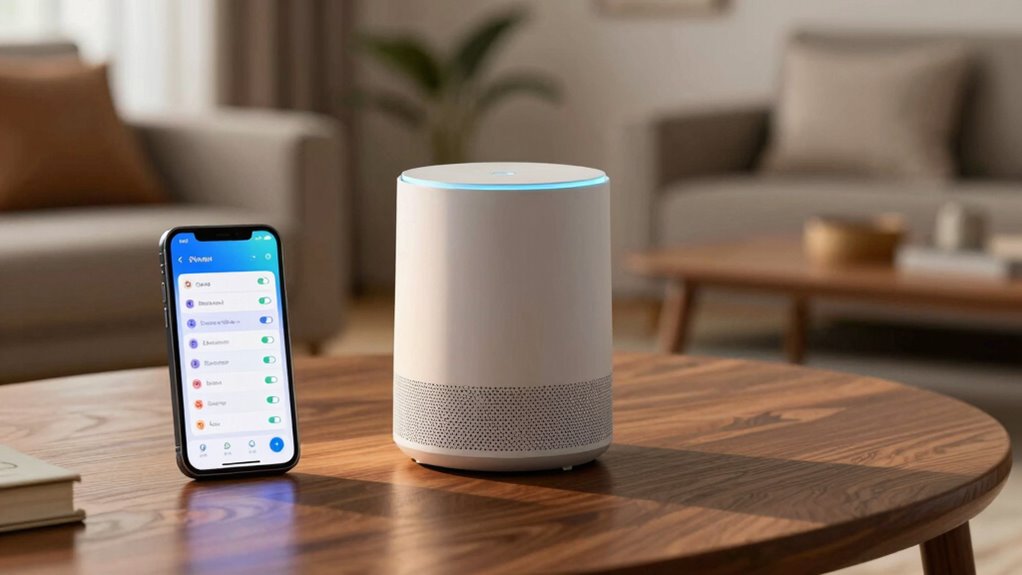

To protect your privacy, regularly review and customize your smart home device settings by disabling voice recordings if not needed, setting automatic deletion of stored data, and turning off location sharing unless essential. Manage permissions through device apps or web portals, restrict data sharing with third parties, and control what data gets saved locally or in the cloud. Staying proactive and periodically adjusting these settings helps keep your personal information secure—continue to explore how these steps can be tailored to your needs.
Key Takeaways
- Review device-specific privacy menus to understand and adjust data collection, storage, and sharing options.
- Disable or limit voice recording features, and set recordings to delete automatically after a certain period.
- Manage location sharing permissions and turn off access unless essential for device functionality.
- Regularly delete stored data and configure settings to prevent long-term accumulation of personal information.
- Stay informed about updates, explore privacy controls periodically, and customize settings to match your privacy comfort level.
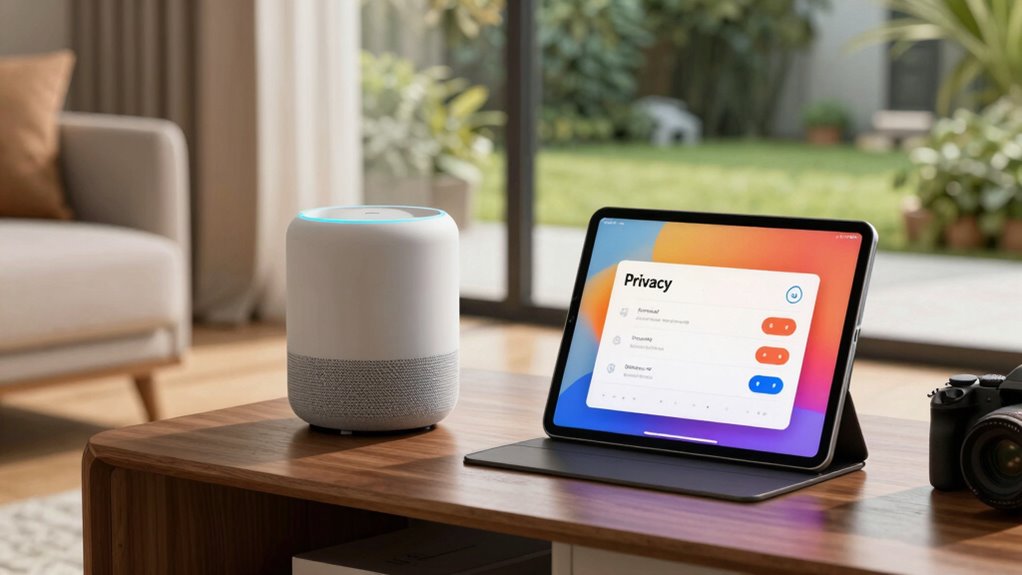
As smart home devices become more common, safeguarding your personal data by reviewing and adjusting their privacy settings is vital. Many devices collect voice data to improve functionality, but this can also pose privacy risks if not managed properly. You should start by checking how your device handles voice recordings. Determine whether the device stores or transmits voice data to servers, and decide if you’re comfortable with that. If you prefer to keep your conversations private, disable voice recording features or set them to delete recordings automatically after a certain period. Be aware that some devices might use voice data for targeted advertising or analytics, so adjusting these settings can help limit unwanted data collection. Additionally, understanding the importance of data privacy can help you make more informed decisions about your device settings. Location sharing is another essential aspect to review. Many smart home devices, like thermostats, security cameras, or lighting systems, request access to your location to offer personalized services or automate routines. However, sharing your location can reveal sensitive information about your daily routines and whereabouts. Check your device’s permissions or privacy settings to see if location sharing is enabled. If it’s not necessary for your device’s core functions, turn it off. For devices that do require location data, consider restricting access to only the necessary apps or services, and disable real-time location sharing if it’s not needed. This reduces the risk of your location being exposed if the device or associated accounts are compromised. Beyond voice data and location sharing, review overall privacy settings. Many devices allow you to control data collection, sharing, and storage options within their apps or web portals. Look for options to opt out of data sharing with third parties or to limit the amount of data stored locally or in the cloud. Also, check if your device offers an option to delete stored data periodically or upon request, which can further safeguard your privacy. Implementing these precautions doesn’t have to be complicated. Take a few minutes to explore your device’s privacy menu, and adjust settings to suit your comfort level. Regularly revisiting these options ensures you stay in control as updates and new features are introduced. Remember, the goal is to enjoy the convenience of your smart home without sacrificing your privacy, so proactive management of voice data, location sharing, and overall settings is essential. By staying vigilant and informed, you keep your personal information secure while benefiting from the latest smart technology.

Smart Home Protection for Beginners: Secure Your Devices, Cameras, Network, and Family Privacy
As an affiliate, we earn on qualifying purchases.
As an affiliate, we earn on qualifying purchases.
Frequently Asked Questions
How Often Should I Review My Smart Home Device Privacy Settings?
You should review your smart home device privacy settings at least every three to six months. Regular privacy audits help you stay aware of any changes or updates, while checking user permissions guarantees only trusted individuals have access. Staying proactive protects your personal data and maintains your privacy. Set reminders to revisit these settings periodically, especially after device updates or new app installations, to keep your smart home secure and private.
Can I Disable Data Collection Without Affecting Device Functionality?
Absolutely, you can disable data collection without disrupting device functionality. First, explore your device firmware for privacy features, then tighten user permissions to limit data sharing. Many smart devices allow you to turn off data collection through settings without impacting core functions. Just be cautious—some firmware updates may reset these preferences, so review privacy options regularly to keep control over your data securely in your hands.
Are There Legal Protections for My Smart Home Data Privacy?
Yes, you have legal rights and data regulations that safeguard your smart home data privacy. Laws like GDPR and CCPA give you control over your personal information and require companies to handle your data responsibly. You can often request access, correction, or deletion of your data, and companies must inform you about their data collection practices. Stay informed about your rights to ensure your smart home data remains private and secure.
How Do I Identify Which Devices Are Sharing My Data Externally?
Imagine your smart home devices as open books revealing your data. To spot which devices share data externally, check their privacy settings and permissions. Look for indicators like data sharing toggles or network activity logs. Use your router’s admin panel to monitor outbound traffic. Regularly review device documentation and privacy policies to understand external sharing practices. Staying vigilant helps you control your device data and keeps your privacy intact.
What Should I Do if I Suspect a Privacy Breach?
If you suspect a privacy breach, act quickly by initiating a data breach response. Change your passwords, disconnect the affected device, and review your privacy settings to prevent further issues. Contact the device manufacturer or service provider if needed. Prioritize privacy breach prevention by staying vigilant and updating your security measures regularly. Document any suspicious activity to help investigate and make certain your smart home remains secure.
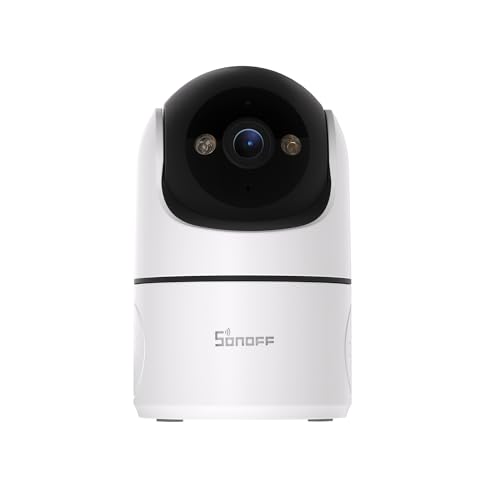
SONOFF Indoor Security Camera 1080P, CAM-PT2 Pan Tilt WiFi Camera with 360° View, Motion Tracking, Color Night Vision, 2-Way Audio, Privacy Mode, Compatible with Alexa & Google Home
- 360° Panoramic Coverage: Full-room horizontal rotation for complete view
- 1080P HD Video & 2-Way Audio: Sharp video quality with real-time audio communication
- Color Night Vision: Full-color visibility in low light conditions
As an affiliate, we earn on qualifying purchases.
As an affiliate, we earn on qualifying purchases.
Conclusion
By following this privacy settings checklist, you can better protect your personal data and enjoy your smart home devices confidently. Did you know that 70% of smart home users are unaware of the data their devices collect? Staying informed and regularly reviewing your settings is key to maintaining your privacy. Take control today, customize your preferences, and guarantee your home remains a safe, private space where technology works for you, not against you.

Refoss Smart Home Energy Monitor, Native Open API & Web UI (No Cloud Required), Real Time Electricity Usage Monitor, Power Consumption Meter Works with Home Assistant & MQTT, Solar Net Metering, ETL
- Local Data Access: Web UI, Open API, MQTT for local control
- Privacy & Offline Control: Data stays within your home network
- Home Assistant Integration: Seamless out-of-the-box compatibility
As an affiliate, we earn on qualifying purchases.
As an affiliate, we earn on qualifying purchases.

Linkind Matter Smart Plug with Remote, Work with Apple Home, Siri, Alexa, Google Home, SmartThings, Smart Outlet 15A/1800W Max, Smart Automation, Remote Control,Timer&Schedule, 2.4G Wi-Fi, 4 Pack
- Easy Setup with Matter: Control via major smart home platforms
- Offline Device Communication: Works without internet via LAN
- Remote Control Anywhere: Manage devices remotely via app
As an affiliate, we earn on qualifying purchases.
As an affiliate, we earn on qualifying purchases.