Input lag, refresh rate, and motion smoothing are separate parts of your display setup. Input lag measures the delay between your commands and what appears on-screen, affecting responsiveness. Refresh rate shows how often your monitor updates per second, making motion smoother. Motion smoothing creates artificial frames to heighten fluidity but can cause artifacts and delay. Knowing how these features work helps you optimize your gaming experience; there’s much more to uncover if you keep exploring.

Get school and study supplies delivered free — and shop member deals
- Fast, free delivery on millions of items
- Access to Prime Big Deal Days deals on October 6–7
- Prime Video, Amazon Music and more included
Key Takeaways
- Input lag measures the delay between user actions and on-screen responses, affecting gameplay responsiveness.
- Refresh rate indicates how many times per second the display updates, influencing motion smoothness.
- Motion smoothing artificially creates frames to improve motion fluidity but can introduce artifacts and delay.
- These three elements impact gaming performance differently: responsiveness, visual fluidity, and motion clarity.
- Understanding their distinctions helps optimize hardware settings for the best gaming experience.
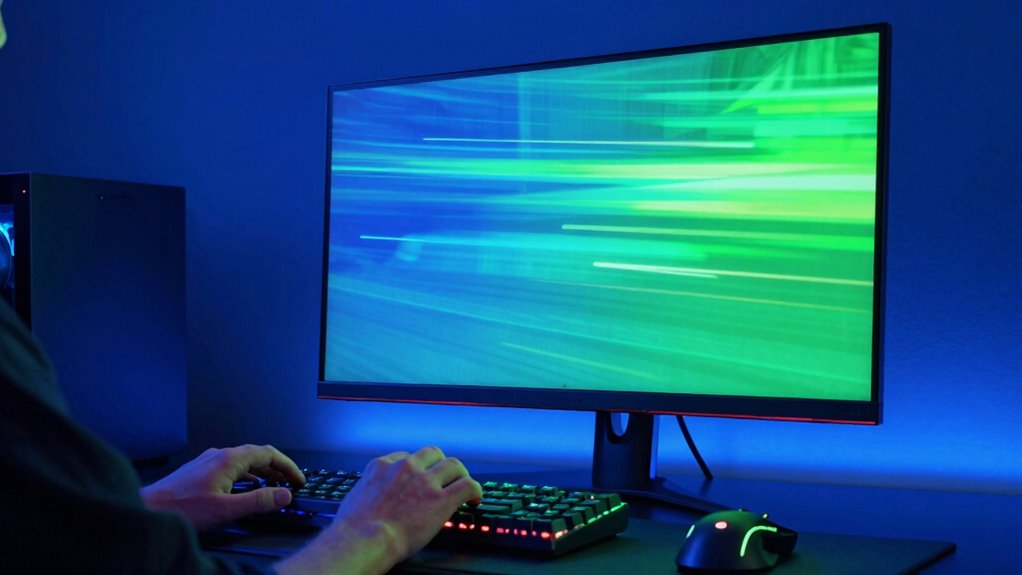
Input lag refers to the delay between when you make a command—like pressing a button or moving a joystick—and when that action appears on the screen. It’s an essential factor in fast-paced games where timing is everything, such as shooters or fighting games. Lower input lag means your actions feel more immediate and responsive, giving you an advantage in competitive settings. When your display technology minimizes this lag, your gameplay feels more natural and precise, especially during quick reflex moments.
Lower input lag ensures faster, more responsive gameplay, giving you a competitive edge in fast-paced gaming.
Refresh rate, on the other hand, describes how many times your monitor updates with new information each second. Measured in hertz (Hz), a higher refresh rate results in smoother motion and less blur during fast movements. For example, a 144Hz display refreshes 144 times per second, making rapid movements appear more fluid. This attribute is crucial for gaming performance because it reduces perceived stutter and ghosting, allowing you to track fast-moving objects more easily. When you invest in high-refresh-rate displays, you’re leveraging advanced display technology to improve visual clarity and overall responsiveness, especially in high-action titles.
Motion smoothing is a different concept altogether. It’s a feature often found in modern displays and TVs that artificially generates intermediate frames to create the illusion of smoother motion. While this can make movies look more fluid, it can sometimes introduce artifacts or make gaming visuals look unnatural. Motion smoothing is also known as frame interpolation, and it’s not always desirable for gaming because it can cause input lag or visual distortions. Many gamers prefer to turn it off to maintain the original integrity of the game’s visuals and ensure that the display technology supports authentic motion rendering. Additionally, some displays offer adaptive sync technologies that help synchronize the refresh rate with the output from your graphics card, reducing issues like tearing and stuttering. Understanding how display features impact your overall gaming experience can help you make better choices when configuring your setup.
In essence, understanding that input lag, refresh rate, and motion smoothing are separate aspects of display technology helps you improve your gaming setup. High gaming performance depends on low input lag and a high refresh rate, ensuring your commands are responded to swiftly and your visuals stay fluid. Meanwhile, controlling features like motion smoothing allows you to preserve the natural feel of motion and avoid unwanted artifacts. Additionally, monitor response time plays a significant role in how quickly pixels change to display new images, further affecting your gaming experience. Being aware of these differences enables you to optimize your gaming experience and get the most out of your hardware.
gaming monitor with low input lag
As an affiliate, we earn on qualifying purchases.
As an affiliate, we earn on qualifying purchases.
Frequently Asked Questions
How Do These Terms Affect Competitive Gaming Performance?
In competitive gaming, low VR headset latency and controller latency are essential for quick reactions and accurate movements. High refresh rates provide smoother visuals, helping you track fast-moving targets. Motion smoothing can cause delays or artifacts, hindering your performance. To stay competitive, prioritize equipment with minimal latency, high refresh rates, and disable motion smoothing. This guarantees your actions are reflected instantly, giving you a decisive edge.
Can Turning off Motion Smoothing Improve Image Quality?
Turning off motion smoothing can improve image clarity by reducing unwanted artifacts and blurriness, making fast movements look sharper. While it might make motion appear less smooth, your visuals become clearer and more natural, especially in fast-paced games. If you prefer a more authentic, crisp image, disabling motion smoothing helps achieve that. Just be aware that some may find the motion less fluid, so it’s a personal preference.
What Is the Ideal Refresh Rate for Gaming?
You might think higher refresh rates always mean better gaming, but the ideal is about balance. For smooth gameplay, aim for a 120Hz to 144Hz display, especially with good display calibration and color accuracy. Higher rates like 240Hz can give an edge, but only if your system can handle it. Don’t overlook the importance of matching your monitor’s refresh rate to your hardware for the best experience.
How Do You Measure Input Lag Accurately?
To measure input lag accurately, you need to focus on input latency and signal timing. Use a specialized device or software that detects the delay between your input (like pressing a button) and the on-screen response. Connect a high-speed camera to record both your input device and the display, then analyze the footage to determine the exact delay. This method gives you a precise measurement of your system’s input lag.
Are Higher Refresh Rates Better for Movies?
Higher refresh rates can enhance your movie experience by providing smoother motion, especially in fast-paced scenes, which can improve cinema clarity and visual comfort. For example, a viewer watching action films on a 120Hz screen notices less motion blur and more fluid movement compared to 60Hz. However, for standard movies, 60Hz often suffices, ensuring comfortable viewing without unnecessary strain. Ultimately, higher refresh rates benefit dynamic scenes and immersive viewing.
high refresh rate gaming monitor 144Hz
As an affiliate, we earn on qualifying purchases.
As an affiliate, we earn on qualifying purchases.
Conclusion
Understanding the differences between input lag, refresh rate, and motion smoothing is like revealing a secret code to your gaming experience. When you know how each one works, you gain control — a true power move. Don’t let confusion hold you hostage; instead, embrace this knowledge and transform your gameplay. After all, isn’t it time you took the reins and made every moment count? Your perfect gaming experience is just a few insights away.
As an affiliate, we earn on qualifying purchases.
As an affiliate, we earn on qualifying purchases.
Halloween Picks
halloween
As an affiliate, we earn on qualifying purchases.