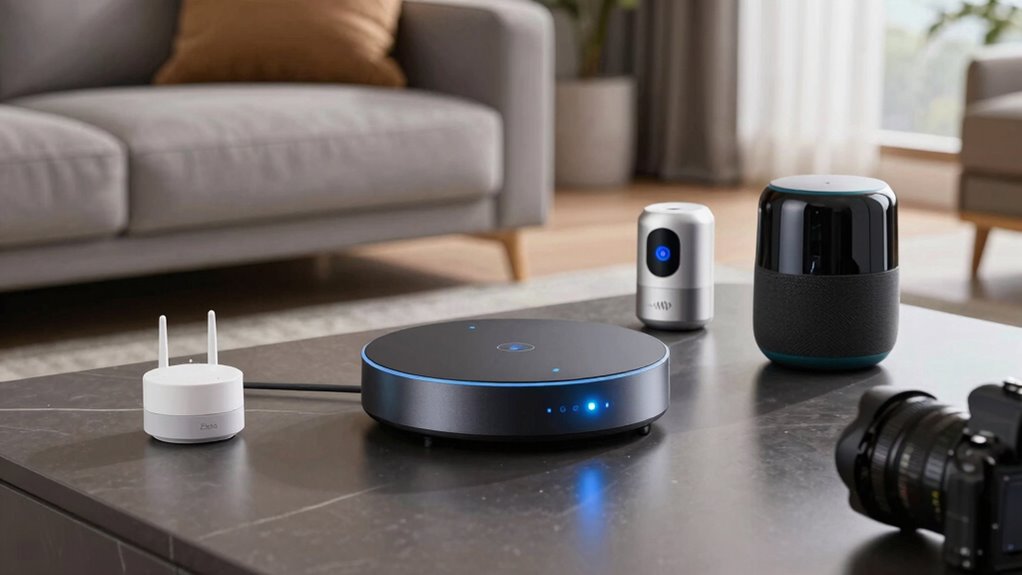

If you want your smart devices to work smoothly together, consider their protocols carefully. Zigbee supports a wide range of devices and creates a robust mesh network, while Z-Wave offers a more controlled environment with reliable performance. Wi-Fi is best for existing device compatibility without extra hubs. Each protocol has strengths, but your setup’s success depends on your device ecosystem. Keep exploring to discover which option fits your smart home needs best.

Prime made for students and young adults
- Fast, free delivery for dorm and study essentials
- Prime Video and Amazon Music included
- Member-only deals
Key Takeaways
- Wi-Fi devices like cameras and voice assistants easily integrate with existing networks, while Zigbee and Z-Wave often need hubs for device management.
- Zigbee supports a broader range of smart devices, including sensors and lights, offering more options than Z-Wave.
- Z-Wave provides a more controlled, reliable environment with fewer compatibility issues, but has fewer device choices than Zigbee.
- Both Zigbee and Z-Wave create mesh networks that extend coverage and improve device communication, unlike Wi-Fi.
- Compatibility varies; Wi-Fi devices usually work seamlessly with home networks, whereas Zigbee and Z-Wave require specific hubs for operation.
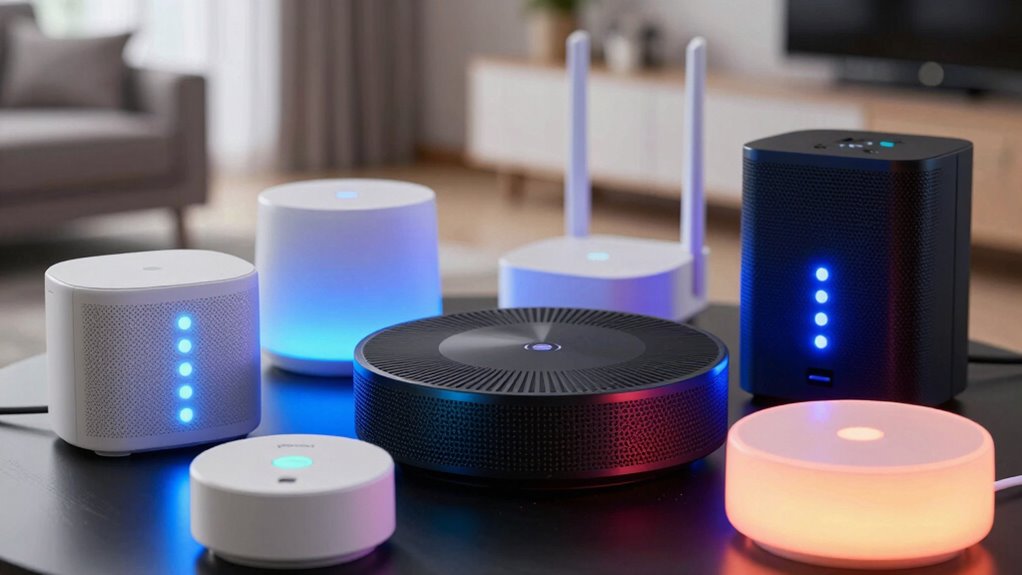
When choosing a smart home technology, understanding the differences between Zigbee, Z-Wave, and Wi-Fi is essential. You need to take into account how each protocol impacts device compatibility and network security because these factors determine how smoothly your smart devices work together and how safe your network remains. Zigbee and Z-Wave are both mesh networks designed specifically for home automation, meaning they can connect multiple devices efficiently and extend coverage without requiring a lot of bandwidth. Wi-Fi, on the other hand, is the standard internet protocol most homes already use, offering broad device compatibility but not necessarily optimized for smart home tasks. Additionally, network security features in Zigbee and Z-Wave help safeguard your smart devices from potential threats. Device compatibility is a key factor because not all smart devices support every protocol. Zigbee and Z-Wave tend to have strict standards, which means devices from different brands might not always work together unless they follow the same protocol. Zigbee is more widely adopted and supports a larger ecosystem of devices, including sensors, lights, and locks, often making it easier to find compatible options. Z-Wave, with its dedicated focus on home automation, provides a more controlled environment that can reduce compatibility issues within its ecosystem, but it might have fewer device options overall. Wi-Fi devices, however, are generally more compatible with existing home networks, allowing you to connect cameras, voice assistants, and other gadgets without additional hubs or bridges.
As an affiliate, we earn on qualifying purchases.
Frequently Asked Questions
Can All Smart Devices Switch Between Zigbee, Z-Wave, and Wi-Fi?
Not all smart devices can switch between Zigbee, Z-Wave, and Wi-Fi. Most are built to work with a specific protocol, limiting their interoperability. However, some devices and hubs support cross-platform integration, allowing you to control multiple protocols seamlessly. To guarantee smooth protocol interoperability, check if your smart device or hub explicitly supports multiple standards. This way, you get better flexibility and compatibility across your smart home ecosystem.
Which Protocol Offers the Best Battery Life for Smart Devices?
Think of your smart device as a nimble dancer on a stage; Zigbee takes the spotlight with its battery efficiency. It consumes less power, allowing your devices to dance longer without needing a recharge. Z-Wave also offers good power consumption, but Wi-Fi tends to drain batteries faster due to its higher data transmission. So, if long-lasting battery life is your goal, Zigbee’s your best partner in conserving energy.
Are There Security Differences Between Zigbee, Z-Wave, and Wi-Fi?
You’ll find that Zigbee, Z-Wave, and Wi-Fi differ in security encryption and vulnerability assessment. Zigbee and Z-Wave both use strong encryption, but Zigbee’s security depends on implementation, while Z-Wave’s security is more standardized. Wi-Fi typically offers robust encryption like WPA3, but it’s more vulnerable if not properly secured. Regular vulnerability assessments help identify weaknesses, so keep your devices updated and configure security settings carefully to protect your smart home.
How Do Mesh Networks Differ Across These Protocols?
You’ll find that mesh networks differ across these protocols in how they use mesh topology and support network scalability. Zigbee and Z-Wave rely on mesh topology, allowing devices to communicate directly and extend network range seamlessly. Wi-Fi typically doesn’t use a true mesh but can implement mesh features with specific hardware. Zigbee and Z-Wave excel in scalability, easily adding devices without overloading the network, unlike standard Wi-Fi.
Is Device Compatibility More Dependent on Protocol or Manufacturer?
Device compatibility is mostly influenced by manufacturer choices, not just protocol interoperability. Think of protocols as the language, but manufacturers as the dialects, which can vary wildly. While a device might support Zigbee or Z-Wave, if the manufacturer hasn’t prioritized broad compatibility, it may only work with select brands. So, you must consider both the protocol and manufacturer influence to guarantee seamless smart device integration in your home.
As an affiliate, we earn on qualifying purchases.
Conclusion
Choosing between Zigbee, Z-Wave, and Wi-Fi isn’t just about technical specs; it’s about how each connects you to your home. Zigbee offers seamless integration, Z-Wave promises reliable security, and Wi-Fi provides instant access. While Zigbee and Z-Wave foster a sense of closeness through dedicated networks, Wi-Fi’s convenience can sometimes feel impersonal. Ultimately, it’s about finding the right balance—trusting technology to serve, protect, and bring comfort to your everyday life.
As an affiliate, we earn on qualifying purchases.
As an affiliate, we earn on qualifying purchases.
Fall Picks
fall essentials
As an affiliate, we earn on qualifying purchases.