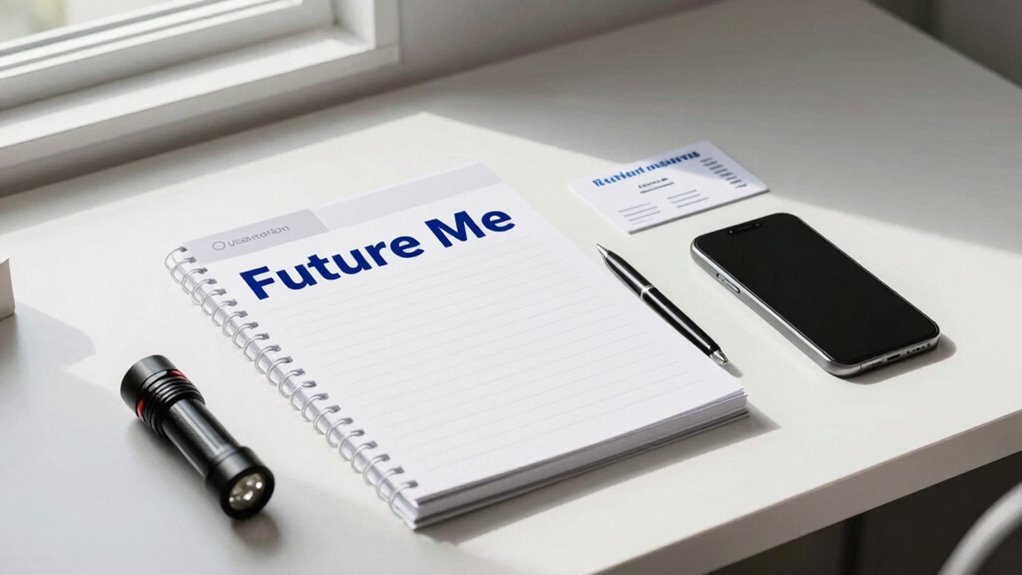

To set up a “Future Me” folder for emergencies, create a dedicated digital space on your computer or cloud storage like Google Drive. Organize and save all critical documents, such as IDs, insurance policies, and medical records, with clear names. Include a contact list and emergency plan summaries. Protect sensitive info with encryption and regularly update your files. Keep everything simple, accessible, and secure—if you follow these steps, you’ll be ready for any crisis. Keep going to learn more tips.

Prime made for students and young adults
- Fast, free delivery for dorm and study essentials
- Prime Video and Amazon Music included
- Member-only deals
Key Takeaways
- Create a dedicated, organized folder on cloud or computer for future emergency reference and planning materials.
- Include essential documents, emergency contacts, and future plans, scanning physical copies for digital backup.
- Use clear, descriptive file names and encrypt sensitive files for security and easy future access.
- Regularly update the folder with new information, plans, and contact details to stay current.
- Share access only with trusted individuals and set reminders for periodic reviews and maintenance.
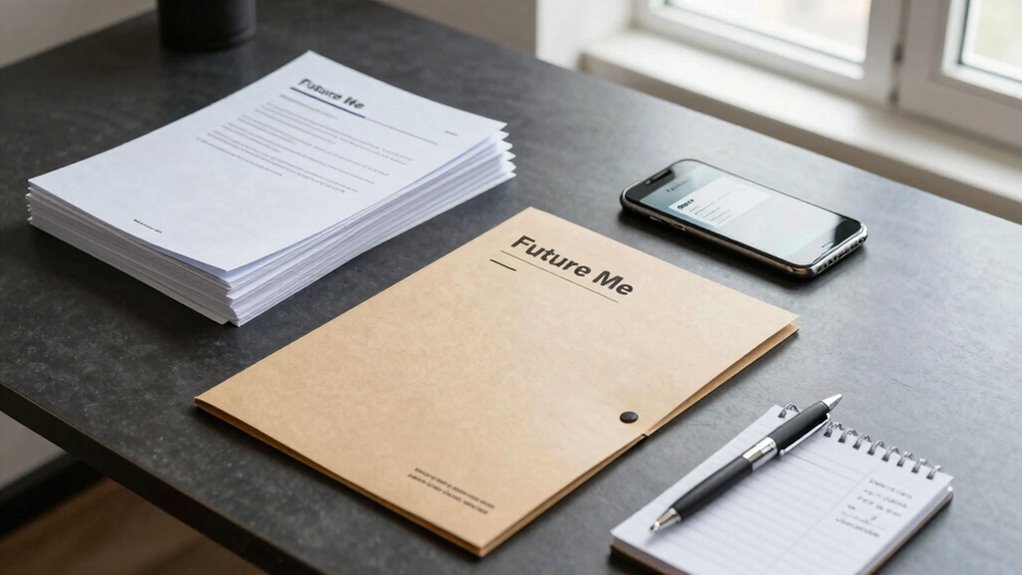
In emergencies, having quick access to crucial information can make all the difference, which is why setting up a “Future Me” folder is essential. This folder acts as a centralized hub for your most important documents, details, and contacts, all organized for rapid retrieval during stressful situations. Digital organization is key here—you want everything stored securely yet easily accessible when needed. Start by creating a dedicated folder on your computer or cloud storage service, such as Google Drive or Dropbox, to keep your emergency preparedness materials in one place. Think of it as your digital safety deposit box, where only you or trusted individuals can access vital information.
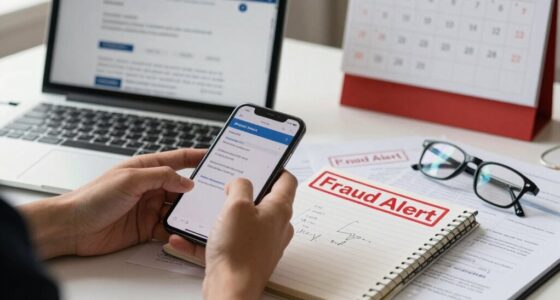
Next, compile essential documents like identification cards, insurance policies, medical records, and legal papers. Scan physical documents to create digital copies, ensuring that you have backups in case originals are lost or inaccessible. Save these files with clear, descriptive names—like “Health Insurance Policy” or “ID Card”—so you can find them instantly. Additionally, include a list of emergency contacts, such as family members, close friends, doctors, and local emergency services. Store this contact list in both text and image formats for convenience, and consider adding notes about preferred communication methods or special instructions.
Your folder should also contain a detailed emergency plan. Outline steps to take during different crises—fire, flood, medical emergency, or power outage. Include key locations, safe routes, and nearby shelters. For added clarity, create a quick-reference cheat sheet summarizing critical information, which can be printed and kept in your wallet or posted near your home’s main exit. Remember, the goal of your “Future Me” folder is to streamline emergency preparedness, so keep it simple, organized, and up-to-date. Incorporating biodiversity considerations into your emergency planning can also help ensure a resilient and adaptable approach to unforeseen situations. Being aware of local environmental factors can help you better prepare for natural disasters specific to your area. Implementing these preparedness strategies can significantly improve your response time and reduce stress during an emergency. Moreover, understanding how to utilize emergency communication methods effectively can be crucial when standard channels are disrupted. Security is equally important. Use passwords or encryption tools to protect sensitive files. Share access only with trusted individuals, like a spouse or close family members, so they can assist if you’re unavailable. Regularly review and update your folder to include new documents or contact information, ensuring it remains reliable and relevant. This ongoing digital organization helps you stay prepared and reduces panic during a crisis, knowing you can quickly find everything you need.
digital emergency document organizer
As an affiliate, we earn on qualifying purchases.
As an affiliate, we earn on qualifying purchases.
Frequently Asked Questions
How Often Should I Update My “Future Me” Folder?
You should update your “Future Me” folder at least every three to six months. Regular updates keep your personal organization sharp and guarantee your emergency planning stays current. Life changes, new contact info, or updated plans mean your folder needs to reflect those shifts. By reviewing it periodically, you’re better prepared for any unforeseen emergencies, making your emergency planning more effective and your future self more confident and ready.
What Security Measures Protect My Sensitive Information?
You protect your sensitive info with data encryption and strict access control. While encryption scrambles your data, making it unreadable without a key, access control limits who can see or edit your folder. Together, these measures create a strong security barrier, balancing ease of access with privacy. Keep your passwords strong and update your security settings regularly to stay ahead of potential threats.
Can I Include Digital Files in My Folder?
Yes, you can include digital files in your “Future Me” folder. To keep them safe, use digital backups and store copies in cloud storage. This way, if your physical folder is lost or damaged, your important files remain accessible. Make certain to encrypt sensitive files and choose a reputable cloud provider to enhance security. Regularly update your digital backups to ensure all recent information is protected.
What Types of Emergencies Should I Prepare For?
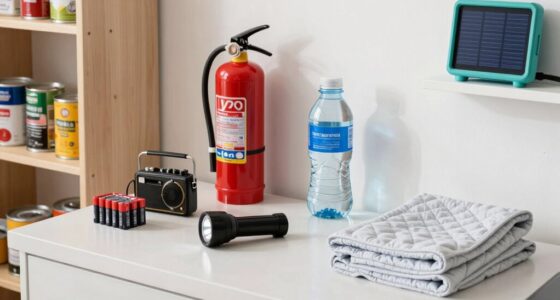
You should prepare for unexpected emergencies like natural disasters, health crises, or power outages—ironic how life’s unpredictability demands such plans. Stock emergency supplies, including water, non-perishable food, and first aid. Also, craft clear communication plans to stay connected with loved ones. These preparations help you respond swiftly and calmly, turning chaos into control. After all, being ready is the best way to face life’s surprises head-on.
How Do I Ensure Someone Will Access the Folder if Needed?
You should include clear access instructions in your folder, like passwords or how to locate it, and share these details with trusted contacts you trust most. Make sure your trusted contacts know how to find the folder quickly and understand the importance of accessing it in emergencies. Regularly review and update the access instructions, and confirm with your contacts that they’ve received and understood how to access the folder if needed.
encrypted cloud storage for important files
As an affiliate, we earn on qualifying purchases.
As an affiliate, we earn on qualifying purchases.
Conclusion
Think of your “Future Me” folder as a safety net—like a parachute ready to catch you when life unexpectedly drops. Imagine losing access to your phone or wallet; having all your emergency info organized means you can jump into action without panic. A friend of mine kept hers updated, and when her car broke down, she simply grabbed her folder and stayed calm. Prepare now, and turn chaos into control when it counts most.
ID and insurance document scanner
As an affiliate, we earn on qualifying purchases.
As an affiliate, we earn on qualifying purchases.
emergency contact list organizer
As an affiliate, we earn on qualifying purchases.
As an affiliate, we earn on qualifying purchases.
Halloween Picks
halloween
As an affiliate, we earn on qualifying purchases.