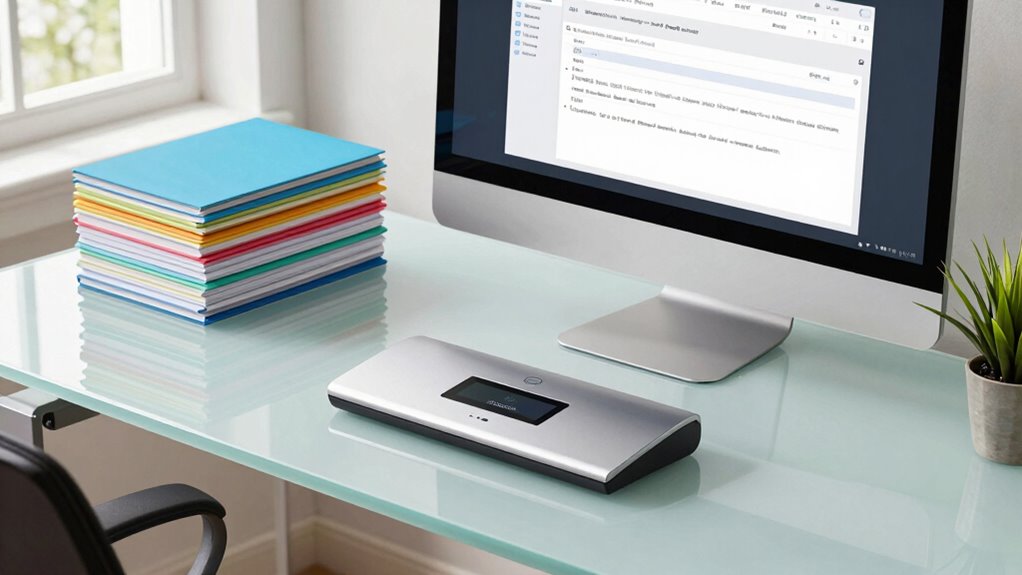

To organize receipts without hoarding paper, start by scanning them with your phone or scanner to create clear digital copies. Save these files securely in the cloud, where you can easily access and organize them by date or category. This method reduces clutter, safeguards your records, and simplifies finding receipts for taxes or warranties. Keep your system up-to-date with automated tools, so staying organized becomes effortless—if you want to learn more, keep exploring.

Prime made for students and young adults
- Fast, free delivery for dorm and study essentials
- Prime Video and Amazon Music included
- Member-only deals
Key Takeaways
- Use digital scanning tools to convert paper receipts into organized, high-quality electronic images.
- Store digital receipts securely in the cloud for easy access and long-term preservation.
- Automate receipt categorization and expense tracking with specialized apps and software.
- Regularly review and update digital records to maintain an accurate financial overview.
- Implement a consistent digital workflow to replace paper clutter and streamline receipt management.
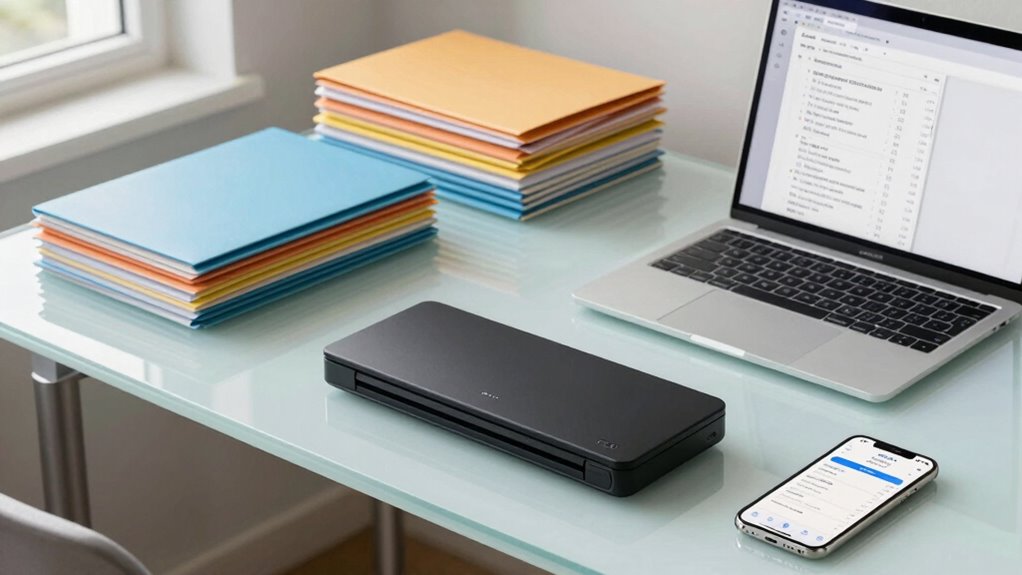
Ever wonder how to keep track of your receipts without drowning in piles of paper? The answer lies in adopting smarter, digital methods that simplify your life. Instead of stuffing receipts into shoeboxes or folders, you can use digital scanning to create clean, organized electronic copies of all your purchase records. Digital scanning involves capturing images of your receipts with your phone or scanner, converting physical paper into digital files that are easy to store, search, and retrieve. This approach eliminates clutter and guarantees your receipts are preserved in high quality, no matter how long ago you made a purchase.
Scan and digitize your receipts for clutter-free, organized, and easily accessible purchase records.
Once you’ve scanned your receipts, the next step is to leverage cloud storage. Cloud storage allows you to save your digital files securely online, giving you access from any device, anywhere, anytime. Instead of worrying about losing receipts in a fire, theft, or misplacement, your files are safely stored on remote servers. Plus, cloud storage services often include features like automatic backups and file versioning, so you never have to worry about losing important records. You can organize your receipts into folders by date, category, or project, making it easy to find what you need in seconds. Incorporating secure storage solutions ensures your sensitive information remains protected. Using digital scanning with cloud storage not only declutters your physical space but also streamlines your financial management. When tax season rolls around, you’ll appreciate having all your receipts neatly organized and accessible with just a few clicks. Instead of rummaging through piles of paper, you can quickly locate receipts for deductions, reimbursements, or warranty claims. Many apps even allow you to categorize receipts automatically or add notes, further enhancing your organization system. Adopting digital organization tools can help you automate parts of this process, saving time and reducing errors.
This method also encourages a habit of regular maintenance. You can set reminders to scan and upload new receipts regularly, preventing backlog and clutter from building up. It’s a simple, effective way to stay on top of your finances without feeling overwhelmed. Additionally, many digital scanning apps integrate with accounting software, making expense tracking seamless and accurate. Incorporating digital workflows can further streamline your workflow and ensure your records stay current and complete.
In short, digital scanning combined with cloud storage offers a smarter, more efficient way to manage receipts. It helps you stay organized, reduces paper clutter, and provides peace of mind knowing your records are safe and accessible. Embracing these digital tools transforms a tedious task into a quick, straightforward process, freeing you from the chaos of paper piles and giving you more control over your financial documentation. Incorporating automated grammar analysis tools can also help identify passive voice in your records, ensuring your documentation remains clear and professional.
As an affiliate, we earn on qualifying purchases.
Frequently Asked Questions
How Long Should I Keep Digital Receipts Before Deleting Them?
You should keep digital receipts for at least a year for receipt storage and digital archiving, especially if they relate to warranties, returns, or tax purposes. After that period, delete them unless you need to keep records for longer. Regularly review your digital archive to make certain it stays organized and manageable. This way, you balance having necessary documentation without cluttering your storage system.
What Are the Best Apps for Organizing Receipts Securely?
Imagine your receipts safely stored, ready to share or access anytime—apps like Evernote, Expensify, and Shoeboxed offer top security for organizing receipts. They use encrypted cloud storage, so your data stays private yet accessible across devices. With features like receipt sharing, automatic categorization, and secure backups, these apps keep your digital receipts safe, organized, and ready whenever you need them. Trust these tools to streamline your receipt management securely.
Can I Automatically Categorize Receipts With OCR Technology?
Yes, you can automatically categorize receipts using OCR technology. Many receipt management apps leverage OCR accuracy to scan and recognize details. Once scanned, the software applies automatic categorization, sorting receipts into expense types like travel, meals, or office supplies. This streamlines your organization process, saves time, and reduces manual input. Make sure you select an app with high OCR accuracy to keep your receipt categorization precise and reliable.
How Do I Ensure Privacy When Storing Digital Receipts?
To guarantee privacy when storing digital receipts, you should use strong encryption protocols to protect your data from unauthorized access. Additionally, set strict access controls, like two-factor authentication and unique passwords, to limit who can view or modify your receipts. Regularly update your security settings and choose reputable storage services that prioritize privacy. These steps help keep your sensitive information safe and private.
What’s the Easiest Way to Scan Receipts Without a Scanner?
The easiest way to scan receipts without a scanner is to use your smartphone’s camera. Open a scanning app, like Adobe Scan or CamScanner, which automatically adjusts for clarity and creates a digital copy. This helps you reduce paper clutter and streamline your filing system. Simply capture the receipt, save it in organized folders, and delete the physical copy if desired, making your receipt management efficient and clutter-free.
As an affiliate, we earn on qualifying purchases.
Conclusion
By now, you’ve seen how easy it is to ditch the paper clutter and stay organized with digital solutions. No more drowning in receipts like a lost sailor in a storm. With just a few clicks, you can keep everything tidy and accessible—no quill or parchment needed. Embrace these modern tricks, and you’ll be as organized as a Victorian librarian—minus the dust and musty books. Your future self will thank you for it!
As an affiliate, we earn on qualifying purchases.
As an affiliate, we earn on qualifying purchases.
Fall Picks
fall essentials
As an affiliate, we earn on qualifying purchases.