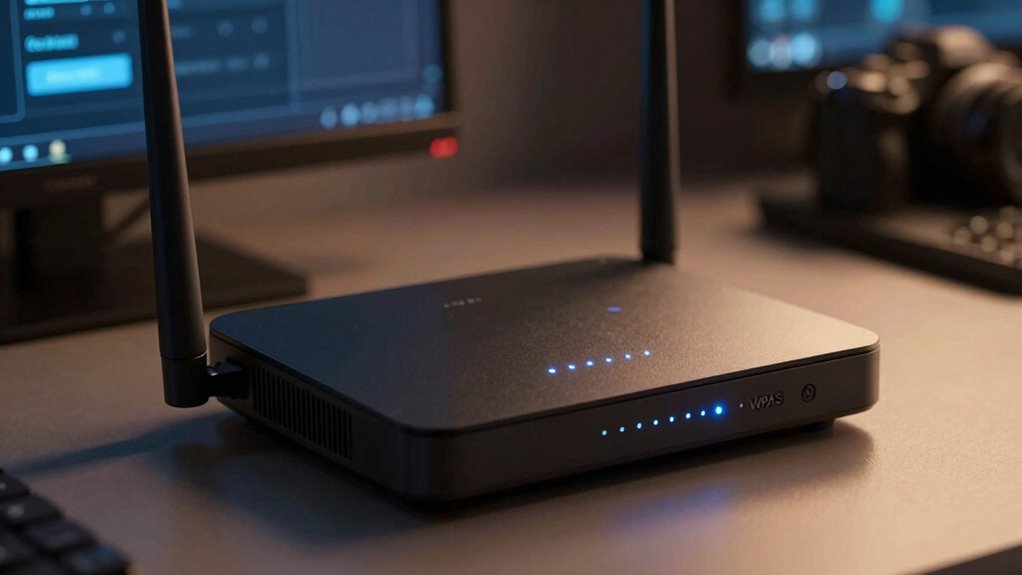

WPA3 is the latest Wi-Fi security standard that gives you much stronger protection for your network. It encrypts your data more securely and uses an improved handshake process to prevent hackers from cracking passwords or eavesdropping. While not all devices support WPA3 yet, upgrading your router ensures better privacy and future-proofing your connection. To understand how WPA3 keeps your wireless network safer and what you should do next, keep exploring the details.

Prime made for students and young adults
- Fast, free delivery for dorm and study essentials
- Prime Video and Amazon Music included
- Member-only deals
Key Takeaways
- WPA3 uses a more secure handshake (SAE) to protect against password guessing and side-channel attacks.
- It offers stronger encryption, making data interception and decryption more difficult for hackers.
- WPA3 ensures private, secure connections even on open or public Wi-Fi networks.
- Upgrading to WPA3 improves overall network security with minimal setup effort.
- Compatibility may vary; newer devices support WPA3, while older devices still operate with WPA2.
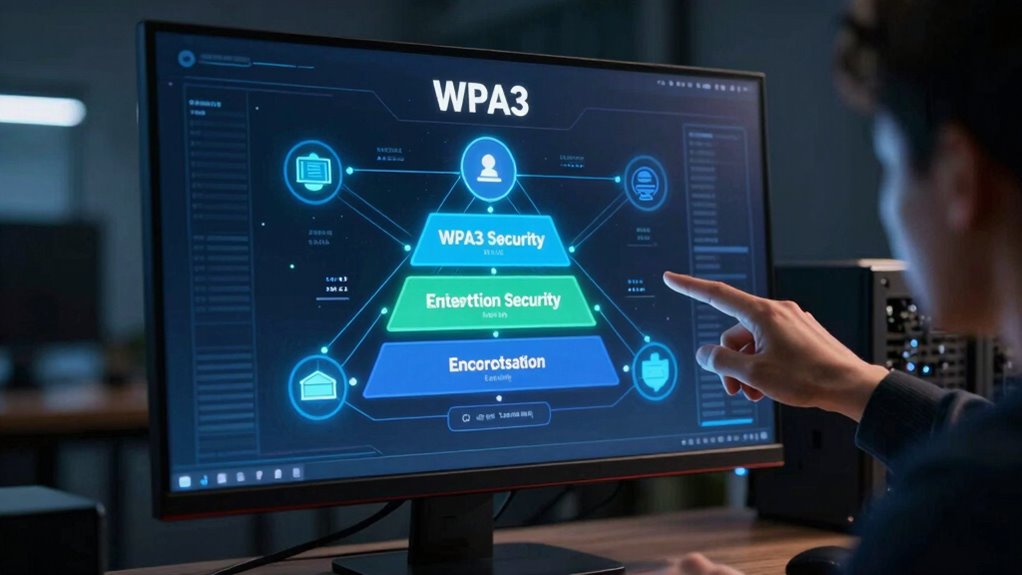
Have you ever wondered how modern Wi-Fi networks keep your data secure? It all comes down to wireless encryption, the technology that scrambles your information so it can’t be easily intercepted or read by outsiders. As Wi-Fi standards evolve, so do the security protocols that protect your data. WPA3 is the latest and most robust of these, designed to enhance your wireless security considerably. When you enable WPA3 on your network, you benefit from stronger encryption methods that make it much harder for hackers to crack your password or eavesdrop on your online activities. Unlike earlier standards, WPA3 uses individualized data encryption for open networks, guaranteeing your connection remains private even on public Wi-Fi. This makes your browsing, banking, and communication safer in settings where security was previously compromised.
One of the primary advantages of WPA3 is its improved wireless encryption, which offers a more secure handshake process. This process is what authenticates your device with the router, establishing a trusted connection. With WPA3, this handshake uses a more sophisticated method called Simultaneous Authentication of Equals (SAE), replacing the vulnerable WPA2 handshake. SAE protects against brute-force attacks, where hackers try numerous password combinations to gain access. It also makes it tougher for attackers to perform side-channel attacks, which attempt to extract data from the encryption process itself. This heightened level of wireless encryption helps guarantee that your data remains confidential, even if your password is weak or guessed. Additionally, WPA3’s emphasis on encryption methods ensures your information remains secure across various network types.
Another vital aspect of WPA3 is network compatibility. While it offers substantial security improvements, not all devices support WPA3 yet. Many older gadgets only work with WPA2, which means you might encounter compatibility issues if you upgrade your router but keep outdated devices. However, WPA3 is designed to be backward compatible with WPA2, so your newer devices can connect securely while older devices continue to operate, though without the benefits of WPA3’s enhanced security. As device manufacturers increasingly adopt WPA3, compatibility will improve, but it’s worth checking your devices before upgrading your router. Enabling WPA3 is a smart move for future-proofing your network, providing stronger security with minimal fuss.
As an affiliate, we earn on qualifying purchases.
Frequently Asked Questions
Can Older Devices Support WPA3?
Older devices generally don’t support WPA3 because of legacy support and device compatibility issues. If your device is quite old, it likely only works with WPA2 or earlier protocols. To guarantee all devices connect securely, you might need to enable mixed mode, which allows WPA3 and WPA2 to coexist. This way, newer devices get the benefits of WPA3, while older devices maintain compatibility.
Is WPA3 Compatible With All Routers?
You can’t assume all routers are on the same page when it comes to WPA3. While newer devices support WPA3, many routers need updates to be compatible. Check your router’s firmware and make sure it’s up to date; otherwise, you’re fighting a losing battle. Compatibility varies, so don’t put all your eggs in one basket—upgrade your router if you want to enjoy the full security WPA3 offers.
How Does WPA3 Improve Wi-Fi Security?
WPA3 improves Wi-Fi security by strengthening wireless encryption, making it harder for hackers to intercept your data. It introduces security enhancements like individualized data encryption, which protects your information even on open networks, and better password security through more robust handshake protocols. These updates help prevent unauthorized access and guarantee your connection remains private, giving you peace of mind knowing your wireless network is more secure.
Does WPA3 Affect Wi-Fi Speed?
Think of WPA3 as a security guard for your Wi-Fi—it’s focused on protection, not speed. Generally, enabling WPA3 doesn’t slow down your wireless speed or network performance. In fact, it can improve efficiency by reducing connection issues and streamlining data transmission. So, you get stronger security without sacrificing performance, ensuring your connection remains fast and reliable while keeping your data safe from intruders.
Is WPA3 Necessary for Home Networks?
You should enable WPA3 on your home network for better security benefits, especially if your devices support it. While not all devices are compatible yet, WPA3 offers enhanced protection against hacking and data theft. If your devices can connect with WPA3, it’s worth switching because of the improved security. However, if many of your devices are incompatible, consider a mixed mode to balance security and device compatibility.
Wi-Fi network security upgrade kit
As an affiliate, we earn on qualifying purchases.
As an affiliate, we earn on qualifying purchases.
Conclusion
So, now that you know WPA3 is the shiny new security hero, don’t settle for the outdated, easy-to-hack stuff. Imagine your personal data as a precious treasure chest — do you really want to leave it unlatched? Enable WPA3 today and give hackers the digital equivalent of a “kick me” sign. After all, why make it easy for them when you can keep your Wi-Fi fortress truly impregnable? Stay secure, stay smarter.
As an affiliate, we earn on qualifying purchases.
As an affiliate, we earn on qualifying purchases.
Fall Picks
fall essentials
As an affiliate, we earn on qualifying purchases.