
The scariest scam texts aren’t obvious or scary; they look friendly, professional, and trustworthy. Scammers craft these messages to blend seamlessly with your regular messages, using familiar branding, urgent language, or official-sounding offers. They often mimic legitimate contacts or companies to trick you into clicking links or sharing info. Since they appear so normal, it’s easy to fall for them without suspecting danger. Keep watching to discover how to spot these convincing scams and protect yourself effectively.

Prime made for students and young adults
- Fast, free delivery for dorm and study essentials
- Prime Video and Amazon Music included
- Member-only deals
Key Takeaways
- Scam texts often appear friendly and legitimate, blending seamlessly with normal messages to lower suspicion.
- They use urgent language and fake branding to create a false sense of trust and prompt quick action.
- Official-looking messages may still be scams; always verify through official channels before responding or clicking links.
- Well-crafted scam texts eliminate spelling errors and mimic professional formatting to seem credible.
- Awareness of common tactics and cautious verification help prevent falling victim to seemingly harmless scam messages.
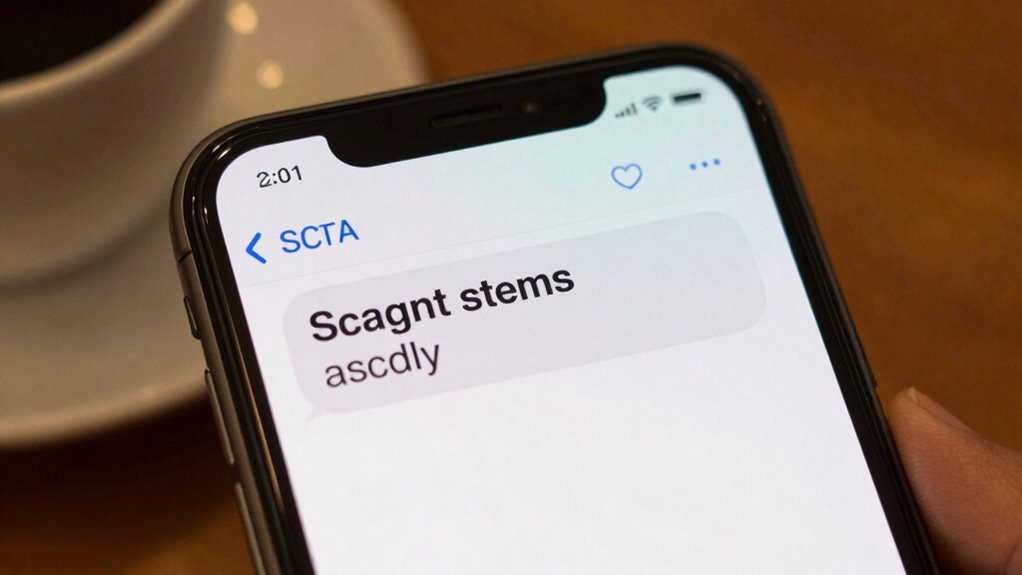
You might not realize it, but scam texts often look harmless and even friendly, making them easy to overlook. These messages are crafted to blend in seamlessly with regular texts, so you might open one without a second thought. The danger lies in their subtlety. For example, scam texts frequently mimic familiar contacts or reputable companies, which tricks you into trusting them instantly. They may appear as simple notifications or friendly offers, but hidden behind these messages are schemes designed to steal your information or money.
Scam texts often look friendly and harmless, making them easy to overlook and more likely to deceive you.
One common scam tactic is email phishing, where scammers send texts that look like legitimate alerts from your bank or online services. These messages often contain urgent language, prompting you to click a link to verify your account or resolve an issue. When you do, you’re taken to a fake website that captures your login details or personal information. Because these texts look authentic, you might not suspect foul play until it’s too late. The key is to recognize that even if a message appears official, it’s wise to verify through official channels before clicking any links or providing sensitive info. Being aware of scam tactics can greatly improve your ability to identify suspicious messages early.
Fake app alerts are another subtle scam method. You receive a text claiming that an app you supposedly installed needs updating or has a security issue. The message may include a link to a site that looks like the real app store or company website. Once you click, you might be prompted to download a malicious app or provide personal data. These alerts are convincing because they often use logos, language, and formatting similar to legitimate notifications, making them hard to distinguish from genuine messages. Always double-check your app store or official website directly, rather than clicking links in suspicious texts. Additionally, security awareness can greatly help in recognizing and avoiding these scams. Recognizing the trust-building techniques scammers use can further strengthen your defenses against these deceptive messages.
The scariest part is how these scam texts are designed to appear friendly and trustworthy. They often contain no spelling errors or aggressive language, which makes them seem more credible. Scammers also know that many people respond quickly to friendly or urgent messages, increasing the chance you’ll act without thinking. To protect yourself, develop a habit of scrutinizing unexpected messages, especially those asking for personal information or urging immediate action. Remember, reputable companies will rarely ask for sensitive info via text or email. If something feels off, contact the company directly using official contact details, not the ones provided in the suspicious message. Recognizing these common tactics can help you stay alert and better identify potential threats, as scammers often use familiar branding to deceive recipients.
As an affiliate, we earn on qualifying purchases.
Frequently Asked Questions
How Can I Verify if a Text Message Is a Scam?
To verify if a text message is a scam, watch out for phishing attempts and fake links. Don’t click on suspicious links—instead, hover over them to see the URL or type the official website directly into your browser. Check for spelling errors, generic greetings, or urgent requests for personal info. If anything seems off, contact the company or person through official channels to confirm the message’s authenticity before responding.
Are Scam Texts Sent at Specific Times or Randomly?
Scam texts are often sent with specific timing patterns, aiming to catch you off guard or when you’re most vulnerable, like early mornings or late nights. They target recipients based on profiling or recent activities, so timing can vary. While some scams follow predictable schedules, many are randomly sent to maximize reach. Stay alert to patterns, and don’t assume all messages are random—criminals tailor their timing to increase success.
What Common Phrases Do Scam Texts Often Include?
Scam texts often include common phrases like “Your account has been suspended,” “Update your information,” or “Claim your prize now.” These messages use phishing tactics to create urgency and include fake links that seem legitimate. You should be cautious of messages asking for personal info or prompting quick action, as scammers rely on convincing language and fake links to trick you into revealing sensitive details or clicking malicious sites.
Can Scammers Target Specific Individuals or Groups?
Yes, scammers can target specific individuals or groups through personalized scams and targeted phishing. They often gather personal information to craft convincing messages that seem relevant and trustworthy, making it easier to deceive you. By focusing on your interests, locations, or relationships, scammers increase their chances of success. Always stay cautious with unexpected messages, especially those asking for personal details, and verify the sender’s identity before responding.
What Are the Signs That a Scam Message Has Been Successful?
You might not notice until it’s too late, but a successful scam message often leaves subtle clues. You’ll see signs like convincing phishing techniques, or fake sender IDs that seem legit. If you respond or click on links, the scam’s worked. The message’s tone might trigger urgency or fear, prompting quick actions. Recognizing these signs helps you stay alert—scammers rely on your trust and haste to pull off their tricks.
identity theft protection software
As an affiliate, we earn on qualifying purchases.
As an affiliate, we earn on qualifying purchases.
Conclusion
So, next time you get a message that seems too good—or too strange—to be true, remember, these scam texts are like wolves in sheep’s clothing, hiding their sharp teeth behind friendly words. Stay sharp and trust your gut; don’t let their disguise fool you. Think of your caution as a shield, protecting your digital garden from sneaky weeds. Stay vigilant, and don’t let these harmless-looking wolves turn into your regrets.
As an affiliate, we earn on qualifying purchases.
As an affiliate, we earn on qualifying purchases.
Fall Picks
fall essentials
As an affiliate, we earn on qualifying purchases.