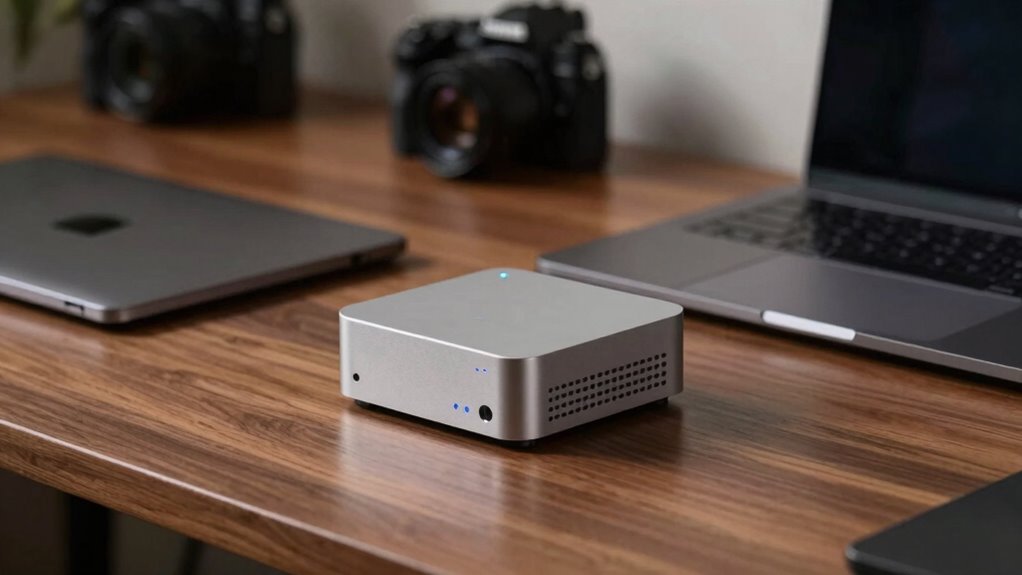
Choose a mini PC over a laptop when you need high performance in a space-saving setup. Mini PCs offer better customization, powerful components, and easier upgrades, making them ideal for fixed locations with limited space. Laptops excel in portability and convenience but may have hardware limitations. If your priority is a powerful, compact workstation that stays put, a mini PC makes more sense. Keep exploring to find out which option suits your specific needs better.
Key Takeaways
- Choose a mini PC when high performance and upgradeability are needed in a fixed workspace.
- Opt for a laptop if portability and on-the-go use are top priorities.
- Mini PCs are ideal for compact, clutter-free setups that require powerful hardware.
- Laptops are better for users who need mobility without sacrificing most functionalities.
- Use a mini PC when space is limited and a stationary, high-performance device is preferred.
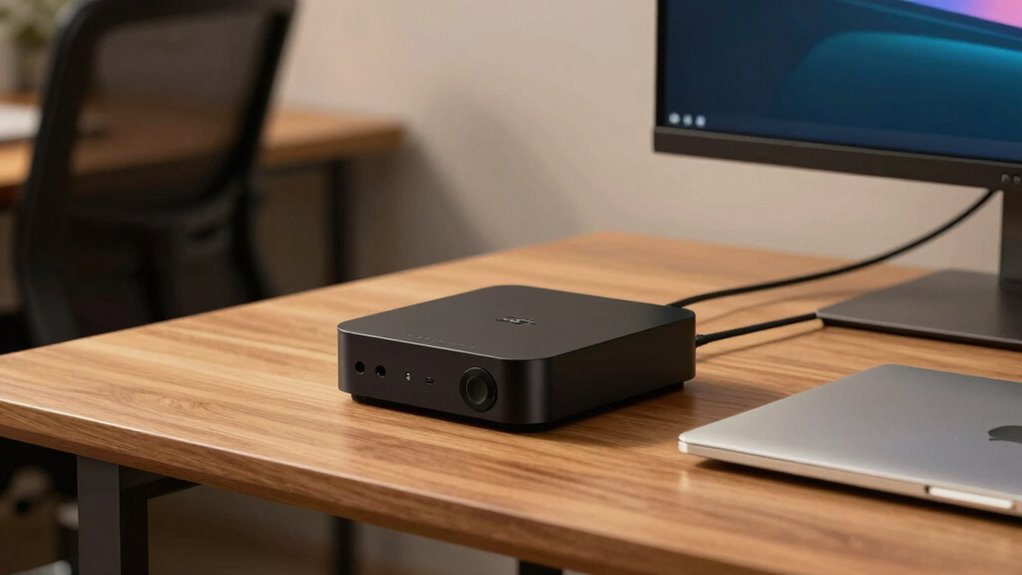
When choosing between a mini PC and a laptop, understanding their differences can help you make a smarter decision. One of the most important factors to consider is the performance comparison. Mini PCs often pack powerful components similar to traditional desktops, making them ideal for tasks that demand high processing power, such as video editing, 3D rendering, or gaming. Laptops, on the other hand, balance performance with portability, but their compact design can sometimes limit hardware options, especially when it comes to high-end specifications. If your work requires intensive computing, a mini PC might offer better performance for a lower price, since it can accommodate larger, more powerful components and better cooling systems. Conversely, laptops are optimized for a mix of performance and convenience, allowing you to handle most everyday tasks efficiently without sacrificing too much speed or capability. Additionally, mini PCs often support customization and upgrades, which can extend their lifespan and adapt to evolving needs.
Portability considerations are equally vital. Laptops are designed for mobility, allowing you to work from almost anywhere—whether you’re commuting, traveling, or working from a coffee shop. Their built-in batteries and integrated screens eliminate the need for additional peripherals, making them your go-to device for on-the-go use. Mini PCs, however, are generally intended for static setups. They’re compact relative to traditional desktops, but still require external monitors, keyboards, and mice, which makes them less convenient for frequent travel. If portability is a top priority, a laptop clearly wins, especially if you need to switch locations often or work remotely. But if you mostly stay in one place and want a small, powerful desktop that doesn’t clutter your space, a mini PC can be a smarter choice.
Another aspect to weigh is setup and space. Mini PCs are incredibly space-efficient, fitting comfortably on a desk or even behind a monitor, which keeps your workspace tidy. Laptops, while portable, don’t save space in the same way, but they do eliminate the need for multiple peripherals since everything is integrated. When considering performance comparison and portability, think about your typical work environment and how often you’ll need to move your device. If you require a powerful machine that stays put most of the time, a mini PC offers performance advantages without taking up much space. If you value flexibility and need to work from different locations, a laptop’s portability considerations make it the better fit. Ultimately, your choice hinges on balancing these factors to suit your lifestyle and work demands.
Frequently Asked Questions
Can Mini PCS Handle High-Performance Gaming?
Mini PCs can handle gaming performance, but their hardware limitations often restrict top-tier gaming experiences. If you want smooth gameplay at high settings, you might need to upgrade components or accept lower performance. For intensive gaming, a full-sized desktop or high-end laptop offers better hardware options. However, mini PCs are great for casual gaming or space-constrained setups, just keep in mind their potential hardware limitations for demanding titles.
How Easy Is It to Upgrade Mini PCS Compared to Laptops?
Upgrading a mini PC is like opening a toolbox—more straightforward, offering better repairability and upgrade options than laptops. You can easily swap out RAM, storage, or even the GPU, giving you control and flexibility. Laptops, on the other hand, often lock you into soldered components, making upgrades and repairs more complex and limited. So, with a mini PC, you get accessible, hassle-free enhancements that keep your system current.
What Are the Best Mini PC Options for Professional Use?
For professional use, you should consider mini PCs with a compact design and robust performance, like the Intel NUC or ASUS PN series. These space-saving solutions deliver powerful processors and ample connectivity, making them ideal for multitasking and demanding workloads. Their small footprint fits easily into your workspace, providing a reliable, space-efficient alternative to larger desktops while offering easy upgrades and customization options.
Do Mini PCS Consume Less Power Than Laptops?
You might think mini PCs consume less power than laptops, but it depends. Mini PCs generally have lower power consumption due to their energy-efficient components, making them more energy-efficient for continuous use. However, laptops are designed with power management in mind, so they also optimize energy efficiency. Ultimately, if you prioritize energy efficiency and lower power consumption, mini PCs often have an edge, but the difference isn’t always significant.
Are Mini PCS Suitable for Creative and Design Work?
Yes, mini PCs are suitable for creative and design work. Their compact footprint fits easily into your workspace without clutter, and many feature an aesthetic design that complements your creative environment. While they may not offer the same power as high-end desktops, recent models are equipped with strong processors and graphics, making them capable of handling tasks like photo editing, video production, and graphic design efficiently.
Conclusion
If you need a compact, space-saving device that still packs a punch, a mini PC might be your best choice. For example, a freelance graphic designer who works in small spaces benefits from a mini PC’s versatility and power, avoiding the bulk of a traditional desktop. Meanwhile, if portability is your top priority, a laptop keeps you connected on the go. Consider your specific needs—small space or mobility—and choose accordingly for the best fit.