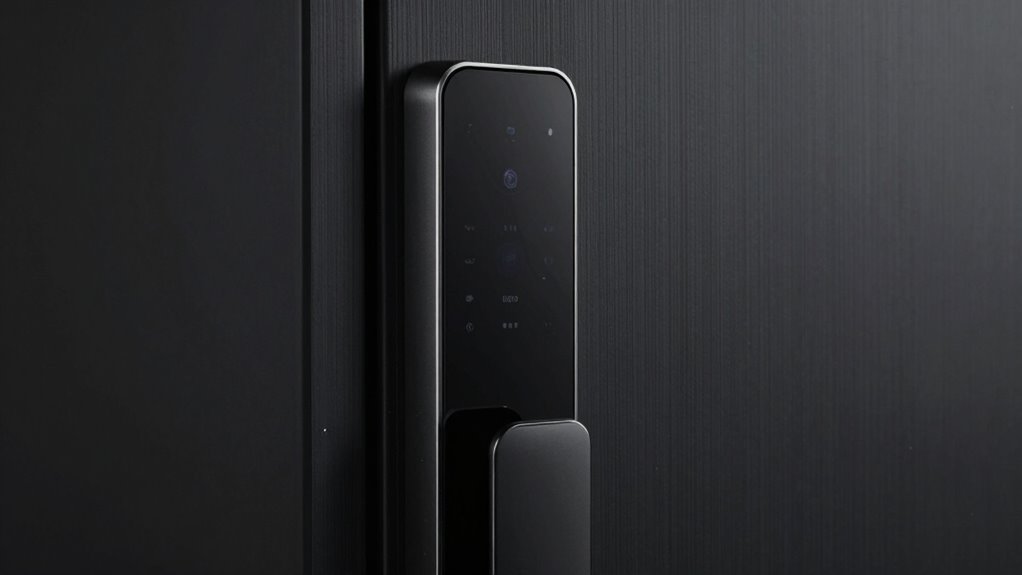
When choosing a smart lock, it’s easy to overlook details like your door’s material, thickness, and latch type. Confirm the lock fits your door’s size and matches existing hardware to avoid installation headaches. Check if your door supports the lock’s attachment method, and verify compatibility with your latch. Considering these points now helps prevent future issues and guarantees smooth setup. Stick around to learn more about the key details often forgotten but essential for smart lock success.
Key Takeaways
- Confirm door thickness and material compatibility with the smart lock specifications.
- Verify that existing hardware supports the new smart lock installation.
- Check if the latch type and size are compatible with the lock model.
- Ensure the lock’s attachment method suits the door’s design and hardware.
- Review smart home system integration capabilities for seamless operation.
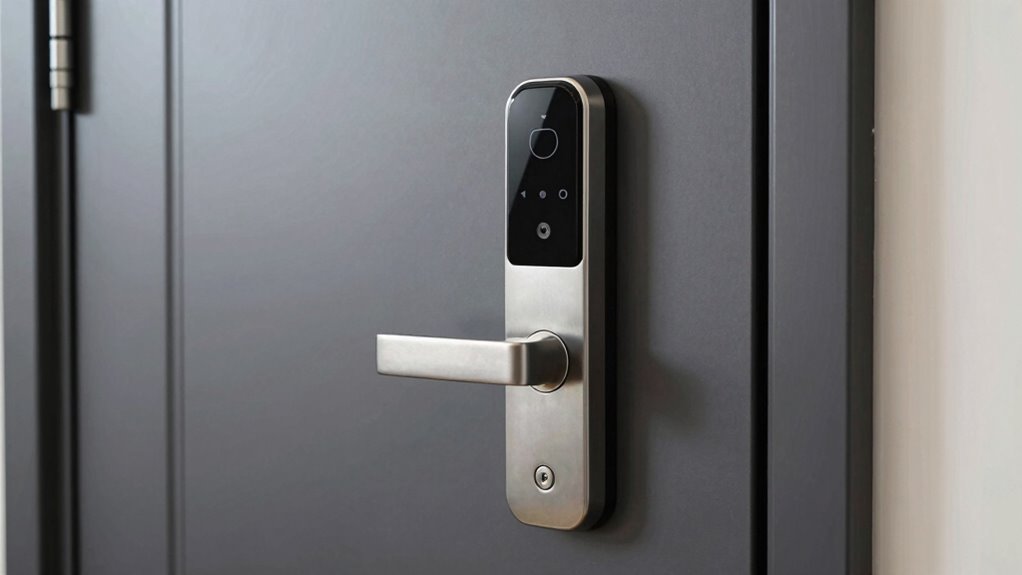
Choosing the right smart lock begins with understanding compatibility. Before you get caught up in the sleek design or fancy features, consider how well the lock fits with your existing door and smart home setup. One of the most overlooked aspects is battery life. Some smart locks rely heavily on batteries, and if you don’t check how long they last, you might find yourself replacing them more often than you’d like. A lock with a longer battery life saves you hassle and expense over time, especially if it alerts you when power is low or offers backup power options. You’ll want to choose a model that balances longevity with convenience, so your lock remains reliable without constant maintenance. Additionally, battery life considerations are crucial because they directly impact your home’s security and convenience. Ensuring that your smart lock has reliable power options can prevent unexpected lockouts or malfunctioning at critical moments. It’s also beneficial to verify if the lock’s power management features are optimized for energy efficiency and longevity. Next, think about the installation process. While many smart locks boast simple, DIY-friendly installation, the reality can vary depending on your door type and existing hardware. Some models require extensive modifications, drilling, or the removal of your current lock, which might not be suitable if you’re renting or prefer a non-invasive option. Others are designed to attach easily with minimal tools, making the process quick and straightforward. It’s essential to verify whether your door’s thickness, material, and latch type are compatible with the lock you’re considering. Checking the installation process beforehand helps prevent surprises and ensures you’re comfortable with the setup. If you’re not handy, look for locks that come with detailed instructions or video tutorials. Furthermore, installation complexity can influence your overall satisfaction with your smart lock choice, especially if you anticipate needing to uninstall or transfer it in the future. Being aware of door compatibility ensures a smoother experience and long-term functionality. Also, considering adaptive technology can enhance the lock’s performance and integration with your smart home ecosystem.

Philips Wi-Fi Door Lock, WiFi Smart Lock Keyless Entry Deadbolt for Front Door, Compatible with Alexa & Google Assistant, Remote Control, Built-in WiFi, APP Fingerprint Passcode Unlock, Auto Locking
𝐅𝐥𝐞𝐱𝐢𝐛𝐥𝐞 𝐖𝐚𝐲𝐬 𝐭𝐨 𝐔𝐧𝐥𝐨𝐜𝐤: Unlock the way you want: app, passcode, fingerprint, physical key, or voice via Alexa/Google…
As an affiliate, we earn on qualifying purchases.
As an affiliate, we earn on qualifying purchases.
Frequently Asked Questions
Can Smart Locks Be Installed on Existing Deadbolts?
Yes, smart locks can be installed on existing deadbolts, but it depends on your deadbolt types and installation requirements. You’ll need to check if your deadbolt is compatible with the smart lock model you choose, as some require specific types or sizes. Make sure the existing deadbolt is sturdy and properly aligned, and follow the installation instructions carefully to guarantee a secure fit and proper functionality.
Do All Smart Locks Require Wi-Fi Connectivity?
No, not all smart locks require Wi-Fi. Some rely on Bluetooth or Z-Wave for home automation, which is ironic since you’d think every smart lock would need constant internet for top security features. If you want remote access or integration with security features, Wi-Fi-enabled locks are great. But if local control suffices, Bluetooth or other protocols keep things simple and more secure, without the need for constant connectivity.
Are Smart Locks Compatible With All Smartphone Brands?
Smart locks generally work with most smartphone brands, but compatibility depends on the device’s operating system. You should check if the lock supports your smartphone’s OS, whether iOS or Android. Remember, smart lock security relies on strong app features like multi-factor authentication and encrypted connections. Make certain your phone’s software is up to date to access all smartphone app features, keeping your smart lock both secure and functional.
Can Smart Locks Be Used With Traditional Keys?
Yes, smart locks can typically be used with traditional keys, providing a perfect blend of keyless entry and backup access. You can easily open your door with a swipe or tap, but still keep the classic key as a backup when needed. This dual system offers the convenience of remote access and the reliability of a physical key, ensuring you’re never locked out regardless of your tech situation.
What Is the Battery Life of Most Smart Locks?
Most smart locks have a battery lifespan of about 6 months to a year, depending on their power consumption. You should regularly check the battery level to avoid unexpected lockouts. Some models feature low-battery alerts, giving you time to replace batteries before they die. To prolong your lock’s battery life, opt for energy-efficient settings and use rechargeable batteries. Staying aware of these factors ensures your smart lock remains reliable and secure.

eufy Security Smart Lock C220, Fingerprint Keyless Entry Door Lock, Built-in Wi-Fi, App Remote Control, Front Door Smart Lock Deadbolt, 8Months Battery, Reliable Power, IP53 Waterproof, BHMA Grade 3
8 Months Battery Life: With 8 AA batteries, Smart Lock C220 runs around 8 months. Experience ultimate convenience…
As an affiliate, we earn on qualifying purchases.
As an affiliate, we earn on qualifying purchases.
Conclusion
Before you seal the deal on a smart lock, remember that compatibility is the foundation of a smooth upgrade. Think of your door and lock like a puzzle—if the pieces don’t fit, the whole picture falls apart. Double-check the door’s details and your smart lock’s requirements. When everything aligns, you’ll enjoy seamless security without the headache. It’s not just about locking doors; it’s about opening peace of mind for your home’s future.

Access Control System with Remote Control – 600lbs Magnetic Door Lock Kit, 12V Fail Safe NC Mode, Secure & Easy DIY Installation for Smart Home Entry (K8-600LBS Remote Control Lock Kit)
600lbs Magnetic Lock – Ultimate Security: The 600lbs magnetic door lock ensures a strong and reliable holding force,…
As an affiliate, we earn on qualifying purchases.
As an affiliate, we earn on qualifying purchases.

Yale Approach Smart Wi-Fi Deadbolt Retrofit Smart Lock, Unlimited Virtual Keys, App Remote Control, Keyless Entry – Silver
ULTIMATE CONVENIENCE: Enjoy secure keyless access for your family, friends, vacations rental guests and more. Lock, unlock, share…
As an affiliate, we earn on qualifying purchases.
As an affiliate, we earn on qualifying purchases.