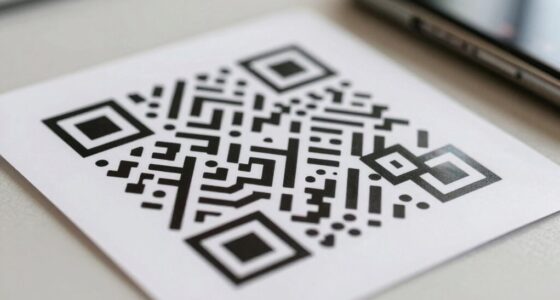
QR codes can be dangerous because scammers hide malicious links or malware inside them, which can steal your personal data or lead you to fake websites. If you’re not careful, you might scan a code in a suspicious location or see signs of tampering. To stay safe, always check the source, use trusted apps, and inspect the code beforehand. Keep exploring to discover ways to protect yourself when scanning QR codes.

Prime made for students and young adults
- Fast, free delivery for dorm and study essentials
- Prime Video and Amazon Music included
- Member-only deals
Key Takeaways
- Malicious QR codes can redirect to fake websites or download malware, risking personal data theft and device security.
- Fake or tampered QR codes may appear genuine but hide harmful links or malicious content.
- Always verify QR code sources and inspect for signs of tampering before scanning.
- Use reputable scanning apps that verify URLs and support encryption for safer scanning.
- After scanning a suspicious QR code, disconnect from the internet and run security scans immediately.
As an affiliate, we earn on qualifying purchases.
What Are QR Codes and How Do They Work?

Have you ever wondered how QR codes store so much information in such a small space? These matrix barcodes work by encoding data through patterns of black and white squares that can be quickly scanned and decoded. Their history dates back to the 1990s when Japanese auto manufacturers developed them for tracking vehicle parts. QR codes support digital authentication by securely verifying links and data, making them popular for payments, tickets, and product info. When you scan a QR code, your device’s camera reads the pattern, translating it into usable information instantly. This quick process relies on error correction features, ensuring the data remains intact even if part of the code is damaged. Understanding how QR codes work helps you recognize their convenience and potential risks. Additionally, the technology behind QR codes relies on complex algorithms that ensure accurate data recovery even under suboptimal conditions.
QR code security verification tool
As an affiliate, we earn on qualifying purchases.
As an affiliate, we earn on qualifying purchases.
How Malicious QR Codes Can Steal Your Personal Data and Lead to Phishing

Malicious QR codes pose a serious threat by secretly stealing your personal data and steering you toward phishing scams. When you scan a malicious code, it may direct your device to fake login pages or trigger downloads of malware that harvest your information. Without strong cybersecurity awareness, you might unknowingly share passwords, banking details, or other sensitive info. These tactics can compromise your digital privacy and lead to identity theft or financial loss. Attackers often disguise malicious QR codes in public places or on emails to catch you off guard. To protect yourself, always verify sources before scanning and stay informed about cyber threats. Being cautious helps you maintain control over your digital privacy and reduces the risk of falling victim to these dangerous scams. Additionally, understanding AI-powered virtual reality in e-learning can help you recognize how malicious actors might use advanced technology to enhance their scams.
malicious QR code detection device
As an affiliate, we earn on qualifying purchases.
As an affiliate, we earn on qualifying purchases.
How to Spot Fake or Malicious QR Codes Before You Scan
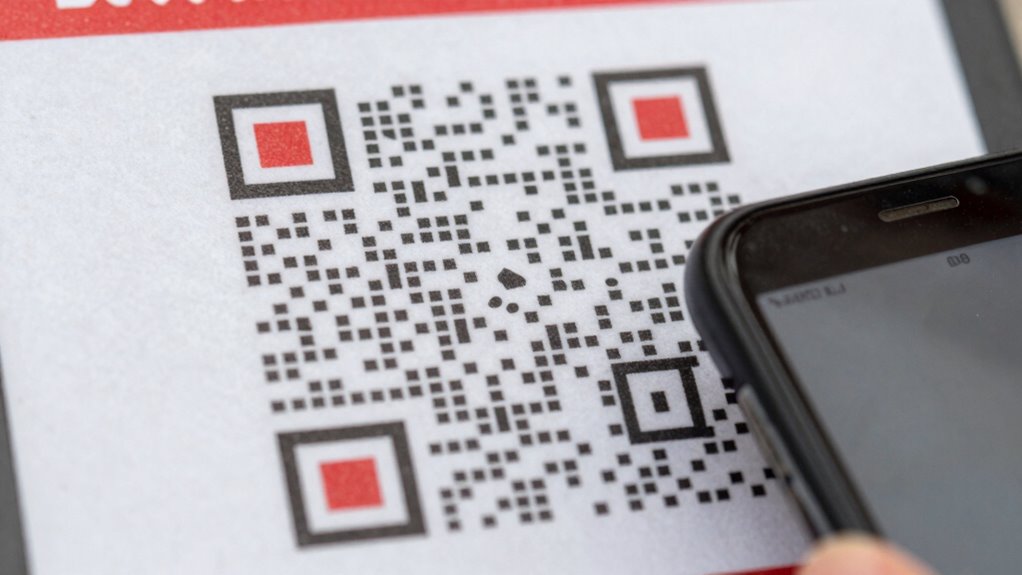
To protect yourself from falling victim to malicious QR codes, it’s critical to learn how to spot them before you scan. Start by examining the visual indicators, such as inconsistent branding or poorly printed codes, which can be signs of tampering. Look for suspicious patterns, like irregular shapes or distorted squares, that deviate from standard QR code designs. Next, check the surrounding area for any unusual stickers or overlays that may hide a malicious code. Finally, verify the source—if it looks suspicious or unfamiliar, avoid scanning it altogether. Remember, malicious QR codes often use visual cues to deceive you, so stay vigilant and trust your instincts when something seems off. Recognizing these signs helps keep your data safe. Being aware of Gold IRA Markets can also help you stay informed about reliable financial resources and avoid scams.
QR code tampering inspection kit
As an affiliate, we earn on qualifying purchases.
As an affiliate, we earn on qualifying purchases.
Best Practices for Safely Scanning QR Codes on Your Devices

After learning how to identify suspicious QR codes, it’s important to follow safe scanning practices to protect your device and personal data. First, make sure your device is compatible with the QR code scanner you’re using, preferably a reputable app that supports QR code encryption to secure your information. Always scan QR codes in well-lit, safe environments, avoiding suspicious or untrusted sources. Before scanning, check for visual signs of tampering or poor print quality. Use your device’s built-in camera or trusted scanner apps that verify URLs before opening them. Be cautious with links that seem unusual or don’t match the context. Regularly update your device’s software and security settings to enhance protection. Additionally, consider using European cloud servers to ensure your data is stored securely and in compliance with privacy standards. These practices help minimize risks and ensure safer QR code interactions, especially since astrological signs can influence perceptions and behaviors that might make you more susceptible to scams. Always stay aware of cybersecurity best practices, especially when handling sensitive information through QR codes.
What to Do If You Accidentally Scan a Malicious QR Code

If you realize you’ve accidentally scanned a malicious QR code, the first step is to disconnect from the internet immediately to prevent further data transmission or malware downloads. This halts any ongoing malicious activity. Next, focus on your emergency response by taking these actions:
- Run a full malware scan with trusted security software to identify and remove any threats.
- Change your passwords for sensitive accounts in case your credentials were compromised.
- Monitor your financial and online activity for unusual behavior.
- Remember that understanding the key traits of cybersecurity threats can help you better recognize and respond to potential risks. Being aware of privacy policies and the importance of digital safety can empower you to act swiftly in these situations. Additionally, incorporating connected home fitness security practices can help protect your smart devices from exploitation. Recognizing the signs of malware infection can aid in early detection and mitigation efforts.
If malware is detected, follow your device’s malware removal procedures or consult a professional. Remember, swift action minimizes damage and helps protect your personal data. Always keep your device’s security software up to date to prevent future incidents.
Frequently Asked Questions
Can QR Codes Store Malicious Software or Viruses?
Yes, QR codes can store malicious software or viruses. They often embed malware or phishing links that, when scanned, lead you to dangerous websites or automatically download harmful files. Always verify the source before scanning, and use trusted apps to check links. Be cautious of unfamiliar QR codes in public places, as cybercriminals exploit them for malware embedding and stealing personal information.
Are There Specific Industries Most Targeted by Malicious QR Codes?
Think of malicious QR codes as sneaky foxes targeting your favorite orchard. Retail sectors and healthcare environments are most often hit, aiming to breach retail security and healthcare risks. These industries, with their high foot traffic and sensitive data, become prime targets for cybercriminals. Always stay alert when scanning QR codes in these areas, because what looks innocent might be a wolf in sheep’s clothing waiting to compromise your security.
How Often Are QR Code Scams Successful in Stealing Data?
QR code scams can have a notable success rate, especially when users unknowingly share sensitive user data. While exact statistics vary, many scams succeed because users don’t verify the source before scanning. To protect yourself, always be cautious with unfamiliar QR codes and avoid sharing personal information. By staying alert, you reduce the scam success rate and keep your data safe from malicious actors.
Can Antivirus Apps Detect Malicious QR Codes Before Scanning?
Antivirus apps can’t reliably detect malicious QR codes before you scan because of their limitations in scanning accuracy. These apps mainly analyze the device for threats after scanning, not the QR code itself. Relying solely on antivirus detection isn’t enough. To stay safe, use trusted QR scanner apps that preview URLs before opening, and avoid scanning codes from unverified sources. Always stay cautious, even with security apps on your device.
Are There Legal Regulations Controlling the Use of Malicious QR Codes?
You should know that legal regulations do exist to combat malicious QR codes, but enforcement isn’t perfect—these codes can slip through the cracks like a ninja. Governments and organizations establish legal frameworks and enforce regulatory compliance to prevent abuse, but cybercriminals are always evolving. Stay vigilant, because just like a fortress needs guards, strict laws help protect you, yet vigilance remains your best shield against digital threats.
Conclusion
While QR codes are convenient, they can pose risks if you’re not careful. By staying alert and following safety tips, you can enjoy their benefits without falling prey to scams. Trust your instincts—if a code looks suspicious, avoid scanning it. Remember, many experts believe that with proper precautions, QR codes are safe tools that enhance your experience. Stay vigilant, and you’ll keep your personal data protected while still enjoying this modern technology.
Fall Picks
fall essentials
As an affiliate, we earn on qualifying purchases.