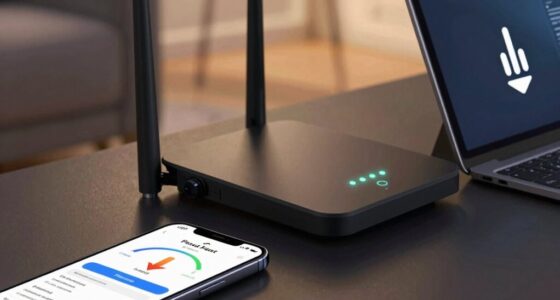

To prevent big problems, develop small security habits like using strong, unique passwords for each account and enabling two-factor authentication. Keep your devices and software updated regularly to patch vulnerabilities. Use secure Wi-Fi networks, avoid public Wi-Fi for sensitive tasks, and back up important data often. Adjust privacy settings on social media and limit sharing personal information. If you stick to these simple steps, you’ll build a more resilient digital life—discover more tips that can make a real difference.
Key Takeaways
- Use strong, unique passwords for each account and manage them with password tools.
- Enable two-factor authentication on critical accounts for added security.
- Keep all devices and software updated to patch vulnerabilities promptly.
- Regularly back up data and encrypt backups to prevent loss and unauthorized access.
- Limit sharing personal information on social media and review privacy settings regularly.
Why Small Habits Make a Big Difference in Digital Security

Small habits may seem minor, but they play an essential role in strengthening your digital security. Practicing good password hygiene is one such habit that can prevent breaches and keep your information safe. Incorporating wire and cable considerations into your routines helps ensure that your personal data remains protected even as you develop good security habits. When you form consistent habits around managing passwords—like avoiding reuse and updating them regularly—you build a strong defense over time. Habit formation makes these actions automatic, so you don’t have to think twice about staying secure online. These small, intentional steps add up, creating a resilient digital environment. Paying attention to free floating security threats can help you identify vulnerabilities before they become major issues. By committing to simple routines, you reduce the risk of falling victim to cyberattacks.
Use Strong, Unique Passwords for Every Account

Using strong, unique passwords for each account helps prevent breaches if one site gets compromised. Reusing credentials across multiple accounts increases your risk of widespread damage. Additionally, regularly updating your passwords can further reduce vulnerability to cyber attacks. Protecting your online security through proper password management is essential to prevent big problems. Implementing password complexity standards can make your passwords harder for attackers to guess or crack. Adopting security best practices from trusted sources and staying informed about common threats can further safeguard your digital assets. Incorporating cybersecurity awareness into your routine can also enhance your overall protection. Being aware of AI-driven misinformation risks can help you identify potential threats to your online safety.
Unique Passwords Prevent Breaches
Have you ever considered how one weak password can jeopardize all your online accounts? Using unique passwords for each account is essential to prevent large-scale breaches.
When you rely on password management tools, it’s easier to create and store strong, distinct passwords without the risk of credential reuse. This practice minimizes the damage if one account gets compromised.
Remember:
- Avoid reusing passwords across multiple sites to contain breaches.
- Use a password manager to generate and remember complex passwords.
- Regularly update your passwords to enhance security.
- Understanding the importance of secure authentication methods can further strengthen your protection.
- Incorporating multi-factor authentication adds an extra layer of security beyond just passwords.
- Embracing European cloud standards can help ensure your data remains protected within secure and compliant environments.
- Implementing regular security audits can help identify vulnerabilities before they are exploited.
Implementing digital security best practices can help you stay ahead of potential threats and protect your personal information more effectively.
Avoid Reusing Credentials
Reusing passwords across multiple accounts considerably increases your risk of a security breach. When you fall into the trap of password reuse, a single compromised credential can give hackers access to all your accounts. To prevent this, practice good credential management by creating unique, strong passwords for each login. Use a password manager to keep track of your passwords securely, so you don’t have to remember every one. Reliable backup power solutions emphasize the importance of planning and safeguards—similarly, managing your passwords carefully is crucial for maintaining your digital security. Avoid the temptation to reuse the same credentials; instead, generate complex passwords that are hard to guess. This habit makes it much more difficult for cybercriminals to exploit your accounts in case one is compromised.
Enable Two-Factor Authentication to Boost Your Security
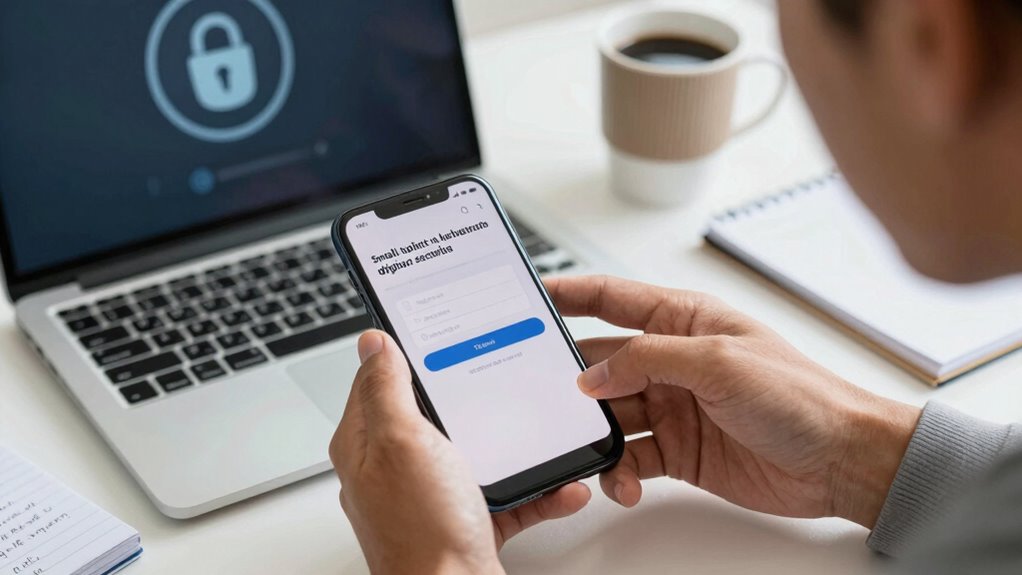
Implementing two-factor authentication (2FA) adds an essential layer of security to your accounts by requiring a second form of verification beyond your password. This simple step considerably enhances your account protection against hacking attempts. Once enabled, you’ll be prompted to provide a second code, usually sent to your phone or generated by an app, whenever you log in. This drastically reduces the risk of unauthorized access. To maximize your security, consider these tips: – Use authentication apps rather than SMS for more secure codes – Enable 2FA on all critical accounts, like email and banking – Regularly update your phone’s security settings and app permissions. Additionally, understanding navigation and mapping in security tools can help you manage device permissions more effectively. Adding two-factor authentication makes it harder for attackers to compromise your accounts, keeping your data safe. It’s also important to review your privacy policy regularly to understand how your data is protected and what information is shared during the authentication process. Regularly updating your device’s security settings can further strengthen your defenses against potential threats. Incorporating security best practices into your routine can help you stay ahead of emerging threats. Being aware of security alerts and notifications can also prompt you to respond quickly to potential issues.
Keep Your Software and Devices Up to Date
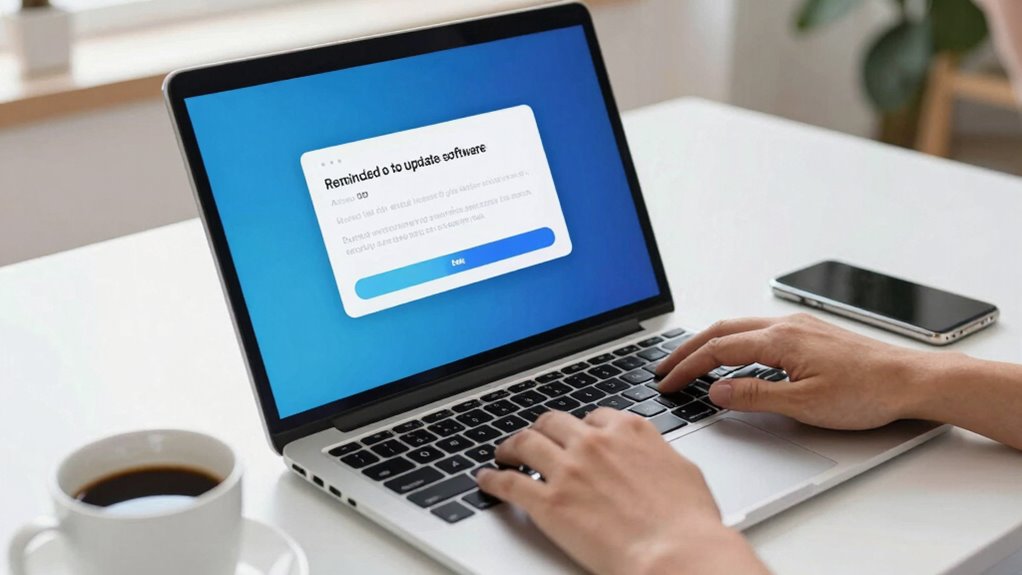
While two-factor authentication greatly enhances your account security, keeping your software and devices up to date is equally important. Regular software updates patch security vulnerabilities, making it harder for hackers to exploit your systems.
Neglecting device maintenance can leave your devices open to malware and other threats. Make a habit of installing updates promptly, as they often include critical security fixes. Turn on automatic updates whenever possible to stay protected without manual effort.
Updating your operating system, apps, and firmware ensures your devices run smoothly and securely. Staying current reduces the risk of breaches and keeps your data safe.
Use Secure Wi-Fi Networks and Avoid Public Wi-Fi for Sensitive Tasks

Using secure Wi-Fi networks is essential to protect your sensitive information. Public Wi-Fi hotspots are often insecure and expose you to potential cyber threats.
To stay safe, avoid conducting important tasks on unsecured networks and guarantee your home Wi-Fi is properly secured.
Secure Your Home Network
Securing your home network starts with choosing a strong, unique Wi-Fi password and enabling network encryption to prevent unauthorized access. It’s also essential to set up network segmentation, separating your devices into different zones for added security. Using a secure Wi-Fi network helps protect your data from potential breaches. Additionally, configure your firewall to monitor and block suspicious activity, enhancing protection against threats. Regularly update your router’s firmware to patch vulnerabilities. Avoid using default credentials, as these are easy targets for hackers. Protect sensitive data by limiting access to trusted devices only. Implementing network security best practices further reduces the risk of intrusions and keeps your information safe. Remember, a well-secured network reduces the risk of intrusions and keeps your information safe. To stay ahead of potential cyber threats, stay informed about the latest cybersecurity developments and adapt your security measures accordingly. Incorporating strong password policies can significantly improve your overall network security by making unauthorized access more difficult.
Avoid Public Wi-Fi Risks
Connecting to public Wi-Fi networks can pose significant security risks, especially if you’re handling sensitive information. Cyber threats like data theft, hacking, and malware can easily target unsecured public Wi-Fi.
To protect yourself, avoid conducting sensitive tasks such as banking or accessing work accounts on these networks. Instead, use a virtual private network (VPN) to encrypt your connection if you must connect to public Wi-Fi.
Whenever possible, stick to secure, password-protected networks you trust. Consider using your mobile data for sensitive activities, as cellular connections are generally more secure. Understanding heat distribution and security protocols can further help you safeguard your online activities.
Back Up Your Important Data Regularly
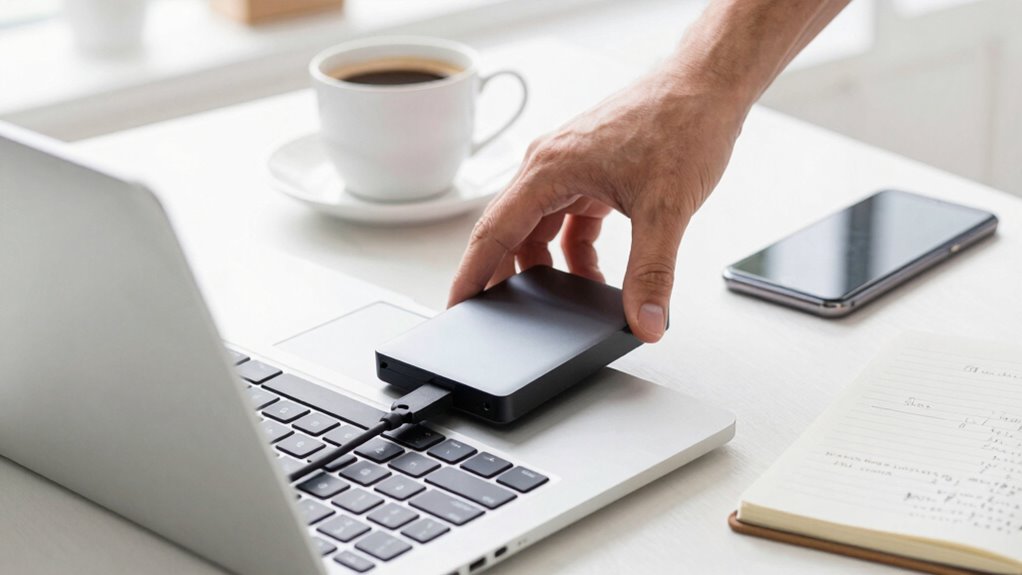
Regularly backing up your important data is one of the most effective ways to protect yourself from data loss caused by hardware failures, cyberattacks, or accidental deletion. By creating regular backups, you guarantee you can recover critical files quickly and minimize downtime. Use cloud storage solutions for automatic backups and easy access from any device. Always enable data encryption to keep your backups secure from unauthorized access. Consider these tips: – Schedule automatic backups to avoid forgetting – Use reputable cloud storage providers with strong encryption – Keep multiple backup copies in different locations EnergyLast and ensure you understand the different cookie categories that may be involved in your online activities.
Check and Adjust Your Privacy Settings on Social Media
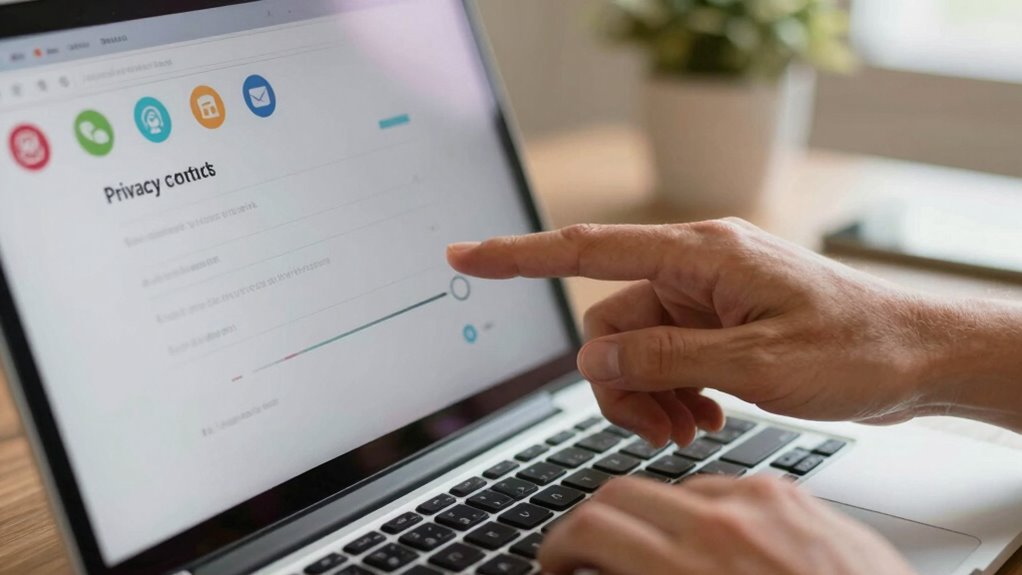
After backing up your data, it’s a good idea to review your privacy settings on social media. Start by checking who can see your posts and personal information.
Adjust your privacy settings to limit access to only trusted friends or contacts, reducing the chances of strangers viewing your details. Regularly update these settings, especially after platform updates or changes.
Limit access to trusted contacts and regularly update your privacy settings for better online security.
Be aware that social media platforms often have default privacy options that may not be ideal. By customizing your privacy settings, you gain control over your online presence and help prevent unauthorized access or data leaks.
Taking a few minutes to review and tighten your social media privacy settings is a simple, effective step to enhance your overall online security.
Be Careful What You Share and Limit Personal Info Online

Being cautious about what you share online is essential because oversharing personal information can put your privacy at risk. When it comes to online sharing, less is often more. Sharing details like your full address, phone number, or travel plans can make you vulnerable to scams or theft.
To protect yourself, consider these tips:
- Limit the personal info you post on social media profiles
- Avoid sharing real-time location updates
- Think twice before posting details about your daily routines
Follow Trusted Security News to Stay Informed

Staying informed about the latest security threats and best practices is essential in today’s digital landscape. By following trusted security news sources, you boost your security awareness and improve your digital hygiene.
Regularly reading updates from reputable sites helps you spot emerging scams, software vulnerabilities, and new attack methods early. This knowledge allows you to adapt your habits and stay one step ahead of cyber threats.
Avoid falling behind by subscribing to security newsletters, following expert blogs, or joining online communities dedicated to digital safety. Making a habit of staying informed empowers you to implement small but effective security measures.
Over time, these small habits considerably reduce your risk of falling victim to cyberattacks, keeping your digital life safer and more secure.
Frequently Asked Questions
How Often Should I Change My Passwords for Optimal Security?
You should change your passwords every three to six months to maintain ideal security. Regular password rotation helps prevent unauthorized access, especially if a breach occurs without your knowledge.
Make sure your passwords are complex, combining letters, numbers, and symbols, to make them harder to crack. Avoid reusing passwords across multiple accounts, and consider using a password manager to keep track of your unique, complex passwords effortlessly.
What Are the Signs That My Device Has Been Compromised?
Imagine your device whispers secrets when compromised. You might notice unusual activity like unexpected pop-ups, strange emails, or files you didn’t open.
Phishing attempts could be more frequent, trying to lure you into giving away info.
If your device slows down or crashes unexpectedly, it’s another sign that something’s off.
Stay alert for these signs, and act swiftly to protect your data before bigger issues arise.
How Can I Recognize a Secure Wi-Fi Network?
You can recognize a secure Wi-Fi network by checking its Wi-Fi encryption and network security protocols. Look for networks that use WPA2 or WPA3 encryption, which are current security standards.
Avoid open networks without encryption, as they’re less secure. A padlock icon next to the network name indicates security.
Always verify the network’s authenticity, especially in public places, to prevent connecting to malicious or unsecured networks.
What Should I Do if I Suspect My Account Has Been Hacked?
If you suspect your account has been hacked, act quickly by changing your password and enabling two-factor authentication.
Watch out for signs of a phishing scam, like suspicious emails or links.
Contact customer support for account recovery options if needed.
Review recent activity to identify unauthorized access, and inform contacts if any malicious messages were sent.
Taking these steps helps protect your account and prevent further issues.
Are Free Security Tools Effective Compared to Paid Options?
Did you know that over 60% of cyber threats are blocked by free antivirus and open source security tools? Free security tools can be quite effective—they often include essential features like malware scanning and real-time protection.
While paid options might offer additional perks, many open source and free antivirus programs provide solid defense for your devices, especially if you keep them updated and practice good habits.
Conclusion
Remember, small habits are the fortress guarding your digital life. Like tiny drops filling a bucket, consistent security practices build unbreakable protection over time. Don’t let complacency be the thief of your peace—stay vigilant, stay informed, and take these simple steps daily. After all, in the domain of online safety, it’s the little things that can make or break your security. Guard them well, for your peace depends on it.