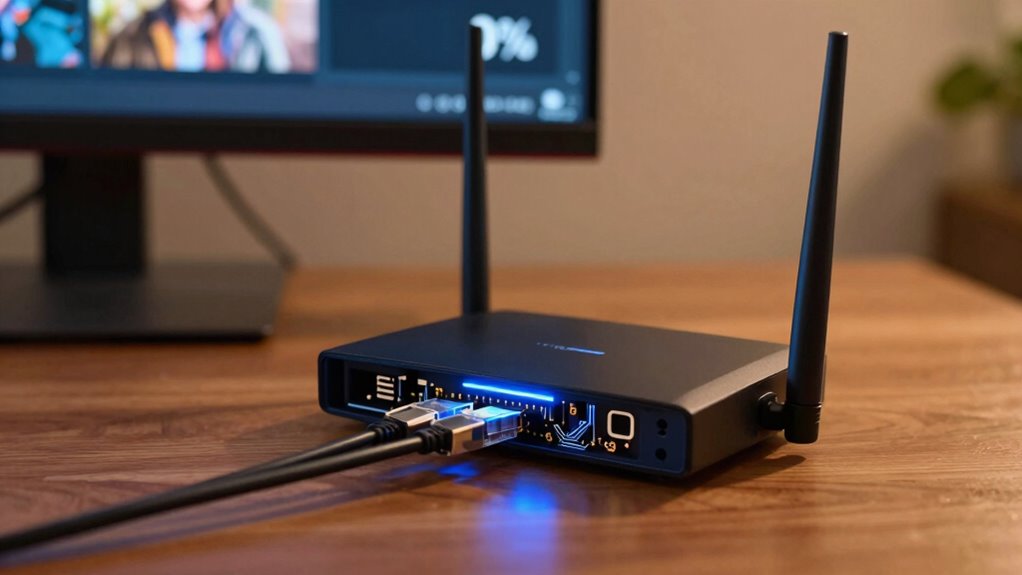

To reduce buffering caused by high latency and jitter, try optimizing your network by closing background apps, restarting your router, or switching to a wired Ethernet connection for stability. Lowering your streaming quality also helps on slow connections. Using video compression and updating your Wi-Fi setup can make a difference too. Keep exploring these strategies, and you’ll find more ways to enjoy smoother streaming without interruptions.
Key Takeaways
- Minimize latency and jitter by upgrading your internet plan or switching to a wired Ethernet connection for more stability.
- Use network tools to identify and reduce interference from other devices or background applications that consume bandwidth.
- Enable adaptive streaming settings to automatically adjust video quality based on real-time network conditions.
- Optimize your Wi-Fi by placing your router centrally, updating firmware, and reducing physical obstructions.
- Compress videos with modern codecs like H.265 and lower resolution settings to decrease bandwidth demands and prevent stalls.
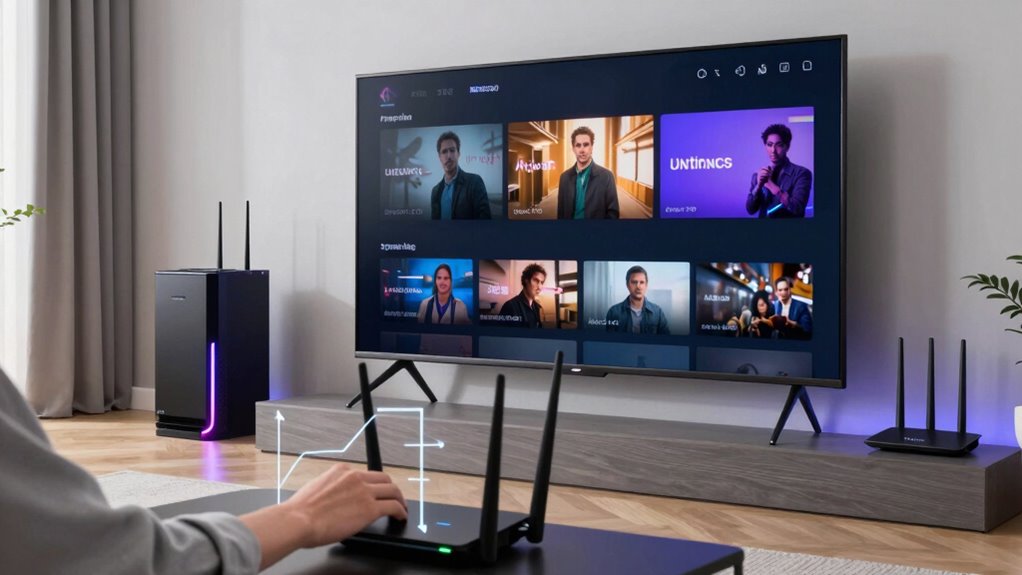
Are you tired of constant buffering disrupting your streaming experience? It can be incredibly frustrating to sit through a movie or catch up on your favorite show only to have it freeze or lag at the worst moments. The good news is, you can take steps to reduce buffering by understanding the role of video compression and network optimization. These two factors are vital to ensuring smoother playback and fewer interruptions. Additionally, leveraging European cloud servers can enhance streaming stability and security, providing a more reliable connection.
Video compression plays a vital role in how efficiently your streams load and play. When videos are compressed effectively, they require less bandwidth to deliver, which means less strain on your internet connection. Modern video codecs like H.264 and H.265 help reduce file sizes without sacrificing quality, allowing videos to stream more smoothly even on connections that aren’t blazing fast. If your streaming service uses advanced compression techniques, you’ll notice fewer stalls and less buffering. If your connection is weaker, opting for lower resolution streams can also help because these require less bandwidth, making it easier for your device to keep up. So, always check if your streaming platform offers adjustable quality settings to match your internet speed.
Effective video compression reduces buffering by requiring less bandwidth and maintaining quality.
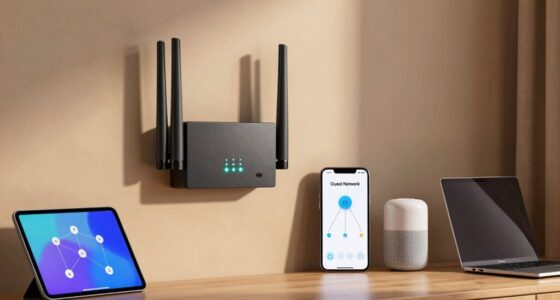
Network optimization is another vital factor. Your internet connection’s speed and stability directly impact buffering. To optimize your network, start by closing any unnecessary background applications or downloads that may be eating up bandwidth. These can greatly slow down your connection, causing more frequent buffering. Consider restarting your router to refresh your network, which can improve overall stability. Additionally, connecting your device via Ethernet instead of Wi-Fi can provide a more reliable and faster connection, especially if your Wi-Fi signal is weak or congested. Ensuring your Wi-Fi network is secure and free from interference from other devices can also make a difference. Upgrading your router or using a mesh Wi-Fi system can enhance coverage and reduce dead zones, leading to a steadier connection.
Implementing these strategies—paying attention to video compression and optimizing your network—can make a noticeable difference in your streaming experience. When videos are compressed well and your network is running smoothly, buffering becomes a rare occurrence rather than a constant annoyance. Remember, each step helps improve the data flow from the server to your device, ensuring you enjoy your favorite content without constant interruptions. A little effort in these areas goes a long way in transforming your viewing experience into a seamless, buffer-free session.

Frizzlife LP365-P Smart Water Monitor and Automatic Shutoff - 0.01 GPM Ultrasonic Micro Leak Detection, Wi-Fi / APP Control, Pressure+Flow Monitoring, 24/7 Water Usage Reports, Fits 3/4" and 1"
- Certification: NSF/ANSI 61 & 372 Certified
- Monitoring Capabilities: Water pressure, flow rate, and temperature
- Leak Detection: Ultrasonic micro leak detection
As an affiliate, we earn on qualifying purchases.
Frequently Asked Questions
How Does Network Congestion Impact Streaming Quality?
Network congestion causes streaming quality to drop because network overload limits your available bandwidth, making it harder for your device to receive data smoothly. When bandwidth throttling occurs, your connection slows down intentionally, which increases buffering and reduces video quality. To improve your streaming experience, try reducing other device usage, connect via Ethernet, or choose a less congested network to avoid these issues caused by network overload and throttling.
What Equipment Best Reduces Buffering in Live Streams?
Your streaming experience can be transformed with the right equipment. Invest in hardware upgrades like a high-speed router and a dedicated streaming PC to drastically cut buffering. Use advanced streaming protocols such as HLS or DASH for smoother delivery. These tools work like a superhero team, fighting off lag and interruptions, ensuring your live streams stay seamless and buffer-free. Don’t settle for less—equip yourself for the best streaming adventure.
Can VPNS Improve Streaming Stability and Reduce Latency?
Yes, using a VPN can improve your streaming stability and reduce latency. VPN advantages include encrypting your data, which protects you from throttling by ISPs, leading to smoother streams. Additionally, a good VPN can help you connect to faster servers closer to the content source, reducing lag and buffering. The encryption benefits also guarantee your data stays private, giving you a safer, more consistent streaming experience.
How Do Geographic Locations Affect Streaming Performance?
Ever wondered why your streaming is smoother elsewhere? Your geographic location plays a big role in streaming performance because of geographic latency and regional infrastructure. When you’re closer to data centers, signals travel faster, reducing delays. Conversely, distant regions or poor infrastructure can cause buffering and stalls. Choosing servers near your location or using a content delivery network (CDN) helps optimize your connection and improves your streaming experience.
Are There Specific Settings to Optimize Streaming on Mobile Devices?
You can optimize streaming on your mobile device by adjusting app settings and enabling device optimization features. Lower video quality settings, turn off background apps, and activate any data saver modes available. Make sure your device’s software is up to date, and consider using Wi-Fi over cellular data for a more stable connection. These steps help reduce buffering, improve latency, and enhance your overall streaming experience.

Watts A2C-SC Series Intelliflow 1/2" Washing Machine Smart Water Shutoff Valve with Leak Sensor, Inlet Adapters, Without Wall Box, Automated Flood Detection with Real-Time Text and E-Mail Alerts
- Smart Water Shutoff Valve: Prevents water damage from leaks
- Real-Time Leak Alerts: Sends instant text and email notifications
- Continuous Water Monitoring: Tracks water flow and detects leaks
As an affiliate, we earn on qualifying purchases.
Conclusion
By taking these steps, you can substantially reduce buffering and enjoy smoother streaming. Remember, a little troubleshooting now can save you from frustration later—don’t let technical issues rain on your parade. Keep your internet connection strong, optimize your device, and choose quality settings wisely. With patience and some tweaks, you’ll be back to watching your favorite shows without a hitch. After all, it’s easier to stay afloat than to sink in a sea of buffering.

YoLink DIY Automatic Water Leak Detection & Shut-Off Starter Kit, EVO Valve Operator, Wireless Valve Controller, (3) Leak Sensors, Hub
- Complete Leak Protection Kit: Includes sensors, valve controller, hub
- Device-to-Device Control: Operates during power or network loss
- Long-Range Connectivity: Up to 1/4 mile communication range
As an affiliate, we earn on qualifying purchases.

Moen Flo Shutoff, 3/4" Automatic Water Leak Detector & Shutoff, 900-001
- Size: Fits 3/4 to 1-1/4 inch pipes
As an affiliate, we earn on qualifying purchases.