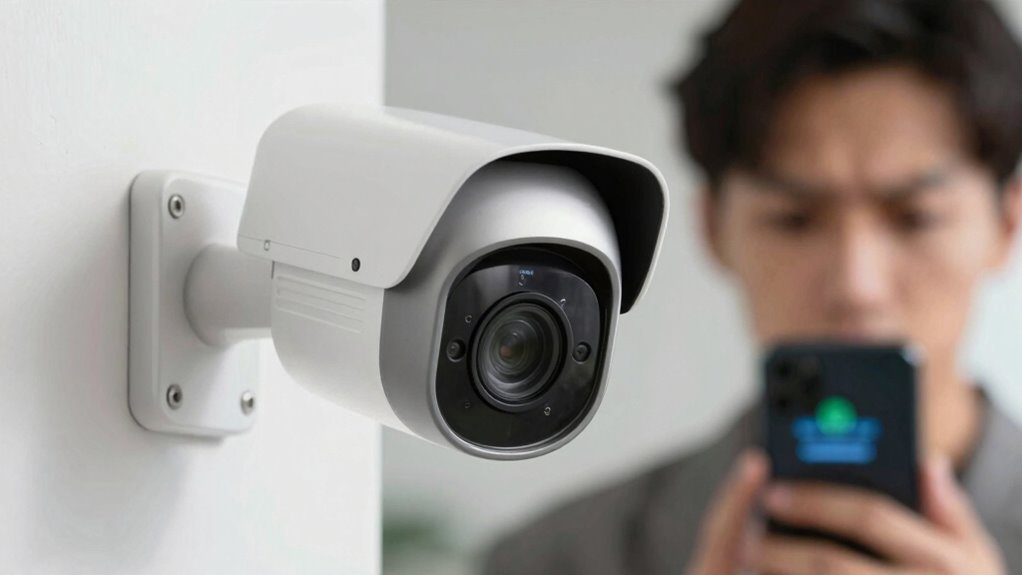

You might find motion alerts annoying because of frequent notifications from minor movements like leaves or shadows, which reduce your system’s confidence. To fix this, you can customize sensitivity, set detection zones, and limit alerts to specific times or areas. Regular updates and advanced detection settings help improve accuracy and reduce false alarms. If you want to learn more ways to tame those alerts and keep your system reliable, keep exploring the options.

Prime made for students and young adults
- Fast, free delivery for dorm and study essentials
- Prime Video and Amazon Music included
- Member-only deals
Key Takeaways
- Excessive sensitivity settings cause frequent false alarms from minor movements like leaves or shadows.
- Lack of focused detection zones leads to alerts from irrelevant areas or objects.
- Continuous notifications overwhelm users, especially without time-based or activity-based filtering.
- Outdated firmware or poor detection algorithms reduce system accuracy, increasing unnecessary alerts.
- Poor customization of alert types and thresholds results in irrelevant or repetitive notifications.
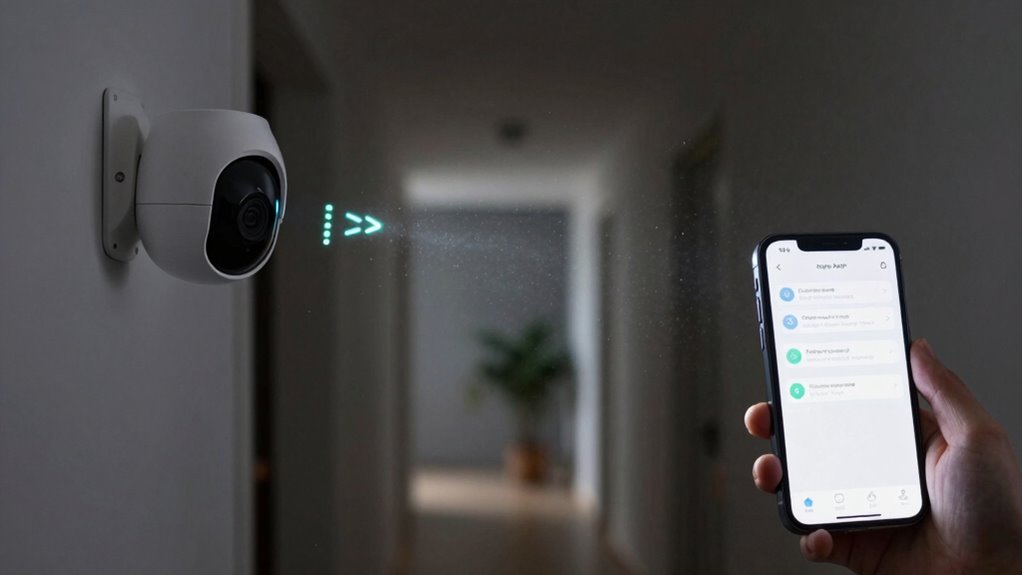
Have you ever been overwhelmed by constant motion alerts from your security camera? It’s frustrating when your phone buzzes nonstop with notifications, especially when many of them turn out to be false alarms. These frequent alerts quickly lose their usefulness and can make you doubt the reliability of your system. One reason they become so annoying is that they often trigger even when nothing important is happening, leading to false alarms that waste your time and energy. Not only does this diminish your confidence in your security setup, but it can also raise privacy concerns. If your camera is sending alerts for every minor movement, you might worry about how much of your daily life is being constantly monitored and recorded. It’s natural to feel uneasy about the level of surveillance, especially when you’re not sure what’s triggering these alerts or who has access to the footage.
To fix this, start by adjusting your motion detection settings. Many cameras allow you to customize the sensitivity level, so you can reduce false alarms caused by small movements like leaves or shadows. Setting specific detection zones can help you focus on areas that matter most, such as your front door or driveway, instead of your entire yard or street. This targeted approach minimizes unnecessary notifications and addresses privacy concerns by limiting the scope of monitoring. Additionally, consider integrating your camera with smart home routines or scheduling it to be active only during certain times. For example, you might want alerts only during nighttime hours or when you’re away, which cuts down on constant alerts during your daily routine. Improving your system’s motion detection accuracy can also significantly reduce false alarms and enhance security. Research shows that AI-powered detection is becoming increasingly effective, making it easier to distinguish between different types of movements. Furthermore, understanding the limitations of current technology can help set realistic expectations for what your camera can reliably detect. Staying informed about advancements in surveillance technology can help you choose the right system for your needs and avoid unnecessary frustrations.
Another effective fix is to keep your camera’s firmware updated, as manufacturers often release improvements that enhance motion detection accuracy. Using third-party apps or filters can also help refine what triggers alerts, filtering out minor movements or repetitive patterns. If false alarms persist, it may be worth investing in more advanced cameras with better algorithms or AI-powered detection, which can distinguish between humans, animals, and objects more reliably. Remember, the goal isn’t to eliminate all alerts but to make them meaningful. By fine-tuning your settings and understanding the limits of your system, you’ll reduce the annoyance of constant notifications and address privacy concerns simultaneously. This way, your security system becomes a helpful tool rather than a persistent source of frustration.
adjustable motion sensor security camera
As an affiliate, we earn on qualifying purchases.
As an affiliate, we earn on qualifying purchases.
Frequently Asked Questions
Can I Disable Motion Alerts Entirely on My Device?
Yes, you can disable motion alerts entirely on your device. Doing so helps conserve battery and addresses privacy concerns by reducing unnecessary notifications. To disable them, go to your device’s settings, navigate to notifications or security, and turn off motion alerts. This way, you avoid constant interruptions, save power, and keep your privacy protected. Just remember, disabling alerts means you might miss important motion detections.
Do Different Apps Have Customizable Motion Alert Settings?
Think of your apps as a symphony—each with its own conductor. Yes, many apps let you customize motion alert settings through notification customization options, adjusting alert sensitivity to match your preferences. You can fine-tune which alerts sound the drums and which stay silent, giving you control over the alerts that matter. This way, you keep your digital symphony harmonious, avoiding unnecessary noise while staying aware of what’s truly important.
How Do I Reduce False Motion Alerts Caused by Pets?
To reduce false triggers caused by pet motion, adjust your camera’s sensitivity settings so it’s less reactive to small movements. Use pet-specific motion zones if available, restricting alerts to areas where your pet isn’t likely to move. Consider placing furniture or barriers to limit your pet’s view of the camera. Regularly review alert history to fine-tune these settings, ensuring you get meaningful alerts without constant false triggers.
Are Motion Alerts Available on All Smartphone Models?
Imagine your phone’s got a secret party trick—motion alerts! Sadly, not all smartphones can join the fun. Smartphone compatibility varies, so check if your device supports alert customization and motion detection features. Some models might be too old or lack the latest updates to handle these alerts. To avoid chaos, verify your phone’s capabilities beforehand, ensuring you get timely alerts without turning your device into a constant buzz fest.
Can I Set Specific Times to Mute Motion Alerts?
Yes, you can set specific times to mute motion alerts by creating a notification schedule. Most smartphones allow you to establish silent hours during which alerts are muted, helping you avoid disturbances. Simply go to your device’s settings, find the notification or do-not-disturb options, and customize your silent hours. This way, you enjoy alerts when you want, and silence them during your preferred times.
security camera with customizable detection zones
As an affiliate, we earn on qualifying purchases.
As an affiliate, we earn on qualifying purchases.
Conclusion
To keep motion alerts helpful rather than annoying, customize your settings to limit notifications to only essential moments. Did you know that 78% of users find frequent alerts disruptive? By adjusting sensitivity levels and setting specific zones, you regain control over your notifications. Ultimately, a few tweaks can make your security system more effective and less intrusive, ensuring you stay informed without constant interruptions. Take charge of your alerts and enjoy a more peaceful, secure environment.
smart home security camera with activity scheduling
As an affiliate, we earn on qualifying purchases.
As an affiliate, we earn on qualifying purchases.
AI-powered motion detection security camera
As an affiliate, we earn on qualifying purchases.
As an affiliate, we earn on qualifying purchases.
Fall Picks
fall essentials
As an affiliate, we earn on qualifying purchases.