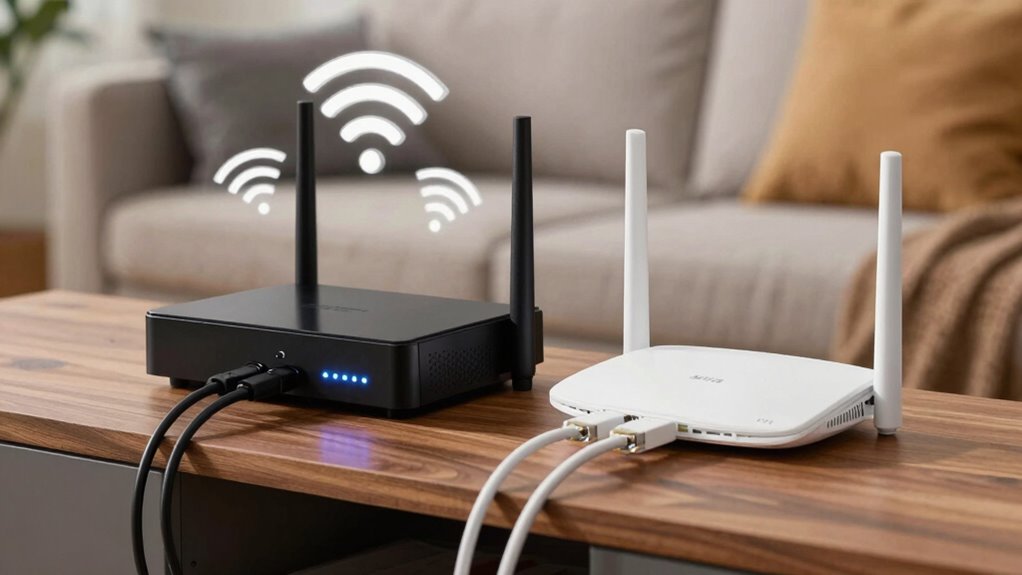

Understanding the difference between a modem and a router is key to fixing slow internet issues. Your modem connects your home to your internet provider’s network, while your router distributes that connection to your devices. If either device is outdated or misconfigured, your speeds may suffer. Proper setup, updates, and placement make a big difference. Keep watching to discover how to optimize both devices for the best internet experience possible.
Key Takeaways
- Modems connect your home network to the internet, while routers distribute that connection to devices.
- Confusing the roles can lead to improper setup, causing slow or unreliable internet performance.
- An outdated or incompatible router can bottleneck your internet speed despite a high-speed modem.
- Ensuring both modem and router are functioning correctly and updated improves overall speed.
- Proper placement and configuration of both devices prevent interference and optimize internet connectivity.
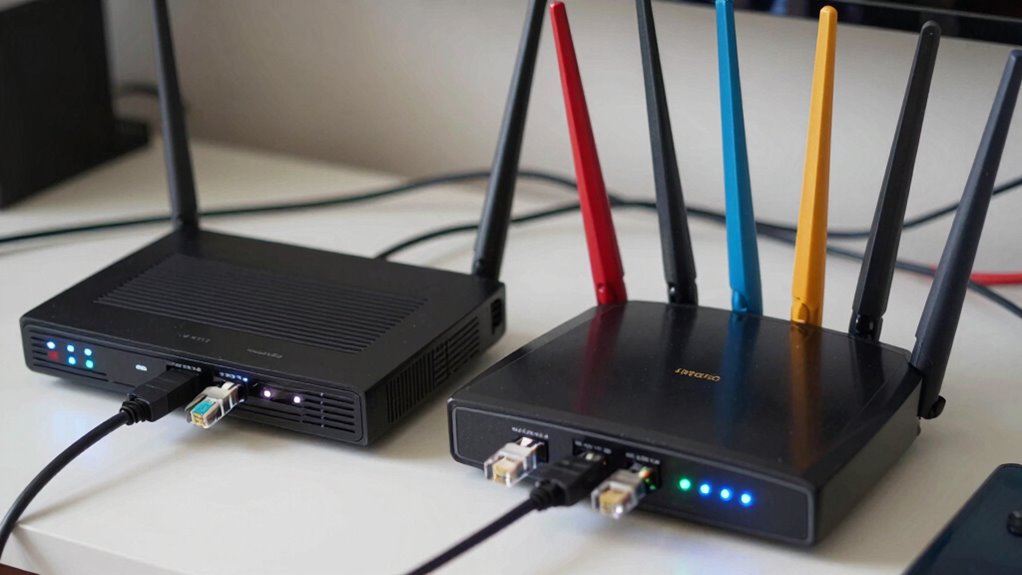
When setting up your home internet, understanding the difference between a modem and a router is essential. Many people get these two devices mixed up, which can lead to slow speeds and connection issues. A modem connects your home network to your internet service provider’s network, acting as the gateway to the internet. Meanwhile, a router distributes that internet connection wirelessly or through Ethernet cables to your devices. Knowing how they work together helps you troubleshoot problems effectively and guarantees you’re getting the best performance possible.
Understanding the roles of a modem and router is key to optimizing your home internet connection.
Wireless interference is a common culprit behind slow or unstable internet when using a router. Devices like cordless phones, microwaves, baby monitors, or even neighboring Wi-Fi networks can cause interference, disrupting your wireless signal. This interference can reduce your internet speed, create lag during streaming, or cause frequent disconnections. To minimize this, you can change your Wi-Fi channel, position your router in a central, open spot away from other electronics, or upgrade to a dual-band router that supports both 2.4 GHz and 5 GHz frequencies. Keeping your router’s firmware updated is equally important. Firmware updates fix bugs, improve security, and often enhance performance, including better handling of interference. Regularly checking for and installing these updates guarantees your network runs smoothly and securely.
If your internet feels sluggish, it’s worth verifying whether your modem is functioning correctly. Sometimes, outdated firmware in your modem or router can cause compatibility issues or slow speeds. Manufacturers often release updates that address these problems, so staying current makes a noticeable difference. Many routers and modems support automatic firmware updates, but you should also check periodically on the manufacturer’s website or through the device’s admin panel. Doing so can resolve issues before they become frustrating, and it keeps your network protected from security vulnerabilities. Additionally, high-performance home theatre projectors often rely on a stable connection, so ensuring your network is optimized benefits your overall entertainment setup.
Another common mistake is assuming that the modem alone determines your internet speed. In reality, even with a high-speed modem, your router’s capabilities and placement matter just as much. If your router is outdated or not configured properly, it can bottleneck your connection, especially if it doesn’t support the latest wireless standards. Proper setup includes updating firmware, choosing the right Wi-Fi channel to avoid interference, and placing your router in an ideal location. These small steps can considerably improve your internet experience.
Frequently Asked Questions
Can I Use a Single Device as Both a Modem and a Router?
Yes, you can use a single device as both a modem and a router if it’s compatible with your internet service. Just make sure it supports your device compatibility requirements and offers firmware updates to keep your network secure and running smoothly. Many combined devices are designed for easy setup, providing the convenience of one device for all your connection needs, simplifying your setup and reducing clutter.
How Do I Know if My Internet Is Slow Due to My Modem?
You can tell if your internet is slow because of your modem by checking your Internet speed with a speed test. If the results are consistently below your plan’s advertised speed, your modem might be the issue. Also, verify your hardware is compatible with your internet service provider. Outdated or incompatible modems can cause slow speeds, so upgrading or troubleshooting your hardware can improve your connection.
What Are the Signs I Need to Upgrade My Router?
You need to upgrade your router if you notice frequent signal interference, slow speeds, or dead zones in your home. Additionally, if your devices struggle with compatibility or your current router can’t support multiple devices simultaneously, it’s time for an upgrade. Newer routers offer better coverage, faster connections, and improved device compatibility, ensuring you get a smoother internet experience without constant disruptions or lag.
Do All ISPS Require Specific Modem Types?
Not all ISPs require specific modem types, but many do for ideal compatibility. You should check your ISP’s compatibility list before buying a modem. Look for modems that meet current standards like DOCSIS 3.0 or 3.1, which ensure faster speeds and better reliability. Using a modem that aligns with your ISP’s requirements and standards helps avoid connection issues and maximizes your internet performance.
How Can I Improve My Wi-Fi Signal Strength at Home?
Think of your Wi-Fi as a garden; good signal strength is like healthy plants thriving. To boost it, place your router in a central, elevated spot away from interference from appliances or thick walls. Keep it away from metal objects, and avoid crowded channels that cause Wi-Fi interference. Regularly update your router’s firmware, and consider using a Wi-Fi extender if needed. These steps help your signal reach every corner smoothly.
Conclusion
Remember, knowing the difference between a modem and a router keeps your internet running smoothly—no need to call tech support every time your connection slows down. Think of it like the difference between a telegraph and a smartphone; each has its role. So, don’t get caught in the 21st century’s version of a “poke” mistake. Clarify your gear, and enjoy faster, more reliable internet—no DeLorean time machine required!