
A common mistake is mounting your doorbell camera too high or too low, which can hide faces or block the view of visitors. Poor placement near bright lights or shadows causes glare or silhouetting, making footage unclear. Ignoring weather exposure or accessibility issues can damage the device or make maintenance difficult. When you position the camera blindly, it’s hard to capture useful footage that helps identify visitors or security threats. Keep these tips in mind to avoid common pitfalls—you’ll find out more if you continue.
Key Takeaways
- Mounting the camera too high or too low can obscure facial details or miss the entryway entirely.
- Placing the camera in areas with backlighting or shadows reduces footage clarity and causes silhouetting.
- Ignoring weather exposure risks damage or foggy footage during rain, snow, or harsh sunlight.
- Setting narrow motion zones can miss visitors or trigger false alarms from passing objects.
- Choosing hard-to-reach locations hampers maintenance and adjustments, leading to poor long-term footage quality.
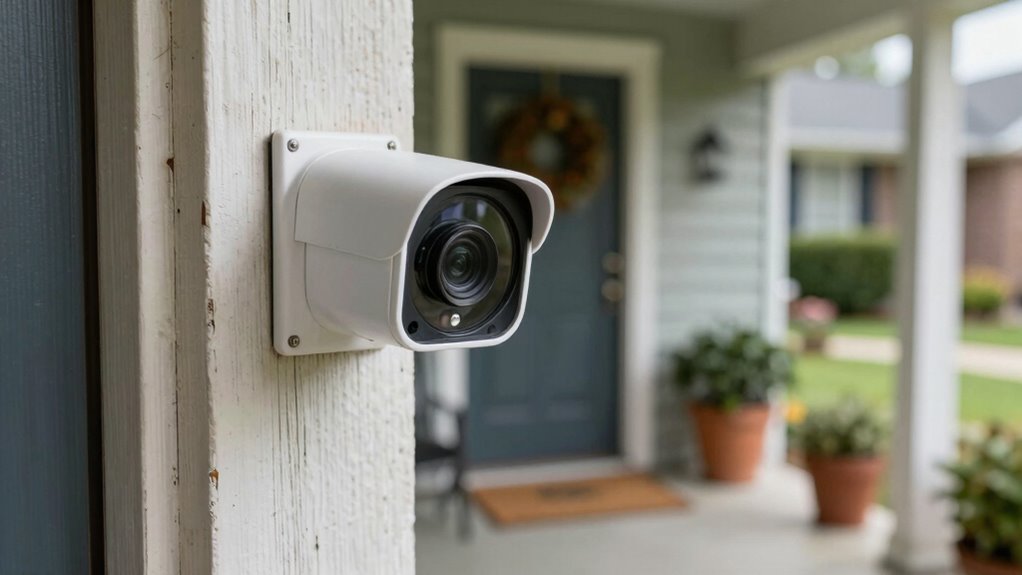
Installing a doorbell camera might seem straightforward, but many homeowners make common placement mistakes that can compromise security and functionality. One of the most vital errors involves neglecting proper camera angles. If you position the camera too high, you risk capturing only the tops of visitors’ heads or missing their faces altogether. Conversely, placing it too low can result in obstructed views or capturing only the ground. To get clear footage, you need to find a height that provides a broad, unobstructed view of visitors’ faces and the doorway. A good rule of thumb is to mount the camera around eye level or slightly above, making certain it captures facial features clearly while covering the entryway thoroughly.
Mount your doorbell camera at eye level for clear, comprehensive footage of visitors and your entryway.
Another common mistake is ignoring motion detection settings. Doorbell cameras often come with adjustable motion zones, but many homeowners overlook customizing these features. If your camera’s motion detection isn’t finely tuned, it might trigger false alarms from passing cars, trees swaying, or animals, which wastes storage and can cause you to miss important footage. Conversely, if the detection zone is too narrow, it might not pick up someone approaching your door from the side or from a distance. You should set the detection area to cover the entire approach path and the doorway itself, avoiding areas prone to movement that aren’t relevant. By doing so, you guarantee you get alerts only when someone is genuinely near your door, preserving footage quality and relevance.
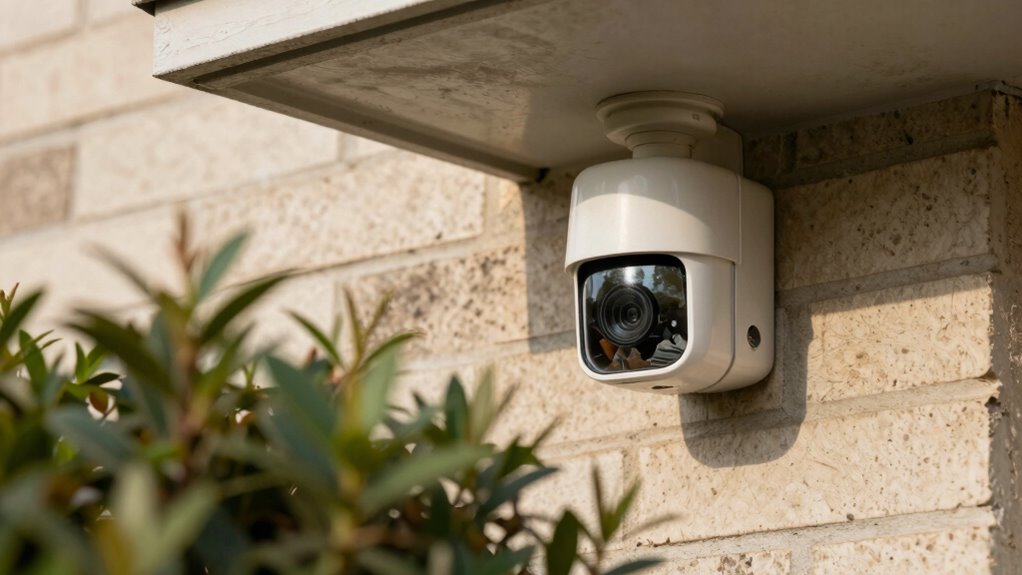
Lighting conditions also play a pivotal role in how useful your footage will be. Many folks install their camera in spots that get backlit or shaded, resulting in poor image clarity. When choosing placement, consider how sunlight and shadows fall at different times of the day. Position your camera where it isn’t directly facing bright light sources, which can cause glare or silhouetting, making it difficult to identify visitors. Instead, aim for a spot with even lighting, possibly with some shade during peak sunlight hours, to improve image clarity during both day and night. Additionally, selecting a location with consistent lighting can help mitigate issues caused by changing weather conditions, ensuring steady footage quality regardless of the weather. Proper placement also involves considering camera height to optimize visibility and coverage. Properly evaluating weather exposure can help prevent damage and ensure continuous operation of your camera.
Furthermore, consider weather exposure when choosing your camera location, as exposure to rain or snow can damage the device or impair footage quality if not properly protected. Don’t forget about accessibility. If your camera is hard to reach, you might struggle to perform maintenance or adjust settings later. Mount it at a height that’s both secure and accessible for regular checks. Proper placement, attention to camera angles, fine-tuning motion detection, and considering lighting conditions all contribute to capturing useful footage. Avoiding these common mistakes assures your doorbell camera functions effectively, providing you with clear, actionable security footage whenever you need it.

KIMILAR Anti-Theft Video Doorbell Mount Compatible with Ring/Blink Wireless Video Doorbell, Adjustable Mounting Bracket Accessories for Houses, Apartments, Businesses, Not for Blink 2nd Gen
Anti-theft Design: By a group of excellent designers racking their brains to design the anti-theft doorbell bracket, with…
As an affiliate, we earn on qualifying purchases.
As an affiliate, we earn on qualifying purchases.
Frequently Asked Questions
How High Should I Mount My Doorbell Camera?
Think of your doorbell camera as an eye watching your doorstep. Mount it about 48 inches high—roughly chest level—so it captures clear footage of visitors and the path. This height guarantees your camera’s motion detection works accurately without false alerts. Keep it near a power source, if wired, for consistent operation. Proper placement like this helps your camera be the vigilant guardian it’s meant to be, catching all the action.
What’s the Best Angle for Clear Footage?
For clear footage, angle your doorbell camera slightly downward, about 45 degrees, to capture faces and package drop-offs. Make certain your camera has high resolution, like 1080p or higher, for crisp images. Enable motion detection settings, so it activates at the right moment, reducing unnecessary footage. Regularly check and adjust the angle if needed, especially after weather events or changes to your porch, to maintain ideal visibility.
How Can Lighting Affect Doorbell Camera Quality?
Lighting affects your doorbell camera quality by causing glare and shadow interference, which can obscure details. Bright lights shining directly into the camera create glare, reducing image clarity, while uneven lighting causes shadows that hide faces or objects. To improve footage, avoid placing the camera where harsh lighting or reflective surfaces can cause glare, and guarantee consistent lighting around your door to minimize shadow interference. Proper lighting makes your footage clearer and more useful.
Should I Avoid Placing the Camera Near Trees?
Avoid placing your camera near trees, as tree shadows and foliage obstruction can turn your footage into a blurry, flickering curtain. Think of trees as silent sentinels that sometimes hide what you need to see. Their shadows dance across your footage, and leaves can obscure the view, making it difficult to identify visitors. Keep your camera clear of trees to guarantee sharp, uninterrupted footage that captures every moment clearly.
How Do Weather Conditions Impact Camera Placement Choices?
Weather conditions greatly influence your camera placement choices. You need to account for weather resilience, making sure your camera withstands rain, snow, or extreme temperatures. Position it in a sheltered spot if possible, and regularly check and calibrate the camera for peak performance. Proper calibration helps maintain clear footage despite weather challenges. By choosing a weather-resistant model and adjusting placement accordingly, you’ll guarantee consistent, high-quality footage regardless of the elements.

WarmBot 1080p Smart Wi-Fi Doorbell Camera with Doorbell Receiver, AI Motion Detection, Night Vision, Cloud Storage, 2 Way Audio, Battery Powered, 2.4GHz Wi-Fi Only
Private and Secure Cloud Recording – Video footage is stored securely with bank-level AES 128-bit encryption, accessible through…
As an affiliate, we earn on qualifying purchases.
As an affiliate, we earn on qualifying purchases.
Conclusion
To get the best footage, avoid common placement mistakes like pointing your camera too high or too low. Think of your doorbell camera like a lighthouse—if it’s not in the right spot, its light won’t reach the right place. When you place it correctly, it’s like having a vigilant eye watching over your home. Take your time, double-check your angles, and you’ll capture clear, useful footage that keeps you safer and informed.

BOTSLAB 5MP Wireless Video Doorbell Camera,180° Head-to-Toe View, AI Motion Detection, VR Mode, Battery or Wired Powered, Easy Installation, Weatherproof, No Monthly Fee, 2.4GHz WiFi
50% Increase in Field of View Breadth: Upgraded panoramic lens, 180° golden wide-angle panoramic view, from head to…
As an affiliate, we earn on qualifying purchases.
As an affiliate, we earn on qualifying purchases.
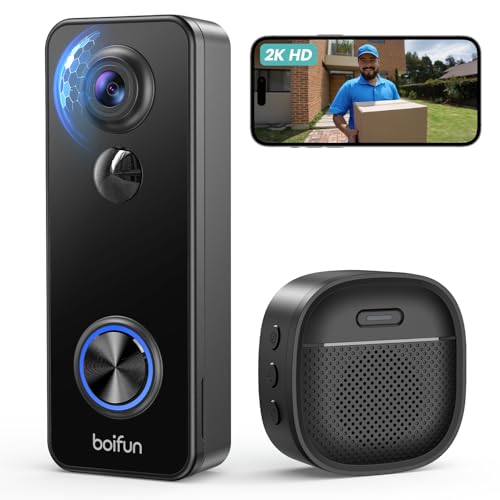
BOIFUN Video Doorbell Camera Wireless, 180° Wide View, 2K HD, No Subscription, AI Human Detection, Head-to-Toe, HDR Night Vision, Two-Way Audio, Battery Powered with Chime, 2.4 GHz Wi-Fi Only
[Ultra-Wide 180° Field of View]Capture everything that happens at your doorstep with a stunning 180° ultra-wide angle. Whether…
As an affiliate, we earn on qualifying purchases.
As an affiliate, we earn on qualifying purchases.