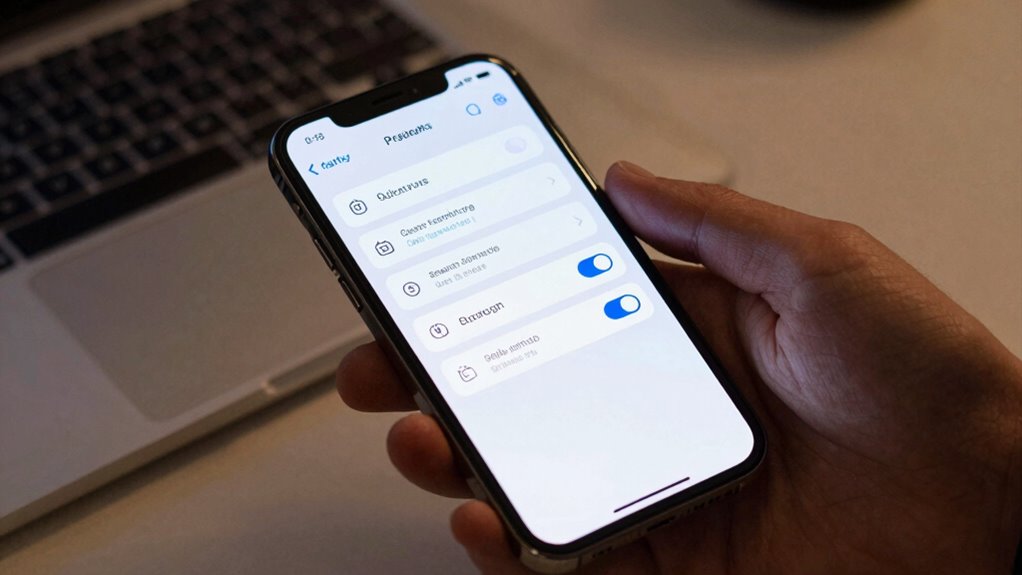

To block a lot of scams today, turn on your phone’s built-in call blocking and scam filtering features. Both iPhone and Android devices make it easy to activate spam filters that automatically detect and block suspicious calls. Enable call screening and adjust privacy settings to improve protection. Regularly update your device’s software and security settings to stay ahead of scammers. Keep exploring for more tips to enhance your scam defenses and stay safe.
Key Takeaways
- Enable built-in call blocking and spam filtering features on your device to automatically block scam calls.
- Turn on caller ID verification and call screening options to identify suspicious numbers before answering.
- Use reputable third-party scam filter apps for enhanced protection against robocalls and scam messages.
- Keep your device’s security settings and software updated regularly to maintain effective call blocking.
- Report scam calls to authorities and your carrier to help improve scam detection and prevention efforts.
Why Call Blocking Is Your First Defense Against Phone Scams
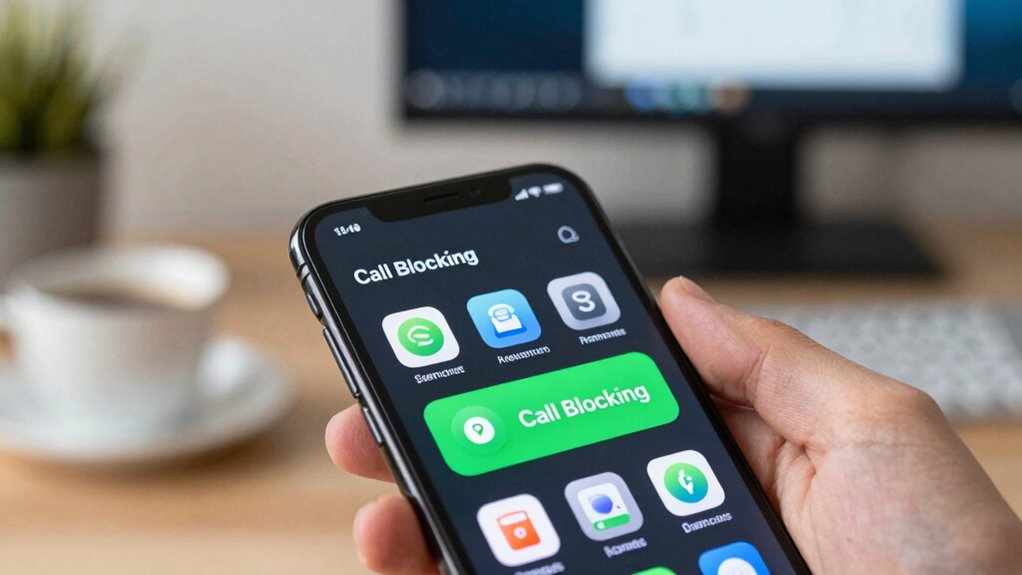
Call blocking is your most effective first line of defense against phone scams because it directly prevents unwanted calls from reaching you. When you enable caller ID features, you can see who’s calling before answering, helping you identify suspicious numbers. Spam detection tools further enhance this protection by automatically flagging or blocking scam calls based on known patterns and reports. These features work together to reduce the chances of falling for scams, saving you time and stress. Additionally, high refresh rates in your phone’s security settings can improve the responsiveness of blocking features, ensuring quick action against scam calls. By proactively blocking unwanted calls, you’re less likely to answer scam calls in the first place. This simple step creates a strong barrier, making it harder for scammers to reach you and increasing your overall safety. Call blocking truly is a vital first step in protecting yourself from phone scams.
How Your Phone’s Scam Filter Keeps You Safe Before the Call
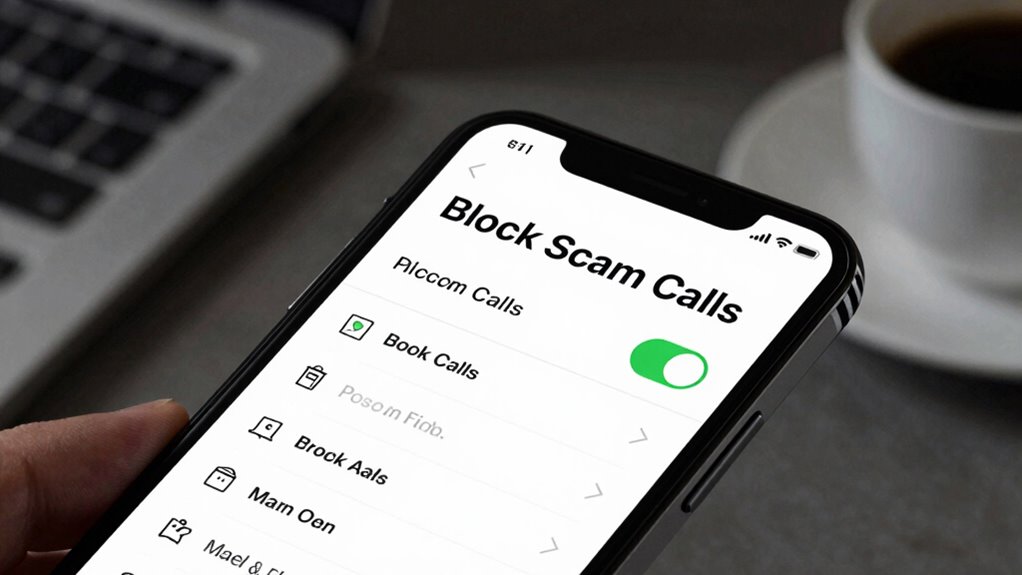
Your phone’s scam filter acts as an early warning system that keeps you safe before a scam call even rings through. It uses call screening and spam filtering to identify potential threats before they reach you. When a suspicious number calls, your device automatically assesses its reputation based on known scam patterns and user reports. If the call seems risky, the scam filter blocks or diverts it away from your main inbox, reducing interruptions and protecting your privacy. This proactive approach helps prevent you from answering scam calls, saving you time and stress. Additionally, understanding call screening can help you better customize your settings for optimal protection. Implementing automatic updates ensures your defenses stay current against evolving scam tactics. By leveraging call screening and spam filtering, your phone acts as a digital gatekeeper, making sure only legitimate calls get through and keeping scammers at bay. Regularly updating your security settings can further enhance your defenses against increasingly sophisticated scams.
How to Enable Call Blocking on iPhone and Android Devices

You can easily block unwanted calls by activating your phone’s built-in features. Both iPhone and Android devices offer simple options to turn on call blocking. Let’s walk through how to enable these settings so you stay protected from scam calls. To enhance your protection, consider verifying registration with regulators to ensure the caller is legitimate before answering. Additionally, familiarizing yourself with art care and how to identify genuine communication can help you avoid falling victim to scams that exploit emotional appeals. Understanding the technologies behind modern call filtering can further improve your defenses against unwanted calls. Leveraging call filtering features that utilize these technologies can significantly reduce nuisance calls and improve your overall communication security. Recognizing how call blocking works on your device can help you customize your settings for optimal protection.
Block Unwanted Calls
To stop unwanted calls from disturbing your day, enabling call blocking features on your device is essential. By doing so, you can reduce interruptions from telemarketers, scammers, and robocalls. On your iPhone or Android, you can activate built-in call blocking options or install third-party apps that incorporate caller ID and robocall filters. These tools help identify and block spam calls before they ring through. Additionally, selecting vetted products for call blocking can ensure you use safe and effective solutions. Incorporating pool safety principles into your phone security practices can also help protect your personal information from scams. Being aware of scam protection techniques and updates can further enhance your defenses. Regularly updating your device’s security settings and installing reputable security apps can provide an extra layer of protection. Using call screening tools can further help identify suspicious calls before they even reach your phone. Taking these steps ensures fewer unwanted interruptions and greater control over your phone’s incoming calls.
Activate Built-In Features
Activating the built-in call blocking features on your device is a straightforward way to reduce spam and unwanted calls. On iPhone, go to Settings, then Phone, and enable Silence Unknown Callers for automatic call screening. This feature filters calls from unknown numbers, showing caller ID for known contacts. On Android, open the Phone app, tap Settings, then Blocked Numbers or Call Screen, and turn on call screening features if available. These built-in tools use caller ID to identify known contacts and potential spam, helping you avoid suspicious calls. Additionally, call screening features can leverage your device’s ability to detect scam calls based on known spam patterns, providing an extra layer of protection. Studies show that home security systems significantly deter burglars, which underscores the importance of proactive security measures. By activating these features, you’re leveraging your device’s native capabilities to block unwanted calls efficiently. This simple step markedly enhances your call security without needing third-party apps. Incorporating advanced call detection can further improve your protection by automatically flagging suspicious numbers before they reach you.
Boost Your Scam Protection With These Call Blocking Settings
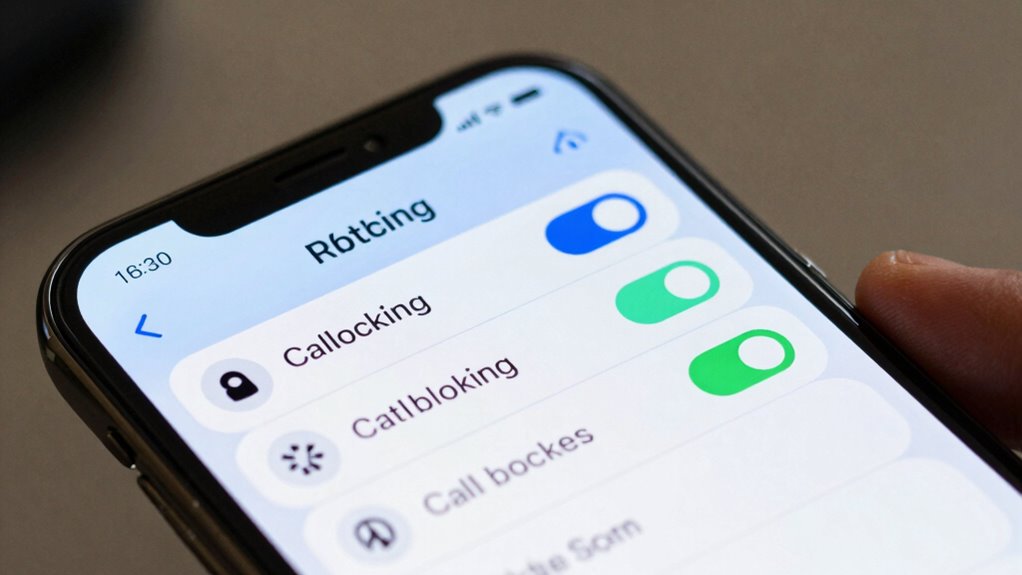
Enabling call blocking features on your phone can substantially reduce scam calls. To boost your scam protection, explore your device’s call blocking settings and adjust privacy settings to control who can contact you. Implement call screening options to filter unknown or suspicious numbers before they reach you. Additionally, review your privacy settings to limit access to your phone number, preventing scammers from harvesting your contact details. Be aware that some privacy policies may include third-party cookies, which can be used to track your interactions and further enhance scam detection. Enabling call filtering features can also help identify and block potential scam calls before they reach you. Understanding scam call patterns can help you recognize and avoid fraudulent attempts more effectively, especially when combined with security settings designed to protect your device.
How to Recognize Scam Calls and Messages
You need to learn how to spot common scam tactics and verify who’s calling or messaging you. Be cautious of messages that create urgency or ask for personal info. Always double-check the caller’s identity before trusting any suspicious communication. Recognizing media literacy concepts can help you identify and avoid scams more effectively. Developing strong critical thinking skills is also essential in discerning legitimate messages from scams. Additionally, understanding how connected technology can be exploited by scammers helps you stay vigilant against evolving tactics.
Spot Common Tactics
Scam calls and messages often follow predictable patterns designed to trick you into revealing personal information or taking risky actions. Recognizing these tactics helps you stay protected. Be cautious of urgent language demanding immediate action, such as claiming your account is compromised. Scammers may also pose as trusted organizations, like banks or government agencies. Pay attention to suspicious numbers or messages that don’t match official contact info. To catch these scams early, use call screening features and spam filters on your phone. These tools help block or flag unknown or suspicious calls before they reach you. Remember, scammers rely on creating a sense of urgency or fear to deceive you. Staying alert and verifying before responding is your best defense.
Verify Caller Identity
Recognizing whether a call or message is genuine starts with paying close attention to the caller’s or sender’s identity. Caller verification helps you spot scam caller identification signals early. Always be cautious if the caller claims to be from a bank, government agency, or company asking for personal information—legitimate organizations rarely initiate contact this way. Check for inconsistencies in the caller’s information, such as unfamiliar area codes or suspiciously urgent language. If you’re unsure, hang up and verify the caller’s identity through official channels. Avoid sharing any personal details until you’re confident it’s a trusted source. Practicing effective caller verification is key to protecting yourself from scams and preventing scammers from gaining access to your sensitive information.
Common Mistakes That Weaken Your Phone’s Scam Protections

One of the biggest mistakes people make is neglecting to keep their phone’s security settings updated. Outdated settings weaken your scam protections, making it easier for scammers to bypass call screening and contact filtering. If you ignore these features, you risk allowing unknown or suspicious calls through. Additionally, not regularly reviewing your contact filtering rules can leave you vulnerable to scam calls. Scammers often change tactics, so failing to adapt your settings reduces your defenses. To strengthen your protections, ensure call screening is enabled, review your contact filtering list, and update your phone’s security features regularly. These small steps help block scam calls before they reach you, keeping your phone safer from fraud.
Daily Tips to Stay Safe From Phone Scams

To stay safe from phone scams, making small, consistent efforts can make a big difference. One simple tip is to enable call blocking benefits on your device, which automatically screens out suspicious calls. Many phones offer scam filter functions that identify potential scam numbers before they even ring through. Regularly update your phone’s software to guarantee these features work effectively. Be cautious about answering calls from unknown numbers, especially if they seem suspicious or urgent. If your phone has a scam filter, trust it to flag or block suspicious callers. These daily habits reduce your risk of falling for scams and help keep your personal information secure. Consistent use of call blocking benefits and scam filter functions is a proactive way to stay safe.
How to Report Scam Calls and Help Fight Phone Fraud
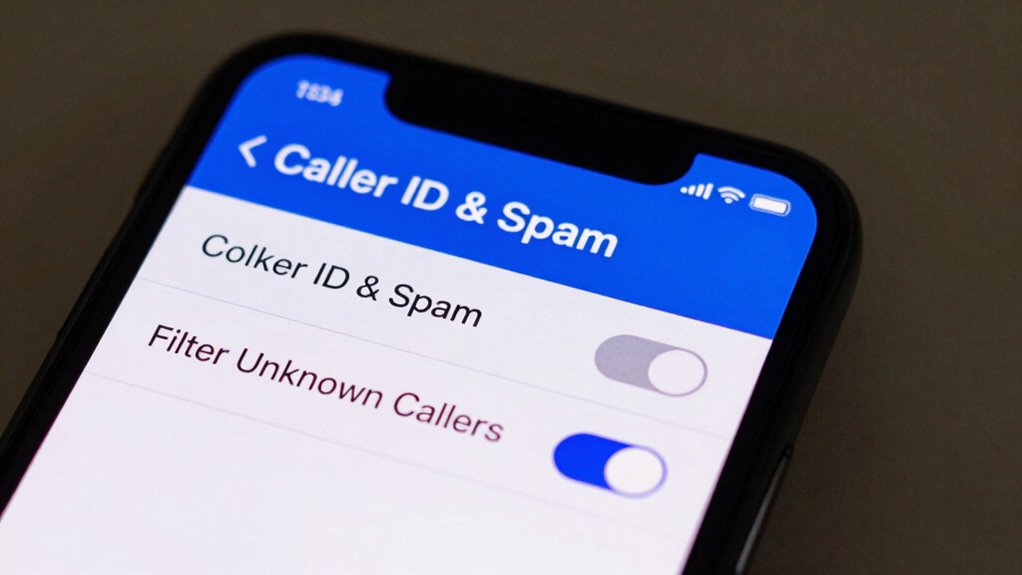
Reporting scam calls is a key step in protecting yourself and helping authorities fight phone fraud. By actively scam reporting, you contribute valuable data that can lead to investigations and shutdowns of scammers. To do this effectively, use call screening features on your phone to identify suspicious calls before answering. When you receive a scam call, document the caller’s number and details. Report the scam to your carrier, local authorities, or dedicated scam reporting platforms. This collective effort helps track scam patterns and blocks future fraudulent calls.
Reporting scam calls helps authorities fight fraud and prevents future scams through collective effort.
- Use call screening tools to filter unknown numbers
- Save and record details of scam calls for reporting
- Submit scam reports to your carrier or government agencies
Frequently Asked Questions
Can I Block Spam Calls From Unknown International Numbers?
Yes, you can block spam calls from unknown international numbers. Enable your phone’s built-in spam filter or call blocking features to automatically block international calls from unknown numbers. You can also install third-party apps that specifically target and block international calls, reducing the risk of scam calls. Regularly update your phone’s software to guarantee these features work effectively, helping you avoid unwanted international spam calls altogether.
Do Call Blocking Features Work on Wi-Fi Calling?
Think of Wi-Fi calling as a whisper in a crowded room—sometimes it still picks up unwanted noise. Call blocking features do work on Wi-Fi calling, but you need to enable call filtering on your device. This feature helps screen calls and block spam, whether you’re on Wi-Fi or cellular networks. So, turn on call filtering to keep those scam calls at bay, no matter how you connect!
Will Blocking a Number Stop Future Scam Messages?
Blocking a number can stop future scam messages from that specific sender, but it has call blocking limitations. Scammers often change numbers, so blocking one won’t prevent all scam messages. To improve scam message prevention, enable your phone’s spam filters and report suspicious messages. While blocking helps, staying vigilant and using multiple defenses offers better protection against scams. Remember, scammers keep evolving, so stay cautious even with call blocking in place.
Are There Third-Party Apps That Enhance Scam Call Blocking?
Yes, there are third-party apps that enhance scam call filtering. These apps actively identify and block scam calls more effectively than standard phone settings. You can download popular options like Hiya, Truecaller, or RoboKiller to improve your protection. They use advanced databases and community reports to detect scam numbers, helping you avoid unwanted calls. Installing a trusted third-party app profoundly reduces the chances of falling for scam calls and messages.
How Often Should I Update My Phone’s Scam Protection Settings?
You should update your phone’s scam protection settings whenever your device prompts you or after installing software updates. Regularly installing security patches and software updates guarantees your phone stays protected against new scam tactics. These updates often include enhanced scam detection features, so staying current minimizes your risk. Check for updates weekly, and enable automatic updates if available, to keep your scam protection always up-to-date and effective.
Conclusion
By turning on call blocking and scam filters today, you’re taking a vital step to protect yourself from fraud. Are you really willing to risk falling for a scam just because you didn’t set up these simple defenses? Stay vigilant, enable those settings, and report suspicious calls. It’s your best defense against phone scams—so why not start now and keep your personal info safe?