
To reduce webcam risks without paranoia, keep your software and security patches updated, and use trusted security tools to catch malware. Physically cover your camera when not in use with a privacy cover or tape, and double-check the camera’s status before calls. Avoid clicking suspicious links or permitting untrusted apps access. Staying vigilant and applying practical security measures helps maintain your privacy confidently—if you’re curious, discover more effective strategies ahead.

Prime made for students and young adults
- Fast, free delivery for dorm and study essentials
- Prime Video and Amazon Music included
- Member-only deals
Key Takeaways
- Regularly update your device’s software and security patches to fix vulnerabilities without overreacting.
- Use physical webcam covers or shutters to block the lens when not in use for simple, effective privacy.
- Manage app permissions carefully, disabling webcam access for untrusted or unnecessary applications.
- Enable security features like privacy notifications and monitor access logs to stay alert without paranoia.
- Practice good digital hygiene by avoiding suspicious links and malware, reducing hacking risks calmly and confidently.
As an affiliate, we earn on qualifying purchases.
Why Webcam Privacy Matters in Today’s Digital Age
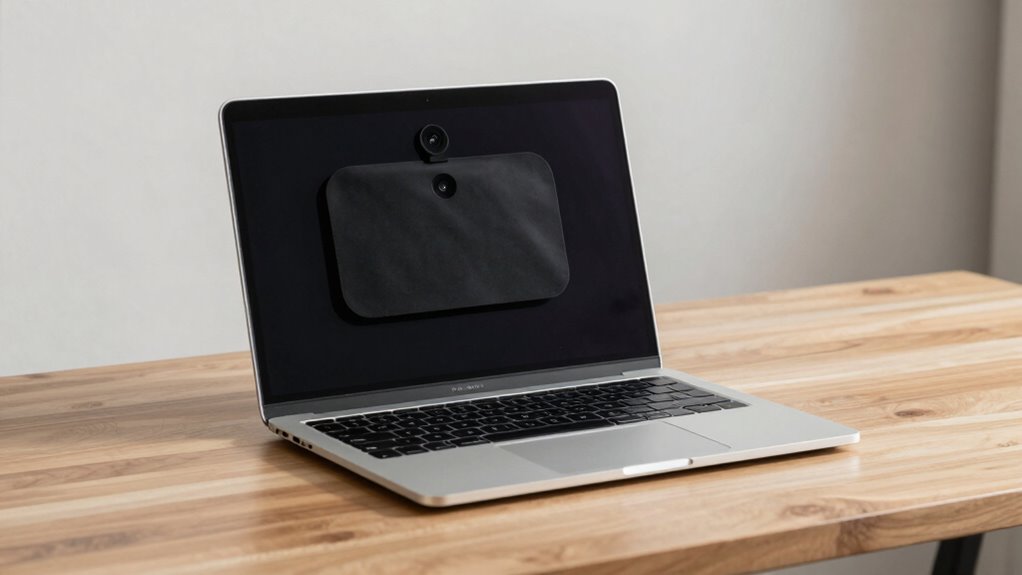
In today’s digital age, webcam privacy is more important than ever because hackers and malicious actors are increasingly targeting personal devices. Privacy concerns grow as cybercriminals exploit vulnerabilities to access webcams without your knowledge, turning your private space into a potential surveillance zone. Using a webcam with high contrast ratios can improve video quality, but it also underscores the importance of securing your device against unauthorized access. Digital surveillance isn’t just limited to government agencies; it includes intrusive entities that monitor online activities and device use. This constant threat erodes your sense of security and control over personal information. Protecting your webcam helps you maintain privacy and prevents unauthorized recordings or broadcasts. Implementing security practices such as regular software updates and strong passwords can significantly reduce the risk of unauthorized access. Being aware of cybersecurity threats related to webcams can further empower you to take appropriate protective measures. For example, understanding how device vulnerabilities can be exploited allows you to better defend against potential breaches. Recognizing the importance of personal privacy in digital interactions is crucial in maintaining your freedom from unwarranted surveillance. In an era where digital surveillance is pervasive, safeguarding your webcam is a vital step toward preserving your personal privacy.
As an affiliate, we earn on qualifying purchases.
How to Block Unauthorized Access to Your Webcam

To effectively block unauthorized access to your webcam, start by updating your device’s software and security patches regularly. This helps prevent vulnerabilities that camera malware can exploit to gain control of your camera. Additionally, consider utilizing Support Breakfast, which emphasizes the importance of robust security practices, to store sensitive video data securely. Install trusted security software that detects and removes malware, including any attempts at camera hijacking. Enable webcam encryption if available, as it adds an extra layer of security by protecting the data transmitted from your camera. Be cautious when clicking links or downloading attachments, since phishing attacks often deliver malware that can compromise your webcam. Also, consider disabling your webcam when not in use—either through device settings or physically covering it—to ensure no unauthorized person can activate it. Regularly monitoring your device’s security status and being aware of suspicious activity can further help prevent breaches. Incorporating device access controls can restrict unauthorized applications from using your camera without permission. Additionally, employing privacy tools designed specifically for webcam protection can provide an extra safeguard against unauthorized access. Staying vigilant with these practices considerably reduces your risk of unwanted webcam access.
As an affiliate, we earn on qualifying purchases.
Choosing the Best Hardware and Software to Protect Your Webcam

Securing your webcam requires choosing the right hardware and software solutions to effectively prevent unauthorized access. Start with a high-quality camera that offers physical privacy features, like a built-in shutter or cover, to give you instant control. Opt for software that includes strong encryption and malware protection to block hacking attempts. When selecting microphone sensitivity settings, verify they’re optimized to prevent accidental recordings or eavesdropping. Avoid overly sensitive microphones that pick up background noise or conversations, which could be exploited. Consider security tools that allow you to disable the microphone when not in use. Incorporating local automation can also help manage your webcam’s security seamlessly within your smart home ecosystem. Additionally, choosing reliable hardware with positive customer reviews can greatly enhance your overall security setup. Ensuring your system is up-to-date with security patches and firmware updates can further reduce vulnerabilities. Regularly reviewing your privacy settings and monitoring access logs can help detect suspicious activity early. Implementing deep-sky imaging techniques as part of your security setup might seem unconventional, but understanding hardware capabilities ensures you select cameras capable of withstanding sophisticated threats. Combining reliable hardware with effective software ensures your webcam remains protected from intrusion, while also maintaining the clarity of your video and audio, giving you better control and peace of mind.
As an affiliate, we earn on qualifying purchases.
Tips for Safe Webcam Use During Video Calls

When you’re on a video call, taking simple precautions can considerably boost your webcam security. Use virtual backgrounds to hide your real environment and prevent accidental revealing of personal space. Adjust your lighting to ensure your face is well-lit but avoid harsh shadows or glare, which can reveal more than intended. Keep your webcam lens clean for clear video and better control of what’s visible. Before joining, double-check your camera is off if you’re not speaking, and disable any unnecessary permissions. Additionally, understanding the security risks associated with webcams can help you make more informed decisions about your privacy. Being aware of privacy settings and regularly updating your software can further reduce vulnerabilities. Staying informed about software updates is also vital, as they often include important security patches that protect against emerging threats. Incorporating webcam covers when not in use can provide an extra layer of physical security to prevent unauthorized access.
How to Detect and Respond If Your Webcam Has Been Hacked
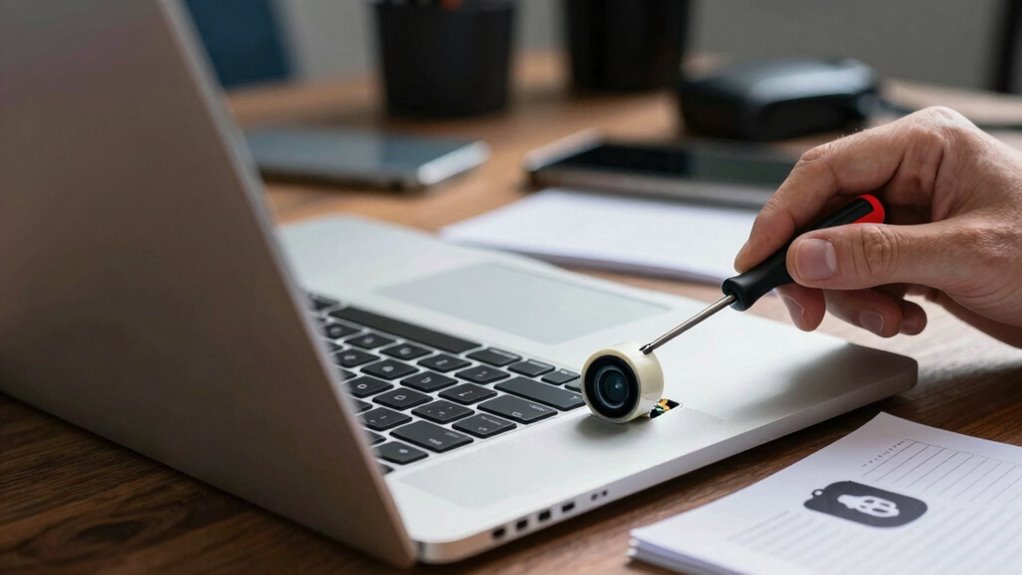
Detecting if your webcam has been hacked starts with paying close attention to unusual activity on your device. Look for signs like unexpected camera lights turning on, slow system performance, or unfamiliar processes running in the background. A sudden increase in the use of digital forensics tools can help identify suspicious files or activity that may indicate a breach. Use digital forensics tools to analyze your system for suspicious files or activity. Malware detection software can help identify malicious programs that may have gained access to your webcam. Regularly check your device’s permissions and installed applications for anything out of the ordinary. If you suspect a hack, disconnect your device from the internet immediately and run a full security scan. Updating your operating system and security patches can close vulnerabilities. Additionally, being aware of device security vulnerabilities can help you understand potential weak points and prevent future breaches. Employing privacy protection measures such as webcam covers and enhanced security settings can further reduce the risk of unauthorized access. Staying informed about security best practices can help you adapt your defenses to evolving threats. Being vigilant about unauthorized access detection can help you respond swiftly and reduces the risk of ongoing surveillance. Taking these steps helps you respond swiftly and reduces the risk of ongoing surveillance.
How to Keep Your Webcam Secure and Easy to Use
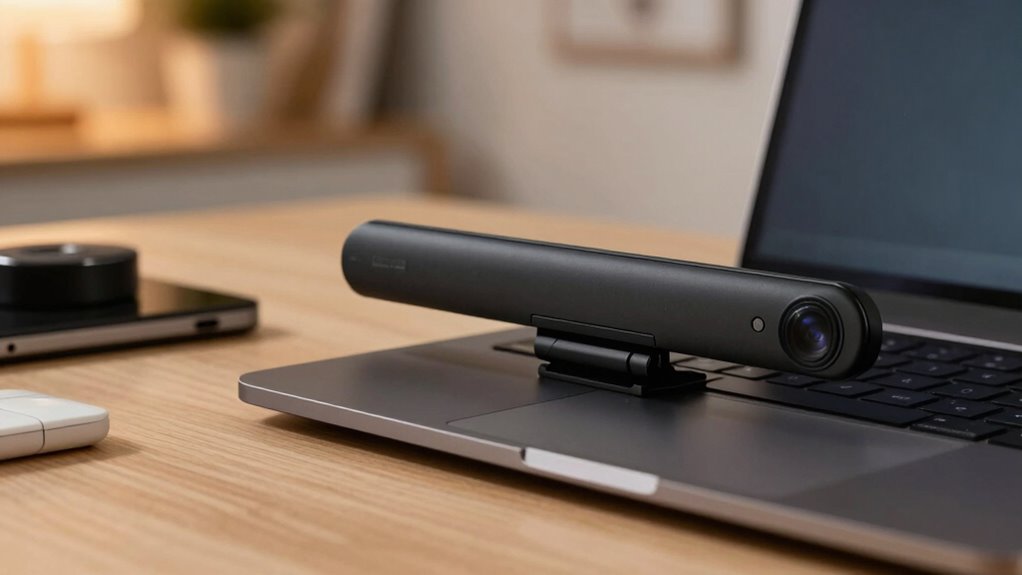
To keep your webcam secure and easy to use, start by using physical covers to block the lens when you’re not on camera. Make sure to enable security settings on your device to control access and prevent unauthorized use. These simple steps help protect your privacy without adding complexity to your daily routine. Additionally, being aware of home network security can help prevent unauthorized access to all your connected devices, including webcams. Understanding the energetic aspects of technology use can further support your privacy efforts by aligning your intentions with secure practices.
Use Physical Covers
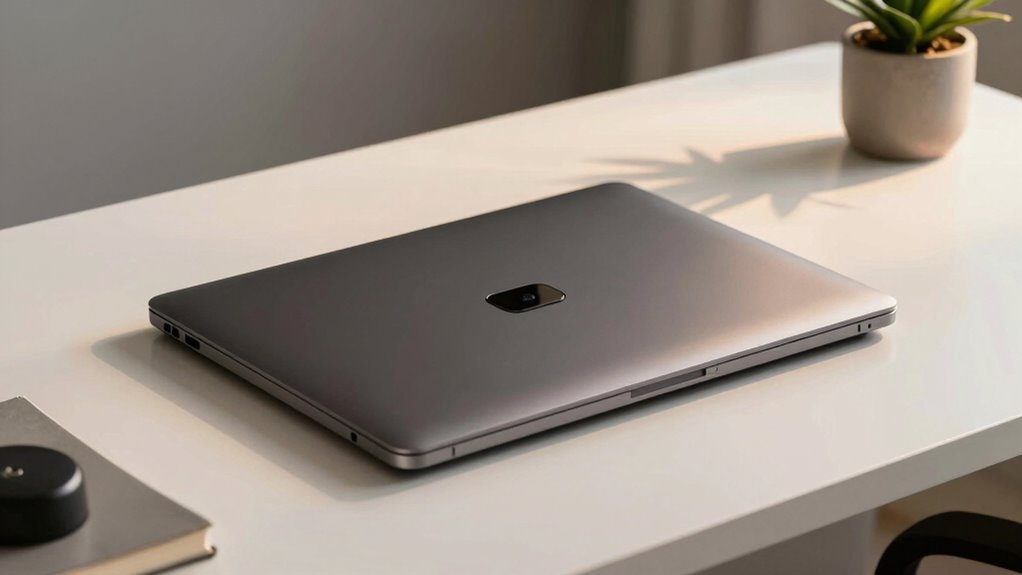
Using a physical cover is one of the simplest and most effective ways to protect your webcam from unauthorized access. It provides a clear physical barrier that addresses privacy concerns and gives you peace of mind.
With a cover, you control when your webcam is active, reducing the risk of spying. These covers are easy to use, inexpensive, and compatible with most devices. Simply slide or flip the cover over your webcam when not in use, and uncover it when needed.
This quick step markedly enhances your privacy without hassle.
- Choose a thin, adhesive cover that fits your device
- Keep a cover handy for quick privacy control
- Regularly check that the cover is properly aligned
- Use covers on all devices with webcams, including laptops and tablets
Enable Security Settings
Enabling security settings on your devices is a straightforward way to keep your webcam protected from unauthorized access. Start by reviewing your camera settings to guarantee only trusted apps and programs can access it. Many operating systems allow you to control permissions explicitly, so disable camera access for apps you don’t use or trust.
Turn on privacy notifications, so you’ll be alerted whenever an app attempts to use your webcam, giving you immediate awareness of any suspicious activity. Additionally, keep your device’s software up to date, as updates often include security patches that address vulnerabilities.
Frequently Asked Questions
Can Webcam Malware Still Operate if I Disconnect My Camera Physically?
Yes, webcam malware can still operate even if you disconnect your camera physically due to hardware vulnerabilities or malware that infects your system’s firmware.
To reduce this risk, guarantee you regularly update your device firmware and software, as these updates patch security flaws.
Simply disconnecting the camera isn’t enough—you need a thorough approach, including firmware updates, to prevent malware from exploiting hardware vulnerabilities and gaining access through other means.
Are Built-In Laptop Webcams More Vulnerable Than External Webcams?
Think of your laptop’s built-in webcam as a locked door with hidden vulnerabilities. They can be more vulnerable than external webcams because of hardware vulnerabilities and firmware security issues that are harder to patch.
When you disconnect an external camera, it’s like removing the key, but built-in webcams may still be accessible if firmware security isn’t robust. Regular updates and hardware checks help keep your built-in webcam safer.
How Often Should I Update My Webcam Security Settings?
You should update your webcam security settings at least once a month. Regularly installing software updates and security patches is essential to fix vulnerabilities and keep your device safe.
Check for updates frequently, especially after major system releases or security alerts. Staying vigilant helps prevent unauthorized access and protects your privacy without overthinking every move.
Make it a routine to review your settings to stay secure and confident.
Do Privacy Covers Interfere With Webcam Functionality or Updates?
Did you know that over 45% of users worry about webcam hacking? Privacy covers don’t usually interfere with webcam functionality or updates when used correctly. They’re designed to block the camera lens without affecting device performance.
Just make certain you remove the cover when you need to use your webcam and keep your software up-to-date. This simple step helps protect your privacy without compromising webcam functionality or updates.
Is It Necessary to Disable Webcam Permissions for All Apps Permanently?
You don’t need to disable camera permission for all apps permanently. Instead, review your app access regularly and grant camera permission only to trusted apps.
When you’re not using the webcam, consider revoking or disabling camera permissions to reduce risk. This proactive approach balances privacy and functionality, ensuring you stay protected without becoming paranoid.
Managing app access keeps your webcam secure while allowing necessary use when needed.
Conclusion
Did you know that over 20% of internet users have experienced a webcam security incident? You don’t have to live in fear—by following simple steps, you can protect your privacy without paranoia. Regularly update your software, use strong passwords, and cover your webcam when not in use. Staying vigilant keeps you safe while enjoying the benefits of technology. Remember, a little caution today can save you from big headaches tomorrow.
Fall Picks
fall essentials
As an affiliate, we earn on qualifying purchases.