
Auto-lock offers convenience by automatically securing your door after a set time or when it closes, giving you peace of mind. Auto-unlock makes entry seamless by detecting your proximity, but it can introduce security risks if signals are intercepted or devices are compromised. Balancing these features depends on whether you prioritize ease or security. To understand how to optimize both, explore the details that follow.

Prime made for students and young adults
- Fast, free delivery for dorm and study essentials
- Prime Video and Amazon Music included
- Member-only deals
Key Takeaways
- Auto-lock enhances security by automatically securing doors, reducing human error, while auto-unlock offers convenience by allowing keyless entry.
- Auto-lock minimizes risks of leaving doors unlocked accidentally, whereas auto-unlock may introduce vulnerabilities if signals are intercepted or compromised.
- Combining auto-lock with customizable timing provides a balance between security and convenience; auto-unlock simplifies access but requires careful management of risks.
- Auto-unlock relies on Bluetooth or Wi-Fi detection, which can be bypassed or hacked, increasing potential security vulnerabilities.
- Choosing between them depends on whether prioritizing home security or ease of access aligns with your safety and lifestyle needs.
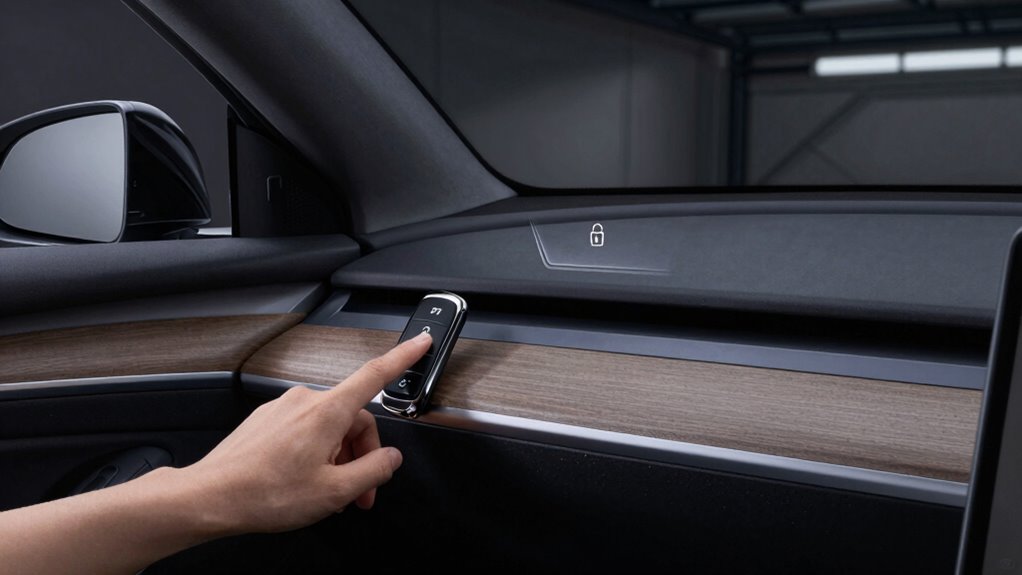
When choosing a smart lock for your home, understanding the differences between auto-lock and auto-unlock features can help you make an informed decision. Both features aim to enhance user convenience, but they also influence your home’s security benefits in different ways. Auto-lock automatically secures your door after a set period or once you close it, giving you peace of mind that your home isn’t vulnerable if you forget to lock up. This feature is especially useful if you often forget to lock the door or if you want to prevent accidental leaving it unlocked. It guarantees your property remains protected without requiring manual locking each time, bolstering your security benefits by reducing the chances of an unlocked door being exploited.
On the other hand, auto-unlock offers unmatched user convenience by unlocking the door automatically when it detects your proximity, usually through Bluetooth or Wi-Fi. This feature lets you walk right in without fumbling for keys or unlocking your phone. It’s perfect for those busy mornings or when your hands are full, making coming home less stressful. However, while auto-unlock improves convenience, it can introduce some security concerns. If your device’s Bluetooth or Wi-Fi connection is compromised, or if someone else manages to mimic your device, unauthorized access becomes a risk. Therefore, you need to weigh whether the increased convenience justifies potential security vulnerabilities.
When considering security benefits, auto-lock generally offers a more consistent safeguard. It guarantees the door is locked after a certain time or when it’s closed, reducing the risk of accidental or intentional non-locking. Many smart locks also allow you to customize auto-lock timing, giving you control over how quickly your home is secured after entry. Additionally, the security benefits of smart locks are enhanced when they integrate with other home security systems and access control protocols, providing a comprehensive security solution. Conversely, auto-unlock, while convenient, can sometimes be a security concern if the system’s detection isn’t accurate or if signals are intercepted. You might find yourself with an unlocked door if your device’s connection drops or if someone else is nearby using similar technology.
Ultimately, your choice depends on your priorities. If you want to maximize security benefits and minimize risks, auto-lock is a smart addition to your home security system. It provides a reliable layer of protection without relying on external signals. If user convenience is your top priority and you’re comfortable managing potential security trade-offs, auto-unlock can make your daily routine smoother. Many homeowners opt for a combination of both, setting auto-lock to secure the door after a delay while using auto-unlock for seamless entry. Whichever you choose, understanding how these features impact security and convenience helps you strike the right balance for your lifestyle.
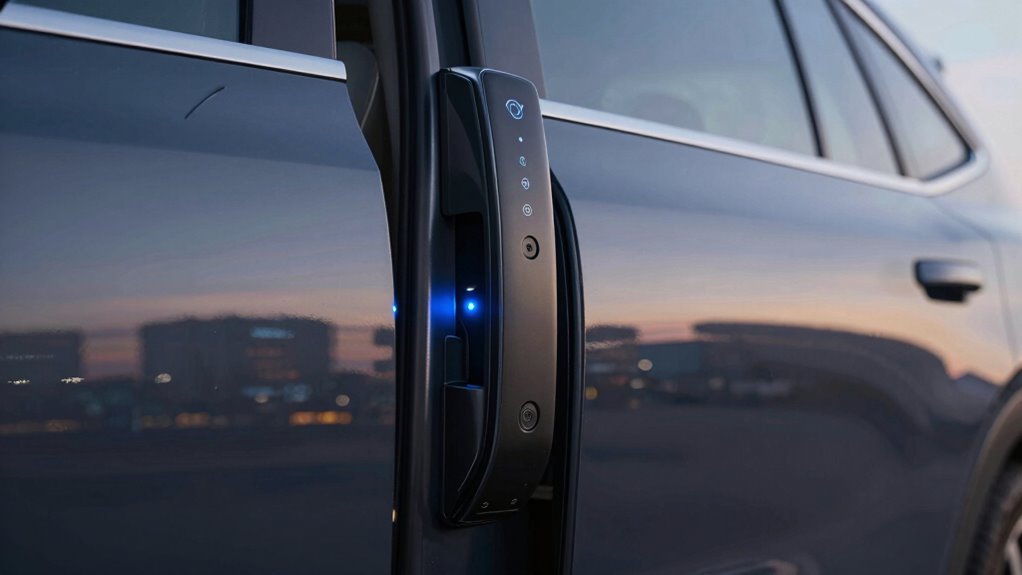
smart lock with auto-lock feature
As an affiliate, we earn on qualifying purchases.
As an affiliate, we earn on qualifying purchases.
Frequently Asked Questions
Can Auto-Lock Features Be Manually Overridden?
Yes, auto-lock features can usually be manually overridden, giving you more control over your security settings. Many systems allow you to disable or adjust auto-lock through settings or a manual override option, so you can decide when to lock or release your device or vehicle. This flexibility helps you balance convenience and safety, but be cautious—overriding auto-lock can increase your risk if you forget to lock up securely.
How Does Auto-Unlock Impact Vehicle Theft Risks?
Auto-open can increase your vehicle theft risk because it weakens keyless security by making it easier for thieves to access your car. When your vehicle unlocks automatically, thieves might exploit this feature through relay attacks or signal jamming. To improve theft prevention, consider disabling auto-unlock when not needed or using additional security measures. This helps protect your vehicle from unauthorized access and maintains stronger theft prevention.
Are There Customizable Settings for Auto-Lock and Unlock Timings?
Yes, you can customize your auto-lock and unlock timings easily. Many vehicles offer keypad customization, allowing you to set lock and unlock times that suit your routine. You gain lock timing flexibility, enabling you to decide how quickly your car locks after exiting and unlocks when you approach. This tailored setup enhances your convenience while maintaining security, giving you control over your vehicle’s locking features.
Do Auto-Lock/Unlock Systems Work With All Vehicle Models?
Auto-lock and auto-unlock systems don’t work with all vehicle models. Vehicle compatibility varies depending on the make, model, and year, and system integration can differ considerably. Before installing or trusting these features, check your vehicle’s specifications or consult your manufacturer to verify compatibility. Some newer vehicles come with integrated auto-lock/unlock systems, while older ones may require additional hardware or may not support them at all.
What Safety Measures Exist if Auto-Unlock Malfunctions?
If your auto-unlock system malfunctions, safety measures like emergency overrides and keyless entry backups kick in. For example, a driver stranded when auto-unlock failed used the emergency override to open the door safely. Many vehicles include manual key access or a hidden key slot, ensuring you can always gain entry. Always familiarize yourself with your car’s emergency procedures to prevent being locked out or exposed to risks.
As an affiliate, we earn on qualifying purchases.
Conclusion
Choosing between auto-lock and auto-unlock depends on your priorities. Imagine you’re rushing out the door, and auto-lock keeps your home secure without a second thought. But if you often forget your keys, auto-unlock offers convenience—though it might pose a security risk. Ultimately, weigh the peace of mind of auto-lock against the effortless access of auto-unlock. Finding the right balance guarantees your home stays safe while fitting your lifestyle perfectly.
As an affiliate, we earn on qualifying purchases.
As an affiliate, we earn on qualifying purchases.
Halloween Picks
halloween
As an affiliate, we earn on qualifying purchases.