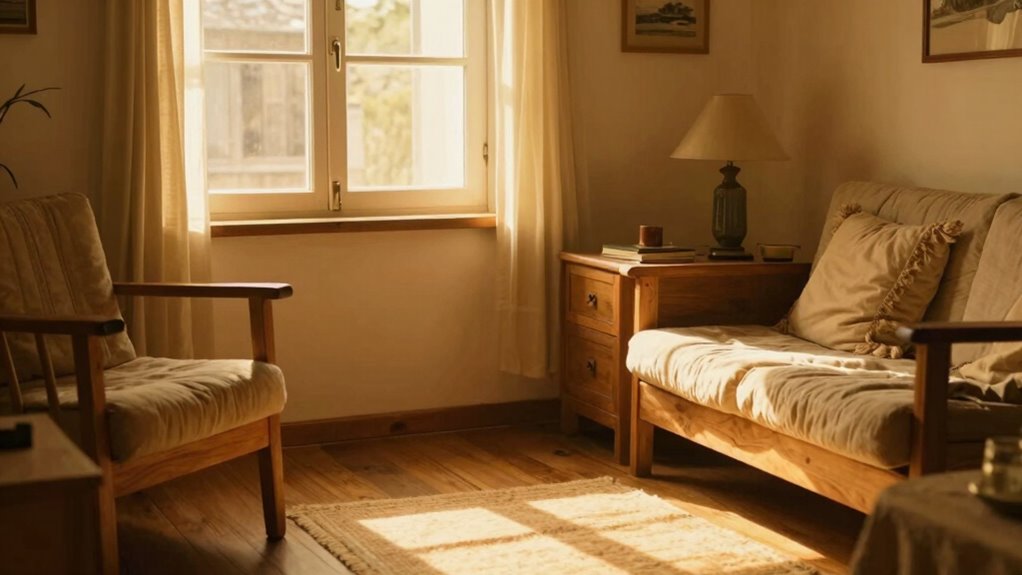
If your videos look overly yellow or warm, it’s likely due to your camera’s white balance settings not matching the light source’s color temperature. Warm indoor lighting from bulbs around 2700K–3000K can cast a yellow tint if your camera isn’t adjusted properly. By understanding how different light sources emit specific color temperatures and adjusting your camera accordingly, you can achieve natural-looking footage. Keep exploring to learn more about mastering lighting and color accuracy.
Key Takeaways
- A low Kelvin value (around 2700K–3000K) emits warm, yellowish light, causing videos to appear “yellow” or overly warm.
- Indoor lighting like incandescent bulbs naturally has a warm color temperature, affecting your footage’s color tone.
- Incorrect white balance settings on your camera can lead to a yellow tint in videos by matching the wrong light temperature.
- Adjusting your camera’s white balance to match the light source’s Kelvin temperature helps prevent yellowish color casts.
- Using auto white balance without proper calibration often results in yellow or unnatural tinting in your videos.
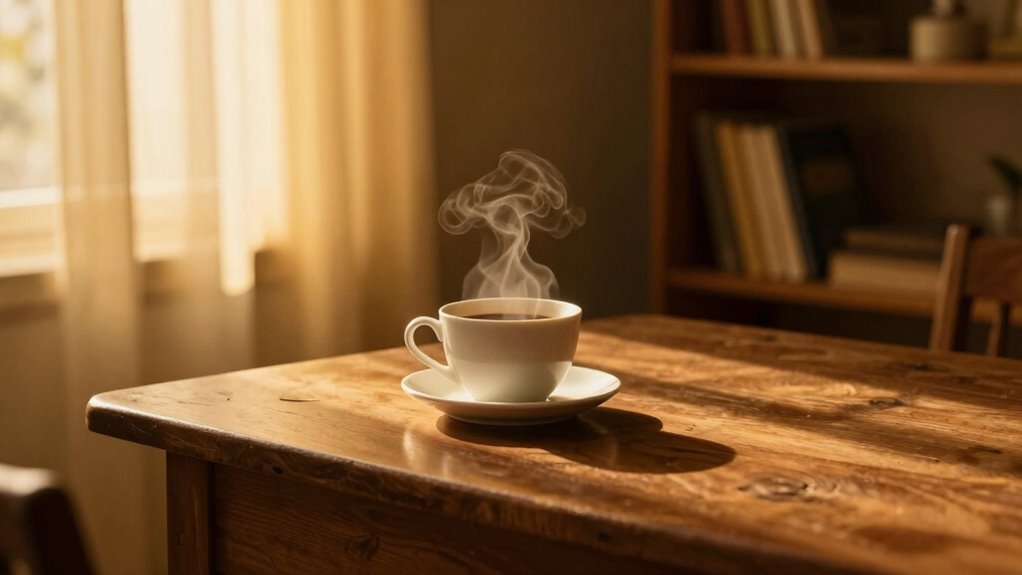
Have you ever wondered why some light looks warm and cozy while others appear cool and sterile? It all comes down to color temperature, which is measured in Kelvins (K). When you’re filming, the light source’s color temperature influences how your video looks on camera. If you don’t pay attention to this, your footage can end up with an unwanted yellow or orange tint, making everything feel less natural. Achieving lighting consistency across your shots requires understanding how different light sources emit different color temperatures and how to adjust your camera settings accordingly. This way, you can guarantee your videos look professional and true to life. Recognizing the impact of lighting conditions** helps you make better adjustments and ensures your footage remains consistent. Different light sources have distinct color temperatures. For instance, incandescent bulbs usually emit warm, yellowish light around 2700K to 3000K. Fluorescent lights, on the other hand, tend to produce a cooler, sometimes greenish hue, often around 4000K to 5000K. Daylight varies depending on the time of day but generally falls between 5000K and 6500K, giving a neutral or slightly bluish tone. When filming indoors without proper adjustments, your camera might interpret these lights differently, resulting in inconsistent color reproduction. That’s why matching your camera’s white balance to your lighting conditions is essential to maintain lighting consistency. Your camera settings play a vital role in controlling how your footage appears. Most cameras allow you to manually set the white balance or use presets like “daylight,” “cloudy,” or “tungsten.” If you’re shooting under warm indoor lighting, switching to a tungsten setting can help neutralize the yellow cast. Conversely, shooting outdoors in daylight might require a daylight or auto white balance setting. When you neglect to adjust these settings, your camera automatically tries to compensate, which can sometimes lead to overly warm or cool images. To avoid that, learn how to manually set your white balance or use custom Kelvin values** that match your light source’s color temperature.

Macolink White Balance Grey Cards 18% Gray Cards Custom Color Calibration DSLR/SLR/Evil Camera Checker for Digital Photography Video (3.35" X 2.2")
The gray card can let you get right white balance in seconds and always have the perfect exposure.
As an affiliate, we earn on qualifying purchases.
As an affiliate, we earn on qualifying purchases.
Frequently Asked Questions
How Does White Balance Affect Color Temperature in Videos?
White balance directly affects the color temperature in your videos, ensuring colors appear natural and accurate. When you adjust white balance, you’re telling your camera what should be perceived as pure white, which influences the overall color accuracy. Proper white balance prevents your footage from looking too yellow or cool, helping you achieve a balanced, true-to-life look. Keep an eye on white balance settings to control color temperature effectively.
Can Changing Color Temperature Improve Video Quality in Low-Light Conditions?
Yes, adjusting color temperature can improve your video quality in low-light conditions. By warming or cooling the image, you mimic the look of film stock and create a more natural or stylized appearance. You can also enhance color grading, making your footage more vibrant and appealing. This tweak helps reduce unwanted yellowish or bluish tones, giving your videos a professional, polished look even in challenging lighting situations.
What Tools Are Available to Manually Adjust Color Temperature During Filming?
Think of your camera as a painter’s palette—you can manually adjust color temperature with tools like on-camera sliders, knobs, or dedicated filters. Some cameras also let you dial in settings during filming. For precise control, use external monitors or gimbals with adjustable temperature settings. These tools help you achieve the perfect hue, making color grading in post-production easier and ensuring your footage matches your creative vision from start to finish.
How Does Color Temperature Influence the Mood or Tone of a Video?
You influence the mood of your video through color temperature, as warmer tones evoke feelings of comfort and intimacy, while cooler tones create a sense of professionalism or detachment. By adjusting color temperature, you tap into color psychology, shaping viewers’ emotional impact. For example, a warm hue can make scenes feel inviting, whereas a cooler one might add seriousness or calmness. Your choices directly affect how viewers perceive and emotionally respond to your content.
What Are Common Mistakes to Avoid When Setting Color Temperature?
You must avoid common mistakes like neglecting your white balance settings, which can lead to inconsistent colors. Don’t rely solely on auto white balance; it might not match your scene’s mood. Always double-check your color temperature before filming, or you’ll end up with unwanted color casts that ruin your footage’s color consistency. Keep a steady hand on your settings, or subtle shifts could create a distracting, unprofessional look.

Feit Electric A19 LED Light Bulb, 60W Replacement, Dimmable, Selectable Color Temperatures (2700K-5000K), 800 Lumens, General Purpose Light Bulbs, 15,000-Hour Lifetime, OM60DM/5CCTCA/LED/ 10 Pack
CUSTOMIZABLE LIGHTING WITH ADJUSTABLE COLOR TEMPERATURE – Enjoy tailored lighting for every mood and setting with selectable color…
As an affiliate, we earn on qualifying purchases.
As an affiliate, we earn on qualifying purchases.
Conclusion
Understanding color temperature is like having a secret paintbrush—you can control the mood and tone of your videos effortlessly. When you grasp why your footage looks “yellow,” you hold the key to transforming your shots from dull to dazzling. Think of it as tuning a musical instrument; once you get the harmony right, your videos will shine with clarity and warmth. So, keep experimenting and let your creativity color outside the lines!

2-Pack LED Video Light Kit, NiceVeedi Studio Light, 2800-6500K Dimmable Photography Lighting Kit with Tripod Stand&Phone Holder, 73" Stream Light for Video Recording, Game Streaming, YouTube
【MULTIPLE COLOR TEMPERATURE & ADJUSTABLE BRIGHTNESS】There are 3 Color temperatures (2800K, 4800K & 6500K) which offer different lighting…
As an affiliate, we earn on qualifying purchases.
As an affiliate, we earn on qualifying purchases.
![Lightdow 12 x 12 Inch (30 x 30 cm) White Balance 18% Gray Reference Reflector Grey Card with Carry Bag [Folded Version]](https://m.media-amazon.com/images/I/31GeGGNhEvL._SL500_.jpg)
Lightdow 12 x 12 Inch (30 x 30 cm) White Balance 18% Gray Reference Reflector Grey Card with Carry Bag [Folded Version]
Gray side: Reflectance 17.8%; Density 0.74
As an affiliate, we earn on qualifying purchases.
As an affiliate, we earn on qualifying purchases.