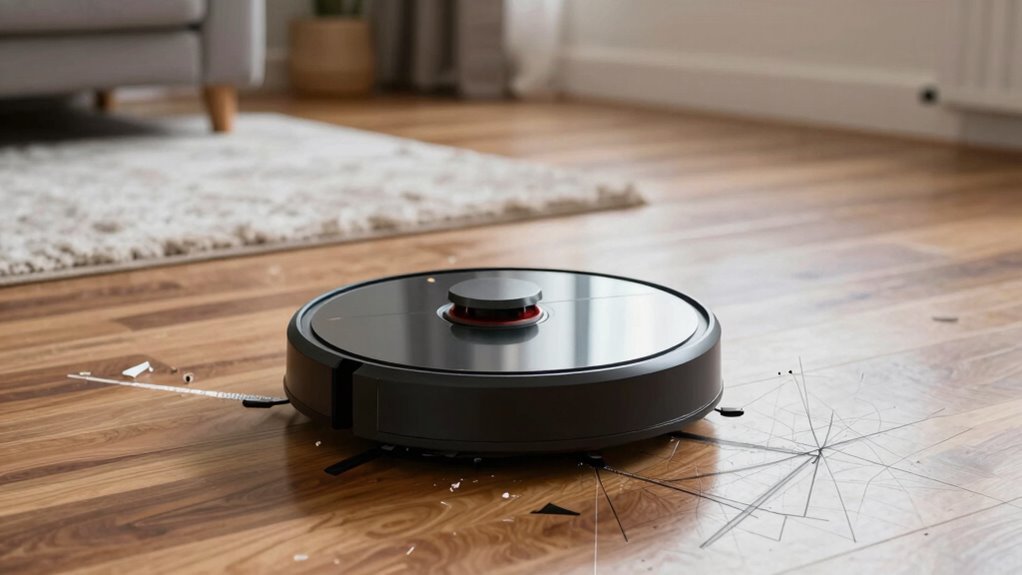
Your robot vacuum’s mapping problems usually start with sensor malfunctions or calibration issues. If sensors are dirty, damaged, or obstructed, they send false readings that confuse the device’s navigation. Environmental factors like reflective surfaces or moving objects can also disrupt sensors. Regular cleaning and maintaining firmware help prevent these issues, but understanding the root causes can help you troubleshoot more effectively. Stay with us to discover how to keep your vacuum’s navigation on track.
Key Takeaways
- Internal mapping system errors or software bugs initiating navigation confusion.
- Calibration issues causing inaccurate perception of the environment.
- Obstructed or dirty sensors leading to incorrect obstacle detection.
- Environmental interference disrupting sensor signals and mapping data.
- Outdated firmware or software glitches impairing navigation algorithms.
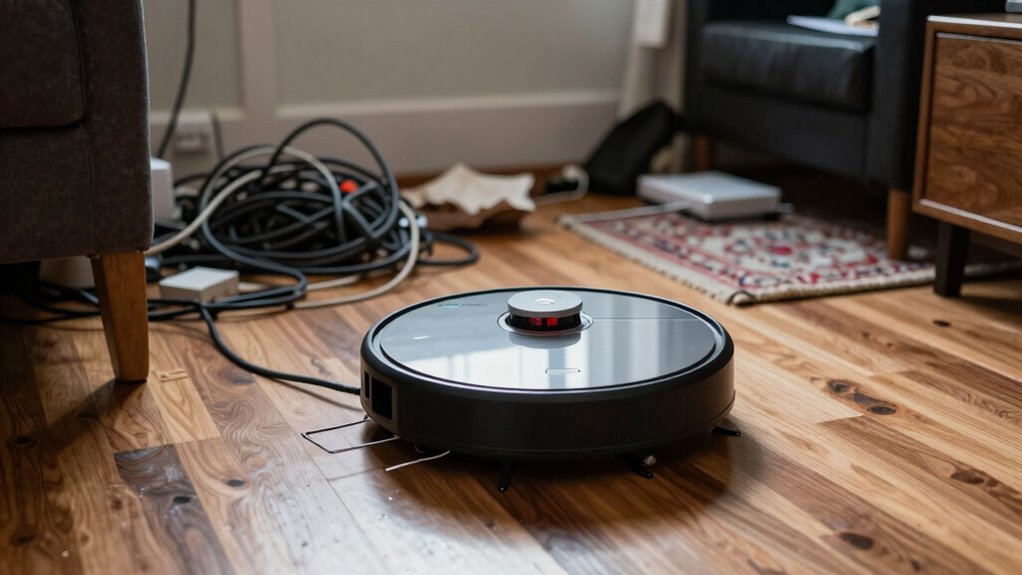
Navigation glitches happen when the robot’s internal mapping system encounters errors. These glitches can be caused by software bugs, outdated firmware, or interference from environmental factors. For example, if the robot’s navigation algorithm isn’t calibrated properly or if there’s a glitch in its software, it might lose track of its location or confuse one room with another. This results in inefficient cleaning paths, skipped spots, and redundant passes over the same area. As a user, you might notice your robot repeatedly circling the same spot or failing to cover the entire room.
Sensor malfunctions are another common cause of mapping problems. Your robot relies on sensors—such as infrared, laser, or ultrasonic—to detect obstacles and create a map of your space. If these sensors are dirty, damaged, or obstructed, the robot can’t accurately perceive its surroundings. For instance, a dirty laser sensor might produce false readings, making the robot believe there’s an obstacle where there isn’t. Similarly, a malfunctioning bumper sensor might fail to detect a wall or furniture, causing the robot to bump into objects or get stuck. Sensor malfunctions can also lead to sensor inaccuracies and misjudging distances, resulting in inefficient cleaning paths or repeated collisions. Regularly checking and maintaining your sensors can help prevent these issues and improve navigation accuracy. Additionally, environmental factors like reflective surfaces or moving objects can further disrupt sensor reliability, leading to more frequent navigation errors. Being aware of sensor calibration can help maintain optimal performance of your device and prevent mapping errors.

Thames & Kosmos Dusty Robot Vacuum Cleaner STEM Kit | Build a Desktop Robotic Vacuum with Sensors, Explore Robotics, Engineering & Mechanical Devices, Fun Gift for Ages 8+ or Adults
- Interactive Construction Project: Build a functional desktop vacuum cleaner
- Smart Navigation Sensors: Detects objects and avoids collisions
- Edge Tracking Probe Arm: Guides along table edges accurately
As an affiliate, we earn on qualifying purchases.
As an affiliate, we earn on qualifying purchases.
Frequently Asked Questions
How Do Robot Vacuums Create Their Initial Maps?
You start by turning on your robot vacuum, which uses sensors to scan your space. It calibrates these sensors to guarantee accurate data collection. The robot then employs algorithms to process this information, creating a map of your home. As it learns, it updates its algorithms to improve navigation and mapping accuracy. Regular calibration and algorithm updates help your robot refine its map, making cleaning more efficient over time.
Can Physical Obstacles Permanently Affect Mapping Accuracy?
Physical obstacles can permanently affect your robot vacuum’s mapping accuracy if they interfere with sensor calibration or become permanent fixtures in the environment. When obstacles are consistently present, sensors might misinterpret or forget the layout, leading to flawed maps. To maintain accuracy, you need to clear temporary obstacles regularly, recalibrate sensors when needed, and monitor for obstacle permanence that could cause long-term mapping issues.
Do Different Brands Have Unique Mapping Issues?
Different brands do have unique mapping issues because of variations in brand compatibility and map update frequency. Some brands may struggle with certain flooring types or obstacle recognition, affecting their accuracy. Others might update maps less frequently, causing outdated navigation routes. You’ll find that understanding each brand’s compatibility with your home environment and how often they update their maps helps reduce mapping problems and improves overall cleaning efficiency.
How Often Should Maps Be Recalibrated?
You should recalibrate your robot vacuum’s map every 1 to 3 months, especially if you notice missed spots or navigation issues. About 60% of users find that regular mapping updates improve cleaning efficiency. Frequent recalibration guarantees your device adapts to changes like furniture rearrangements or new obstacles. Keep an eye on calibration frequency to maintain accurate mapping, which helps your vacuum clean smarter and faster, saving you time and effort.
Are There Specific Flooring Types That Interfere With Mapping?
Certain flooring types, like thick carpets, dark surfaces, or reflective tiles, can interfere with your robot vacuum’s mapping. Flooring interference impacts the sensors, making it harder for the device to accurately navigate and create reliable maps. Surface impact varies by material; shiny or uneven floors can confuse the sensors, leading to errors. To improve mapping, consider clearing or adjusting problematic surfaces, and verify your robot’s sensors are clean and functioning properly.
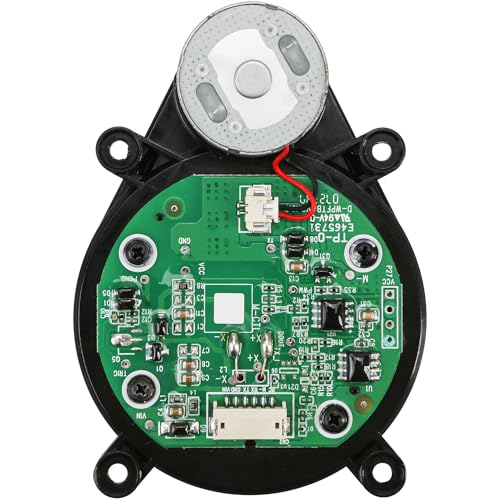
Black Laser Distance Sensor LDS Replacement for Roborock Q Revo/Q5 Pro/P10 Robot Vacuum Cleaner Compatible LiDAR Motor G20/S8LDS
- Compatibility: Designed for Roborock Q Revo and P10
- Durable Construction: Made from premium, wear-resistant materials
- Enhanced Cleaning: Improves navigation and obstacle avoidance
As an affiliate, we earn on qualifying purchases.
As an affiliate, we earn on qualifying purchases.
Conclusion
Just like a captain charts a course through uncharted waters, your robot vacuum relies on clear mapping to navigate your home. When mapping problems arise, it’s as if the lighthouse flickers, leaving the ship adrift. By addressing these issues, you restore the beacon’s steady glow, guiding your device safely through every room. With patience and care, you become the lighthouse keeper, ensuring your vacuum’s journey is smooth, and every corner shines with the promise of a clean home.

Compatible with ECOVACS FM1828 ToF LDS Laser Sensor Unit
- Compatibility: Works with all ECOVACS models
- Measurement Technology: ToF laser distance measurement
- Scanning Range: Full-room scan within 5 meters
As an affiliate, we earn on qualifying purchases.
As an affiliate, we earn on qualifying purchases.

Goodsby Replacement Cliff Drop Infrared Side Sensors for Shark IQ Robot Vacuums RV1001AE RV912S RV913S RV1000S QR1000SG AV1002AE AV1010AE AV911S QR1000SB UR1000SR UR1005AE RV1101ARUS UR1105ARUS
- Compatibility: Fits specific Shark IQ Robot models
- Model Check Reminder: Verify your vacuum model before ordering
- Compatibility Notice: Not compatible with 7xx, 8xx, 20xx series
As an affiliate, we earn on qualifying purchases.
As an affiliate, we earn on qualifying purchases.