
If a video shows unnatural movements, inconsistent shadows, sudden jumps, or abrupt edits, you should be suspicious. Look for signs like mismatched lighting, strange facial expressions, or eerie silence that doesn’t match the scene. Use tools or check metadata to confirm authenticity. Trust your instincts and question unusual elements. To truly understand how to spot the signs and verify videos, keep exploring the key indicators you need to watch out for.
Key Takeaways
- Look for inconsistent shadows, lighting, or abrupt changes in brightness within the scene.
- Watch for unnatural facial movements, mismatched eye movements, or jerky body gestures.
- Check for visual glitches, blurring, or mismatched backgrounds that seem out of place.
- Listen for audio mismatches, unnatural voice tones, or background noises that don’t align.
- Use metadata analysis and deepfake detection tools to identify signs of digital manipulation.
Why Video Authenticity Matters and How to Start Verifying
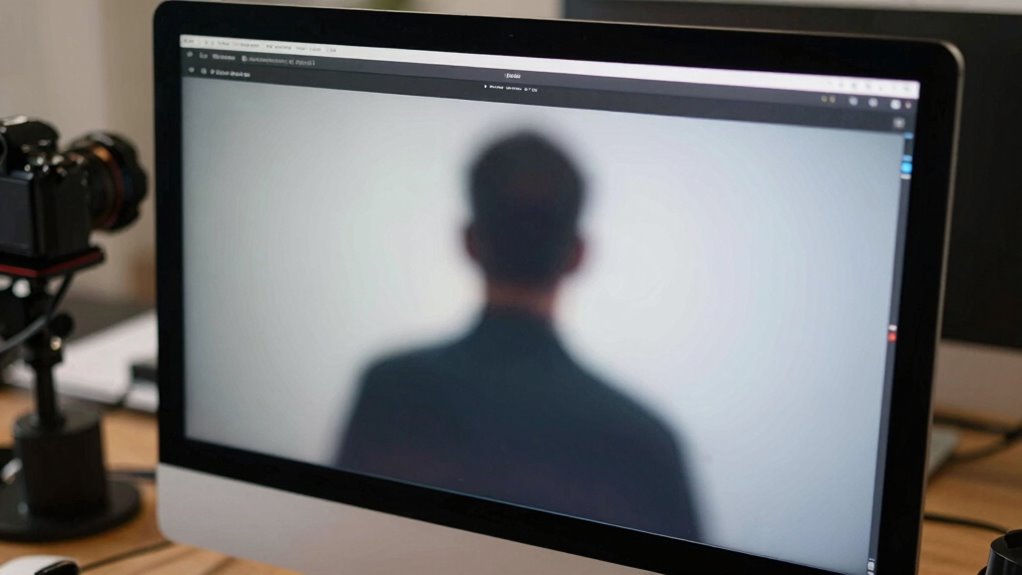
Have you ever wondered how much trust you should place in the videos you see online? Authenticity matters because manipulated videos can spread misinformation and influence opinions. Digital forensics plays a vital role in verifying whether a video is genuine by analyzing metadata, detecting signs of editing, and identifying inconsistencies. Developing skills in misinformation detection helps you spot red flags before accepting content at face value. Start by checking the video’s source—trusted outlets are more reliable. Look for visual anomalies or unnatural movements, which may indicate edits. Remember, not all edits are malicious, but understanding how to verify videos guarantees you don’t fall for false information. Building these verification habits helps you stay critical and informed in an age of widespread digital manipulation. For example, recognizing the importance of video authenticity can help you differentiate between genuine and edited content. Incorporating digital forensic techniques into your verification process enhances your ability to detect subtle signs of tampering. Additionally, understanding common video editing tools can help you identify specific alterations more effectively.
Spot Overly Edited or Suspicious Visuals in Videos

When examining videos for authenticity, spotting signs of heavy editing or suspicious visuals can reveal whether a clip has been manipulated. Deepfake techniques often create unnatural face movements or mismatched lighting, making the video look off. Pay close attention to inconsistencies like blurring, flickering, or abrupt changeovers, which editing software might introduce. Look for unnatural eye movements, mismatched skin tones, or distorted backgrounds that seem out of place. Overly smooth skin or impossible facial expressions can also signal manipulation. If a video appears too perfect or contains visual glitches, it’s a red flag. These signs indicate the use of advanced editing tools or deepfake tech, warning you to approach the content with skepticism. Recognizing these clues helps you identify suspicious visuals before accepting them as real. Additionally, understanding visual authenticity cues can assist in discerning genuine content from manipulated visuals. Being aware of common editing artifacts can further improve your ability to detect tampering and verify video integrity. Developing a critical eye for digital manipulation techniques is essential in today’s media landscape to avoid being misled. Moreover, familiarizing yourself with authenticity detection methods can empower viewers to better assess the credibility of visual content.
Identify Inconsistent or Unclear Audio Clues
You should listen closely for mismatched audio sync or unnatural voice tonality, as these often reveal video edits. When sounds don’t match the visuals or voices sound off, it’s a strong sign something’s been altered. Recognizing these clues helps you spot suspicious editing quickly and accurately. Paying attention to audio verification can help confirm whether a video is authentic or manipulated. Additionally, inconsistent lighting or shadows may also indicate editing, so observe the entire visual context carefully. Being aware of sound design techniques can further aid in identifying unnatural audio patterns that don’t align with the visual environment. For instance, inconsistent background noise levels or abrupt changes in audio quality can also point to editing. Understanding contrast ratio and its impact on image quality can help you notice unnatural lighting effects or overly contrasted scenes that seem inconsistent with the rest of the video.
Mismatched Audio Sync
Mismatched audio sync is a common red flag in suspicious videos, often revealing signs of editing or manipulation. When audio doesn’t align with the visuals, it hints that the recording may be altered. Look for audio distortion, such as abrupt volume changes or crackling sounds, which can indicate editing software interference. Background noise should also be consistent with the scene; if it suddenly shifts or becomes muffled, it suggests the audio was edited or spliced. Sometimes, the voice may appear out of sync with lip movements, making it obvious the audio was added or altered after filming. These clues don’t always mean deception, but combined, they strongly suggest you should question the video’s authenticity. Always scrutinize audio cues carefully for a clearer picture. Understanding audio inconsistencies can help you better identify manipulated videos. Being aware of audio editing techniques can further improve your ability to spot suspicious content.
Unnatural Voice Tonality
Unnatural voice tonality can be a subtle but telling sign of video manipulation. When you notice a voice that sounds off—monotone, robotic, or unnaturally smooth—it may indicate audio distortion or voice manipulation. These inconsistencies often occur because the audio has been edited or artificially altered, making the speaker’s tone seem unnatural or inconsistent with their facial expressions. Listen carefully for abrupt changes in pitch or rhythm, which can signal that the audio has been tampered with. Sometimes, background noise or echoes don’t match the speaker’s environment, further hinting at editing. If the voice sounds unusually flat or overly perfect, it’s a strong clue that the audio has been manipulated, and the video’s authenticity should be questioned. Detecting passive voice in the audio can also reveal unnatural editing, as overly passive phrasing may be a sign of voice synthesis or manipulation.
Detect Unnatural Movements or Body Language Signs
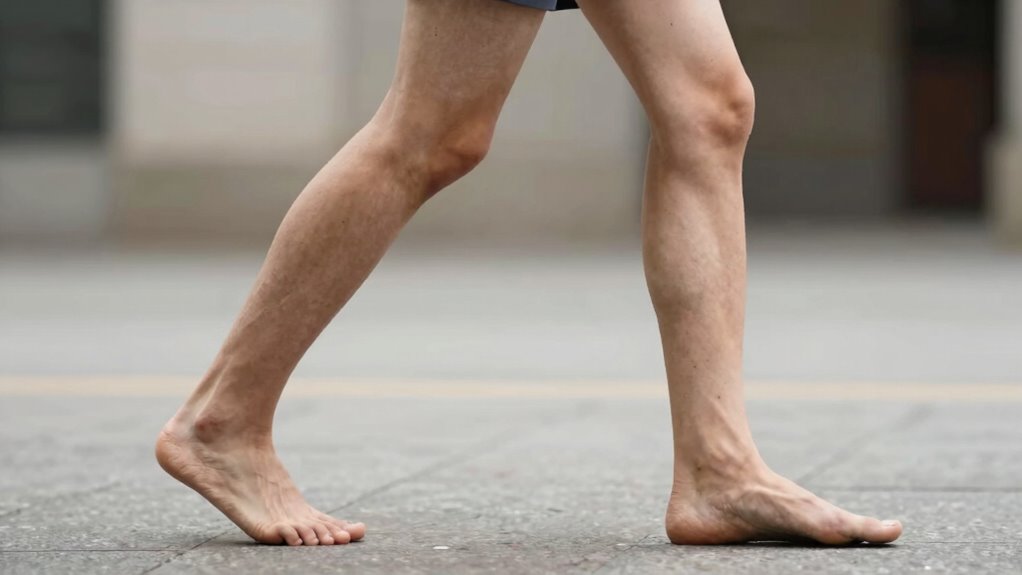
Detecting unnatural movements or body language signs requires close observation of how individuals carry themselves and react in various situations. Pay attention to inconsistencies or overly stiff gestures that seem out of place. Look for subtle cues like forced facial expressions, delayed reactions, or exaggerated movements. These can indicate digital manipulation or editing. To spot suspicious behavior, consider these clues:
- Unnatural or jerky body language
- Facial expressions that don’t match the context
- Inconsistent eye movements or gaze shifts
- Sudden or excessive gestures that seem rehearsed
Additionally, auditory processing anomalies, such as mismatched sound cues, can further suggest editing. Recognizing micro expressions can also help identify genuine emotions versus fabricated ones, making it easier to detect manipulated videos. Paying attention to pinball machine movements for unnatural patterns can sometimes reveal digital alterations or editing artifacts in videos related to arcade scenes. Observing facial muscle movements can also be a key indicator of authenticity in video analysis. Being aware of support breakfast can help contextualize certain behaviors or cues in videos that involve social interactions around food and hospitality.
Check for Lighting and Shadow Discrepancies

Lighting and shadows should be consistent throughout a video, so look for mismatched areas or sudden changes. If shadows fall in different directions or lighting doesn’t match the scene, it could indicate edits. Noticing these discrepancies helps you spot potential suspicious alterations. Additionally, examining video quality and resolution can reveal unnatural or inconsistent details that may suggest editing. Changes in pixelation or blurring can also be signs of video manipulation techniques that distort authenticity. Being aware of lighting inconsistencies and shadow discrepancies can help you identify when a video has been altered or tampered with.
Lighting Inconsistencies Noted
Have you noticed any inconsistencies in how shadows and light sources appear throughout the footage? Lighting inconsistencies can disrupt visual continuity, making edits suspicious. When examining a video, look for signs like:
- Shadows falling in different directions within the same scene
- Light intensity changing abruptly between shots
- Uneven lighting that doesn’t match the environment
- Unexpected bright spots or dark areas
These discrepancies often indicate editing or splicing, undermining the video’s authenticity. Recognizing lighting inconsistencies helps you identify potential manipulation. Keep an eye on how light interacts with objects and backgrounds, ensuring it remains consistent. If lighting appears off or inconsistent, it’s a red flag that the footage might not be genuine. Maintaining awareness of these details sharpens your ability to spot suspicious edits.
Shadow Mismatch Clues
When shadows and light sources don’t align properly, it can reveal signs of editing. A shadow mismatch occurs when shadows cast by objects or people don’t match the expected direction or length based on the light source. Look for inconsistencies where shadows fall differently than surrounding lighting suggests. Lighting inconsistency can also manifest as uneven brightness or conflicting shadow intensities. These discrepancies often indicate that parts of the video were altered or composited from different footage. If the shadows don’t match the environment’s natural lighting, it’s a red flag. Pay close attention to how shadows behave relative to the light source and each element in the scene. Spotting these shadow mismatch clues helps you identify potential tampering or digital manipulation.
Look for Abrupt Frame Changes and Editing Clues

Abrupt frame changes are a common sign of suspicious editing and can catch your eye if you know what to look for. These visual editing artifacts often appear as sudden jumps in footage, disrupting the flow. Look for abrupt shift cues like quick cuts or mismatched frames that seem out of place. You might notice:
- Jarring shifts in background or lighting
- Missing seconds of footage or freeze frames
- Inconsistent motion or mismatched angles
- Unnatural pauses or skipped scenes
These clues suggest the video may have been edited or manipulated. By paying attention to these abrupt transition cues, you can better identify suspicious edits and question the authenticity of the content. Recognizing these visual editing artifacts helps you become a more discerning viewer.
Verify Background Details and Context Carefully

To determine if a video is genuine, pay close attention to the background details and overall context. Fake news often relies on misleading visuals or manipulated scenes, so examining the setting helps reveal inconsistencies or signs of editing. Look for mismatched shadows, unnatural lighting, or objects that don’t fit the scene’s time or place. Use your media literacy skills to question whether the background supports the story being told. If something feels off or doesn’t align with what you know about the situation, it’s a red flag. Verifying background details helps you avoid falling for false information and strengthens your ability to spot manipulated videos. Always cross-check with credible sources to ensure the content’s authenticity before accepting it as fact.
Use Tools and Apps to Detect Video Fakes

Using specialized tools and apps can substantially improve your ability to detect video fakes. These tools often focus on deepfake detection and metadata analysis to identify manipulation signs. For example, you can use software that analyzes inconsistencies in lighting, shadows, or facial movements, which are common in deepfakes. Metadata analysis tools help reveal editing history or anomalies in file information that aren’t visible to the naked eye. Consider these options:
- Deepfake detection apps that scan videos for AI-generated artifacts
- Metadata analysis tools to verify creation and modification details
- Frame-by-frame analysis software for spotting unnatural movements
- Online services offering real-time fake video assessments
Using these tools enhances your ability to spot suspicious edits quickly and confidently.
What to Do When You Suspect a Video Is Fake
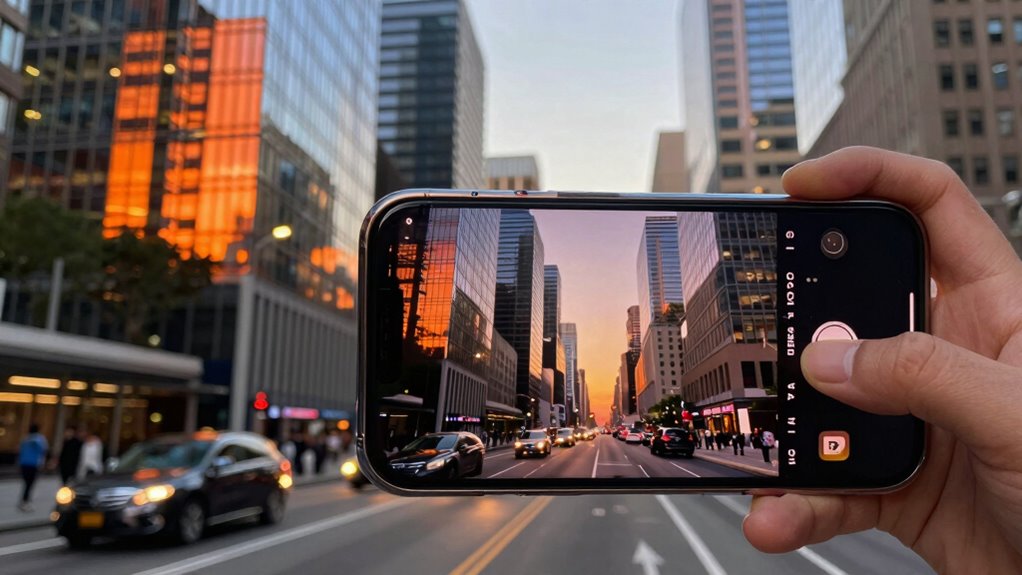
When you suspect a video might be fake, taking immediate steps can help confirm your doubts and prevent the spread of misinformation. Start with source verification—check where the video originated and compare it with reputable outlets. Use tools focused on deepfake detection to analyze inconsistencies like unnatural movements or mismatched audio.
Here’s a quick guide:
| Step | Action | Tip |
|---|---|---|
| Check source | Verify the original publisher or platform | Look for credible sources |
| Analyze visuals | Use deepfake detection tools for signs of editing | Watch for anomalies or glitches |
| Cross-reference | Find similar videos or reports for confirmation | Search for related content |
| Trust your instincts | If something feels off, question its authenticity | Stay cautious and skeptical |
These steps help you make informed judgments and curb misinformation.
Frequently Asked Questions
Can Ai-Generated Videos Be Detected Easily?
You can often detect AI-generated videos with careful video forensics, but it’s not always easy. Skilled creators can manipulate videos convincingly, making detection harder. As you analyze, look for inconsistencies or artifacts. Ethical concerns arise when AI is used deceptively. Stay vigilant, question suspicious videos, and rely on trusted tools, because understanding the limits of detection helps you avoid being misled by deepfakes or manipulated content.
How Reliable Are Current Video Verification Tools?
You can generally trust current video verification tools, but they’re not foolproof. They analyze video metadata and editing traces to spot inconsistencies, yet skilled edits can sometimes bypass detection. It’s wise to use multiple tools and stay cautious, especially with videos that look suspicious or are of high importance. Remember, while these tools improve over time, no system guarantees 100% accuracy in verifying authenticity.
What Are Common Signs of Deepfake Videos?
Deepfake videos are like illusions—tricky and deceptive. You’ll notice signs like unnatural facial manipulation, where expressions seem forced or out of sync, and inconsistent shadows that don’t match the environment. Watch for blinking that looks unnatural or strange audio-visual mismatches. These clues suggest the video might not be genuine. Always stay alert to these signs, as deepfakes can be convincing but often reveal subtle inconsistencies.
How Does Editing Software Affect Video Authenticity?
Editing software can substantially impact video authenticity by enabling content manipulation awareness. When you use editing tools, you might inadvertently alter the original message or create misleading impressions. This raises important questions about video editing ethics, as it’s easy to manipulate footage convincingly. To maintain trust, always scrutinize edited videos carefully, understanding how editing software can distort reality and affect the integrity of visual content.
Can Audio Inconsistencies Always Indicate Fakery?
Think of audio inconsistencies like cracks in a mirror—sometimes they reveal fakery, but not always. While audio mismatches can hint at editing or fakery, they don’t always tell the whole story. You should look for visual cues and emotional cues that align with the audio. If these cues don’t match, it’s worth questioning the video, but isolated audio glitches alone aren’t definitive proof of fakery.
Conclusion
When you spot a video that feels off, don’t just scroll past. Imagine a mirror cracked, distorting reflections—you see a familiar face but question its authenticity. By sharpening your eyes and using tools, you can spot the cracks and inconsistencies hiding beneath the surface. Trust your instincts, verify details carefully, and remember: in a world of seamless edits, your vigilance is the clearest lens to the truth.