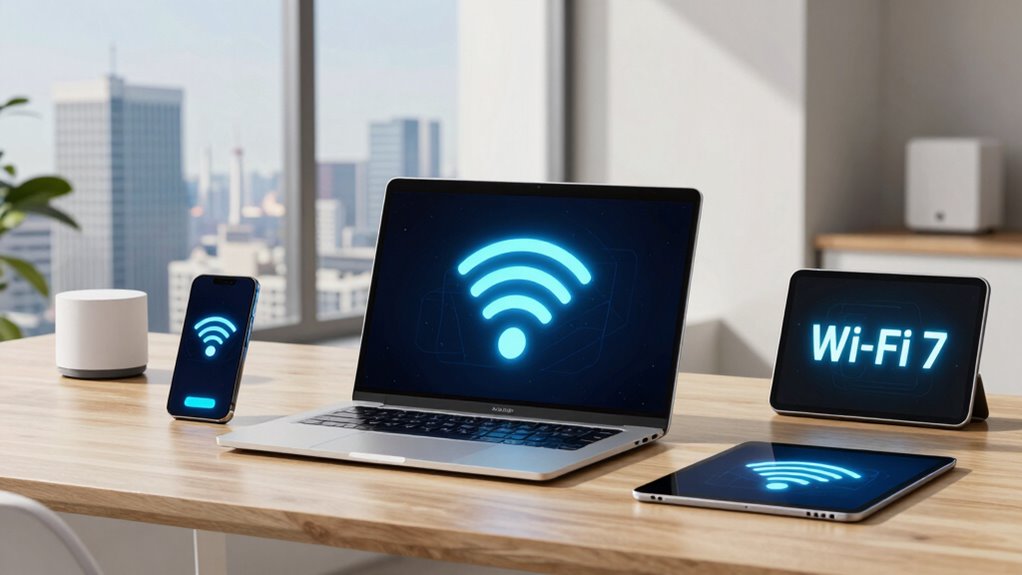

Wi-Fi 6E offers faster speeds, less interference, and more reliable connections, especially in crowded areas, making streaming, gaming, and video calls smoother. Wi-Fi 7 pushes these benefits further with even higher speeds, lower latency, and better support for high-bandwidth activities like VR and ultra-HD streaming. It also improves security and energy efficiency. Staying updated means your network can handle future tech and demanding apps—keep exploring to find out how these changes can benefit your daily online life.

Prime made for students and young adults
- Fast, free delivery for dorm and study essentials
- Prime Video and Amazon Music included
- Member-only deals
Key Takeaways
- Wi-Fi 7 offers faster speeds and higher bandwidth than Wi-Fi 6E, supporting ultra-high-definition streaming and gaming.
- Wi-Fi 6E reduces interference with additional 6 GHz channels, improving reliability in crowded environments; Wi-Fi 7 enhances this further.
- Wi-Fi 7 introduces advanced security features, likely providing stronger protection than Wi-Fi 6E’s WPA3 encryption.
- Both standards improve energy efficiency, with Wi-Fi 7 refining power management for longer device battery life.
- Upgrading to Wi-Fi 7 prepares networks for future high-demand applications and seamless multi-device experiences.
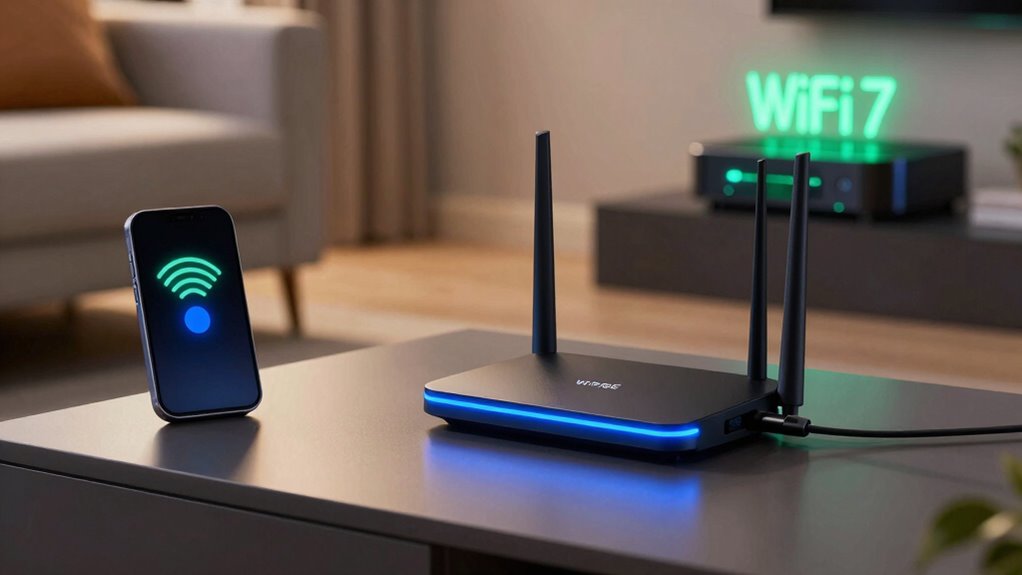
As wireless technology continues to evolve, understanding the differences between Wi-Fi 6E and Wi-Fi 7 becomes essential for making informed decisions about your network. Both standards aim to improve your daily internet experience, but they do so in distinct ways that can markedly impact your connectivity. Wi-Fi 6E introduces the expanded 6 GHz band, offering more channels and less interference, which means faster speeds and more reliable connections, especially in crowded environments. Wi-Fi 7, on the other hand, takes a step further by increasing maximum speeds and reducing latency, making it ideal for high-bandwidth tasks like gaming, streaming, and virtual reality.
Wi-Fi 6E offers faster, more reliable connections with less interference, while Wi-Fi 7 enhances speed and reduces latency for demanding tasks.
When it comes to security, Wi-Fi 6E offers notable enhancements over previous standards, implementing WPA3 encryption, which makes your network more resistant to hacking attempts and unauthorized access. Wi-Fi 7 is expected to build on this foundation by integrating even more robust security measures, possibly adopting newer encryption protocols and advanced authentication methods. These security enhancements guarantee that your data stays protected, whether you’re working remotely or streaming sensitive content. As you consider upgrading, think about how these improvements can safeguard your personal information and connected devices.
Power efficiency is another critical factor that influences your everyday use. Wi-Fi 6E incorporates features like Target Wake Time (TWT), which allows devices to schedule communication with the router, reducing power consumption and extending battery life for smartphones, tablets, and laptops. This means you can enjoy longer usage times without constantly worrying about draining your device’s battery. Wi-Fi 7 is expected to refine these power-saving features further, making connected devices even more energy-efficient. Additionally, power management techniques are continually advancing to optimize energy use across devices, which is especially beneficial if you have multiple smart devices or are conscious of energy consumption, as it helps reduce power bills and environmental impact.
In practical terms, you’ll notice that Wi-Fi 6E provides a noteworthy upgrade in speed and reliability in environments with many devices, making your streaming, gaming, and video calls smoother. Wi-Fi 7 aims to push those boundaries even further by enabling ultra-high-definition streaming with minimal lag and jitter, ideal for demanding applications and future technologies. Both standards prioritize security and power efficiency, which means your network will be safer and your devices will last longer between charges. As you prepare to upgrade, understanding these differences can help you choose a technology that not only meets your current needs but also prepares you for the future of wireless connectivity.
As an affiliate, we earn on qualifying purchases.
Frequently Asked Questions
Will Wi-Fi 7 Replace Ethernet Connections Entirely?
Wi-Fi 7 likely won’t replace Ethernet entirely because, for now, Ethernet offers superior network security and stable, high-speed connections. While Wi-Fi 7 reduces signal interference and improves wireless performance, wired connections remain essential for activities needing consistent reliability, like gaming or large data transfers. You’ll still rely on Ethernet for secure, interference-free setups, but Wi-Fi 7 will complement, not replace, wired connections in your daily use.
How Does Wi-Fi 7 Impact Device Battery Life?
Wi-Fi 7 can drastically impact your device’s battery life, but it mainly depends on how well it manages power efficiency. If your device uses Wi-Fi 7’s advanced features, it might experience some battery drain, making your battery last less than ever before. However, smart power management can minimize this effect, helping you enjoy lightning-fast speeds without sacrificing your device’s battery life.
Are There Compatibility Issues With Older Devices?
You might face some device compatibility issues with older devices since Wi-Fi 7 introduces new standards that older hardware may not support. To guarantee smooth connectivity, check if your devices need firmware updates, as these can sometimes add support for newer Wi-Fi standards. If your device isn’t compatible, you may need to keep a Wi-Fi 6E router as a fallback, or upgrade your hardware for full compatibility with Wi-Fi 7.
What’s the Cost Difference Between Wi-Fi 6E and Wi-Fi 7?
You’ll find Wi-Fi 6E costs about 20-30% less than Wi-Fi 7, primarily due to market availability and recent tech advancements. According to recent cost analysis, Wi-Fi 7 routers are still emerging, making them pricier with a wider range of prices. As Wi-Fi 7 becomes more mainstream, expect prices to drop. For now, Wi-Fi 6E offers a more budget-friendly option while still delivering excellent performance for most users.
Can Wi-Fi 7 Improve Streaming Quality for 8K Videos?
Yes, Wi-Fi 7 can improve your streaming quality for 8K videos. It reduces streaming latency and minimizes video buffering, so your playback is smoother. With faster data transfer speeds and better handling of multiple devices, Wi-Fi 7 guarantees your 8K videos load quickly and play seamlessly. You’ll experience less lag and interruptions, making your streaming experience more enjoyable and reliable even with high-resolution content.
Wi-Fi 7 compatible gaming router
As an affiliate, we earn on qualifying purchases.
As an affiliate, we earn on qualifying purchases.
Conclusion
While Wi-Fi 6E and Wi-Fi 7 both promise faster, more reliable connections, it’s a common misconception that Wi-Fi 7 will completely replace Wi-Fi 6E overnight. In reality, Wi-Fi 7 introduces significant improvements, but your everyday experience may not change drastically right away. The truth is, the most noticeable upgrades depend on your devices and network needs. Rest assured, both standards are shaping a more connected future—so your choice depends on what you prioritize most.
As an affiliate, we earn on qualifying purchases.
Wi-Fi 7 ultra HD streaming device
As an affiliate, we earn on qualifying purchases.
As an affiliate, we earn on qualifying purchases.
Fall Picks
fall essentials
As an affiliate, we earn on qualifying purchases.