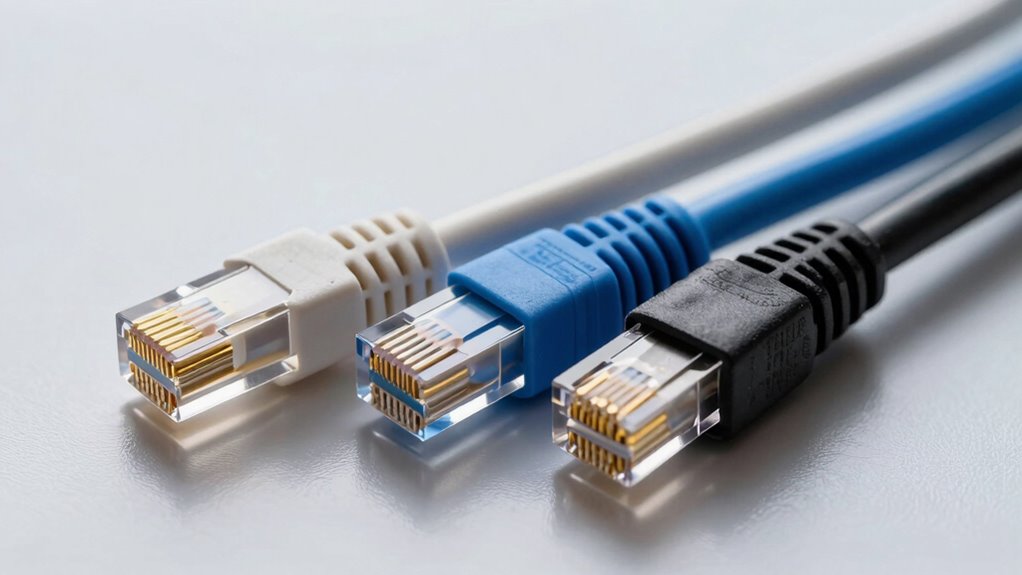

To choose the right Ethernet cable, consider your current and future network needs. If you have basic internet use, Cat5e is enough. For higher speeds and less crosstalk over shorter distances, opt for Cat6. If you need longer runs at 10 Gbps, or want a more future-proof setup, then Cat6a is the best choice. Picking correctly now saves you headaches later—discover more about each option to make an informed decision.

Prime made for students and young adults
- Fast, free delivery for dorm and study essentials
- Prime Video and Amazon Music included
- Member-only deals
Key Takeaways
- Match your speed needs: Cat5e supports up to 1 Gbps, while Cat6 and Cat6a handle higher speeds up to 10 Gbps.
- Consider cable length: Cat6 is ideal for shorter runs; Cat6a is suitable for longer distances up to 100 meters.
- Evaluate interference resistance: Cat6 and Cat6a offer better crosstalk and interference protection than Cat5e.
- Budget and future-proofing: Cat6 is cost-effective for most needs, while Cat6a provides extra capacity for demanding setups.
- Installation environment: Use higher-category cables in environments with high interference or future expansion plans.
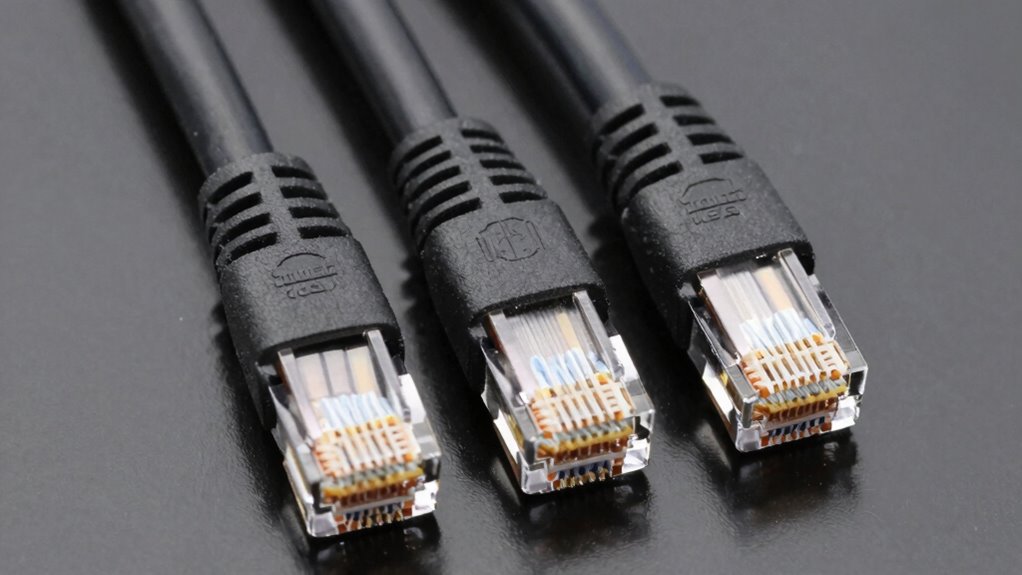
Selecting the right Ethernet cable is essential to guarantee a reliable and fast internet connection. Whether you’re setting up a home office, gaming station, or upgrading your network, understanding the differences between Cat5e, Cat6, and Cat6a cables helps you make an informed choice. While wireless alternatives like Wi-Fi have improved considerably, they still can’t match the stability and speed of wired connections, especially for high-bandwidth activities. That’s why choosing the right Ethernet cable remains crucial. Additionally, planning your cable installation carefully can prevent future headaches and guarantee ideal performance. Proper cable installation practices—including correct grounding and shielding—are vital for maintaining signal integrity and reducing interference.
When comparing these cables, consider their specifications. Cat5e cables support speeds up to 1 Gbps and are suitable for most home internet needs. They’re affordable and easy to install, making them a popular choice for casual users. However, if you’re running a network that demands higher speeds or future-proofing, Cat6 cables are worth considering. They can handle up to 10 Gbps over shorter distances (up to 55 meters) and offer better resistance to crosstalk and interference. If your setup involves longer runs or you want the best possible performance, Cat6a cables are ideal. They support 10 Gbps speeds over distances up to 100 meters, providing a more robust solution for demanding environments.
While selecting the right cable type is vital, proper cable installation is equally important. Use cable installation tips like keeping runs away from electrical wiring or sources of interference, which can degrade signal quality. Avoid tight bends or kinks, as these can damage the cable and impair performance. Labeling your cables during installation helps with troubleshooting and future upgrades. When running cables through walls or ceilings, ensure you use appropriate conduits or cable protectors to prevent damage and maintain safety standards. If you’re unsure about the installation process, consulting a professional or researching detailed cable installation tips can save you time and prevent costly mistakes. Understanding network infrastructure and how to optimize it can significantly improve your network’s reliability.
Wireless alternatives can be convenient, especially for devices that move around or require minimal setup, but they often don’t match the speed, security, or reliability of wired Ethernet connections. For heavy streaming, gaming, or data transfer tasks, wired Ethernet remains the best option. Ultimately, choosing the right Ethernet cable involves balancing your current needs with future plans. By understanding the differences between Cat5e, Cat6, and Cat6a and following proper installation practices, you’ll set up a network that’s fast, dependable, and ready for whatever you throw at it.
As an affiliate, we earn on qualifying purchases.
Frequently Asked Questions
Can I Use a Cat5e Cable for Gigabit Internet?
Yes, you can use a Cat5e cable for gigabit internet. It meets Ethernet standards for gigabit speeds and has adequate cable insulation to handle the data transmission. However, for peak performance and future-proofing, consider upgrading to Cat6 or higher, as these cables provide better insulation and reduced interference, ensuring more reliable gigabit connections and supporting higher data rates if needed.
How Do I Identify the Cable Category Visually?
You can identify the cable category visually by checking for color coding and label markings. Cat5e cables often have simpler labeling and may use standard colors like blue or gray, while Cat6 and Cat6a might have specific color codes. Look closely at the connector types; Cat6 and higher usually have a thicker, more rigid connector. The printed labels on the cable jacket clearly show the category, so always check for those markings.
Are There Compatibility Issues With Older Network Devices?
You won’t face major compatibility issues with older network devices because most Ethernet cables, like Cat5e, support backward compatibility. However, device limitations might restrict your network’s maximum speed or bandwidth. For example, newer cables like Cat6 or Cat6a improve performance, but if your device only supports older standards, you may not see the full benefit. Always check your device specifications to guarantee ideal compatibility and performance.
What’s the Maximum Length for Reliable Ethernet Transmission?
You can usually rely on Ethernet cables up to 100 meters for stable signal transmission. Beyond this length, signal attenuation and interference resistance decline, causing potential data loss or slower speeds. To extend your connection without issues, consider using switches or repeaters. Keep in mind that higher-quality cables like Cat6 or Cat6a offer better interference resistance, helping maintain reliable performance over longer distances.
Do Higher-Category Cables Require Special Connectors or Tools?
Higher-category cables generally don’t need special connectors, but connector compatibility is vital to guarantee peak performance. You might need specific installation tools, like crimpers designed for Cat6 or Cat6a connectors, to properly secure the connectors. Using the right tools helps maintain the cable’s integrity and performance. Always verify that your connectors and tools are compatible with the cable category you choose to avoid connectivity issues.
Shielded Cat6a Ethernet cable 100 meters
As an affiliate, we earn on qualifying purchases.
As an affiliate, we earn on qualifying purchases.
Conclusion
Choosing the right Ethernet cable can feel like steering a maze, but remember, your choice shapes your entire network’s future. Whether you pick Cat5e, Cat6, or Cat6a, you’re building a digital highway that fuels your daily life. Don’t settle for a slow lane—think of your cable as the backbone of your tech world, connecting you faster than lightning strikes. Make the smart choice today, and watch your connection soar beyond the clouds!
High interference resistance Ethernet cables
As an affiliate, we earn on qualifying purchases.
As an affiliate, we earn on qualifying purchases.
Indoor Ethernet cable installation kit
As an affiliate, we earn on qualifying purchases.
As an affiliate, we earn on qualifying purchases.
Fall Picks
fall essentials
As an affiliate, we earn on qualifying purchases.