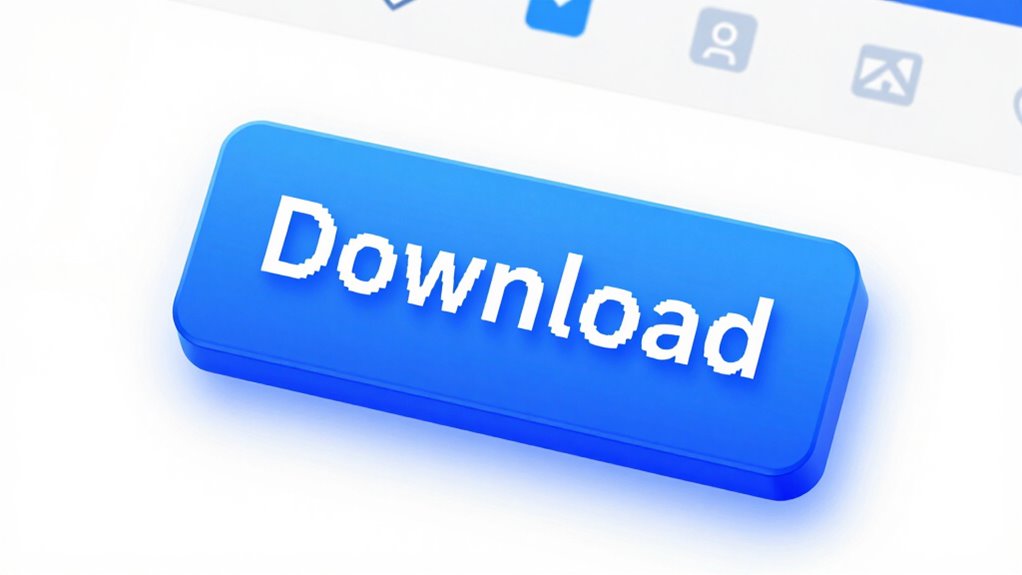

To recognize a fake download button, watch for signs like inconsistent design, poor graphics, or unusual shapes and colors that stand out from the site’s style. Hover over the button to check the URL—if it’s suspicious or doesn’t match the official site, be cautious. Watch for missing hover effects and unresponsive behavior. If you want to stay safe, learn the key signs that tell real from fake buttons before clicking.

Prime made for students and young adults
- Fast, free delivery for dorm and study essentials
- Prime Video and Amazon Music included
- Member-only deals
Key Takeaways
- Hover over the button to check if the URL matches the official site and avoid suspicious redirects.
- Look for design inconsistencies, poor graphics, or mismatched branding that differ from the website’s style.
- Be cautious of buttons lacking hover effects or responsive visual feedback when you move the cursor over them.
- Watch for urgent or alarming messages prompting you to disable security or provide personal information.
- Verify the site’s security indicators, like HTTPS and a padlock icon, before clicking any download button.
antivirus software for malware protection
As an affiliate, we earn on qualifying purchases.
As an affiliate, we earn on qualifying purchases.
What Are Fake Download Buttons and Why Do They Matter?
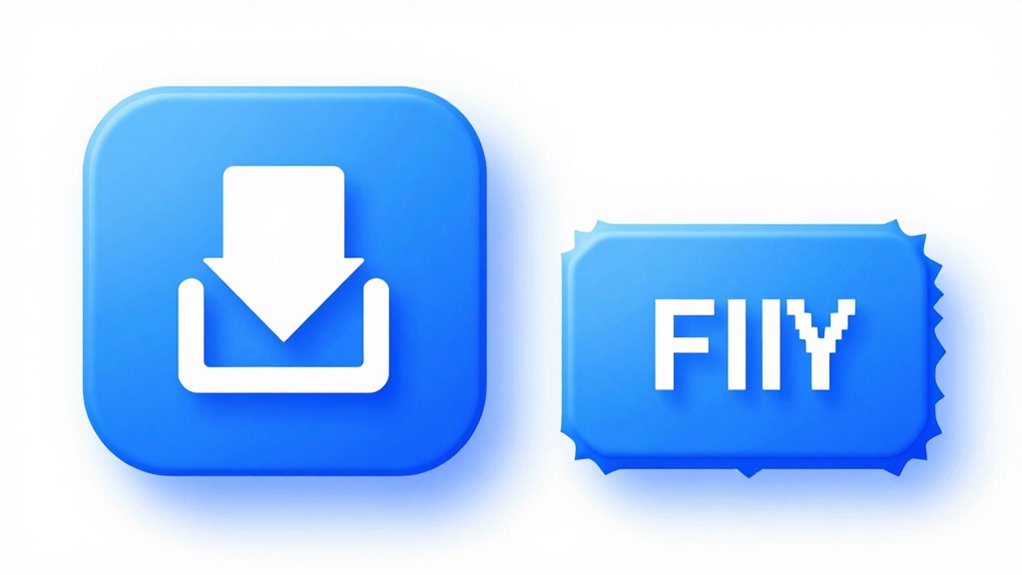
Have you ever clicked a download button only to find nothing happens or you’re redirected to unwanted sites? That’s often a fake download button, designed to trick you. These fake buttons are a common tactic used in phishing scams to steal your personal information or credentials. They also facilitate malware distribution, infecting your device with viruses, ransomware, or spyware. Cybercriminals craft these fake buttons to look legitimate, making it easy to fall for the trap. Recognizing these fake buttons is vital because they can lead to serious security breaches. By understanding what fake download buttons are and why they matter, you can better protect yourself from scams that compromise your data and devices. Staying vigilant helps you avoid falling victim to these malicious tactics. Additionally, contrast ratio plays a significant role in how clearly images and buttons appear on your screen, making it easier to distinguish genuine from fake elements. Being aware of visual design cues can further enhance your ability to identify authentic download options. Familiarity with web design standards can also help you spot inconsistencies that indicate a fake button. Moreover, understanding the underlying technical standards behind website design can give you an extra layer of security in recognizing authentic elements. Recognizing common deception techniques used in fake buttons can further improve your detection skills and prevent potential harm.
As an affiliate, we earn on qualifying purchases.
How Can You Spot a Fake Download Button? Key Signs to Look For

Look closely at the design of the download button—if it seems suspicious or out of place, it could be fake. Unusual prompts or unexpected requests to download files are also red flags. Paying attention to these signs helps you avoid falling for fake download buttons. Additionally, be cautious of website security indicators, such as HTTPS and trusted domain names, which can help verify the legitimacy of the download source. Recognizing European cloud server features can also assist in identifying trustworthy sources, especially when dealing with energy-efficient and secure hosting options.
Suspicious Design Elements
Fake download buttons often mimic real ones but reveal subtle clues through their design. Look closely at the visual consistency; genuine buttons align with the website’s overall style, fonts, and colors. Fake ones often use mismatched fonts or clashing colors to stand out. Pay attention to branding cues—authentic sites incorporate logos or familiar branding elements. Recognizing website design cues can help you identify genuine buttons more easily. Here’s a quick comparison:
| Feature | Real Download Button | Fake Download Button | Differences |
|---|---|---|---|
| Visual Consistency | Matches site’s style, font, color | Clashing, mismatched design | Authentic ones blend seamlessly |
| Branding Cues | Uses official logos, branding | Lacks branding, generic look | Recognizable branding signals |
| Button Style | Slightly raised, clear hover effect | Flat, poorly styled | Genuine buttons are well-designed |
Additionally, fake download buttons may lack security features that protect users from malicious downloads. Being aware of common design flaws and visual cues can further help you spot imposters before clicking. For example, poorly optimized graphics can be a sign of a fake button. Spot these signs to avoid falling for scams.
Unusual Download Prompts
Unusual download prompts often serve as telltale signs of fake buttons. If a prompt appears suddenly, with alarming messages or urgent language, it’s likely part of a phishing scam or malware distribution tactic. Fake prompts may ask you to disable security settings, enter personal information, or click suspicious links. They often pop up unexpectedly and don’t match the website’s usual style. Be wary of prompts that threaten your device’s security or promise unrealistic benefits. These tactics aim to trick you into downloading malicious software or revealing sensitive data. Always verify the source before clicking any download button, especially if the prompt seems out of place or overly aggressive. Recognizing these unusual prompts can save your device from malware and protect your personal information from scammers. Additionally, being aware of common scam techniques can also help improve your overall writing clarity and professionalism.
As an affiliate, we earn on qualifying purchases.
How to Check the URL and Link Behind a Download Button
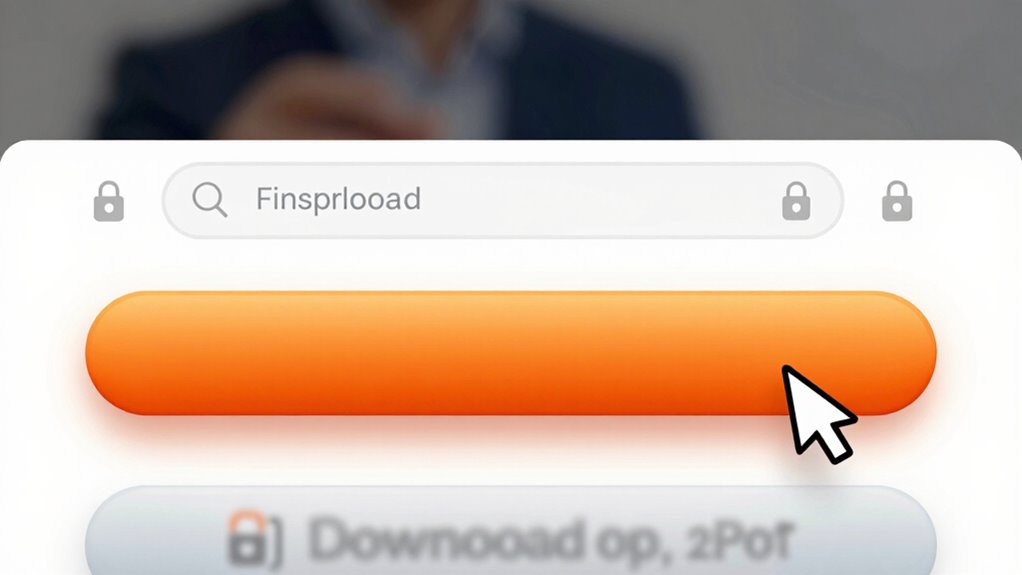
To verify the legitimacy of a download button, start by inspecting the URL and link behind it. URL verification is essential because fake buttons often direct you to malicious sites. Hover over the button without clicking to see the destination link in your browser’s status bar or tooltip. Check that the URL matches the official website’s domain and looks trustworthy—look for misspellings, extra characters, or unusual extensions. Avoid clicking if anything seems suspicious. Confirm link safety by researching the domain if you’re unsure. Legitimate sites use secure protocols like HTTPS, so look for the padlock icon in the address bar. Remember, a genuine download button will always lead to a reputable, recognizable URL, ensuring your device stays protected. Additionally, be aware of vetted wave and wind sources, which can help you identify trustworthy links in your online environment. When in doubt, consult security best practices to stay safe from potential threats. You can also utilize AI-powered security tools that analyze website authenticity to further protect yourself. Conducting a quick website reputation check can also help ensure the site is legitimate before clicking. Furthermore, paying attention to browser warnings can give immediate clues about potential security issues.
digital security and privacy kits
As an affiliate, we earn on qualifying purchases.
As an affiliate, we earn on qualifying purchases.
What Visual Clues Show a Download Button Might Be Fake?
Look closely at the buttons on the page; unusual shapes or colors can signal a fake. If a button lacks hover effects or feels out of place compared to the rest of the site, it’s likely suspicious. Inconsistent design elements often stand out and can help you spot potential fake download buttons. Additionally, being aware of crypto pump patterns can help you recognize scams that try to manipulate users into clicking malicious links. Recognizing visual cues related to website design consistency can also alert you to possible deception. Paying attention to website design standards can further improve your ability to detect fake buttons before clicking. Moreover, understanding design consistency across the site can reinforce your intuition and help you spot discrepancies more easily. Being familiar with common user interface errors can also provide an extra layer of security when evaluating download options.
Unusual Button Shapes or Colors
How can you tell if a download button might be fake just by its appearance? One clue is unusual button shapes or colors that don’t match the site’s overall design. Fake buttons often have distorted or overly complex shapes meant to draw attention unnaturally. Pay attention to button aesthetics—authentic buttons usually blend seamlessly with the website’s look. Bright, garish colors or inconsistent shades can signal a fake, especially if they clash with the site’s color scheme. Color psychology also plays a role; legitimate buttons often use familiar colors like blue or green to convey trust, while suspicious ones may use alarming reds or weird hues. Trust your instincts—if it looks out of place, it probably is.
Missing Hover Effects
Since genuine buttons usually include interactive features like hover effects, their absence can be a red flag. Without hover effects, the button may not respond when you move your cursor over it, indicating a lack of attention to user experience. Fake download buttons often skip these details to appear plain or incomplete. Recognizing missing hover effects helps you identify suspicious buttons that might be malicious.
- Lack of visual cues: Fake buttons often don’t change when hovered, giving no interactive feedback.
- Inconsistent design: The absence of hover effects can signal poor or hurried design, hinting at deception.
- Reduced trustworthiness: Genuine sites ensure interactive features like hover effects to reassure users.
Pay attention to these visual clues to avoid falling for fake download buttons.
Inconsistent Design Elements
Inconsistent design elements can immediately signal that a download button isn’t trustworthy. If the button’s style, font, or colors clash with the overall website branding, it’s a red flag. Genuine buttons usually match the site’s consistent visual theme, making them feel integrated into the user interface. Look for mismatched borders, font styles, or icons that don’t align with the rest of the page. Sometimes, fake download buttons use low-quality graphics or outdated design trends, which stand out from professional, cohesive branding. If the button looks out of place or feels disconnected from the website’s aesthetic, trust your instincts. These visual inconsistencies often indicate the button is fake, designed to deceive and lure you into clicking unknowingly.
Can Your Browser or Security Software Help Detect Fake Download Buttons?

Your browser and security software can be valuable tools in detecting fake download buttons, but they aren’t foolproof. Browser tools like warnings for unsafe sites or suspicious downloads can alert you to potential threats. Security features such as real-time scanning and automatic updates help identify malicious elements before you click. However, hackers often disguise fake buttons to bypass these defenses. To strengthen your protection:
Browser security tools help detect threats, but stay cautious and verify before clicking.
- Enable browser security features and keep them updated
- Use reputable security software with real-time threat detection
- Pay attention to browser warnings and unusual behaviors during browsing
While these tools are helpful, always stay vigilant and don’t rely solely on them. Combining security features with cautious behavior offers the best chance to avoid fake download buttons.
How to Verify a Download Source Before You Click

Before clicking on a download link, take a moment to verify the source. Source verification is essential for ensuring download safety and avoiding malicious files. Check the website’s URL carefully—legitimate sites typically have secure connections (https) and match the official domain. Avoid links from unfamiliar or suspicious emails, social media posts, or pop-up ads. Look for signs of credibility, such as contact information, privacy policies, and user reviews. Doing a quick search for the software or file name can reveal whether others have flagged it as fake. Trust your instincts—if something seems off, don’t click. Prioritizing source verification helps protect your device and personal data from harmful downloads and keeps your online experience safe.
What Should You Do If You Accidentally Click a Fake Download Button?
If you accidentally click a fake download button, acting quickly can minimize potential harm. First, disconnect from the internet to prevent any malicious files from spreading or installing. Next, run a full scan with your trusted antivirus or anti-malware software to detect and remove any threats. Be cautious of phishing tactics used in download button scams, which often aim to steal your personal info or infect your device.
- Change your passwords, especially if you entered any credentials after clicking.
- Monitor your accounts for suspicious activity.
- Avoid rushing to download files again; verify sources carefully next time.
Final Tips to Stay Safe From Fake Download Buttons
To stay safe from fake download buttons, always verify the website’s authenticity before clicking any links. Look for secure connections (https) and check for signs of trustworthiness, like contact info or reviews. Be cautious of suspicious design elements or pop-ups. To improve your download safety, avoid clicking on ads or unfamiliar buttons. Use reputable sources and trusted sites whenever possible.
| Tip | Description |
|---|---|
| Verify Website Authenticity | Check for secure connections and clear info |
| Recognize Online Scams | Stay alert to suspicious offers or pop-ups |
| Use Security Tools | Employ antivirus and anti-malware solutions |
| Avoid Suspicious Links | Never click on unverified or strange links |
Frequently Asked Questions
Are Fake Download Buttons More Common on Certain Types of Websites?
Fake download buttons are more common on phishing sites and adware campaigns. You’ll often find them on less reputable or suspicious websites that mimic legitimate ones to trick you. These sites use fake buttons to install malware or adware when clicked. Always verify the website’s authenticity, look for secure connections, and avoid clicking on suspicious download prompts to protect yourself from these scams.
Can Antivirus Software Reliably Detect Fake Download Buttons?
Antivirus software can often detect fake download buttons, but it’s not foolproof. For example, a user downloaded what looked like a legitimate game update, but antivirus flagged it as a phishing scam and adware risk. Always keep your antivirus updated and run scans before clicking. These tools help identify malicious links, but stay cautious—fake buttons are designed to bypass detection and trick you into malware or scams.
Do Fake Download Buttons Always Lead to Malware Infections?
Fake download buttons don’t always lead to malware infections, but they often use phishing tactics to trick you. When you click on these buttons, malicious scripts may activate, installing harmful software unknowingly. That’s why it’s essential to be cautious and verify the source before clicking. Always hover over buttons to check URLs, and avoid downloads from untrusted sites, reducing the risk of malware from malicious scripts.
How Often Should I Update My Browser Security Settings?
You should update your browser security settings at least once a month, coinciding with its security patch schedule. Regular updates help you stay ahead of emerging threats and vulnerabilities. Often, browsers prompt you when updates are available, so make it a habit to install them promptly. Staying consistent guarantees your browsing remains secure, and you’re less likely to fall for fake download buttons or other scams.
Are There Specific Consumer Devices More Vulnerable to Fake Download Buttons?
Yes, some consumer devices are more vulnerable to fake download buttons, especially smartphones and tablets. Mobile malware and phishing scams target these devices because they’re often less protected and used for quick, casual browsing. Hackers exploit fake download buttons on these platforms to install malware or steal personal info. To stay safe, keep your device updated, avoid suspicious links, and be cautious with download prompts, especially on mobile.
Conclusion
Staying vigilant against fake download buttons is crucial, even if you think you’re experienced online. By checking URLs, observing visual cues, and trusting your security software, you reduce the risk of falling for scams. Remember, no system is foolproof, but combining these practices with a cautious mindset greatly lowers your chances of harm. Always verify before clicking—your safety depends on it. Staying alert today keeps your digital life secure tomorrow.
Fall Picks
fall essentials
As an affiliate, we earn on qualifying purchases.