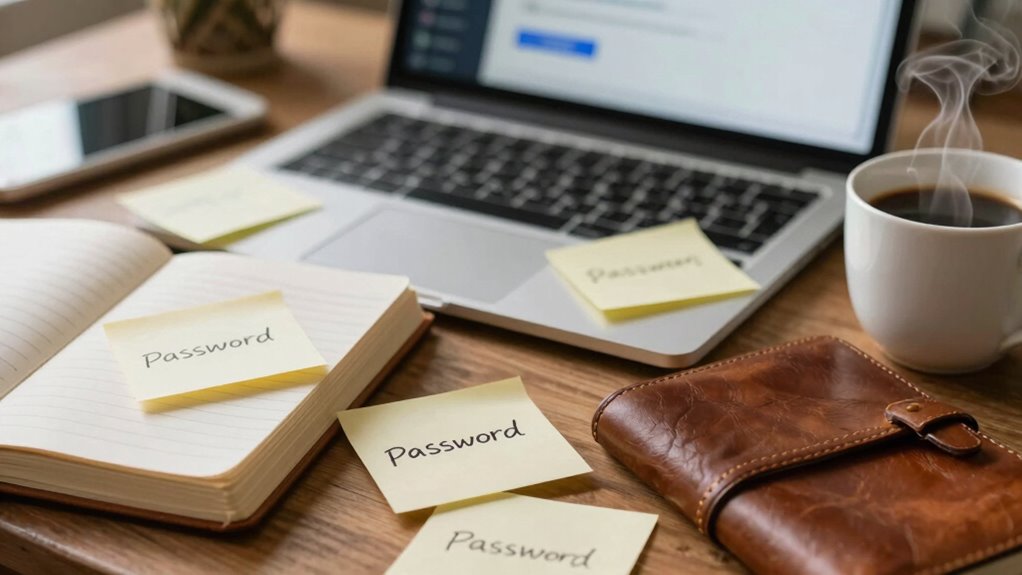

Your biggest security weakness isn’t just your passwords but the habits you follow online. Using weak, reused, or poorly managed passwords makes it easy for cybercriminals to target you, but habits like clicking suspicious links, ignoring updates, or sharing personal info put you at even greater risk. Building better security habits—like verifying links, updating software, and using two-factor auth—can greatly improve your safety. Keep going to discover how small changes make a big difference.
Key Takeaways
- Focusing only on password strength ignores poor management habits like reuse and insecure storage.
- Neglecting regular updates and multi-factor authentication leaves accounts vulnerable despite strong passwords.
- Relying solely on passwords without verifying links or sources exposes you to phishing and scams.
- Ignoring overall online hygiene, such as software updates and cautious browsing, increases security risks.
- Poor habits like clicking suspicious links or sharing info undermine even the best passwords.
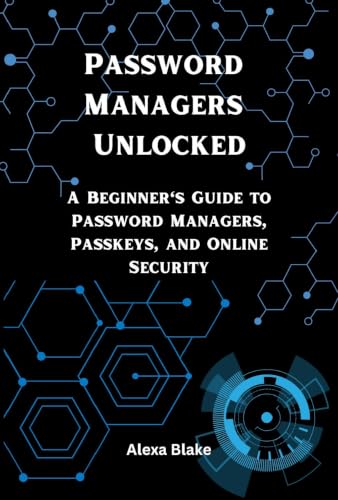
Password Managers Unlocked: A Beginner's Guide to Password Managers, Passkeys, and Online Security (Mastering Password Safety Series)
As an affiliate, we earn on qualifying purchases.
As an affiliate, we earn on qualifying purchases.
Why Focusing Only on Passwords Can Leave You Vulnerable
While strong passwords are important, focusing solely on them can still leave you vulnerable. Good password hygiene involves more than just creating complex passwords; it’s about managing them effectively. Relying on a single password for multiple accounts is risky, especially if you reuse passwords. That’s where password management tools come in—they help you store and generate unique passwords securely. Without proper password hygiene, even the strongest password can be compromised if it’s shared, written down insecurely, or forgotten. Cybercriminals often target weak password habits first, so managing your passwords wisely reduces that risk. Additionally, understanding the importance of password strength factors can further enhance your security. Remember, maintaining good password hygiene is an ongoing process that complements strong passwords, making your overall security much more resilient. Regularly updating your passwords and avoiding predictable patterns are also key components of a robust password security strategy. Moreover, being aware of common cybersecurity threats can help you stay vigilant and protect your digital identity. Practicing password hygiene consistently is essential for keeping your online information safe from evolving cyber threats. Incorporating multi-factor authentication can further bolster your defenses against unauthorized access.

Thetis Pro FIDO2 Security Key, Two Factor Authentication NFC Security Key FIDO 2.0, Dual USB A Ports & Type C for Multi layered Protection (HOTP) in Windows/MacOS/Linux, Gmail, Facebook,Dropbox,Github
- FIDO2 Compatibility Check: Verify compatibility before purchase
- NFC Support for Mobile Authentication: NFC works with mobile devices only
- Dual USB-A and USB-C Ports: Compatible with various devices
As an affiliate, we earn on qualifying purchases.
As an affiliate, we earn on qualifying purchases.
What Is Phishing and How Does It Trick You?
Even with strong passwords and good management habits, you can still fall victim to sophisticated cyber tricks like phishing. Phishing involves email scams that appear legitimate but are designed to steal your personal information. Attackers often send fake websites links or fake emails that mimic trusted sources, such as your bank or popular services. They create a sense of urgency or fear to prompt quick action, like clicking a malicious link or providing sensitive data. Once you fall for it, your credentials can be stolen, leading to identity theft or financial loss. These scams leverage your trust and familiarity to trick you into revealing info you’d never share voluntarily. Staying aware of these tactics is essential to avoid being duped by phishing attempts, especially as media literacy helps you recognize and evaluate suspicious content online. Developing cybersecurity awareness can further improve your ability to spot and avoid these deceptive schemes. Additionally, understanding common social engineering tactics can help you stay vigilant against manipulative scams. Incorporating digital security best practices into your routine can also significantly reduce your risk of falling prey to such attacks. Recognizing the role of technological vulnerabilities can help you understand how attackers exploit weaknesses in systems to carry out these scams.
phishing awareness training kits
As an affiliate, we earn on qualifying purchases.
As an affiliate, we earn on qualifying purchases.
How to Recognize Suspicious Links Before You Click
Before clicking a link, hover over it to see the actual URL and avoid surprises. Pay attention to the URL structure—look for misspellings or strange domains that don’t match the legitimate site. Recognizing these signs helps you spot suspicious links before any harm is done. Additionally, understanding phishing tactics can help you stay one step ahead of online scammers. Being aware of common cybersecurity threats related to link manipulation can further enhance your ability to identify malicious links. For example, some scammers use domain spoofing to make malicious sites appear trustworthy, which underscores the importance of encryption solutions in verifying website authenticity. Staying informed about wave and wind security techniques can provide added protection against these deceptive practices.
Hover Before Clicking
Hovering over a link before clicking is a simple yet effective way to spot potential scams. It allows you to perform link inspection and see where a URL really leads. When you hover, your cursor shows the destination URL, giving you click hesitation time to decide if it’s trustworthy. Look for misspelled domains, strange characters, or unfamiliar site names. Being aware of luxury fashion insights can help you recognize legitimate brands and avoid counterfeit sites.
Check URL Structure
Checking the URL structure is a straightforward way to spot suspicious links before you click. Pay attention to the link patterns, as scammers often use subtle tricks to deceive you. Look for misspellings, strange characters, or unexpected domains that don’t match the legitimate website. For example, a URL like “secure-login.com” might seem trustworthy, but if it’s not the official site, it’s a red flag. Also, check if the URL uses “http” instead of the secure “https,” indicating potential security issues. Be cautious of URLs with extra or random strings of characters, as these are common in malicious links. Recognizing these link patterns helps you avoid falling for phishing scams and keeps your personal information safe.
![MixPad Free Multitrack Recording Studio and Music Mixing Software [Download]](https://m.media-amazon.com/images/I/71ltIxIuz1L._SL500_.jpg)
MixPad Free Multitrack Recording Studio and Music Mixing Software [Download]
- Multitrack Recording and Mixing: Create mixes with audio, music, and voice tracks
- Track Customization: Apply effects and editing tools to tracks
- Music Creation Tools: Includes Beat Maker and MIDI Creator
As an affiliate, we earn on qualifying purchases.
As an affiliate, we earn on qualifying purchases.
Why Verifying Sources Is Key to Online Security
You can’t trust everything you see online, so verifying sources is essential. When you check the credibility of information, you prevent yourself from falling for scams or false details. Cross-checking sources helps you stay secure and makes sure you’re relying on accurate data. Incorporating source credibility can further enhance your ability to identify trustworthy information in emergency situations. Recognizing the importance of well-sourced name coverage ensures that the information you rely on is accurate and dependable. Utilizing technological tools, such as digital collaboration apps, can support verification efforts and improve overall information reliability. Additionally, understanding the regulations surrounding retirement accounts can help you make more informed financial decisions and avoid potential pitfalls.
Source Credibility Matters
Since not all sources are created equal, verifying the credibility of information you encounter online is essential for your security. Conducting a trustworthiness assessment helps you distinguish reliable sources from false or misleading ones. Source validation involves checking the origin, author credentials, and supporting evidence before acting on information. This process prevents you from falling for scams or spreading misinformation. To simplify, consider this table:
| Aspect | What to Check |
|---|---|
| Source Origin | Is it a reputable website or author? |
| Evidence Support | Are claims backed by credible data? |
| Author Credentials | Does the author have expertise? |
| Date of Publication | Is the info current? |
Being aware of the source credibility of information further enhances your ability to discern trustworthy content. Prioritizing source credibility minimizes risks and keeps your online interactions safe.
Cross-Checking Information
Verifying sources is essential because it helps you avoid falling for false information and scams online. Cross-checking information ensures you’re not tricked by misleading headlines or fake news. Developing good fact-checking habits means you take a moment to compare details across multiple trusted sources before accepting something as true. This practice reduces the risk of spreading misinformation and makes your online interactions more secure. When you verify information, you’re actively participating in information verification, which strengthens your overall online safety. It’s tempting to share content quickly, but taking the time to confirm facts keeps you protected. Incorporating consistent fact checking habits into your routine ensures you stay informed with accurate data and avoids falling prey to scams rooted in false information. Additionally, understanding the importance of source credibility helps you discern trustworthy information from unreliable sources.
Common Habits That Make You Vulnerable Online

Many common habits can unknowingly make you more vulnerable online, often without you realizing it. Poor password hygiene, like reusing passwords across multiple sites or skipping updates, leaves your accounts exposed. Your digital habits, such as clicking on unfamiliar links or sharing too much personal information, also increase risks. Simple actions like ignoring two-factor authentication or neglecting software updates can create loopholes for hackers. These habits may seem minor, but they chip away at your online security over time. By becoming aware of your routine behaviors and making small adjustments—using unique passwords, verifying links, and keeping software current—you strengthen your defenses. Recognizing and changing these habits is key to reducing your vulnerability and protecting your digital life.
How to Spot and Avoid Dangerous Links in Real Time
When you come across a link, take a quick moment to check its URL pattern for anything suspicious, like misspellings or unusual domains. Always verify the link’s authenticity before clicking, especially if it seems out of place or urgent. Making these simple checks in real time can save you from falling victim to scams or malware.
Recognize Suspicious URL Patterns
Suspicious URL patterns often hide in plain sight, making it essential to learn how to spot them quickly. Phishing tactics often use tricky URL patterns to deceive you. Look for misspelled words, extra characters, or unusual domains. Check if the URL matches the site you expect. Be wary of URLs with long strings of random characters or suspicious subdomains.
| Warning Signs | Example |
|---|---|
| Misspelled domain names | g00gle.com instead of google.com |
| Unusual subdomains | login.bank-security.com |
| Excessive hyphens or numbers | secure-payments123.com |
| Odd domain extensions | .xyz, .top, .club |
| Long, complicated URLs | example.com/abc/xyz/1234?token=… |
Recognize these patterns to avoid falling for phishing tactics.
Verify Link Authenticity Quickly
To verify link authenticity quickly, focus on inspecting the URL before clicking. Proper link verification involves analyzing the URL structure for signs of fraud or malicious intent. Look for misspellings, unusual domain names, or extra symbols. Always hover over links to see the full URL before clicking, ensuring it matches the expected website. Use URL analysis tools or browser extensions to check links in real time. Remember, cybercriminals often disguise harmful links to look legitimate.
- Check for misspelled or suspicious domain names
- Hover over links to preview the full URL
- Use link verification tools for quick analysis
Simple Steps to Improve Your Browsing Safety

Improving your browsing safety doesn’t have to be complicated. Start by practicing good password management—use unique, strong passwords for each account and consider a password manager to keep track. This minimizes the risk of credential theft and reduces the temptation to reuse passwords. Next, focus on secure browsing habits: avoid clicking on suspicious links, and stick to reputable websites. Always look for HTTPS in the URL, which indicates a secure connection. Keep your browser updated to patch security vulnerabilities. Enable two-factor authentication whenever available for added protection. These simple steps make a big difference in safeguarding your personal information. By prioritizing secure browsing and managing your passwords wisely, you create a safer online environment with minimal effort.
Tools That Help You Verify Links and Protect Your Info
When you receive a link that seems questionable, using specialized tools to verify its safety can save you from potential scams or malware. These tools help with link verification, ensuring you’re not falling for phishing scams that steal your personal info. By checking links before clicking, you reduce the risk of exposing sensitive data or infecting your device.
Some effective tools include:
- Online link scanners that analyze URLs for malicious content
- Browser extensions that automatically verify links on click
- Email security platforms that flag suspicious links in messages
Using these tools keeps you one step ahead of cybercriminals. They help you spot unsafe links quickly, giving you confidence that your online activities are secure and your info stays protected.
How Cybercriminals Exploit Human Behavior Online
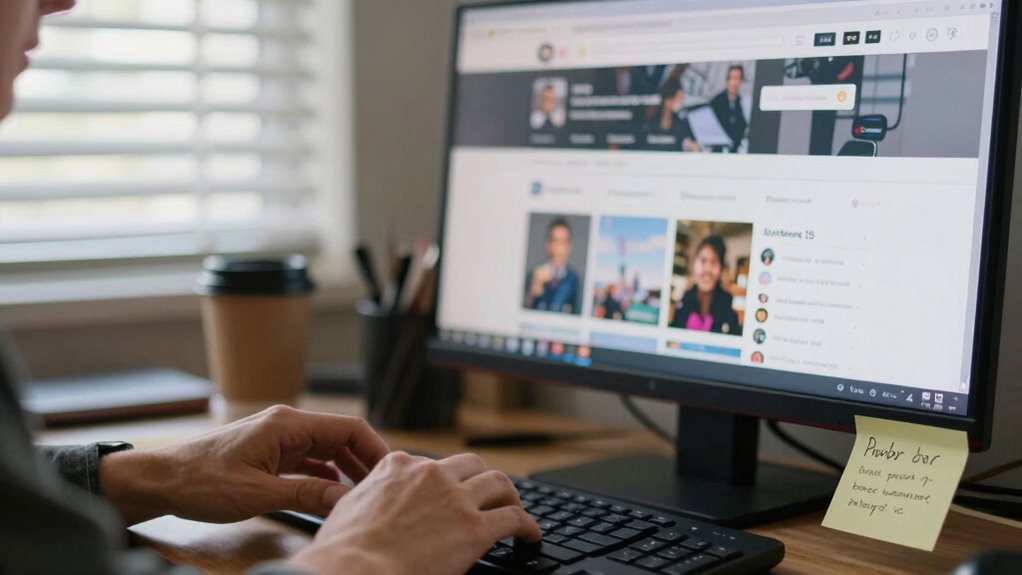
Have you ever wondered how cybercriminals manipulate human tendencies to breach your defenses? They use behavior analysis to understand common reactions, then craft targeted social engineering attacks. By studying how people respond to authority, urgency, or curiosity, crooks create believable scenarios that lead you to reveal sensitive information or click malicious links. Phishing emails often mimic trusted sources, exploiting your trust and tendency to respond quickly. Cybercriminals also use fear tactics or offers that seem too good to ignore, forcing you into impulsive decisions. Understanding these tactics helps you recognize the subtle psychological tricks at play. Instead of focusing solely on technical defenses, being aware of how your natural tendencies can be exploited is vital to protecting yourself online.
Building a Security Mindset Beyond Just Passwords
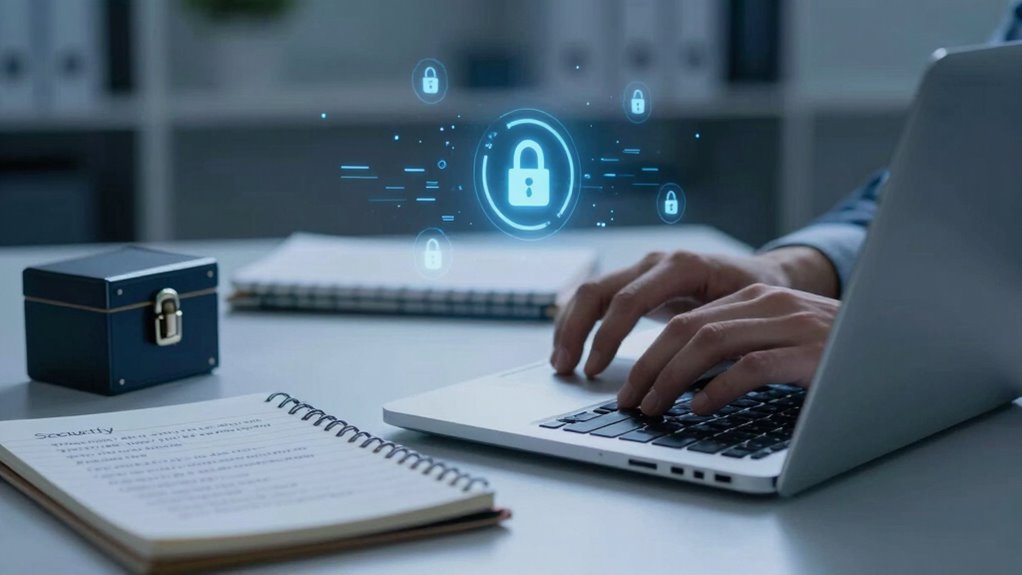
Focusing solely on strong passwords isn’t enough to stay protected online. Building a security mindset involves adopting consistent security habits and practicing good password hygiene. You should regularly update your passwords, avoid reusing them across sites, and enable two-factor authentication whenever possible. Developing these habits makes you less vulnerable to cyberattacks.
A security mindset relies on habits like regular updates, unique passwords, and two-factor authentication.
To strengthen your security mindset, consider:
- Using password managers to create and store complex passwords securely
- Staying informed about common scams and phishing tactics
- Regularly reviewing your online accounts for suspicious activity
Frequently Asked Questions
How Often Should I Update My Security Habits?
You should update your security routines regularly, ideally every three to six months, to maintain strong password hygiene. Stay alert for new threats and adjust your habits accordingly, like enabling two-factor authentication or using password managers. Don’t wait for a breach—proactively review and improve your security practices. Consistent updates guarantee your digital safety stays ahead of hackers, keeping your accounts protected and your online presence secure.
Can Using a VPN Improve My Online Safety?
Using a VPN definitely improves your online safety by enhancing your online privacy. VPN benefits include encrypting your internet traffic, which helps protect sensitive data from hackers and eavesdroppers. It also masks your IP address, making it harder for third parties to track your online activities. So, if you want to stay safer online and maintain more privacy, incorporating a VPN into your routine is a smart move.
What Are Common Signs of a Phishing Attempt?
You can spot phishing attempts by looking for signs like unexpected email scams requesting personal info or urgent actions. Be wary of emails with suspicious links or fake websites that mimic legitimate ones. Check the sender’s email address carefully, and avoid clicking on unfamiliar attachments. If something feels off, verify directly with the company or sender. Staying alert helps you avoid falling for these common tricks used in email scams and fake websites.
How Do I Create a Strong, Memorable Password?
You can create a strong, memorable password by using password mnemonics—like a phrase or song lyric—and transforming it into a unique code. Combine this with a password manager to keep track of your creations securely. Think of your password as a catchy tune that’s easy to remember but hard for others to guess. With these tools, you’ll strike the perfect balance between security and memorability effortlessly.
Are Two-Factor Authentication Methods Equally Secure?
Two-factor authentication methods aren’t equally secure. Hardware tokens generally provide higher security because they create a unique, complex code that’s difficult to intercept. Password complexity alone isn’t enough, so combining it with hardware tokens considerably boosts your protection. Mobile app authenticators are convenient but slightly less secure than hardware tokens. Using a mix of these methods ensures you’re better protected against hacking attempts.
Conclusion
So, are you really doing enough to protect yourself online? Focusing solely on passwords isn’t enough anymore—you need to stay alert, verify links, and recognize scams. Building good habits and using the right tools can make all the difference. Don’t let complacency be your downfall; your online security depends on your awareness. Are you ready to take control and make smarter choices today?