
Many people assume that spending more on HDMI cables guarantees better performance, but that’s not always true. For most everyday uses like streaming HD content or connecting a standard TV, a basic, well-made cable often works fine. You only need a higher-quality or expensive cable if you’re supporting advanced features like 4K at high refresh rates or HDR. Keep in mind that standards and construction quality matter more than price—if you want to know when you actually need an upgrade, stay here.
Key Takeaways
- Not all HDMI cables are equal; construction quality and adherence to standards determine performance, regardless of price.
- For standard HD streaming and regular TVs, basic well-made cables usually suffice.
- Higher-priced cables are unnecessary unless supporting advanced features like high frame rates or HDR.
- Verify HDMI certification and standards compliance rather than relying solely on labels like “4K” or “HDR.”
- Properly constructed inexpensive cables can reliably support most everyday uses without overspending.
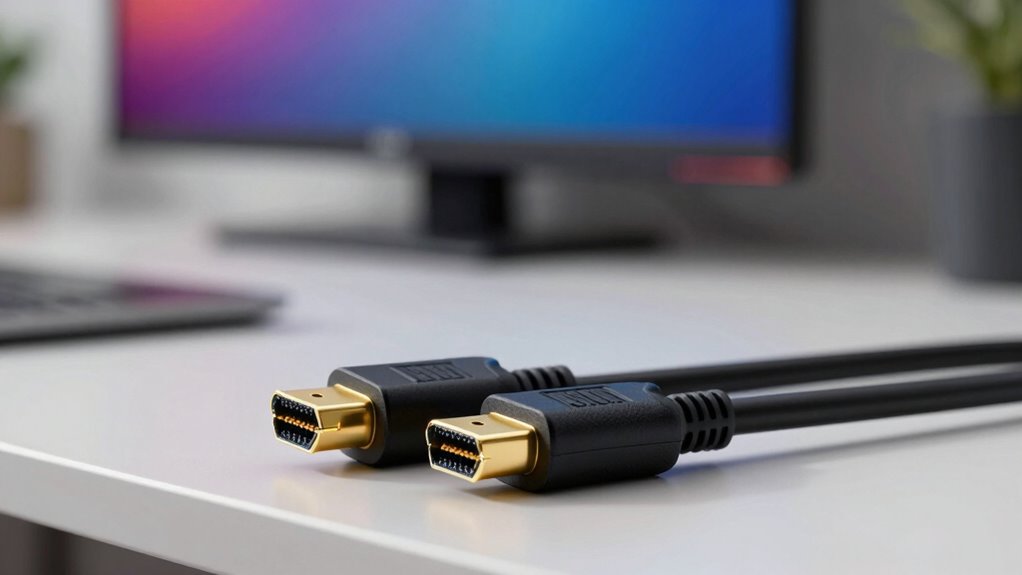
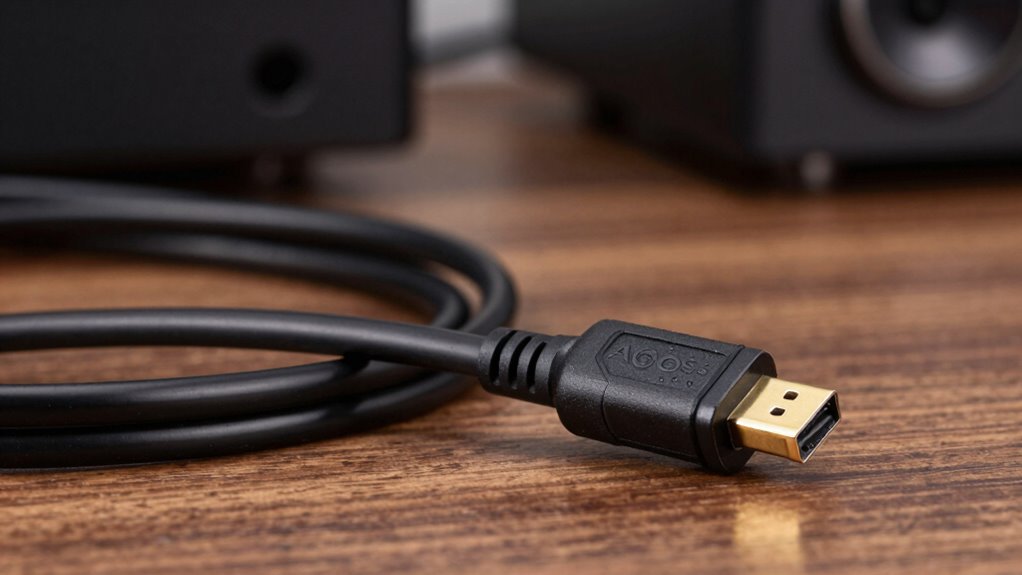
Many common beliefs about HDMI cables are actually myths that can lead to unnecessary spending or confusion. One of the most prevalent misconceptions is that all HDMI cables are created equal, when in reality, cable construction plays a significant role in performance. Cable construction refers to how the internal components—such as the quality of the shielding, connectors, and wiring—are assembled. High-quality construction can help guarantee a more reliable connection, reduce signal interference, and support higher resolutions and refresh rates. However, for many everyday uses like streaming HD content or connecting a standard TV, a basic, well-made cable often suffices. Believing that only expensive cables deliver quality can lead you to spend more than necessary, especially since many cheaper cables meet the required standards for typical applications.
Another common myth revolves around compatibility issues. People often assume that a cable labeled “4K” or “HDR” will automatically work with their device, but that’s not always the case. Compatibility issues aren’t solely about the cable’s label; they depend heavily on the cable’s specifications and whether it adheres to the relevant HDMI standards. For example, a cable might support 4K resolution but may not handle higher frame rates or HDR content if it isn’t built according to the latest standards. Conversely, some cables are advertised as “compatible” with advanced features when, in fact, they lack the proper cable construction to support those features reliably. It’s essential to check the cable’s certification and guarantee it’s rated for the specific bandwidth your devices require. Additionally, understanding the HDMI standards ensures you select a cable that can handle your device’s capabilities effectively. This guarantees you get the performance you need without overspending on unnecessary features that won’t improve your experience.

Highwings 8K 10K 4K HDMI Cable 48Gbps 6.6FT/2M, Certified Ultra High Speed HDMI Cable Braided Cord-4K@120Hz 8K@60Hz, DTS:X, HDCP 2.2 & 2.3, HDR 10 Compatible with Roku TV/PS5/HDTV/Blu-ray
Top Technology—-8K@60HZ: This 8K Ultra-High Speed HDMI 2.1 Cable uses the most cutting-edge technology, is compatible with 8K@60HZ…
As an affiliate, we earn on qualifying purchases.
As an affiliate, we earn on qualifying purchases.
Frequently Asked Questions
Can I Use a Longer HDMI Cable Without Signal Loss?
Yes, you can use a longer HDMI cable without significant signal loss if the cable quality is good. Signal degradation becomes more likely with increased cable length, especially over 25 feet, but high-quality cables with better shielding and bandwidth can maintain signal integrity. To avoid issues, opt for premium cables or consider HDMI extenders or active cables for longer distances, ensuring your signal stays strong regardless of length.
Do All HDMI Cables Support 4K and HDR?
Not all HDMI cables support 4K and HDR; it depends on cable quality and brand reputation. Cheaper or generic cables often lack the necessary specifications for high-resolution content. To guarantee compatibility, look for cables labeled as HDMI 2.0 or higher, designed for 4K and HDR. Investing in reputable brands assures you get a reliable cable that delivers the quality and performance you need for your devices.
Is There a Difference Between HDMI Cable Brands?
Yes, there is a difference between HDMI cable brands. You’ll notice variations in brand reputation and manufacturing quality, which impact durability and performance. Cheaper or lesser-known brands may not support high resolutions or features like HDR reliably, while reputable brands guarantee consistent quality and compatibility. Investing in a well-known brand often guarantees better shielding, build, and performance, especially if you’re streaming 4K or HDR content.
How Do I Know if My HDMI Cable Is High-Speed?
Wondering if your HDMI cable is high-speed? You can check the packaging or cable labeling for “High-Speed HDMI” or “HDMI 2.0” compatibility. A high-speed cable offers better cable durability and supports advanced features like 4K or HDR. Confirm your connector compatibility matches your device’s ports. If it’s not labeled, test it with a 4K device or look for specifications online. Wouldn’t you want the best picture quality?
Are Expensive HDMI Cables Worth the Investment?
Expensive HDMI cables can be worth the investment if you’re prioritizing better build quality, brand reputation, and consistent performance. While cost versus quality varies, higher-priced cables often guarantee reliable data transfer and durability, especially for high-resolution setups. However, for most users, a mid-range cable suffices. If your brand choice is reputable and the cable meets your device’s specifications, spending more can provide peace of mind and potentially longer-lasting performance.
Highwings 8K 10K 4K HDMI Cable 48Gbps 6.6FT/2M, Certified Ultra High Speed HDMI Cable Braided Cord-4K@120Hz 8K@60Hz, DTS:X, HDCP 2.2 & 2.3, HDR 10 Compatible with Roku TV/PS5/HDTV/Blu-ray
Top Technology—-8K@60HZ: This 8K Ultra-High Speed HDMI 2.1 Cable uses the most cutting-edge technology, is compatible with 8K@60HZ…
As an affiliate, we earn on qualifying purchases.
As an affiliate, we earn on qualifying purchases.
Conclusion
So, next time you’re tempted to believe every shiny claim about HDMI cables, remember: not all that glitters is gold. Sometimes, sticking with your current cable is like holding onto a trusty old friend—trust it until a real need arises. Don’t let the hype blind you. Instead, make informed choices, because in the world of HDMI, knowing when to upgrade is the real power move—like a key revealing clarity in a sea of noise.
Highwings 8K 10K 4K HDMI Cable 48Gbps 6.6FT/2M, Certified Ultra High Speed HDMI Cable Braided Cord-4K@120Hz 8K@60Hz, DTS:X, HDCP 2.2 & 2.3, HDR 10 Compatible with Roku TV/PS5/HDTV/Blu-ray
Top Technology—-8K@60HZ: This 8K Ultra-High Speed HDMI 2.1 Cable uses the most cutting-edge technology, is compatible with 8K@60HZ…
As an affiliate, we earn on qualifying purchases.
As an affiliate, we earn on qualifying purchases.
![Silkland Certified HDMI 2.1 Cable, [4K@240Hz 144Hz 120Hz, 8K@60Hz] 1440P Ultra High Speed HDMI Cable 48Gbps (Upgrade Braided), HDR10+, eARC, HDCP 2.3, Compatible for Xbox/PS5/PS4/Roku TV-6.6ft](https://m.media-amazon.com/images/I/41Ns4mhmH+L._SL500_.jpg)
Silkland Certified HDMI 2.1 Cable, [4K@240Hz 144Hz 120Hz, 8K@60Hz] 1440P Ultra High Speed HDMI Cable 48Gbps (Upgrade Braided), HDR10+, eARC, HDCP 2.3, Compatible for Xbox/PS5/PS4/Roku TV-6.6ft
【HDMI 2.1 Certification】Only 1% of HDMI cables on the market have passed HDMI 2.1 certification. Scan with the…
As an affiliate, we earn on qualifying purchases.
As an affiliate, we earn on qualifying purchases.