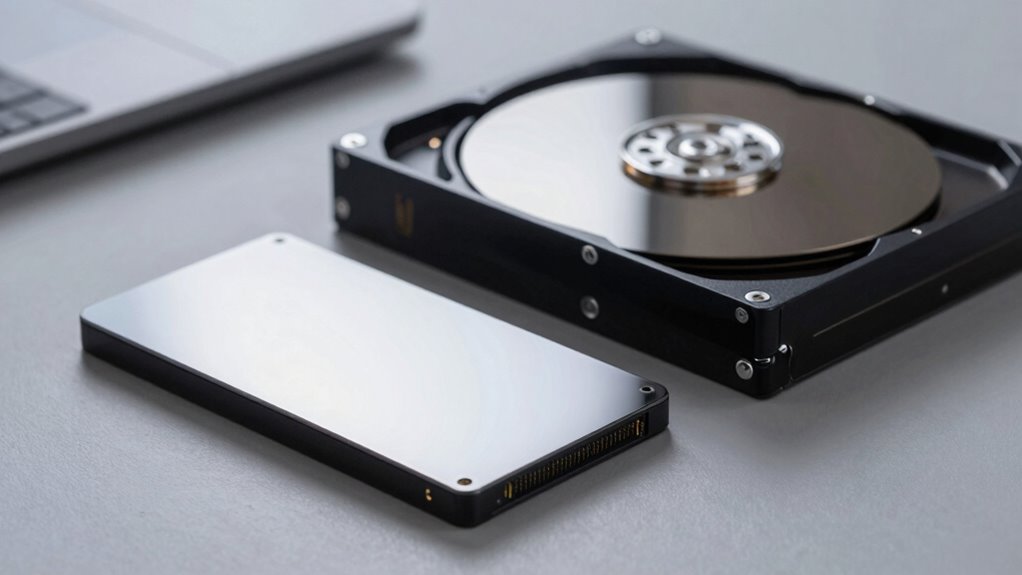

If you’re choosing between SSDs and HDDs, SSDs offer much faster data transfer speeds, making tasks like booting up your system or launching applications quicker. They’re quieter and more durable because they have no moving parts, so they’re less likely to suffer damage from shocks. HDDs are cheaper and provide larger storage capacity but tend to be slower and noisier, with a shorter lifespan. Keep exploring to discover how these differences can impact your storage choices.
Key Takeaways
- SSDs offer significantly faster data transfer speeds than HDDs due to flash memory technology.
- HDDs produce more noise during operation because of spinning disks and mechanical parts.
- SSDs have a longer lifespan and are more durable, less affected by physical shocks compared to HDDs.
- HDDs are generally cheaper per gigabyte, providing larger storage capacity at a lower cost.
- Mechanical components in HDDs wear out over time, leading to potential data loss, whereas SSDs are more reliable over the long term.
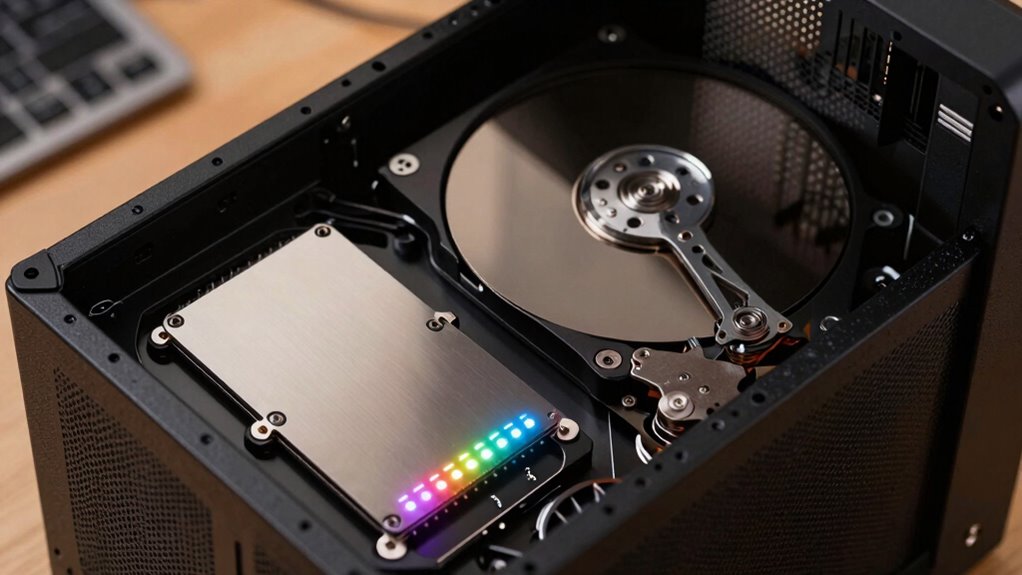
When choosing between SSDs and HDDs for storage, understanding their key differences can help you make an informed decision. One of the most notable distinctions is data transfer rates. SSDs, or solid-state drives, use flash memory to store data, allowing for considerably faster data transfer speeds. This means files load quicker, applications launch instantly, and you experience less lag during heavy tasks. HDDs, or hard disk drives, rely on spinning disks and mechanical parts, which inherently limit their data transfer rates. As a result, transferring large files or booting up your system takes noticeably longer with an HDD. If speed is a priority, especially for gaming, video editing, or demanding software, SSDs clearly outperform HDDs. Additionally, the design and technology of SSDs contribute to their faster read/write speeds, making them the preferred choice for high-performance computing. Power consumption is another critical factor that influences your decision. SSDs consume less power because they lack moving parts and rely on solid-state memory technology. This lower power draw not only extends your laptop’s battery life but also reduces heat generation and energy costs in desktop setups. Conversely, HDDs require more power due to the mechanical components that need energy to spin disks and operate read/write heads. If you’re mindful of energy efficiency or want to maximize battery life, especially in portable devices, choosing an SSD can make a noticeably greater difference. Additionally, lower power consumption means less heat, which can contribute to a quieter and more stable operating environment. Durability and reliability also stem from these fundamental differences. Since SSDs have no moving parts, they are less susceptible to physical damage from drops or shocks. This makes them ideal for portable devices or environments where movement is frequent. HDDs, with their spinning disks and mechanical arms, are more vulnerable to damage if handled roughly. Over time, mechanical parts can wear out, leading to potential data loss or drive failure. Although HDDs tend to be cheaper per gigabyte and offer larger storage capacities at a lower cost, their mechanical nature means they generally have a shorter lifespan compared to SSDs.
Top picks for "storage noise lifespan"
Open Amazon search results for this keyword.
As an affiliate, we earn on qualifying purchases.
Frequently Asked Questions
How Do SSD and HDD Prices Compare Over Time?
You’ll notice that SSD prices have generally decreased over time, thanks to advancements in technology and increased demand. Conversely, HDD prices tend to fluctuate more with market fluctuations, often remaining more affordable but less predictable. As you look ahead, expect SSD costs to continue dropping, making them a more budget-friendly option, while HDD prices may stay relatively stable or vary with market conditions.
Which Storage Type Is More Eco-Friendly?
Think of eco-friendliness like planting a tree; SSDs are the saplings that grow faster and use less water. SSDs consume less energy, making them more eco-friendly, and they’re easier to recycle because of fewer moving parts. HDDs, with their mechanical components, use more energy and pose greater challenges for recyclability. So, if you want a greener option, SSDs are the better choice for sustainability.
Can SSDS Be Used in Gaming Consoles?
Yes, you can use SSDs in gaming consoles, but you need to check internal compatibility first. Many modern consoles, like PlayStation and Xbox, support SSD upgrades, but you should consider upgrade considerations like size, connector type, and firmware updates. Installing an SSD can greatly improve load times and game performance, making your gaming experience smoother. Just make sure the SSD meets your console’s specifications to avoid any compatibility issues.
Are There Security Differences Between SSDS and HDDS?
You might think SSDs are more secure, but both SSDs and HDDs can use data encryption to protect your data. However, SSDs often have built-in encryption features that are easier to enable. When it comes to data recovery, HDDs are generally easier to recover data from after failure. So, while both offer security options, your choice depends on your security needs and how easily you want to recover lost data.
How Do SSDS and HDDS Perform in Extreme Temperatures?
You might find that SSDs handle extreme temperatures better due to their thermal resilience, as they generate less heat and are less affected by temperature fluctuations. HDDs, however, are more vulnerable to extreme cold or heat and face condensation risks, which can damage internal components. To protect your drives, keep them within recommended temperature ranges and avoid exposing them to rapid temperature changes or high humidity environments.
Conclusion
In the battle between SSDs and HDDs, you’re choosing between a lightning-fast racehorse and a steadfast old mule. SSDs deliver swift, silent strides through your digital landscape, while HDDs trudge along with a nostalgic hum. Your choice shapes your journey—sleek and speedy or reliable and traditional. Whichever you pick, remember it’s about fitting your needs like a finely tailored suit, ensuring your storage solution performs as beautifully as a well-conducted symphony.