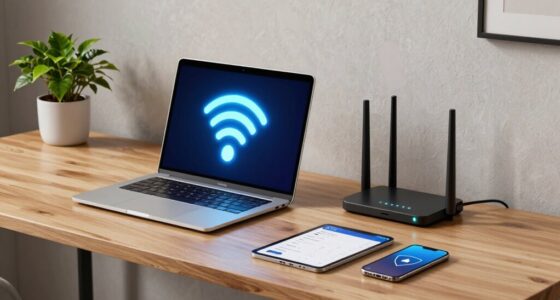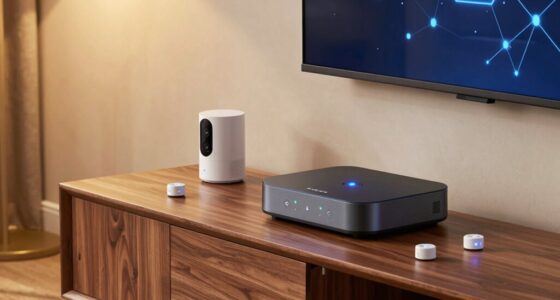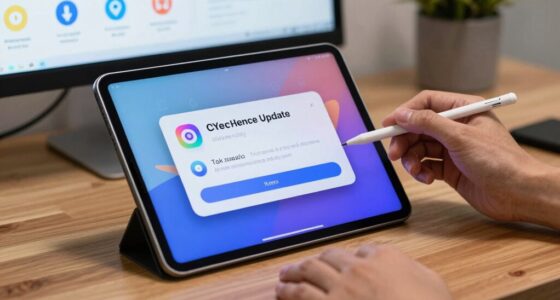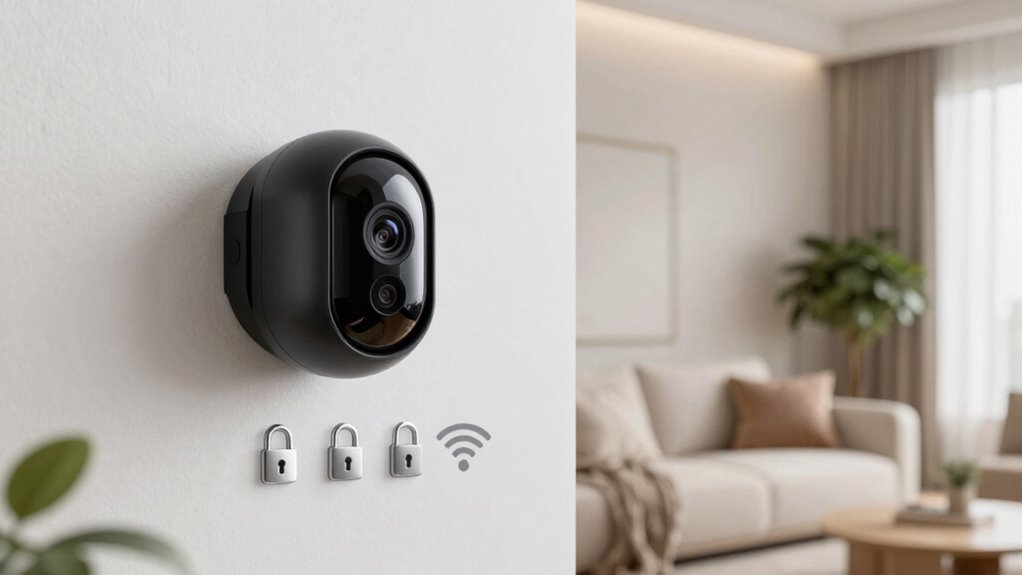

To secure your smart cameras from unwanted access, start by updating their firmware regularly and changing default passwords to strong, unique ones. Use WPA3 or WPA2 encryption for your Wi-Fi network, and avoid open or weakly secured networks. Consider placing cameras on a separate guest network to isolate them from main devices. Disable unnecessary features like remote access, and stay vigilant by reviewing device logs and security settings. Keep your security measures sharp — there’s more to protect your privacy effectively.
Key Takeaways
- Use WPA3 or WPA2 encryption and avoid open networks for secure wireless connections.
- Change default passwords immediately and use strong, unique credentials for each device.
- Regularly update device firmware and software to patch security vulnerabilities.
- Segment your network by placing smart cameras on a separate guest Wi-Fi network.
- Disable unnecessary remote access features and monitor device logs for suspicious activity.
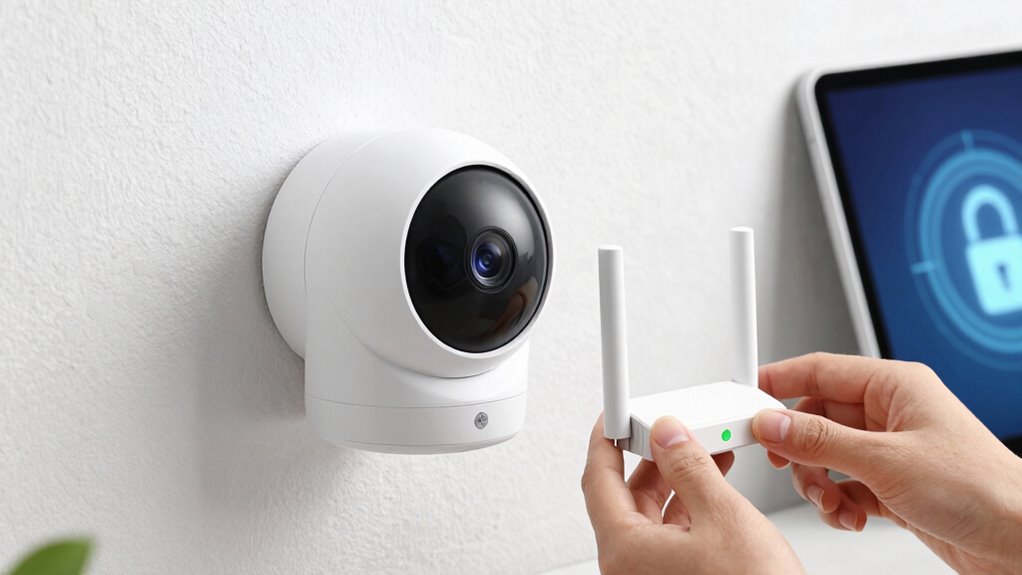
Smart cameras are transforming home security by providing real-time surveillance and remote access, but their convenience also makes them attractive targets for cyber threats. If you want to keep your footage private and your home safe, it’s imperative to understand how to protect these devices from unauthorized access. One of the most effective ways is to guarantee your camera’s data transmission is secured through wireless encryption. When your camera uses WPA3 or WPA2 encryption, it encrypts the data sent between your device and your Wi-Fi network, making it much harder for hackers to intercept and decipher the information. Don’t leave your network open or use weak encryption settings; always check your camera’s security options and enable the strongest available encryption protocols.
Secure your smart camera’s data transmission with WPA3 or WPA2 encryption to prevent unauthorized access.
Alongside wireless encryption, managing your passwords plays an essential role in securing your smart camera. Many users fall into the trap of using default passwords provided by manufacturers, which are often easy to guess or find online. You should immediately change these default credentials to strong, unique passwords that combine uppercase and lowercase letters, numbers, and symbols. A good password management practice is to avoid reusing passwords across different devices or accounts. Consider using a password manager to generate and store complex passwords securely, so you don’t have to remember them all. This way, even if someone tries to access your camera, they’ll face a stubborn, unique password that’s tough to crack.
Regular updates are another critical step. Manufacturers often release firmware updates that patch security vulnerabilities and improve overall device security. Make it a habit to check for updates regularly and install them promptly. This prevents hackers from exploiting known weaknesses in outdated software. Additionally, you should disable any unnecessary features or remote access options if you don’t need them. For example, turning off remote viewing when it’s not in use reduces the number of potential entry points for cybercriminals.
Finally, consider placing your smart camera on a separate guest Wi-Fi network rather than your primary network. This isolates your security devices from other sensitive devices like computers or smartphones, adding an extra layer of protection. By combining wireless encryption, diligent password management, timely updates, and smart network setup, you considerably reduce the risk of unauthorized access. Protecting your smart cameras isn’t just about convenience; it’s about maintaining control over your private space and ensuring your home security system remains effective against cyber threats. Additionally, understanding the importance of network security protocols can help you implement comprehensive protection strategies.
Frequently Asked Questions
Can I Use Multiple Users With Different Access Levels?
Yes, you can use multiple users with different access levels. You should set up user access and permission management features in your smart camera system. This way, you regulate who can view, modify, or manage the cameras. By assigning specific permissions to each user, you ensure everyone has the appropriate level of access, enhancing your security and preventing unauthorized viewing or changes.
What Should I Do if I Forget My Camera Password?
If you forget your camera password, don’t worry. You should start with password recovery options provided by your camera’s app or website. Usually, this involves verifying your identity via email or security questions. If that doesn’t work, you can perform an account reset, which restores your camera to factory settings. Remember, this will erase your custom settings, so set up your camera again with a new password afterward.
Are There Specific Brands More Secure Than Others?
They say, “You get what you pay for,” and that’s true with smart cameras. Some brands with a strong reputation invest more in security features, making them less vulnerable to hacking. Look for brands that prioritize privacy, offer regular firmware updates, and have robust encryption. Trusted names like Arlo, Ring, and Nest generally provide better security, giving you peace of mind that your footage stays private.
How Often Should I Update My Camera’s Firmware?
You should update your camera’s firmware as soon as new firmware updates and security patches become available. Regularly checking for updates guarantees you’re protected against the latest vulnerabilities. Manufacturers often release firmware updates to fix security flaws and improve functionality, so don’t delay installing them. Set your cameras to automatically update if possible, or check manually at least once a month to keep your device secure and functioning at its best.
Is It Safe to Connect My Camera to a Public Wi-Fi?
Connecting your camera to public Wi-Fi isn’t safe because of the risks involved. Public Wi-Fi risks include potential hacking, unauthorized access, and data interception. To protect your device, make certain you use strong, unique password protection, avoid accessing sensitive feeds, and consider using a VPN. Remember, public networks are insecure, so it’s best to connect your smart camera only to secured, private Wi-Fi networks whenever possible.
Conclusion
By taking these simple steps, you’re building a fortress around your smart cameras, keeping unwanted intruders at bay. Think of your security measures as a digital shield, guarding your privacy like a loyal guardian. Don’t let hackers slip through the cracks—stay vigilant, update regularly, and set strong passwords. When you do, your smart cameras become silent sentinels, watching over your home with unwavering loyalty, ensuring your peace of mind remains unbroken.