
When choosing a router, focus on the bands it offers—dual-band (2.4 GHz and 5 GHz) or tri-band options can reduce congestion and boost speeds, especially in busy homes. Check the channels it supports, as selecting less crowded channels can improve your connection stability. Also, consider the real-world speed, which depends on the hardware, your internet plan, and features like QoS. If you want to know more about optimizing your network, keep exploring these key specs.
Key Takeaways
- Dual-band routers operate on 2.4 GHz and 5 GHz, balancing coverage with speed and interference levels.
- Proper channel selection reduces congestion and improves reliability, especially in dense environments.
- Real-world speeds are influenced by hardware, device compatibility, and your internet plan, not just router specs.
- Advanced security features like WPA3 protect your network without compromising performance.
- Additional features such as aesthetic design and future-proofing options enhance usability and long-term value.
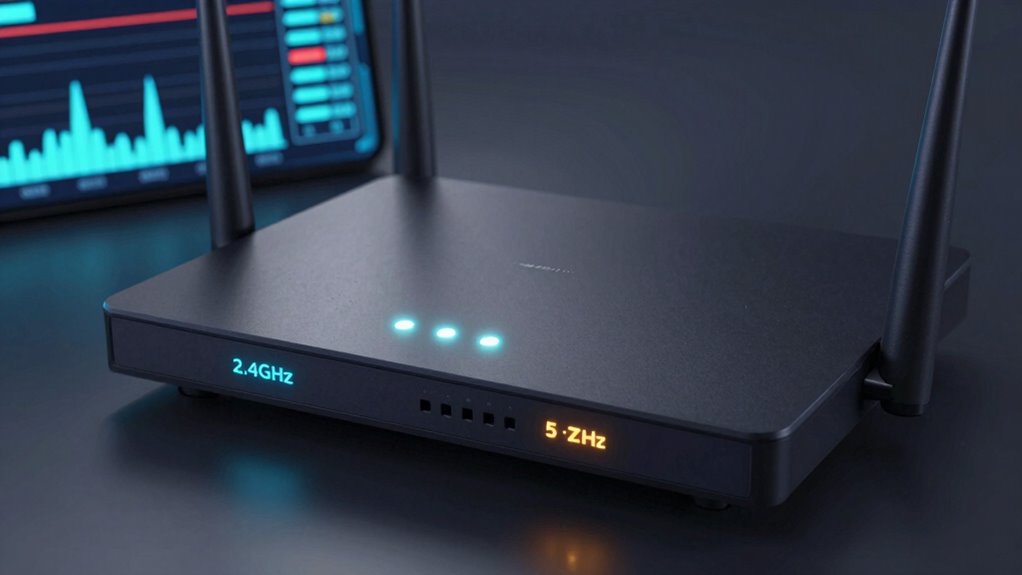
When choosing a router, understanding the key specs can make all the difference in guaranteeing your network runs smoothly. One of the most important aspects is the frequency bands it supports. Dual-band routers, which operate on both 2.4 GHz and 5 GHz, give you flexibility. The 2.4 GHz band offers broader coverage and better wall penetration, but it’s often crowded and slower. The 5 GHz band provides faster speeds and less interference, ideal for streaming or gaming. If you want top-tier performance, consider tri-band routers that add an extra 5 GHz band, helping to distribute your network load and minimize congestion. Knowing how these bands work helps you optimize your device connections, guaranteeing smoother streaming and faster downloads.
Channels are another essential detail. Wireless networks operate on different channels within each band. If too many networks nearby use the same channel, your Wi-Fi can become sluggish, with frequent drops or lag. Many modern routers automatically select the best channel, but it’s worth checking your router’s manual to see if you can manually choose or optimize channels for less interference. This simple step can greatly boost your network’s reliability and speed, especially in densely populated areas.
Real-world speed isn’t always what’s advertised on the box. Your actual experience depends on factors like your router’s hardware, the number of connected devices, and your internet plan. A powerful router with high throughput specs can handle multiple streams of data without bogging down. Keep in mind, the speed your ISP provides will be the ceiling, but a good router guarantees you’re getting the most out of that connection. It’s not just about raw speed; features like QoS (Quality of Service) allow you to prioritize bandwidth for gaming or video calls, giving you a smoother experience when it matters most.
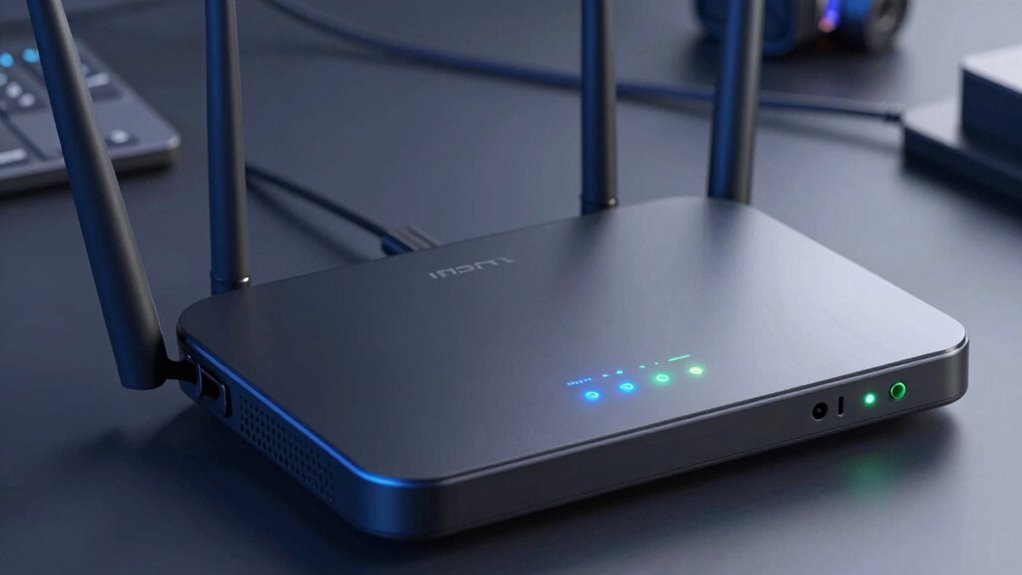
While focusing on specs, don’t forget about wireless security. A router’s security features protect your network from intruders and safeguard your personal data. Look for routers with WPA3 encryption and automatic firmware updates, which patch vulnerabilities promptly. Also, consider router aesthetics if it fits your space. A sleek, unobtrusive design can complement your home decor, and some models even come with customizable LED indicators or minimalist looks. Balancing performance, security, and aesthetics guarantees your network is fast, safe, and visually appealing.
In addition, understanding home network technology can help you make more informed decisions and future-proof your setup.
Frequently Asked Questions
How Often Should I Upgrade My Router for Optimal Performance?
You should upgrade your router every 3 to 5 years to maintain peak performance. Over time, routers experience performance degradation due to new devices, increased data demands, and evolving Wi-Fi standards. Upgrading ensures better security, faster speeds, and improved connectivity, extending your router’s longevity. Don’t wait until your network slows down; proactive upgrades keep your internet running smoothly and safeguard against potential vulnerabilities.
Do Mesh Networks Require Different Router Specifications?
Did you know that over 60% of users experience better Wi-Fi with mesh networks? Mesh networks often require different router specifications for peak performance. You need routers compatible with the mesh system, supporting features like dual-band or tri-band frequencies, and sufficient channels. Ensuring your existing router or new one is compatible with the mesh network will improve coverage and speed, making setup smoother and your connection more reliable.
How Does Router Placement Affect Real-World Speeds?
Your router’s placement directly impacts real-world speeds by minimizing signal interference and ensuring ideal placement. Keep it central, elevated, and away from walls or metal objects to reduce interference. Avoid placing it near cordless phones or microwaves, which can disrupt signals. By positioning your router strategically, you’ll improve coverage, boost speeds, and enjoy a more reliable connection throughout your space.
Can Older Devices Connect to the Latest Wi-Fi Bands?
Older devices, or legacy devices, can often connect to the latest Wi-Fi bands, but their Wi-Fi compatibility may be limited. Many modern routers support backward compatibility, allowing you to connect your legacy devices to newer networks. However, expect slower speeds or reduced performance if your device doesn’t support the latest standards. Always check your device’s Wi-Fi capabilities to guarantee smooth connection and peak performance across all your devices.
What Security Features Should I Look for in a High-End Router?
You definitely want a router with top-tier security features, or you’re risking a digital invasion from cyber pirates! Look for advanced wireless encryption like WPA3 to keep hackers at bay, and intrusion detection systems that act like your personal security guard, spotting threats before they reach your data fortress. These features make your network as unbreakable as Fort Knox, giving you peace of mind and lightning-fast, secure Wi-Fi.
Conclusion
Understanding router specs like bands, channels, and speed helps you make smarter choices. But don’t forget, even the best specs can fall short without proper placement and updates. It’s a balance between technical details and real-world performance, much like a car’s horsepower versus its actual ride. So, while specs guide you, your experience ultimately depends on how well your setup adapts to your daily needs. Choose wisely, and enjoy seamless connectivity.