
To prevent your inbox from becoming a scam magnet, stay vigilant with emails by checking sender addresses and hovering over links before clicking. Enable email encryption and strong, unique passwords with two-factor authentication for added security. Regularly update your security settings and stay aware of new scam tactics. Trust your instincts and delete suspicious emails immediately. If you keep these practices in mind, you’ll considerably reduce scam risks and maintain a safer inbox environment—more helpful tips follow if you keep exploring.
Prime for Young Adults — start your free trial
Fast free delivery, streaming and member deals for eligible 18–24 year olds.
As an affiliate, we earn on qualifying purchases.
Key Takeaways
- Regularly update your email security settings and enable two-factor authentication.
- Be cautious of unsolicited emails; verify sender addresses and hover over links before clicking.
- Use strong, unique passwords for your email accounts and change them periodically.
- Educate yourself on common scam tactics and stay informed about emerging threats.
- Enable email encryption for sensitive communications and practice good email hygiene.
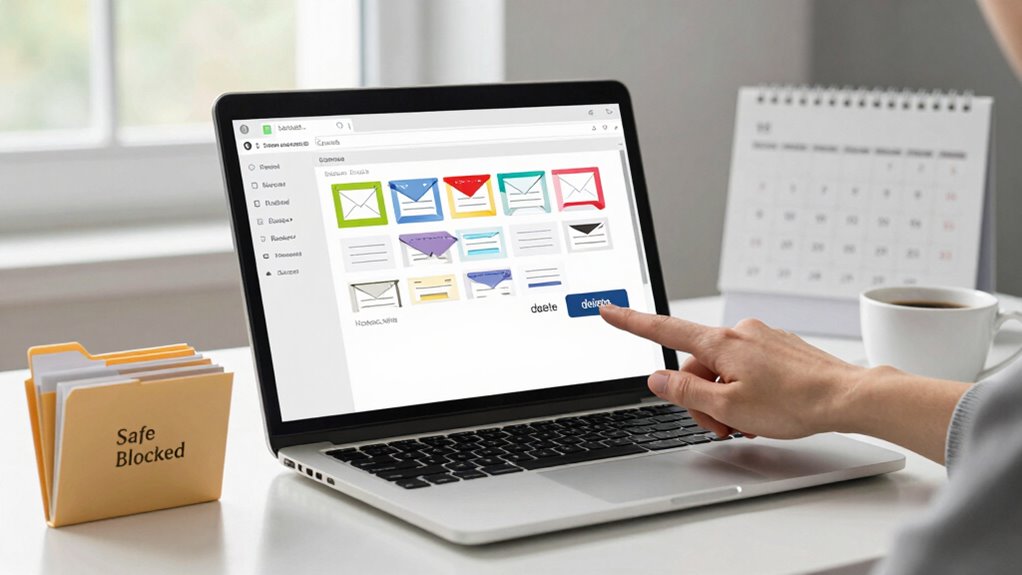
Have you ever wondered why your inbox seems to attract so many scam emails? The truth is, scammers constantly evolve their tactics, making it essential for you to stay vigilant. One of the most effective ways to do this is by enhancing your phishing awareness. Phishing is a common scam where attackers pose as trustworthy entities to steal your personal information. Recognizing the signs—such as urgent language, suspicious links, or strange sender addresses—can help you avoid falling victim. Always double-check the sender’s email address and hover over links to see where they lead before clicking. If something seems off, trust your instincts and delete the email immediately. The more you educate yourself about common scams, the better you’ll be at spotting them.
Stay vigilant: recognize scam signs, verify sender info, and trust your instincts to avoid falling victim.
But awareness alone isn’t enough. Implementing email encryption can add an extra layer of security that helps keep your messages safe from prying eyes. Email encryption scrambles the contents of your emails so that only the intended recipient can read them. This makes it much harder for hackers to intercept sensitive information if your email account gets compromised or if you’re using a public Wi-Fi network. Many modern email providers offer built-in encryption features—be sure to enable them. Not only does this protect your personal data, but it also signals to others that you take your digital security seriously. When combined with phishing awareness, email encryption creates a robust barrier against scams and cyber threats. Security features offered by your provider can often be customized to fit your specific needs, providing an additional layer of protection. Staying informed about cybersecurity best practices can further enhance your defenses. Additionally, understanding the role of digital security in safeguarding your personal information underscores the importance of comprehensive protection strategies.
Beyond technical measures, you should also be cautious about how you manage your email account. Use strong, unique passwords, and enable two-factor authentication whenever possible. This adds an extra step to verify your identity, making it much more difficult for scammers to access your account even if they manage to steal your password. Regularly updating your security settings and remaining skeptical of unsolicited requests for personal information can further safeguard your inbox. Remember, scammers often rely on tricking you into revealing sensitive details rather than hacking directly. Staying alert and practicing good email hygiene is your best defense. Additionally, being aware of common scam tactics**** can help you identify and avoid newer scams that continuously surface.
In the end, protecting your inbox from becoming a scam magnet requires a combination of awareness, technical safeguards like email encryption, and careful management. Stay informed about the latest scam tactics, be cautious with every email, and leverage the security features your provider offers. These steps won’t eliminate all threats, but they will significantly reduce your risk and help keep your digital life secure. Incorporating garages and workshops cleaning tips into your routine can also serve as a reminder to regularly update your security practices—just as you would with keeping your physical space organized and dust-free.
As an affiliate, we earn on qualifying purchases.
Frequently Asked Questions
How Can I Identify Fake Emails Quickly?
To spot fake emails quickly, pay attention to signs of phishing tactics like urgent language or suspicious sender addresses. Check the email’s authenticity through email authentication methods, such as SPF, DKIM, or DMARC, if available. Look for grammatical errors or odd requests for personal info. Trust your instincts—if something feels off, verify with the sender directly through a separate communication channel before clicking any links or sharing sensitive data.
Are There Specific Email Providers Better at Filtering Scams?
Some email providers are like superheroes, fighting off scams with superior email filtering and scam detection. Gmail, for instance, automatically catches most phishing attempts and spam, making your inbox almost impenetrable. Outlook also offers robust scam detection tools that flag suspicious emails before they reach you. Choosing a provider with advanced email filtering guarantees you stay protected, saving you from scam attacks and keeping your inbox safe and clean.
What Should I Do if I Accidentally Open a Scam Email?
If you accidentally open a scam email, stay calm and don’t click any links or download attachments. Recognize phishing awareness signs by comparing the email to scam email examples online. Report the email as phishing or spam to your provider, delete it, and run a security scan. Remember, being cautious helps prevent falling victim to scams, and staying informed about scam email examples boosts your protection.
Can Scam Emails Still Infect My Device?
Scam emails can still infect your device if you’re not careful, like a sneaky fox in a henhouse. Phishing tactics often include malicious attachments or links that can install malware or viruses. If you open these, your device becomes vulnerable. Always avoid clicking suspicious links or downloading attachments from unknown senders. Keeping your software updated and using strong security tools helps block these threats before they reach your device.
How Often Should I Update My Email Security Settings?
You should update your email security settings at least once every three to six months. Regular updates help you stay ahead of new threats. Use strong password management and enable multi-factor authentication to add extra protection. Review your account recovery options and security questions periodically. Staying vigilant and proactive keeps your inbox safe from scams and unauthorized access, ensuring your personal information remains secure.
two-factor authentication device
As an affiliate, we earn on qualifying purchases.
As an affiliate, we earn on qualifying purchases.
Conclusion
By staying vigilant and practicing these tips, you can keep your inbox as secure as a fortress. Think of your email as a garden—you need to weed out scams and nurture trusted contacts. Regularly update your passwords, avoid clicking suspicious links, and verify senders before responding. With these habits, you’ll prevent scams from sneaking in like weeds in a well-tended yard, keeping your digital space safe and clutter-free.
As an affiliate, we earn on qualifying purchases.
As an affiliate, we earn on qualifying purchases.
NFL season / tailgating Picks
team gear
As an affiliate, we earn on qualifying purchases.