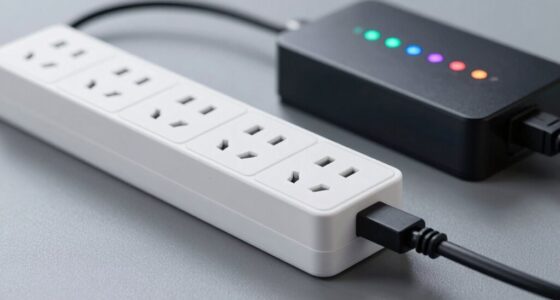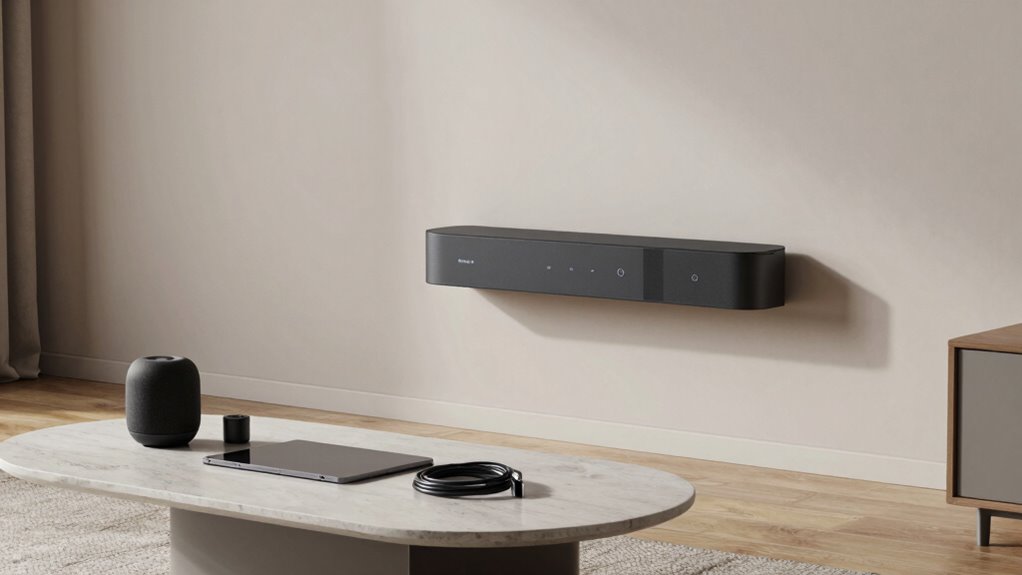

The easiest way to make your smart home less chaotic is by integrating your devices through a central voice assistant like Alexa, Google Assistant, or Siri. This lets you control multiple gadgets effortlessly with simple commands and automations, reducing the need for juggling apps or remotes. Make sure your security systems are part of this setup for hands-free peace of mind. Keep going, and you’ll discover even more ways to simplify your smart home experience.

Prime made for students and young adults
- Fast, free delivery for dorm and study essentials
- Prime Video and Amazon Music included
- Member-only deals
Key Takeaways
- Use a centralized voice assistant to control all devices with simple, unified commands.
- Integrate devices into a single ecosystem for seamless management and reduced confusion.
- Automate routines to synchronize device actions and minimize manual adjustments.
- Ensure security features are connected to the main control system for easy access and safety.
- Regularly organize and update device settings to maintain a streamlined, clutter-free smart home.
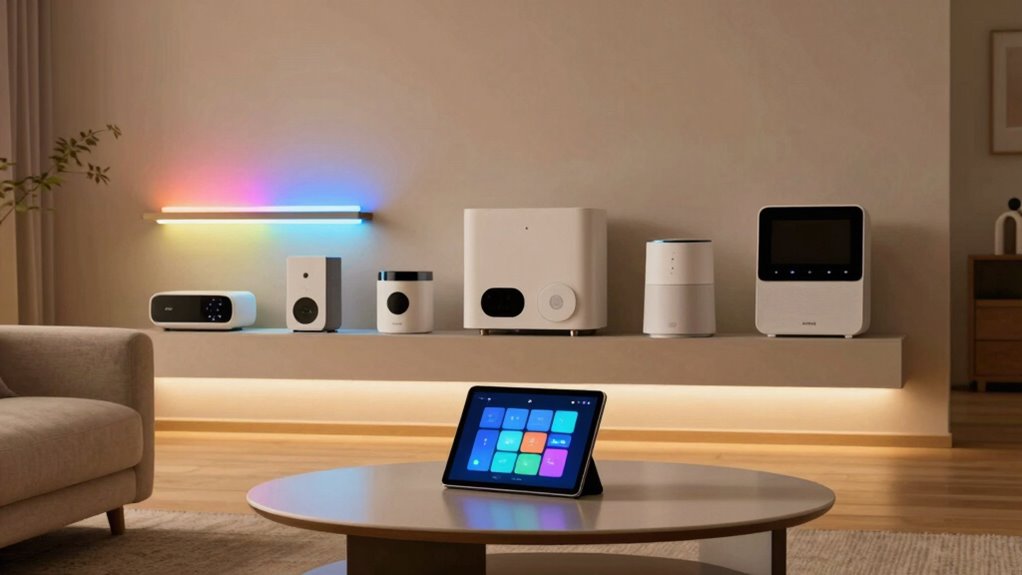
Smart home devices have become more accessible than ever, making it easier for you to enhance your living space with technology. But with the growing number of gadgets, it’s common to feel overwhelmed by the chaos. The key to creating a seamless smart home experience is simplifying how you control and connect your devices. One of the most effective ways to do this is by utilizing voice control. Instead of juggling multiple apps or remotes, you can command your smart devices with just your voice. Whether you want to turn on the lights, adjust the thermostat, or play music, voice commands make everything quicker and more intuitive. It’s like having a personal assistant that responds instantly, reducing the clutter of physical controls and app interfaces.
Pairing voice control with your existing smart home ecosystem streamlines your daily routines. If you’ve invested in a voice assistant like Amazon Alexa, Google Assistant, or Apple’s Siri, you can unify your devices under a single voice command system. This not only saves time but also minimizes confusion, especially when managing multiple devices across different rooms. With a simple “Hey Google, turn off the living room lights,” you can execute complex routines effortlessly. Plus, voice control becomes even more powerful when integrated with security systems. Security integration allows you to monitor and control your home’s safety features without leaving your couch or bed. You can check security cameras, lock or access doors, and even arm or disarm alarms using voice commands. This hands-free approach enhances your peace of mind, especially if you’re busy or away from your devices.
To make your smart home less chaotic, focus on integrating security features** into your voice-controlled ecosystem. This way, you’re not juggling separate apps or devices to keep your home safe. Proper security system integration is also crucial for creating a truly cohesive smart home. The seamless connection between voice control and security integration helps you manage your home more efficiently and confidently. Incorporating smart security systems further simplifies your home management by providing centralized control over safety features. It reduces the need for multiple apps and manual interactions, making your smart home feel more natural and less cluttered. Additionally, leveraging automated routines** can help you set your devices to operate harmoniously, reducing manual adjustments throughout the day.
In essence, the secret to making your smart home less chaotic is to centralize control through voice commands and security integration. When your devices work together smoothly, you’ll find managing your home becomes less of a chore and more of a convenience. You’ll enjoy the simplicity of controlling everything with your voice, knowing your security is always integrated and accessible. Proper security system integration ensures your safety features are part of your unified control system, enhancing both convenience and peace of mind. This approach transforms your smart home from a confusing collection of gadgets into a cohesive, easy-to-use system.
As an affiliate, we earn on qualifying purchases.
Frequently Asked Questions
How Do I Choose Compatible Smart Home Devices?
To choose compatible smart home devices, start by checking their device compatibility with your existing hub or ecosystem, like Alexa, Google Home, or Apple HomeKit. Look for products that specify integration support to avoid future challenges. Consider potential integration challenges early, and opt for devices from the same brand or those with open standards. This way, your devices work seamlessly together, making your smart home feel more organized and easier to manage.
What Security Measures Protect My Smart Home Network?
You protect your smart home network by enabling device encryption, which secures data transmitted between devices and your router. Additionally, implementing network segmentation isolates your smart devices from your main network, reducing potential security breaches. Regularly update device firmware and passwords, disable unnecessary features, and use strong, unique passwords for each device. These steps help keep your smart home safe from hacking and unauthorized access.
Can I Control Devices Remotely Without Internet?
Yes, you can control devices remotely without internet using offline control options like voice automation with local processing. Many smart home systems offer offline modes that let you manage devices via a local hub or app, even if your internet goes down. This setup guarantees you stay connected to your smart devices, providing seamless control and automation without relying on an internet connection.
How Do I Troubleshoot Device Connectivity Issues?
To troubleshoot device connectivity issues, start by checking your Wi-Fi signal strength and restarting your router. For voice command troubleshooting, guarantee your device’s microphone isn’t blocked and that voice recognition settings are correct. Keep firmware updates in mind—regularly update your devices with the latest firmware to fix bugs and improve connectivity. If problems persist, reset your device and reconnect it to your network, then test the connection again.
What Is the Average Cost of Setting up a Smart Home?
Setting up a smart home typically costs between $1,000 and $2,500, depending on the devices and complexity of your home automation system. You’ll want to budget for smart hubs, security cameras, thermostats, and lighting. Device integration can be seamless if you choose compatible products, but it might add to costs if you need custom setups. Overall, investing in quality devices guarantees a smoother, more reliable smart home experience.
Google Assistant compatible smart devices
As an affiliate, we earn on qualifying purchases.
As an affiliate, we earn on qualifying purchases.
Conclusion
By simplifying your smart home setup, you’ll enjoy a more seamless and less chaotic experience. Did you know that 70% of smart device owners feel overwhelmed by their gadgets? Streamlining your devices and organizing them effectively can reduce that stress and make your smart home truly work for you. With a little effort, you’ll create a space that’s not only smart but also calm, efficient, and easy to manage every day.
Siri smart home automation system
As an affiliate, we earn on qualifying purchases.
As an affiliate, we earn on qualifying purchases.
smart home security system with voice control
As an affiliate, we earn on qualifying purchases.
As an affiliate, we earn on qualifying purchases.
Halloween Picks
halloween
As an affiliate, we earn on qualifying purchases.