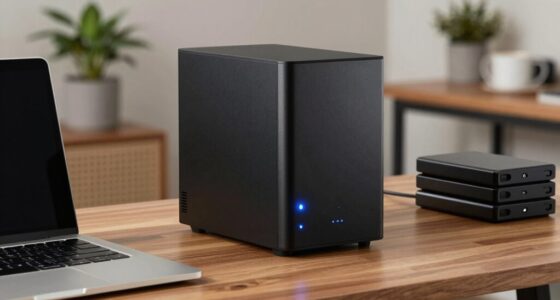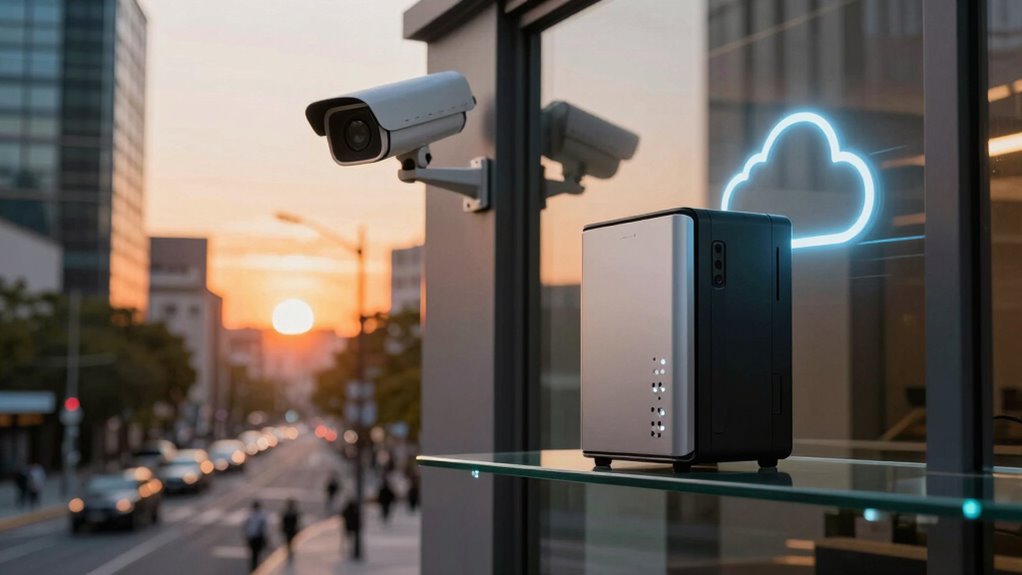

Choosing between local storage and cloud for your cameras depends on your priorities. With local storage, you gain quick access and enhanced privacy, but face risks from hardware failures or physical damage. Cloud storage offers easy remote access, off-site backups, and automatic updates, though it involves ongoing fees and relies on internet stability. Understanding these trade-offs helps you pick what fits your security needs best—exploring more reveals how to balance convenience and protection effectively.
Key Takeaways
- Local storage offers faster response times and keeps footage on-site, reducing reliance on internet connectivity.
- Cloud storage provides off-site backups and remote access, enhancing data safety and convenience.
- Local storage risks include hardware failure, theft, or damage, which can lead to data loss.
- Cloud storage involves ongoing costs and depends on stable internet for continuous access.
- Local storage enhances privacy by keeping sensitive footage within physical control, unlike cloud solutions.
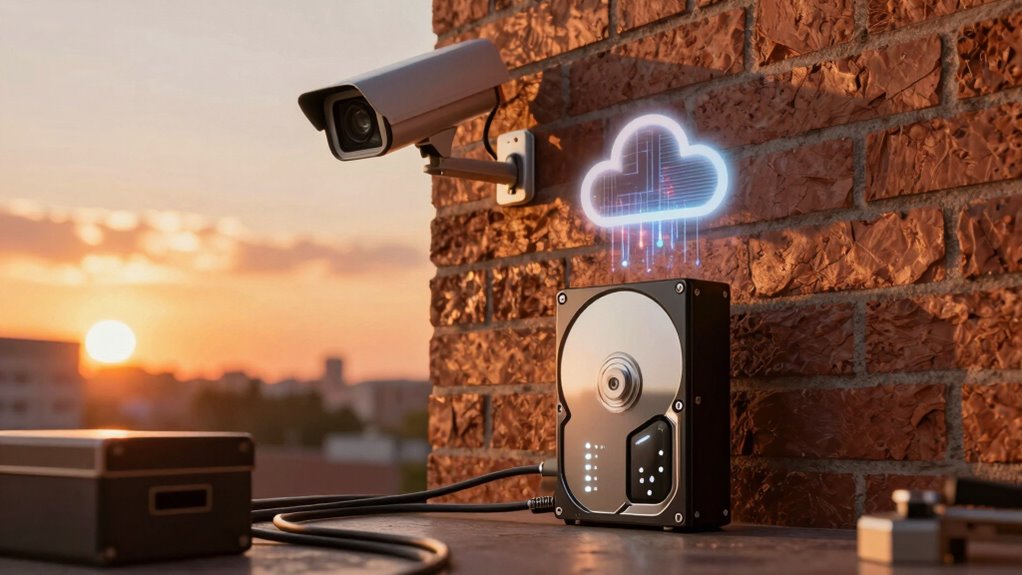
When choosing a storage solution for your security cameras, understanding the differences between local storage and cloud options is vital. Local storage typically involves devices like DVRs, NVRs, or network-attached storage (NAS) that keep footage on-site. Cloud storage, on the other hand, uploads your videos to remote servers managed by a service provider. Each approach offers distinct advantages and trade-offs that can impact your security, privacy, and convenience.
One key factor to consider is edge processing, which is often integrated into local storage solutions. Edge processing allows your security system to analyze video data directly at the source—your cameras or local devices—reducing the need to transmit raw footage over the internet. This setup can improve response times and decrease bandwidth consumption. With edge processing, you can configure your cameras to detect motion, recognize faces, or identify specific events locally, sending only relevant clips to your storage device. This setup enhances privacy because sensitive footage stays on-site, and it minimizes reliance on internet connectivity. Additionally, many local storage options implement data encryption, ensuring that your stored footage remains secure from unauthorized access. You can set encryption protocols to protect your data both in transit and at rest, giving you peace of mind that your recordings are safeguarded against hacking or theft.
Edge processing analyzes video at the source, improving response times and privacy while reducing bandwidth use.
However, local storage has its limitations. Physical devices are susceptible to damage from fire, flood, or theft, which could result in losing critical footage. While edge processing and encryption bolster security, they don’t eliminate the risks associated with on-premises hardware failure or physical vulnerabilities. Conversely, cloud storage provides off-site backup, making it easier to recover footage if your local devices are compromised. Cloud solutions typically handle data encryption automatically, ensuring your videos are protected during upload and storage. They also often include automatic updates and security patches, reducing the burden of maintenance. The convenience of accessing footage from anywhere with an internet connection is another significant advantage of cloud storage. However, relying on cloud services introduces concerns about ongoing costs, data privacy, and dependence on internet stability. If your internet connection is unreliable, streaming or retrieving videos can become problematic, especially during emergencies.
Furthermore, some smart home security systems incorporate local storage versus cloud options with integrated AI features such as motion detection and facial recognition, enhancing overall security and automation. Ultimately, your choice depends on your priorities. If privacy, quick local access, and minimizing bandwidth are vital, local storage with edge processing and encryption might be best. If you prefer remote access, automatic backups, and less hardware management, cloud storage could be more suitable. Understanding these differences helps you make an informed decision that aligns with your security needs and lifestyle.
Frequently Asked Questions
How Secure Is Local Storage Compared to Cloud Storage?
Local storage can be more secure because you control access and can implement strong data encryption directly on your device. You’re less vulnerable to hacking since there’s no third-party server involved. However, if your storage device isn’t properly secured, it could be physically compromised. Cloud storage offers encryption and access controls too, but relies on provider security measures. Ultimately, your security depends on how well you manage data encryption and access control.
Can Local Storage Cameras Operate Without Internet Access?
Yes, local storage cameras can operate without internet access, providing offline functionality. This means you enjoy storage independence, as your footage is saved directly on the device or local server without relying on cloud services. You can monitor and record footage even during internet outages, guaranteeing continuous security. Just make certain the camera’s setup includes sufficient local storage capacity and a stable power source for uninterrupted operation.
What Are the Long-Term Costs of Cloud Storage?
Imagine you’re in a sci-fi movie, and cloud storage costs keep climbing. Over time, subscription fees add up, making it more expensive than local options. While cloud offers convenience, you’re risking data privacy with ongoing costs. Long-term, you’ll pay recurring fees, which can become a significant expense, especially if you need large storage. Consider these costs carefully to balance convenience against potential financial and privacy concerns.
How Easy Is It to Upgrade Storage Capacity?
Upgrading storage capacity is usually straightforward, especially with cloud services. You benefit from enhanced storage scalability and upgrade flexibility, allowing you to increase your storage as your needs grow. Many providers let you upgrade instantly online, avoiding hardware changes. With local storage, however, upgrading might require purchasing new drives or hardware, which can be more complex and less flexible. So, cloud options generally offer easier, more scalable upgrades.
Do Cloud Cameras Offer Better Data Recovery Options?
Yes, cloud cameras offer better data recovery options due to data redundancy and access flexibility. When your footage is stored in the cloud, it’s securely backed up across multiple servers, making recovery easier if a device fails or data is lost. Plus, you can access your recordings anytime and from anywhere, ensuring you’re never locked out of your important footage, even during hardware issues or disasters.
Conclusion
So, whether you choose local storage or the cloud, you’re trading convenience for control—kind of like picking between a safe vault and a friendly neighbor’s garage. Ironically, the more you think you’re safeguarding your footage, the more you might be exposing yourself to unseen risks. In the end, it’s all about balancing what you gain against what you might lose—because in security, nothing’s ever perfectly safe, not even your storage solution.