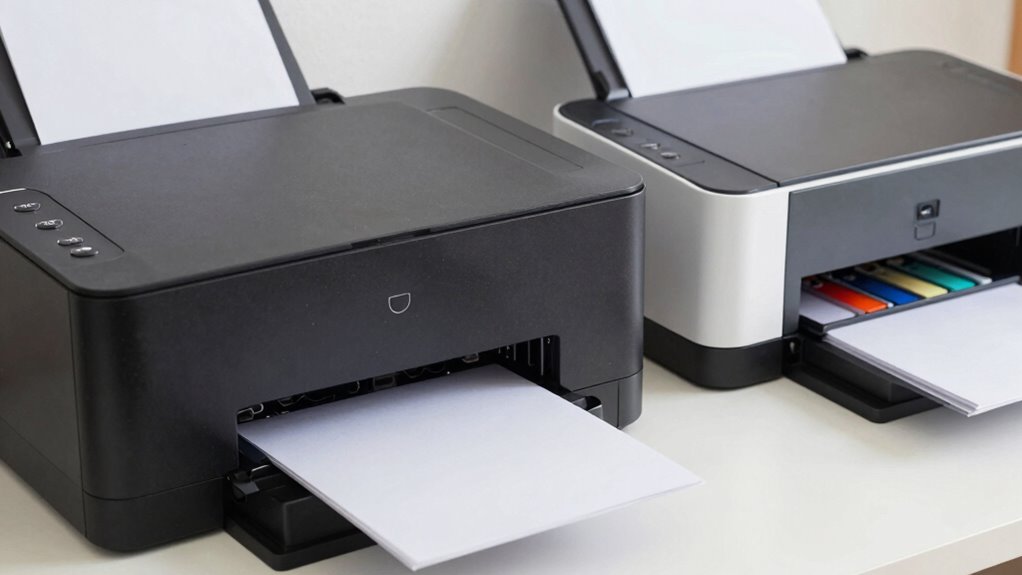

When comparing laser and inkjet printers, you might notice that inkjets have a lower upfront cost but can become costly over time due to frequent ink cartridge replacements and maintenance. Laser printers cost more initially but save you money with a lower cost per page, especially if you print often. The true expense sneaks up on you, and understanding these long-term costs can help you choose what’s really budget-friendly. Keep exploring to uncover more details.

Prime made for students and young adults
- Fast, free delivery for dorm and study essentials
- Prime Video and Amazon Music included
- Member-only deals
Key Takeaways
- Inkjet printers have a lower initial cost but higher ongoing ink and maintenance expenses.
- Laser printers cost more upfront but offer lower cost per page, saving money over time.
- Toner cartridges in laser printers last longer, reducing frequent replacement costs.
- Inkjet printers are more prone to issues like clogging and ink drying, increasing repair costs.
- For high-volume printing, laser printers are more economical due to lower long-term operational costs.
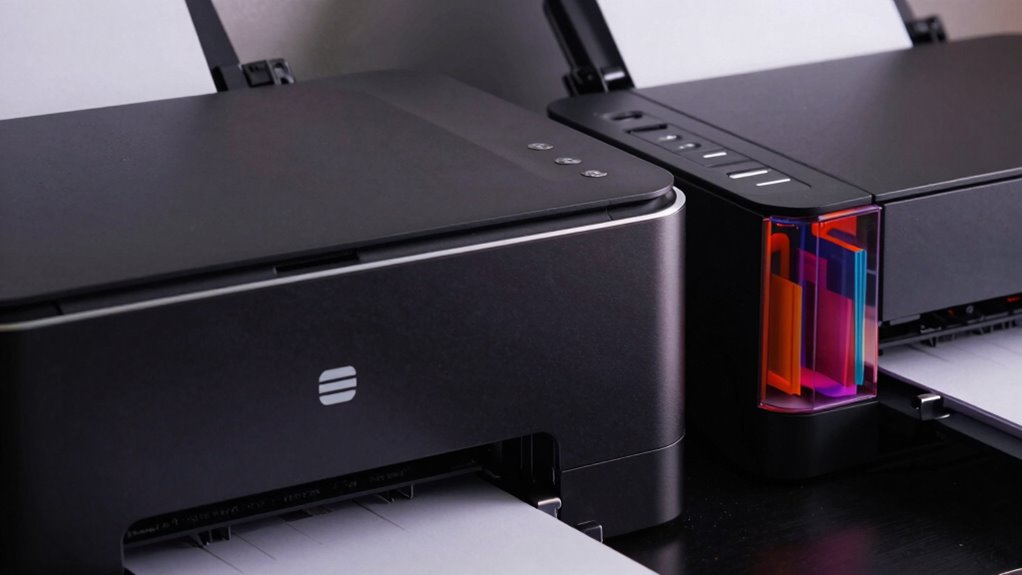
Are you trying to decide between a laser printer and an inkjet for your printing needs? The cost difference between the two might not seem significant at first, but over time, it can really add up. When you’re evaluating which printer to buy, it’s essential to consider not just the initial purchase price but also ongoing expenses. Inkjet printers generally cost less upfront, making them appealing if you’re on a tight budget. However, the real expenses come with ink cartridges and maintenance, which can quickly overshadow the initial savings. Laser printers tend to be more expensive initially, but their lower cost per page and durability often make them more economical in the long run.
One vital aspect to think about is color accuracy. Inkjet printers excel in producing vibrant, true-to-life colors, especially for photos and detailed images. If color precision is indispensable for your projects, an inkjet might seem like the better choice. But keep in mind, maintaining that color fidelity requires regularly replacing ink cartridges, which can become costly. Laser printers, on the other hand, typically produce sharper text and more consistent color output for graphics, but they may not match the nuanced color blending of inkjet printers. If you’re printing mainly documents or simple graphics, a laser printer’s color accuracy is usually sufficient and more cost-effective over time.
Inkjet printers excel in vibrant, detailed colors, but maintaining color fidelity can be costly over time.
Maintenance complexity is another factor that impacts the overall cost. Inkjet printers tend to be messier and more delicate. They require frequent cleaning of print heads and careful handling of ink cartridges to prevent clogs and ink smudges. This ongoing maintenance can be time-consuming and might lead to additional costs if repairs are needed. Laser printers are generally more robust and require less hands-on upkeep. They are less prone to issues like ink drying out or clogging, which means less downtime and fewer maintenance expenses. Over the long term, the lower maintenance complexity of laser printers can save you both time and money. Additionally, understanding the technology differences between the two can help you make a more informed decision, especially considering how print head technology varies significantly between inkjet and laser models.
Furthermore, it’s important to consider the cost per page, which is a key factor in determining the long-term affordability of your printer. In many cases, laser printers offer a significantly lower cost per page compared to inkjet models. To get a clearer picture, researching average page yields can help you estimate how many pages you can print before needing to replace supplies. In the end, the decision boils down to your specific needs and printing volume. If you print sporadically and mainly need high-quality photos, an inkjet might suit you despite the higher ongoing costs. But if you require frequent printing of text-heavy documents, a laser printer’s higher initial investment can pay off through lower per-page costs and less hassle. Remember, the real cost difference sneaks up over time, so weigh your printing habits carefully before making your choice.
As an affiliate, we earn on qualifying purchases.
Frequently Asked Questions
Which Printer Type Has Better Color Accuracy?
You’ll find inkjet printers offer better color accuracy because they excel in color calibration and print fidelity. They can produce vibrant, detailed images with smoother gradations, making them ideal for high-quality photo printing. Laser printers, on the other hand, prioritize sharp text over true color accuracy. If precise color reproduction matters most to you, especially for photos or artwork, an inkjet printer is your best choice.
How Often Should I Replace Ink or Toner?
Think of your ink cartridge as a delicate flower that needs tending. You should replace ink when it’s about half-empty, typically every 2-3 months, depending on usage. For toner, it’s like refilling a sturdy well—usually every 6,000 to 10,000 pages. Keep an eye on printer alerts and print habits, and you’ll prevent unexpected shortages, ensuring your device keeps humming smoothly.
Are Laser Printers More Energy-Efficient Than Inkjets?
Yes, laser printers are generally more energy-efficient than inkjets. They consume less energy per page because they heat up quickly and print faster, reducing overall energy consumption. If you’re into eco-friendly printing, a laser printer can be a better choice, especially for high-volume printing. Their efficient energy use helps minimize your environmental impact, making them a smart option for those looking to save power and be more eco-conscious.
Can I Use Third-Party Ink or Toner Cartridges?
You can definitely use third-party ink or toner cartridges, and many users find them cost-effective. However, keep in mind that about 60% of users report issues with ink quality when using third-party cartridges, which can affect print clarity and longevity. While they’re often cheaper, some third-party cartridges may not match the quality of original ones, so weigh the savings against potential print quality concerns before making your choice.
Which Printer Type Is Best for Photo Printing?
You should choose an inkjet printer for photo printing because it offers superior color accuracy and smoother gradations. To get the best results, use high-quality paper suited for photos. Keep in mind that inkjet printers require regular maintenance, like cleaning print heads, to prevent streaks and guarantee vibrant images. Laser printers aren’t ideal for photos due to their limited color range and lower resolution.
As an affiliate, we earn on qualifying purchases.
Conclusion
So, when you weigh the costs, it’s like choosing between a tiny spark and a raging inferno. Over time, those small inkjet savings turn into a monstrous bill that could make your wallet scream. Don’t be fooled by quick upfront deals—your budget will thank you for investing in a laser printer before your savings vanish faster than ink in a rush. Make the smart choice now, or face the financial chaos later!
As an affiliate, we earn on qualifying purchases.
color inkjet printers for photos
As an affiliate, we earn on qualifying purchases.
As an affiliate, we earn on qualifying purchases.
Fall Picks
fall essentials
As an affiliate, we earn on qualifying purchases.