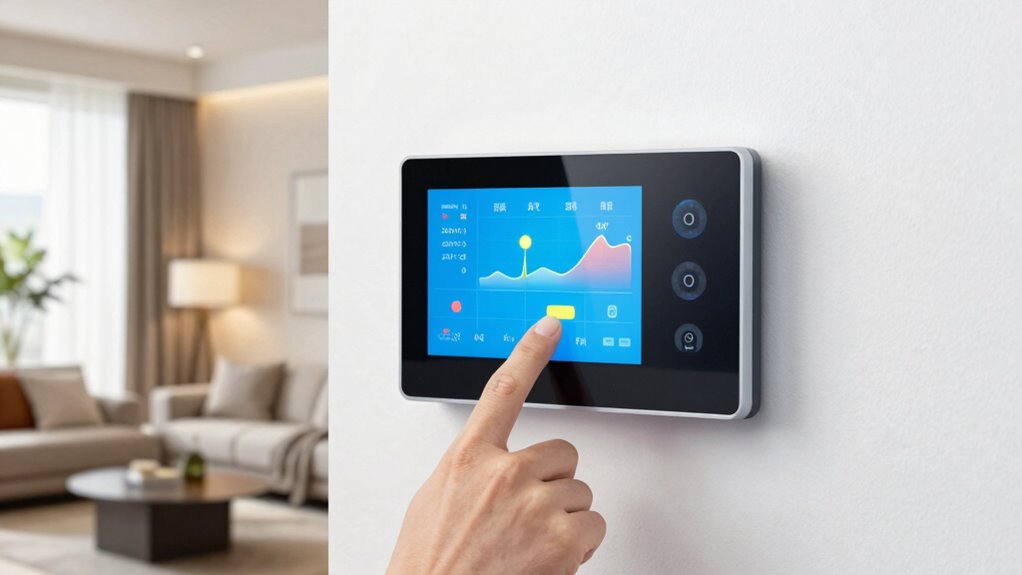

To set up energy-saving smart thermostat schedules, start by reviewing your daily routines to identify when your home is occupied, unoccupied, or sleeping. Then, program different temperature settings for these periods, adjusting remotely if plans change. Use features like geofencing and AI insights to automate and optimize temperatures. Monitoring your energy use helps refine your schedules over time. Keep exploring these strategies to maximize savings and maintain comfort effortlessly.
Key Takeaways
- Review your daily routines to create realistic heating and cooling schedules aligned with occupancy times.
- Use the app to program multiple schedules for different days and times, optimizing comfort and efficiency.
- Enable geofencing to automatically adjust temperatures based on your phone’s location, reducing energy waste.
- Incorporate AI-driven insights to analyze habits and refine schedules for maximum energy savings.
- Regularly monitor energy consumption data and adjust schedules remotely to adapt to unexpected plan changes.

Have you ever wondered how to make your smart thermostat work efficiently for your daily routine? One of the biggest advantages of a smart thermostat is the ability to control it remotely, allowing you to adjust settings from your phone or tablet no matter where you are. This remote control feature means you can fine-tune your heating and cooling schedules without being physically present, ensuring your home is comfortable when you arrive and saving energy when you’re away. To set up effective schedules, start by reviewing your daily routine—identify the times when you’re home, asleep, or away. Then, program your thermostat to lower or raise temperatures accordingly, avoiding unnecessary heating or cooling during unoccupied periods. With remote control, you can make real-time adjustments if your plans change unexpectedly, preventing wasteful energy consumption.
Another critical aspect is leveraging the energy monitoring feature common in many smart thermostats. Energy monitoring gives you insights into your home’s energy usage, helping you understand which settings consume the most power. Use this data to identify patterns—perhaps you’re heating the house more than needed during certain hours or cooling it when it’s not necessary. By analyzing these trends, you can refine your schedules to optimize energy savings. For example, if energy monitoring shows high consumption during the day when you’re at work, you might extend your away period or set the thermostat to a more energy-efficient temperature. This continuous feedback loop allows you to tweak your schedules for maximum efficiency, ensuring you’re not just saving energy but also reducing your utility bills.
When setting up your schedules, consider implementing different temperature settings for various times of the day, such as a cooler or warmer setting during overnight hours or when you’re at work. Many smart thermostats allow you to create multiple custom schedules that adapt to your lifestyle. Use the app’s interface to easily modify these schedules remotely, especially if your plans change unexpectedly. This flexibility ensures your home remains comfortable without overusing energy. Additionally, some thermostats offer geofencing, which automatically adjusts your home’s temperature based on your phone’s location, adding another layer of energy efficiency. Incorporating AI-driven insights can further enhance your scheduling strategy by analyzing your habits and suggesting optimal temperature adjustments for maximum savings.
Frequently Asked Questions
Can I Override the Schedule Temporarily Without Affecting Savings?
Yes, you can perform a manual override or a temporary adjustment without affecting your energy savings. Most smart thermostats allow you to tweak the temperature for a specific period, and once that period ends, the schedule resumes automatically. This way, you get immediate comfort without losing the benefits of your energy-efficient schedule. Just remember to set the override duration if needed, so your thermostat reverts to its usual programming.
How Do Smart Thermostats Learn My Preferred Temperature Settings?
Smart thermostats use learning algorithms to understand your temperature preferences over time. As you manually adjust the thermostat, it records these changes and analyzes your habits. This way, it gradually predicts ideal settings for different times of the day, automatically adjusting to match your preferred comfort levels. By learning your temperature preferences, it helps you save energy without sacrificing comfort, making your home more efficient and personalized.
Are There Specific Schedules Recommended for Different Seasons?
Think of your thermostat schedule as the rhythm of a well-choreographed dance. For seasonal adjustments, set cooler temperatures during winter nights and warmer ones in summer mornings. Align schedules with occupancy patterns—lower heating or cooling when you’re away or asleep. In winter, warm up before you wake, and in summer, cool down before you arrive home. These tailored schedules keep energy use efficient and your comfort in perfect harmony.
Can Multiple Users Modify the Thermostat Schedule Simultaneously?
Yes, multiple users can modify your smart thermostat schedule, thanks to multi-user control features. However, this can lead to schedule conflicts if everyone changes settings at once. To avoid issues, set permissions for different users, and communicate about schedule adjustments. Regularly review and update the schedule to guarantee it reflects everyone’s needs, helping you save energy without conflicts or surprises.
How Often Should I Review and Update My Thermostat Schedule?
You should review and update your schedule adjustments at least once every few months. This way, you keep your thermostat aligned with changing user preferences, seasonal changes, and your lifestyle. Regularly checking guarantees your system remains efficient and comfortable. Make it a habit to reassess more frequently during weather shifts or when your routine changes, so your smart thermostat continues to save energy and match your needs effectively.
Conclusion
Think of your smart thermostat as the conductor of your home’s energy symphony. When you set the right schedule, you’re guiding each room to harmonize comfort with efficiency. Remember, a well-tuned schedule is like a steady heartbeat—keeping your home warm or cool when needed and conserving energy when it’s not. Take control today, and let your thermostat lead the way to a greener, more comfortable home.