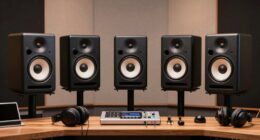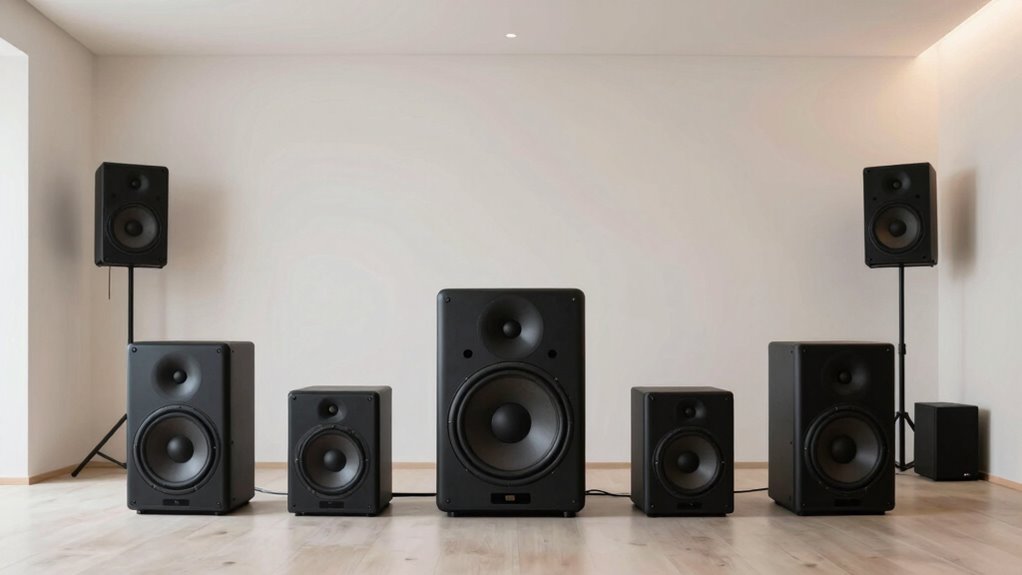
To set up a 5.1 system without confusion, position your front left and right speakers at ear level, forming an equilateral triangle with your listening spot, and aim them directly at you. Place the center channel directly above or below your screen, aligned with the TV. Surround speakers go slightly behind and to the sides, at ear level or a bit higher. Proper placement combined with calibration guarantees clear sound and an immersive experience—keep exploring for more helpful tips.

Get school and study supplies delivered free — and shop member deals
- Fast, free delivery on millions of items
- Access to Prime Big Deal Days deals on October 6–7
- Prime Video, Amazon Music and more included
Key Takeaways
- Position front left, right, and center speakers to form an equilateral triangle with the listening position.
- Place surround speakers slightly behind and to the sides at ear level or slightly above.
- Keep all speakers about 1-2 feet away from walls to reduce reflections and improve sound clarity.
- Aim front speakers directly at the listening area for balanced stereo imaging.
- Use calibration tools to fine-tune levels and delays for seamless integration of all channels.
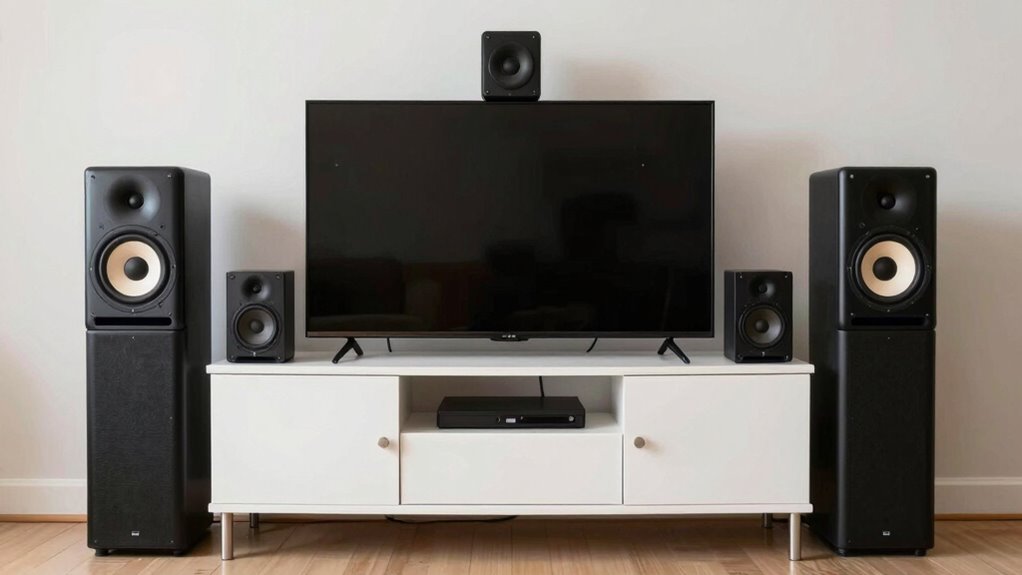
Proper speaker placement is essential to achieve the best sound quality in your listening space. When you position your speakers thoughtfully, you optimize room acoustics, reduce unwanted reflections, and create a balanced soundstage. The way your speakers interact with the room has a significant impact on clarity, imaging, and bass response. To get the most out of your 5.1 speaker setup, you need to pay attention to placement and calibration.
Start by understanding that room acoustics influence how sound travels and reflects. Hard surfaces like glass or tile can cause harsh reflections, while soft furnishings absorb sound and reduce echo. Your goal is to find a sweet spot where reflections are minimized, and direct sound from the speakers reaches your ears without interference. This often means positioning your speakers away from walls or corners, which can exaggerate bass and create boomy sound. Instead, place them slightly out from the walls, about a foot or two, to achieve a smoother bass response and clearer treble.
Next, focus on speaker calibration. Once your speakers are placed, use calibration tools or built-in room correction features to fine-tune the sound. Calibration adjusts for differences in speaker volume, delays, and room effects, ensuring that each speaker contributes equally to the soundstage. Many modern AV receivers include microphone-based calibration systems that automatically analyze the room acoustics and optimize speaker levels and delays. Running these calibration routines is crucial because it compensates for room irregularities and speaker placement quirks, giving you a more accurate and immersive listening experience. Additionally, proper calibration can help correct for acoustic anomalies and ensure balanced sound across all channels.
Additionally, consider the angles and height of your speakers. The front left and right speakers should be aimed toward your listening position, forming an equilateral triangle with your seat. The center channel should be directly in front of you, aligned with the TV or screen, to anchor dialogue. Surround speakers should be placed slightly behind and to the sides, at ear level or slightly above, to envelop you in sound. Proper placement and calibration work together to create a seamless soundfield, where dialogue, music, and effects blend naturally.
5.1 speaker calibration microphone
As an affiliate, we earn on qualifying purchases.
As an affiliate, we earn on qualifying purchases.
Frequently Asked Questions
How Do I Adjust Speaker Placement for Different Room Sizes?
To adjust speaker placement for different room sizes, consider room acoustics and furniture placement. In smaller rooms, place speakers closer to walls to enhance sound, but avoid too close to prevent sound distortion. In larger rooms, space them farther apart for better stereo imaging. Keep furniture away from walls to minimize sound reflections, and experiment with positioning until you find a balanced, immersive sound experience tailored to your room’s size and layout.
Can I Use Wall Mounts for All Speakers?
Yes, you can use wall mount options for all your speakers, but first check their compatibility. Some speakers are designed specifically for wall mounting, while others may require adaptors or custom brackets. Always verify the speaker’s mounting options and weight capacity to guarantee stability. Proper wall mounts improve sound direction and save space, making your setup both functional and visually appealing.
What Is the Ideal Height for Ceiling-Mounted Speakers?
The ideal height for ceiling-mounted speakers is around 8 to 10 feet from the floor, ensuring peak sound dispersion. Adjust the speaker height to align with your listening area for balanced audio. Use a ceiling mount that securely holds the speakers at this height, and aim to position them slightly above or at ear level when seated. Proper speaker height enhances clarity and immersion in your audio experience.
How Do I Troubleshoot Sound Imbalance Issues?
Think of your sound system as an orchestra needing perfect harmony. To troubleshoot sound imbalance, start with sound calibration—adjust levels to ensure consistent volume across speakers. Check speaker synchronization, making sure all speakers are in sync with each other. If imbalance persists, inspect connections for loose wires or faulty components. Recalibrate as needed, and verify that your system’s settings match your desired sound environment to restore harmony.
Is It Necessary to Calibrate My System After Placement?
Yes, you should calibrate your system after placement. Proper speaker calibration guarantees the sound equalization is balanced, giving you the best audio experience. It helps correct any discrepancies caused by speaker positioning and room acoustics. Use a calibration microphone or your receiver’s setup microphone to fine-tune sound levels, phase, and crossover settings. This process guarantees your system delivers clear, immersive audio, regardless of where your speakers are placed.
home theater speaker placement kit
As an affiliate, we earn on qualifying purchases.
As an affiliate, we earn on qualifying purchases.
Conclusion
Now that you know the basics of a 5.1 layout, you’re ready to set up your home theater with confidence. Remember, a little planning goes a long way—think of it as putting all your ducks in a row. Proper speaker placement guarantees you get the best sound experience without any confusion or hassle. So, take your time, follow these tips, and enjoy your movies and music the way they’re meant to be heard.
AV receiver with room correction
As an affiliate, we earn on qualifying purchases.
As an affiliate, we earn on qualifying purchases.
As an affiliate, we earn on qualifying purchases.
Fall Picks
fall essentials
As an affiliate, we earn on qualifying purchases.