
To gauge if a website is trustworthy, start by checking for secure domain indicators like “https” and a padlock icon. Look for credible author credentials, well-designed pages, and transparent contact info. Verify facts through reputable sources, watch out for red flags such as poor design or suspicious pop-ups, and guarantee the site is regularly updated. Recognizing these signals helps you identify reliable sites—you’ll discover more effective ways to evaluate trustworthiness as you explore further.
Key Takeaways
- Look for secure website indicators like HTTPS and trust seals to ensure data safety.
- Verify author credentials and check for reputable citations to confirm content expertise.
- Assess website design, navigation, and regular updates for professionalism and reliability.
- Check for transparent contact information, privacy policies, and consistent information across sources.
- Be cautious of red flags such as poor design, fake reviews, and suspicious pop-ups indicating potential scams.
Recognize Trustworthy Domains and Security Indicators
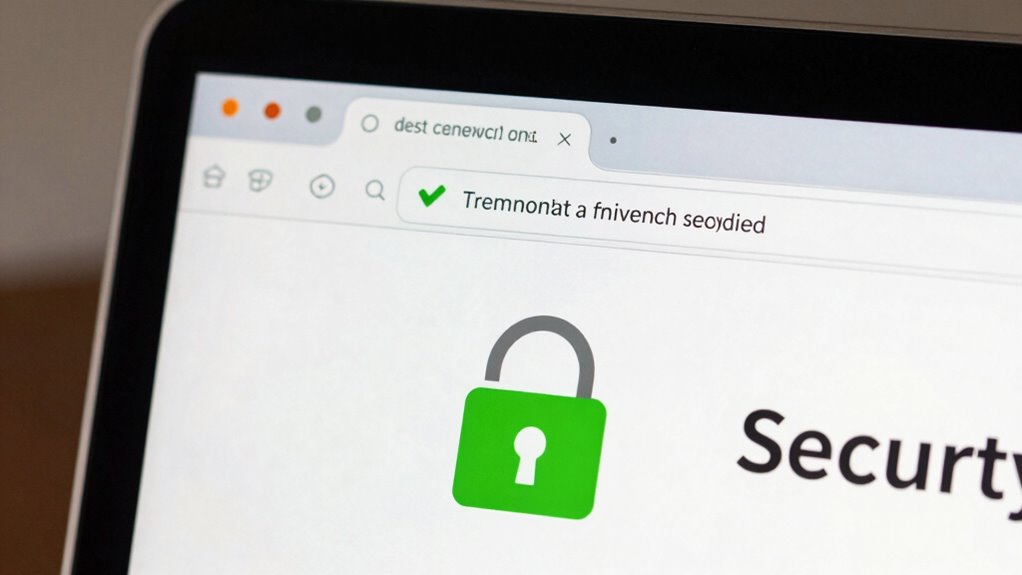
When browsing online, it’s important to identify trustworthy domains and security indicators to protect yourself from scams and malicious websites. Pay attention to domain extensions, as reputable sites often use familiar ones like .com, .org, or .edu. Recognizing the domain’s origin can help you determine its credibility, especially when it aligns with the website’s content. Additionally, consider domain age and reputation, as established sites tend to have longer histories and positive user reviews.
Be cautious of unfamiliar or misspelled extensions, which can signal fraudulent sites. Additionally, check for SSL certificates, indicated by “https” in the URL and a padlock icon. These security features encrypt data exchanged between your browser and the website, ensuring your information stays private. Many sites with a strong online presence, like notable organizations, prioritize these security measures to build trust with visitors. Recognizing these indicators helps you quickly assess a website’s legitimacy and avoid potential threats online, especially when considering security indicators to verify authenticity.
Verify Author Credentials and Expertise

While verifying a website’s security features helps guarantee you’re on a legitimate site, confirming the author’s credentials and expertise adds another layer of trust. Look for author credentials, such as professional titles, academic degrees, or relevant industry experience, to assess credibility. Expert verification involves checking whether the author is recognized by reputable organizations or cited by other trusted sources. When you see clear evidence of the author’s qualifications, it indicates they possess the necessary knowledge to provide accurate information. Be cautious of articles without transparent author credentials, as this can signal a lack of expertise. Verifying author credentials and seeking expert verification helps guarantee the content you rely on is accurate, trustworthy, and produced by someone qualified. Additionally, understanding key traits of successful QA engineers can help you evaluate whether the author demonstrates the necessary expertise in quality assurance. Recognizing trust signals, such as author credentials and reputable citations, further enhances your confidence in the information. Furthermore, evaluating content credibility factors can assist in determining if the author’s claims are well-founded and reliable, especially when considering the importance of accurate and verified information in making informed decisions.
Assess Website Design and Content Quality
When evaluating a website, look for a professional design that aligns with industry standards, as it reflects credibility. Make certain the content is clear, well-written, and free of errors, indicating careful attention to detail. Also, check that the information is recent and regularly updated to confirm the site’s reliability. Additionally, reviewing the site’s privacy policy can provide insight into how user data is protected and managed, further indicating the site’s trustworthiness. Ensuring the presence of content quality signals demonstrates that the site prioritizes accurate and trustworthy information. Furthermore, assessing website security measures can help confirm that the site safeguards your data effectively. Incorporating up-to-date information related to electric bikes and their specifications can also enhance the site’s credibility and usefulness. Regularly verifying the source credibility of the content can help users distinguish authoritative information from unreliable sources.
Professional Website Design Standards
A professional website must adhere to established design standards to effectively communicate credibility and trustworthiness. Good visual design creates a polished look, while an intuitive user experience ensures visitors find what they need without frustration. Consistent branding, clear navigation, and responsive layouts are key indicators of professionalism. Additionally, incorporating clear communication about safety and quality helps build visitor confidence. Implementing user-friendly navigation and ensuring accessibility further demonstrate a commitment to a positive user experience. Recognizing the importance of auditory processing in conveying information can enhance the clarity of content for diverse audiences. Moreover, adopting design best practices from fields like deep-sky imaging can improve overall content organization and presentation, reinforcing the site’s reliability. Furthermore, maintaining content quality through accurate and well-organized information reinforces the site’s reliability.
Clear, Well-Written Content
Is your website’s content clear and well-crafted? If so, you’re more likely to build trust with visitors. Focus on content originality to verify your information stands out and isn’t copied from elsewhere. Original content shows you’ve invested effort and enhances your credibility.
Well-written content also boosts reader engagement, keeping your audience interested and encouraging them to explore further. Use simple language, short paragraphs, and clear headings to make your message easy to understand. Avoid jargon unless necessary, and proofread thoroughly to eliminate errors. Incorporating techniques to overcome creative blocks can help maintain a steady flow of quality content.
When your content is concise, accurate, and engaging, visitors feel confident in your reliability. Remember, high-quality writing isn’t just about aesthetics; it’s about making your message trustworthy and accessible. Detect passive voice to ensure your writing remains clear and direct.
Updated Information and News
How up-to-date is the information on your website? To determine reliability, look for evidence of recent updates, such as publication dates and timestamps. Well-designed websites update their content regularly, which indicates ongoing commitment to accuracy. If information seems outdated or inconsistent, that’s a red flag. Clear, current news signals that the site prioritizes accuracy and transparency. You should also evaluate if the website encourages critical thinking by providing sources or links for further fact checking. Additionally, reviewing whether the website displays recent update timestamps can help you assess how current the content truly is. Incorporating content freshness indicators is essential for verifying ongoing accuracy. Using these signals helps you identify trustworthy sources that maintain updated, reliable information, especially when the site clearly displays publication dates and update history. Regularly checking for content revision records can further ensure the information remains trustworthy over time. Moreover, paying attention to update frequency can give you a better sense of how actively maintained a site is.
Look for Transparency and Contact Info

When evaluating a website’s trustworthiness, checking for transparency and clear contact information is essential. Trustworthy sites openly share their privacy policies, explaining how your data is protected. Look for visible contact details, such as email addresses, phone numbers, or a physical address, which show accountability. Additionally, consider these indicators: 1. Clear links to privacy policies and terms of service. 2. Easy access to customer reviews and testimonials. 3. Prompt, professional responses to inquiries. 4. Transparent information about the company behind the website. Ensuring that a site provides safe installation practices and detailed guidance can further demonstrate its commitment to trustworthy information. These signals help you gauge if the site values transparency and customer trust. When contact info is readily available and privacy policies are detailed, you’re more likely to avoid scams and make informed decisions online. Furthermore, verifying the presence of trust signals like security badges or certifications can reinforce the site’s credibility. A website that clearly displays company information is often more reliable and easier to verify.
Cross-Check Information With Trusted Sources
To guarantee the information you find is accurate, you should cross-check it with multiple trusted sources. Verifying facts with experts adds an extra layer of credibility to what you read.
Taking these steps helps you make well-informed decisions based on reliable information.
Cross-Check Multiple Sources
Cross-checking information with trusted sources is essential for verifying its accuracy and avoiding misinformation. Relying on a single source can be risky, especially when steering through social media or online reviews.
To guarantee reliability, consider these steps:
- Compare details across multiple reputable websites or news outlets.
- Look for consistency in facts, not just headlines.
- Check whether trusted sources cite evidence or data supporting their claims.
- Use fact-checking platforms to validate dubious information.
Verify Facts With Experts
Verifying facts with experts adds an essential layer of assurance to your online information. Consulting trusted sources ensures your fact verification is accurate and reliable. Expert opinions offer specialized insights that can clarify complex topics and confirm details. To help distinguish credible sources, consider this table:
| Trusted Source | Why It Matters |
|---|---|
| Academic journals | Peer-reviewed, evidence-based |
| Recognized industry experts | Proven experience, reputation |
| Official government sites | Official data and policies |
| Reputable news outlets | Fact-checked reporting |
Using these sources, you can confidently verify facts, avoiding misinformation. Cross-checking with experts helps you build a robust understanding and trustworthiness online. Remember, expert opinions are key to accurate fact verification and maintaining reliability.
Spot Red Flags and Warning Signs of Unreliable Sites
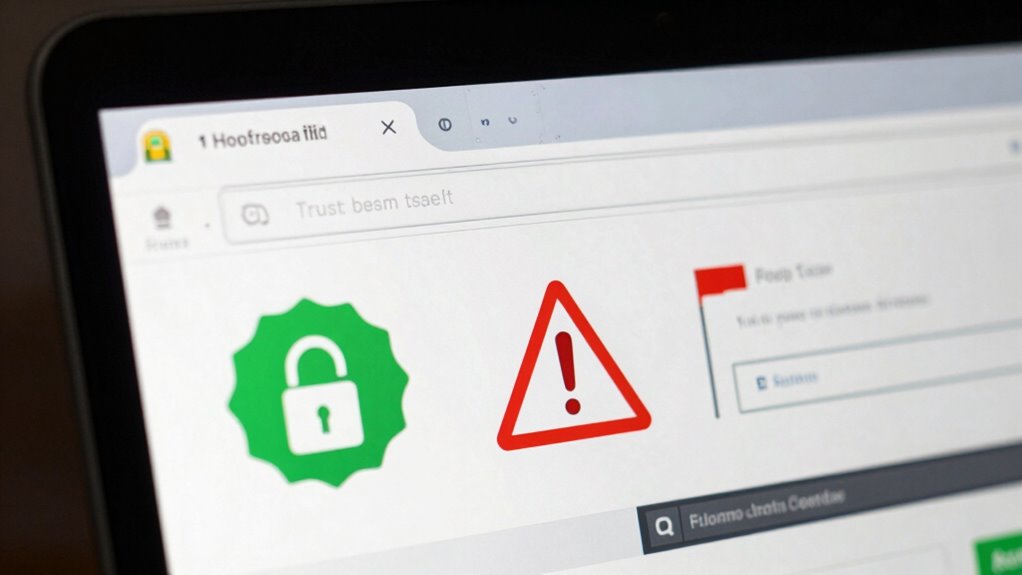
Many unreliable websites display clear red flags that can help you spot them right away. Watch out for fake reviews that seem overly positive or generic, as they often aim to deceive. Suspicious pop-ups that appear unexpectedly or ask for personal information are also warning signs.
Additionally, poor website design, misspelled words, or broken links may indicate a lack of professionalism. Be cautious if the site offers deals that seem too good to be true or demands immediate action, like sharing sensitive data.
Always check for contact info and verify their credentials. Trust your instincts—if something feels off, it’s best to steer clear. Recognizing these warning signs helps protect you from unreliable sites and potential scams.
Frequently Asked Questions
How Can I Identify Fake Reviews on a Website?
To spot fake reviews, check review authenticity by looking for overly positive or generic comments that seem suspicious.
Examine reviewer profiles for consistency, such as recent activity or a lack of detailed feedback.
Be wary of reviews that only highlight positives or negatives without specifics.
Trustworthy sites often have verified purchase badges, so prioritize those.
Your goal is to compare multiple reviews and rely on detailed, credible feedback to gauge reliability.
What Are Common Signs of Phishing Websites?
Phishing websites often act like wolves in sheep’s clothing. You’ll notice suspicious URL patterns, such as misspelled domain names or strange prefixes, which are red flags.
Be wary of phishing email tactics that lure you with urgent messages or fake login prompts.
Always double-check website URLs, especially if they look off or don’t match the legitimate site, and avoid clicking on suspicious links to stay safe.
How Often Do Trustworthy Domains Change Security Protocols?
Trustworthy domains update their security protocols regularly, but the frequency varies based on industry standards and threats. You should check for SSL certificate updates, which usually happen every year or when security improvements are needed.
Consistent security protocol updates help maintain trustworthiness. If you notice frequent changes, it might signal ongoing improvements, but too many updates in a short time could raise questions about stability.
Always verify the site’s security indicators.
Are Paid Endorsements Reliable Indicators of Credibility?
Are paid endorsements a reliable way to judge credibility? Not always. Sponsored content and influencer marketing can be persuasive, but they’re often influenced by money rather than honesty.
You should look beyond the endorsement and consider the source’s transparency, authenticity, and track record.
Just because someone’s paid doesn’t mean they’re trustworthy. Always do your own research to verify claims, rather than relying solely on paid endorsements.
What Tools Can I Use to Verify Website Authenticity Quickly?
You can quickly verify website authenticity by checking its reputation through tools like Google Safe Browsing or Web of Trust.
Always look for SSL verification, indicated by “https://” and a padlock icon, which shows your connection is secure. These signals help confirm the site’s legitimacy, ensuring you’re not falling for scams or phishing attempts.
Using these tools and cues keeps you safer online and helps you trust the sites you visit.
Conclusion
So, next time you stumble upon a shiny new website promising the moon, remember: trust your gut, but also check those trust signals. After all, if a site’s design looks like it was whipped up in a garage and the contact info’s as elusive as Bigfoot, maybe it’s time to hit the brakes. Because in the wild west of the internet, a little skepticism can save you from becoming the next online legend—of the foolish kind.