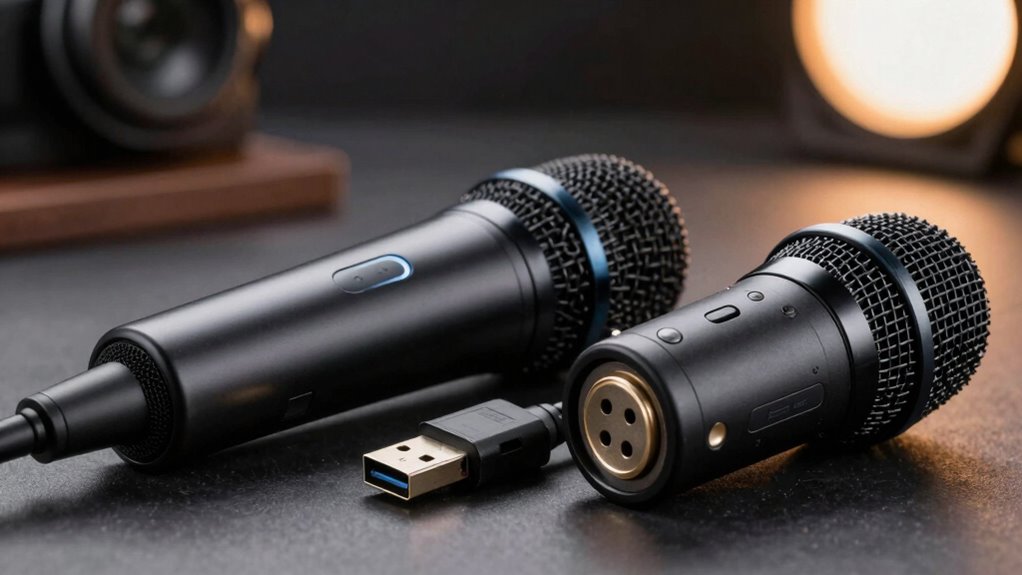

In daily use, USB microphones are simple to set up and plug directly into your computer, making them perfect for casual recordings or quick sessions. XLR microphones, on the other hand, require additional gear like audio interfaces or mixers, which can add complexity but offer superior sound quality and more control. If you’re after ease and affordability, USB might suit you better. For professional or high-quality sound, investing in XLR equipment pays off. Curious about the full differences? Keep exploring to find out more.

Get school and study supplies delivered free — and shop member deals
- Fast, free delivery on millions of items
- Access to Prime Big Deal Days deals on October 6–7
- Prime Video, Amazon Music and more included
Key Takeaways
- USB microphones are plug-and-play, ideal for quick, simple setups, while XLR microphones require additional equipment like audio interfaces.
- XLR microphones generally provide higher audio quality and more sound control compared to USB mics.
- Daily use with USB mics is straightforward and cost-effective, whereas XLR setups involve more equipment and investment.
- USB microphones are suitable for casual recordings, but XLR mics are preferred for professional or nuanced sound needs.
- XLR microphones offer greater durability and flexibility for complex setups or frequent handling in professional environments.
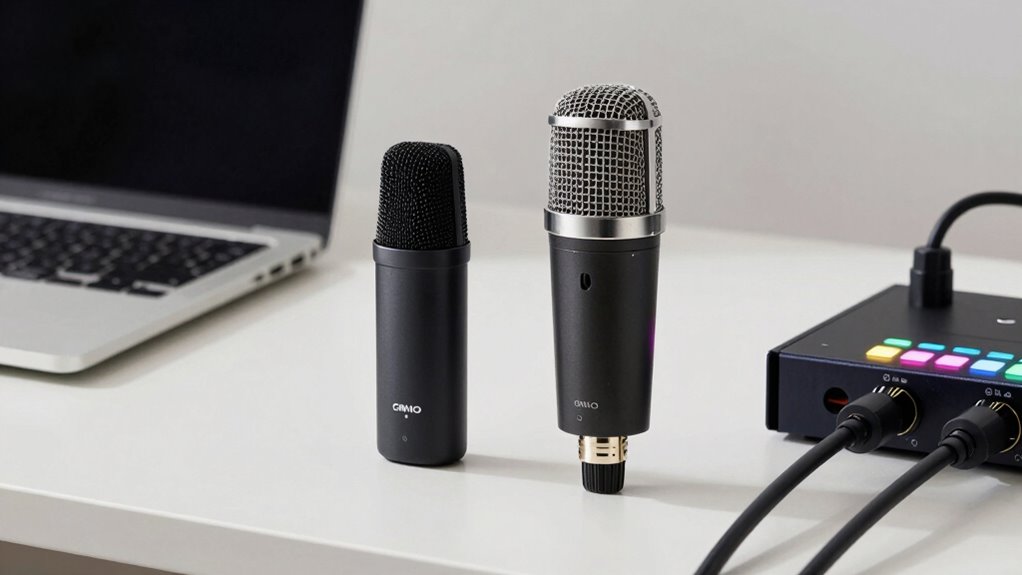
When choosing between USB and XLR microphones, understanding their differences can considerably impact your audio quality and setup flexibility. One of the key factors to weigh is wireless connectivity. USB microphones tend to be more straightforward for casual use, often connecting directly to your computer via a USB port. They usually don’t require additional equipment, making them ideal for quick setups or if you’re recording in a small space. Some USB mics also support wireless connectivity through adapters or built-in Bluetooth, though this isn’t as common. On the other hand, XLR microphones are generally wired, requiring an XLR cable and an audio interface or mixer to connect to your computer. While this might seem less convenient, it actually provides more flexibility in professional settings, especially if you want to use wireless transmitters or other advanced audio equipment. Wireless connectivity options for XLR setups are more complex but available, often used in live performances or large studio environments. This extra layer of complexity can enhance mobility and reduce cable clutter, but it also introduces potential points for interference and signal loss. Additionally, the audio quality of XLR microphones is typically superior, especially in professional contexts where nuanced sound reproduction is essential. Proper sound engineering techniques are often necessary to maximize the benefits of this higher quality. Cost comparison is another critical aspect that influences daily use. USB microphones are usually more affordable upfront, with many budget-friendly options suited for beginners and hobbyists. Since they often don’t require additional gear, the overall setup cost stays lower. You buy the mic, plug it in, and start recording, which is perfect if you’re just getting started or working on a tight budget. Conversely, XLR microphones tend to be pricier, especially when you factor in the cost of an audio interface, cables, and possibly a mixer. While the initial investment can be higher, XLR setups typically offer superior sound quality, especially at higher price points, making them a preferred choice for professional use. The more complex setup also means you might need some technical knowledge to get everything working smoothly, but it pays off with greater control over your audio. Investing in proper equipment and setup can significantly improve your overall audio experience. In daily use, this means clearer, richer sound, especially when recording vocals or instruments. It is also important to consider the durability of different microphone types, as professional environments often demand equipment that can withstand frequent handling and transport. Understanding the fundamental differences between these microphone types can help you make a more informed decision tailored to your needs. Overall, if you’re aiming for professional-grade audio and don’t mind investing more time and money upfront, XLR is the way to go. However, if simplicity and affordability are your priorities, a USB microphone can serve your needs well without sacrificing too much quality.
USB condenser microphone for streaming
As an affiliate, we earn on qualifying purchases.
As an affiliate, we earn on qualifying purchases.
Frequently Asked Questions
Can I Upgrade From USB to XLR Without Changing My Equipment?
You can upgrade from USB to XLR, but you’ll need additional equipment like an audio interface for compatibility. Check your current setup, as equipment compatibility is key—your microphone and computer must work with the interface. Keep cost considerations in mind, since XLR setups usually cost more due to the interface and cables. Be prepared for a slight learning curve with setup, but the improved audio quality can be worth it.
Which Microphone Type Offers Better Durability for Travel?
Irony strikes again—XLR microphones, often seen as professional, are surprisingly more durable for travel. Their robust build and sturdy connectors withstand rough handling better than USB mics, which are delicate and prone to damage. If travel resilience and portability advantages matter, go for an XLR, despite its bulk. You’ll appreciate the added durability and professional feel, making your equipment more reliable on the go, even if it’s less convenient.
Are There Latency Issues With USB Microphones?
Yes, there can be latency issues with USB microphones, but they’re usually minimal thanks to efficient digital conversion and latency buffering. When you record or stream, the digital signals are processed quickly, so you might notice slight delays, especially with high-latency systems or heavy processing loads. To minimize this, use a good quality USB mic, keep your drivers updated, and optimize your computer’s settings for audio performance.
How Do Power Requirements Differ Between USB and XLR Mics?
They say “you get what you pay for,” and with power requirements, that’s true. XLR microphones often need phantom power, usually supplied by an audio interface or mixer, and have higher power consumption. USB microphones draw power directly from your computer’s USB port, making them more convenient, but sometimes less powerful. So, your choice depends on whether you prioritize ease of use or professional-grade power and sound quality.
Can I Use a USB Microphone With Professional Audio Interfaces?
You can’t directly connect a USB microphone to a professional audio interface because of compatibility issues. USB microphones have built-in audio interfaces, so they don’t need one, but XLR inputs on interfaces require microphones with XLR output. This affects sound quality, as professional interfaces generally offer better preamps and clarity. If you want the best sound quality, use a microphone compatible with XLR inputs or consider an audio interface designed to work with USB mics.
XLR professional studio microphone
As an affiliate, we earn on qualifying purchases.
As an affiliate, we earn on qualifying purchases.
Conclusion
Choosing between USB and XLR microphones is like picking between a reliable bicycle and a high-performance motorcycle. If you’re just starting out, a USB mic can be your steady ride, easy to handle and ready to go. But if you’re aiming for professional sound quality, an XLR setup might be your powerful engine. Remember, the right choice depends on your needs—whether you want simplicity or top-tier performance. Whatever you pick, make sure it keeps your voice riding smoothly.
USB microphone with wireless connectivity
As an affiliate, we earn on qualifying purchases.
As an affiliate, we earn on qualifying purchases.
audio interface for XLR microphones
As an affiliate, we earn on qualifying purchases.
As an affiliate, we earn on qualifying purchases.
Halloween Picks
halloween
As an affiliate, we earn on qualifying purchases.