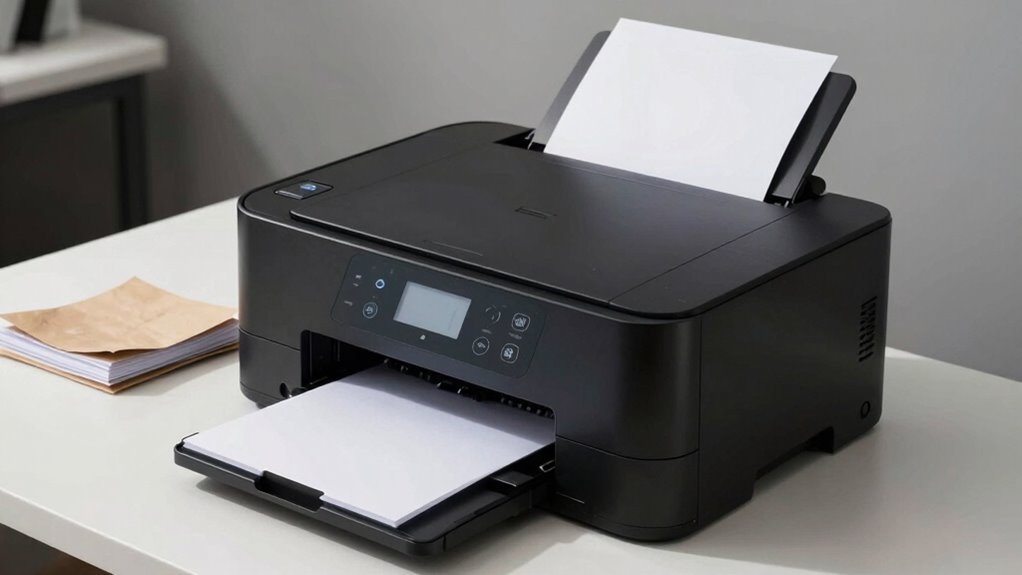

Your all-in-one printer works best when you use the right type of paper, but using incompatible paper can cause jams, smudges, and poor quality prints. Cutting corners with the wrong paper may even damage your device over time. To keep things running smoothly and get the best results, it’s crucial to match paper to your printer’s specifications. Keep going to discover how choosing the right paper can save you time and frustration.

Prime made for students and young adults
- Fast, free delivery for dorm and study essentials
- Prime Video and Amazon Music included
- Member-only deals
Key Takeaways
- Using incompatible paper can cause jams, smudges, and poor print quality, reducing overall efficiency.
- Wrong paper types lead to uneven ink absorption and streaks, affecting clarity and requiring reprints.
- Selecting paper that matches the printer’s specifications prevents mechanical issues and extends device lifespan.
- Poor-quality or improperly stored paper can cause ink clogging and damage internal components.
- Proper paper choice and storage ensure smooth operation, high-quality output, and reduced maintenance.
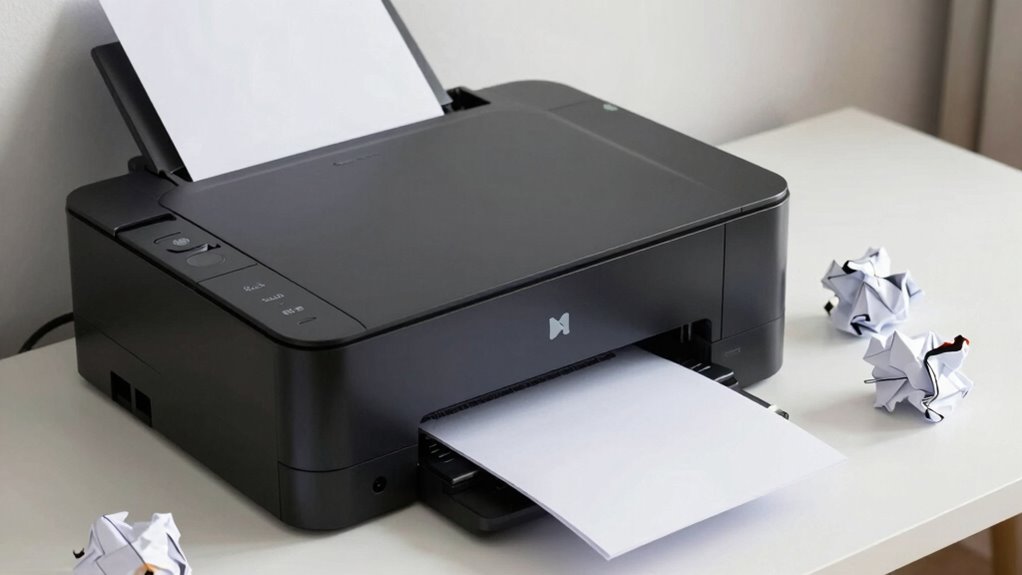
All-in-one printers often seem like the perfect solution for home or office use, promising to handle printing, scanning, copying, and sometimes faxing with ease. But the truth is, they’re only as good as the materials you use, especially when it comes to paper. If you don’t pay attention to paper compatibility, your printer can run into problems. Not all paper is created equal, and choosing the wrong type can cause jams, smudges, or poor print quality. For example, standard multipurpose paper might work fine for everyday documents, but if you’re printing high-resolution photos or graphics, you’ll need specialty photo paper designed to handle ink absorption properly. Using incompatible paper can lead to uneven ink absorption, resulting in blurry or faded images, or worse, damage to the printer’s internal components.
Using incompatible paper can cause jams, smudges, poor quality, and even damage your printer’s internal components.
When you select the right paper, you’re ensuring that ink absorption happens smoothly, which is crucial for producing sharp, vibrant prints. Some papers are designed to absorb ink slowly, preventing smudging and bleeding, while others are optimized for quick drying. If your paper isn’t suited for your printer’s ink type—whether it’s dye-based or pigment-based ink—you may notice colors bleeding into each other or prints coming out streaky. This mismatch can cause frustration and lead to wasted resources, as you’ll likely need to reprint several times to get satisfactory results. By understanding your printer’s specifications and choosing papers that match its recommended media, you help maintain the device’s performance and prolong its lifespan. Additionally, using the correct paper can help prevent paper jams and other mechanical issues that may arise from incompatible materials. Paying attention to paper quality can also significantly impact the longevity of your printer and the quality of your prints. Furthermore, being aware of proper storage methods for your paper can help prevent moisture damage and ensure consistent print results.
It’s tempting to just use any paper you find lying around, but that’s a mistake. The wrong paper can clog the ink nozzles, cause uneven ink absorption, and even damage the internal mechanisms over time. Using properly rated paper ensures optimal performance and reduces the risk of hardware issues. If you’re printing photos or detailed graphics, invest in quality photo or heavyweight paper designed explicitly for your printer’s ink type. For everyday documents, standard or recycled paper with the right weight and coating will suffice. It’s also helpful to familiarize yourself with the different types of printer paper available and their specific uses, which can make your printing experience more efficient and satisfying. Always check the paper packaging for compatibility information and recommended usage. This will save you money and time in the long run, preventing print failures and hardware issues.
In short, the key to getting the best results from your all-in-one printer is understanding paper compatibility and how ink absorption works with different types of paper. When you use the right materials, your prints will come out clearer, more vibrant, and with fewer problems. It’s a small step that makes a big difference in how well your printer performs and how professional your finished products look. Don’t overlook this crucial detail—your printer will thank you, and you’ll enjoy smoother, higher-quality printing every time.
compatible all-in-one printer paper
As an affiliate, we earn on qualifying purchases.
As an affiliate, we earn on qualifying purchases.
Frequently Asked Questions
Can Using the Wrong Paper Damage My Printer Permanently?
Yes, using the wrong paper can damage your printer permanently. If you choose paper that’s too thick or thin, it can cause jams or motor strain. Poor ink absorption can also lead to smudges or clogging. Always check your printer’s recommended paper thickness and type to guarantee smooth operation and prevent long-term damage. Using appropriate paper helps maintain print quality and extends your printer’s lifespan.
How Do I Identify the Best Paper for My All-In-One Printer?
To identify the best paper for your all-in-one printer, check the manufacturer’s recommendations first. Look for paper with a smooth texture for clean printing and verify the color is compatible with your printer’s capabilities. You can also test a small batch to see how it feeds and prints. Choosing the right paper helps prevent jams, maintains print quality, and protects your printer from damage.
Does Paper Weight Affect Printing Speed?
Yes, paper weight can affect your printing speed. Heavier paper might slow down the process because the printer works harder to feed thicker stock, potentially causing delays. Additionally, using the wrong weight can compromise print quality and increase paper jams. To keep things running smoothly, choose the recommended paper weight for your printer, ensuring ideal print quality, minimizing paper jams, and maintaining efficient printing speeds.
Are There Eco-Friendly Paper Options Compatible With All-In-One Printers?
Yes, there are eco-friendly options compatible with all-in-one printers, like recycled paper. Recycled paper reduces waste and environmental impact, making it a sustainable choice for your printing needs. Look for papers labeled as eco-friendly options, which often meet specific environmental standards. Using recycled paper not only supports sustainability but also guarantees your printer runs smoothly without damaging the device or compromising print quality.
How Often Should I Clean My Printer After Using Different Paper Types?
You should clean your printer after each paper type change to maintain proper printer maintenance. If you switch between glossy, recycled, or eco-friendly paper, clean the rollers and print heads more frequently—about every few hundred pages or once a month. Proper paper storage prevents dust and debris that could clog your printer. Regular cleaning ensures smooth operation, preserves print quality, and extends your printer’s lifespan.
As an affiliate, we earn on qualifying purchases.
Conclusion
Using the wrong paper with your all-in-one printer is like trying to fit a square peg into a round hole—you might get by at first, but eventually, things will jam. I once used flimsy paper for a critical report, and my printer choked, causing delays. Remember, the right paper keeps everything running smoothly, like well-oiled gears. When you choose wisely, your printer’s efficiency shines, saving you time and frustration.
high-quality multipurpose printer paper
As an affiliate, we earn on qualifying purchases.
As an affiliate, we earn on qualifying purchases.
As an affiliate, we earn on qualifying purchases.
Halloween Picks
halloween
As an affiliate, we earn on qualifying purchases.