
If your smart device keeps disconnecting at the worst times, interference from household electronics or overlapping Wi-Fi signals could be the culprit. Outdated firmware can also cause stability issues, especially during peak usage when networks are congested. Improving your Wi-Fi setup by repositioning your router, reducing interference, or upgrading firmware can make a big difference. Keep exploring for more tips on how to secure a reliable connection whenever you need it most.
Key Takeaways
- Electromagnetic interference from household appliances can disrupt Wi-Fi signals, causing smart device disconnections during critical moments.
- Outdated device firmware may reduce stability, leading to disconnections when network conditions are strained.
- Overlapping Wi-Fi signals from neighboring networks can cause congestion, resulting in devices disconnecting at inconvenient times.
- Weak Wi-Fi signals due to thick walls or poor placement increase disconnection risk during peak usage.
- Network congestion during busy hours can overwhelm your internet, causing smart devices to disconnect unexpectedly.
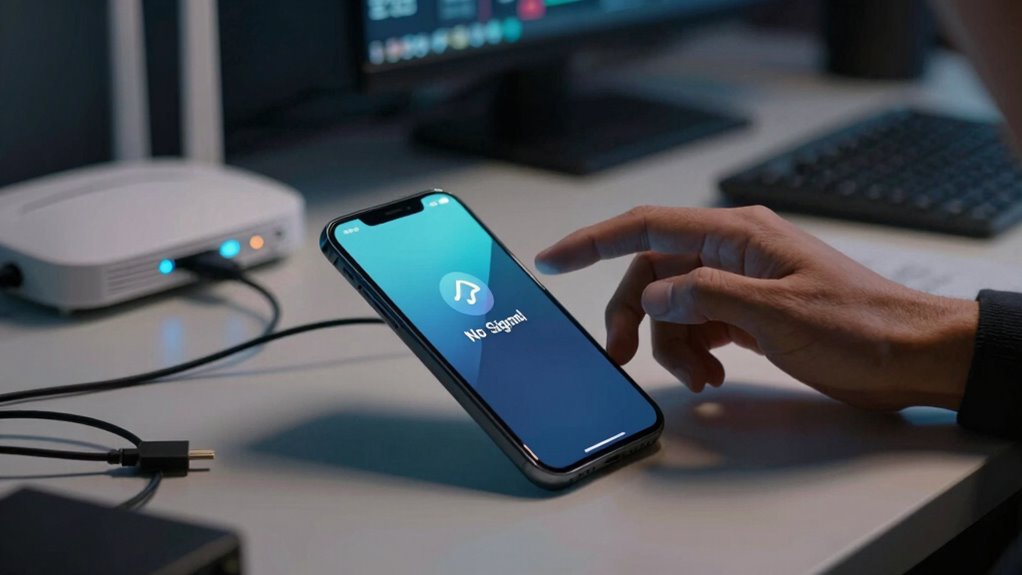
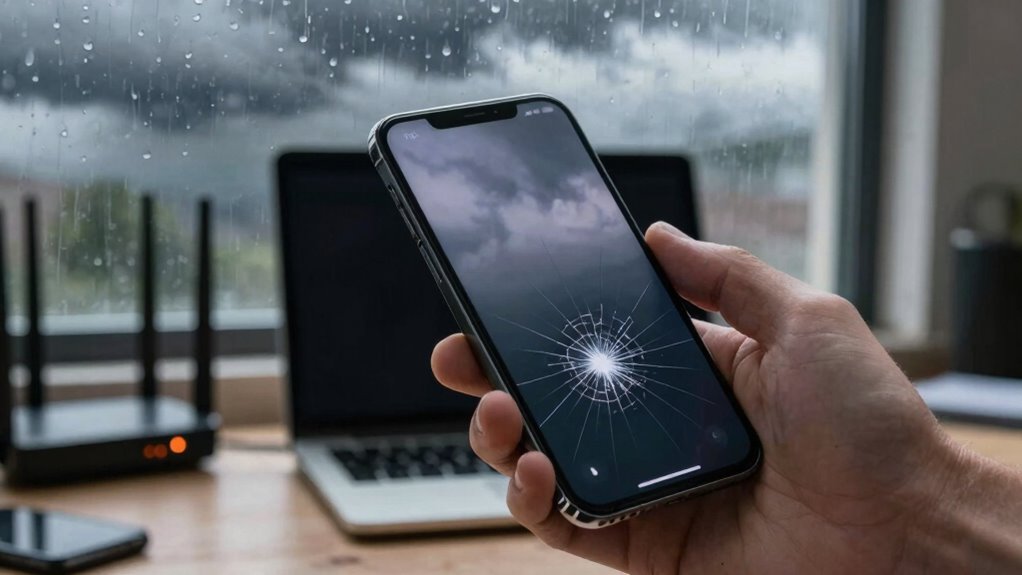
Have you ever experienced your smart device disconnecting unexpectedly? It’s frustrating, especially when you’re in the middle of an important call, streaming your favorite show, or trying to control your home devices. Often, these disconnections happen without warning, leaving you puzzled about what went wrong. One common culprit is network interference. Wireless signals can be disrupted by other electronic devices like microwaves, cordless phones, or even neighboring Wi-Fi networks. When multiple signals overlap or interfere, your device struggles to maintain a stable connection. Sometimes, just moving closer to your router or changing the Wi-Fi channel can reduce interference and restore stability.
Network interference from household devices or neighboring Wi-Fi can cause your smart device to disconnect unexpectedly.
Another issue that causes your smart device to disconnect at inconvenient times is outdated firmware. Firmware is the software embedded in your device that controls its functions. Manufacturers release updates to improve performance, fix bugs, and enhance security. If you ignore these updates, your device might not operate at its best, making it more susceptible to disconnections. Firmware updates can also address compatibility issues with your network or other connected devices. Regularly checking for and installing these updates guarantees your device stays up-to-date and less prone to unexpected disconnects.
Sometimes, the problem isn’t just interference or outdated firmware but a combination of both. For instance, a firmware glitch might make your device more sensitive to network disruptions, causing it to disconnect more frequently. Conversely, even a perfectly updated device can struggle if your Wi-Fi signal is weak or heavily congested. You might notice that your device disconnects more often during peak usage times when many devices are connected to your network. In such cases, improving your Wi-Fi setup by upgrading to a dual-band router or implementing network prioritization can help. Additionally, environmental factors like Wi-Fi signal strength can play a significant role in connection stability. Addressing network congestion and interference sources can further enhance your device’s connection reliability.
Environmental factors such as electromagnetic interference from nearby appliances or thick walls can weaken your Wi-Fi signal, leading to disconnections. Moving your router to a central, open location can improve signal strength and stability. If disconnections persist, resetting your router or even upgrading your internet plan might be necessary.

TP-Link BE6500 Dual-Band WiFi 7 Router (BE400) – Dual 2.5Gbps Ports, USB 3.0, Covers up to 2,400 sq. ft., 90 Devices, Quad-Core CPU, HomeShield, Private IoT, Free Expert Support
𝐅𝐮𝐭𝐮𝐫𝐞-𝐑𝐞𝐚𝐝𝐲 𝐖𝐢-𝐅𝐢 𝟕 – Designed with the latest Wi-Fi 7 technology, featuring Multi-Link Operation (MLO), Multi-RUs, and 4K-QAM….
As an affiliate, we earn on qualifying purchases.
As an affiliate, we earn on qualifying purchases.
Frequently Asked Questions
Can Software Updates Fix Connectivity Issues Permanently?
Yes, software updates can fix connectivity issues permanently. They often include firmware patches that address bugs causing disconnections and compatibility fixes to guarantee your device works smoothly with other hardware or networks. By regularly updating your device’s software, you reduce the chances of recurring problems. Keep an eye out for updates, and install them promptly, so your device stays connected and functions reliably over time.
Do Smart Devices Have Specific Hardware Requirements for Stable Connection?
Did you know that 78% of smart device connectivity issues stem from hardware incompatibility? Your smart device does have specific hardware requirements for a stable connection. Device compatibility is essential, so make sure your Wi-Fi router and device hardware are optimized. Upgrading components like antennas or using a dual-band router can greatly improve stability. Proper hardware optimization helps prevent disconnections and keeps your device consistently connected during vital moments.
How Does Interference From Other Electronic Devices Affect My Smart Device?
Interference from other electronic devices can disrupt your smart device’s connection by causing radio frequency (RF) signal interference. When multiple gadgets operate on similar frequencies, they compete for bandwidth, weakening your device’s signal. This interference leads to drops or lag in connectivity. To improve stability, keep devices like microwaves, cordless phones, or Bluetooth gadgets away from your smart device, and consider changing your Wi-Fi channel to reduce radio frequency congestion.
Is There a Way to Prioritize Device Connectivity on My Network?
Think of your network as a busy highway; device prioritization is your VIP lane, ensuring your smart device gets through when it matters most. You can set this through Quality of Service (QoS) settings on your router, which optimizes your network by giving priority to essential devices. This simple step helps prevent disconnections, making your smart device’s connection more reliable, especially during vital moments.
Can Resetting My Router Improve My Smart Device’s Connection Stability?
Yes, resetting your router can improve your smart device’s connection stability. When you do, it refreshes the Wi-Fi encryption and resets the signal range, which can eliminate interference and improve overall performance. This process helps your device reconnect with a stronger, more reliable signal. Make sure your router is placed within ideal signal range, away from obstacles, to maximize the benefits of the reset and guarantee consistent connectivity.

TP-Link AC1200 WiFi Extender – 1.2Gbps Home Signal Booster, Dual Band 5GHz/2.4GHz, Up to 1600 Sq.ft and 32 Devices, EasyMesh Compatible, One Ethernet Port (RE315)
𝐒𝐭𝐫𝐨𝐧𝐠𝐞𝐫 𝐖𝐢-𝐅𝐢 𝐢𝐧 𝐄𝐯𝐞𝐫𝐲 𝐂𝐨𝐫𝐧𝐞𝐫 – Enjoy extended coverage with strong performance powered by Adaptive Path Selection and…
As an affiliate, we earn on qualifying purchases.
As an affiliate, we earn on qualifying purchases.
Conclusion
Think of your smart device as a loyal lighthouse, guiding you through the stormy seas of technology. When it disconnects at the worst moment, it’s like losing your beacon just when you need it most. But remember, even the brightest lighthouse needs a moment of recalibration. Keep your connections steady, and soon your device will shine as reliably as a guiding light, leading you safely through any storm that comes your way.

Otoolling Large WiFi Router Cover, Smart Meter Cover Block 90% of WiFi Router EMF and 5G Electric Meter Faraday Cage Protection
Advanced Electromagnetic Shielding: the large WiFi router cover feature an innovative Faraday cage structure made from metal and…
As an affiliate, we earn on qualifying purchases.
As an affiliate, we earn on qualifying purchases.

Smart Auto Drip Irrigation Kit for Indoor/Outdoor, GreenVation Automatic Plant Watering Devices for Potted Plants, 2.4GHz WiFi Sprinkler Timer Self Watering System for Garden
【Note】1. Please ensure to update the firmware to the latest version within the app. 2. If the function…
As an affiliate, we earn on qualifying purchases.
As an affiliate, we earn on qualifying purchases.